
People· Creative
Look Younger
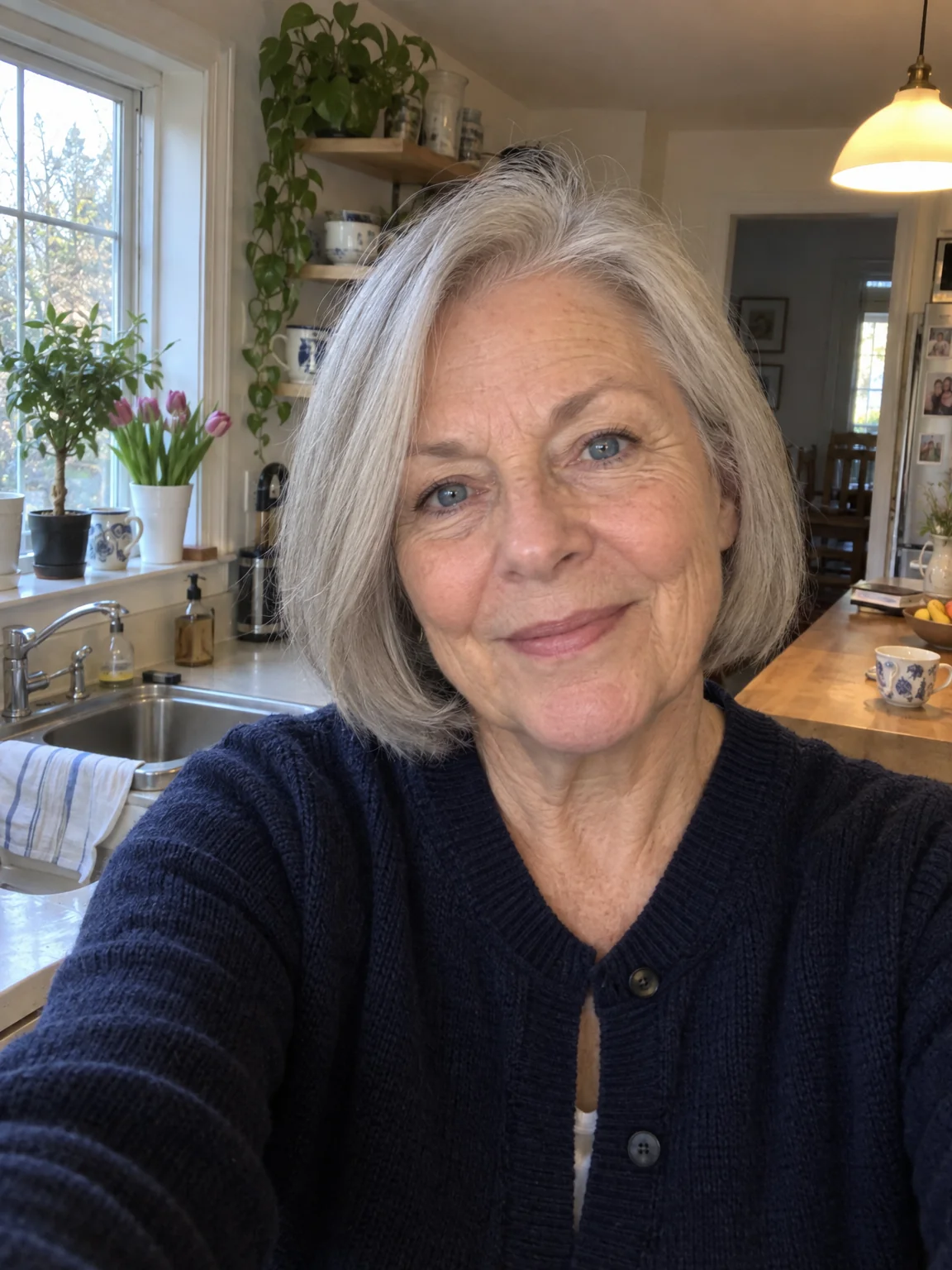
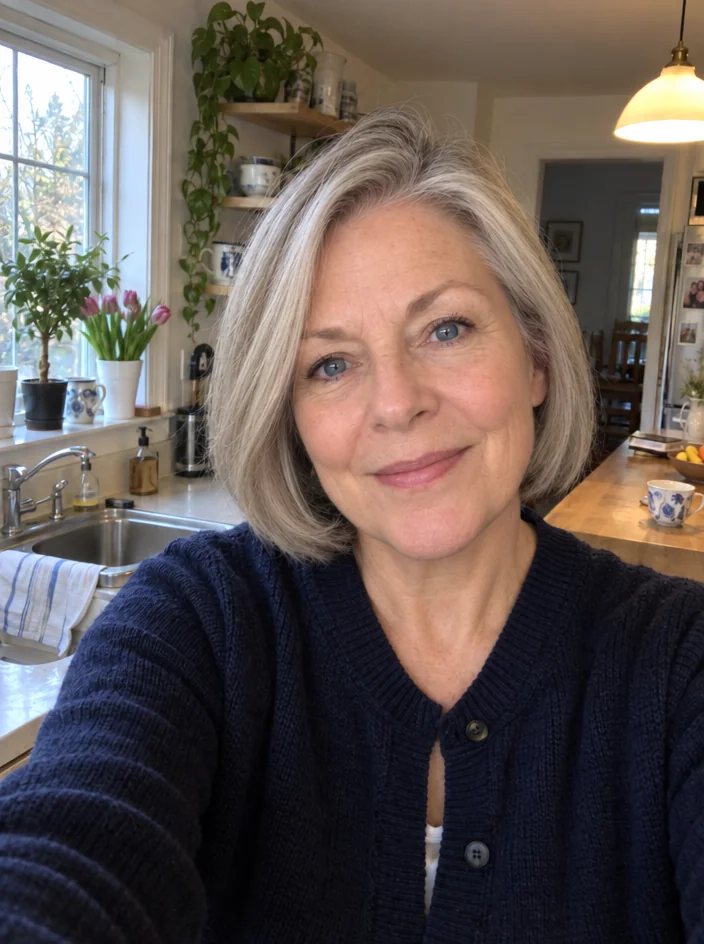
Take 5 to 30 years off a photo — firmer skin, fewer lines, restored volume and hair color — while identity, expression, pose, clothing and background stay the same.
4 free credits — one Standard run of any tool. No card needed.
What you'll choose
- Photos you upload: Your photo
- Years Younger10 years younger5 years younger15 years younger20 years younger30 years younger
Cost per result
- StandardQuick results for everyday use4cr
- ProFiner skin, fabric and surface detail12cr
- MaxThe most detail, for large prints44cr
- Edit it with words, or send it into any other tool
- Standard, Pro and Max quality
- Saved to Your photos, downloadable full size
- Print-size upscales and short videos
How it works
- 01
Upload a clear, well-lit photo of the face.
- 02
Choose how many years to take off, from 5 to 30.
- 03
Shoot, compare with the original, and download or adjust the years.
Five to thirty years younger, with your identity and expression intact
Look Younger turns the clock back on a photo by the number of years you choose: five, ten, fifteen, twenty or thirty. The Studio firms and smooths the skin, reduces lines and creases, restores volume to the cheeks and under the eyes, and returns hair to its earlier color and fullness. It keeps identity, expression, pose, clothing and background exactly as they are, so the result reads as a photo of you from an earlier year rather than a retouched version of this one.
Five and ten years are the everyday settings — a fresher version of a recent photo, a headshot that looks like a good week rather than a long one. Fifteen and twenty begin to change hair color and skin noticeably. Thirty is for the family what-if: parents as they looked when they met, a grandparent as a young adult. Because the change is anchored to your bone structure and features, even the largest setting stays recognizable. The aspect ratio of the original is preserved.
A Standard run costs 4 credits and finishes in seconds; Pro and Max quality handle skin texture more carefully so the younger face keeps pores and character instead of turning waxy. Pair it with Age Progression to build a timeline from a single portrait, or follow it with Face Retouch for a final polish. Compare against the original with one tap before you download, and keep the setting modest for a profile photo — five years reads as rested, thirty reads as a different decade.
Good to know
Works well with
 from 4 credits
Age Progression
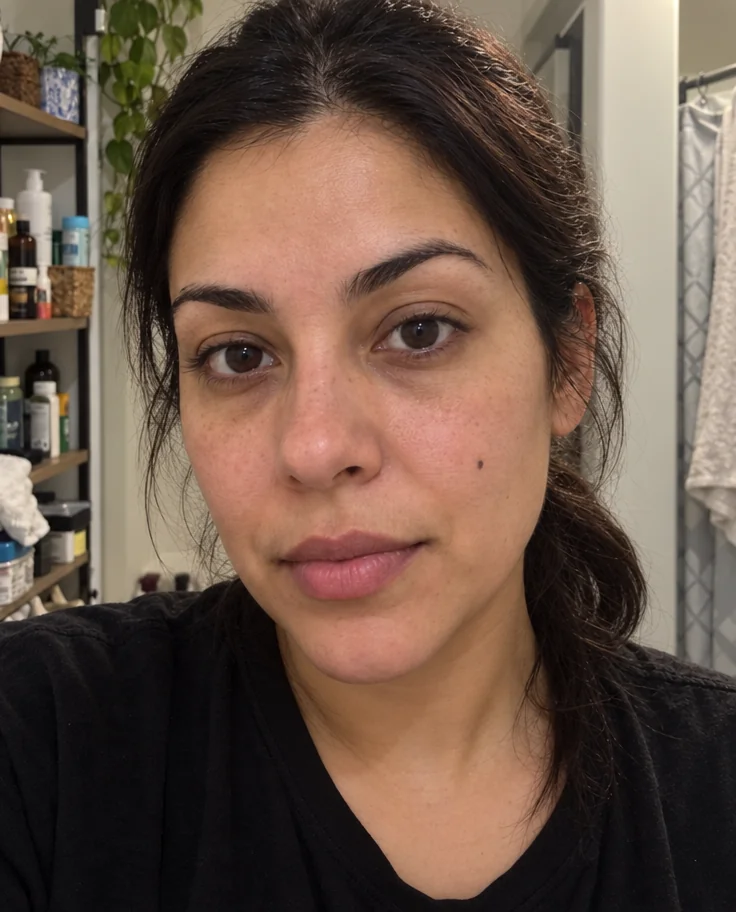
See yourself 5 to 50 years on — realistic, subtle, graceful or weathered
 from 4 credits
Face Retouch
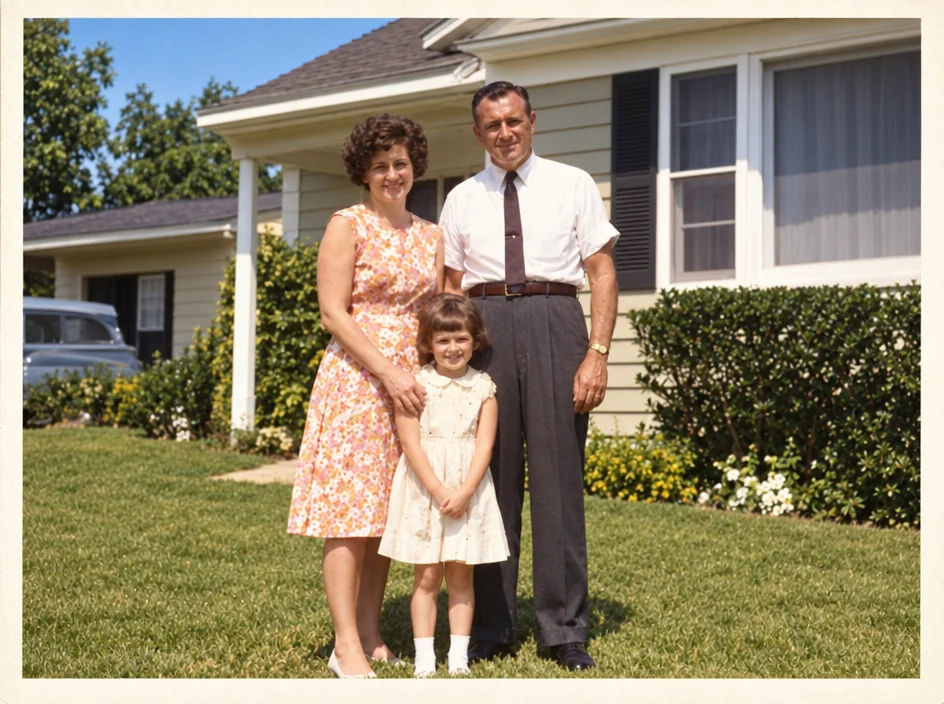
Blemishes, redness and shadows eased — pores, freckles and you, kept
 from 4 credits
Photo Restoration
Scratches, creases, stains and fading repaired — the original look, respected
 from 4 credits
AI Photoshoot
Twenty shoots — LinkedIn to golden hour — from one to four of your selfies