Professional
Speaker headshots, no photographer
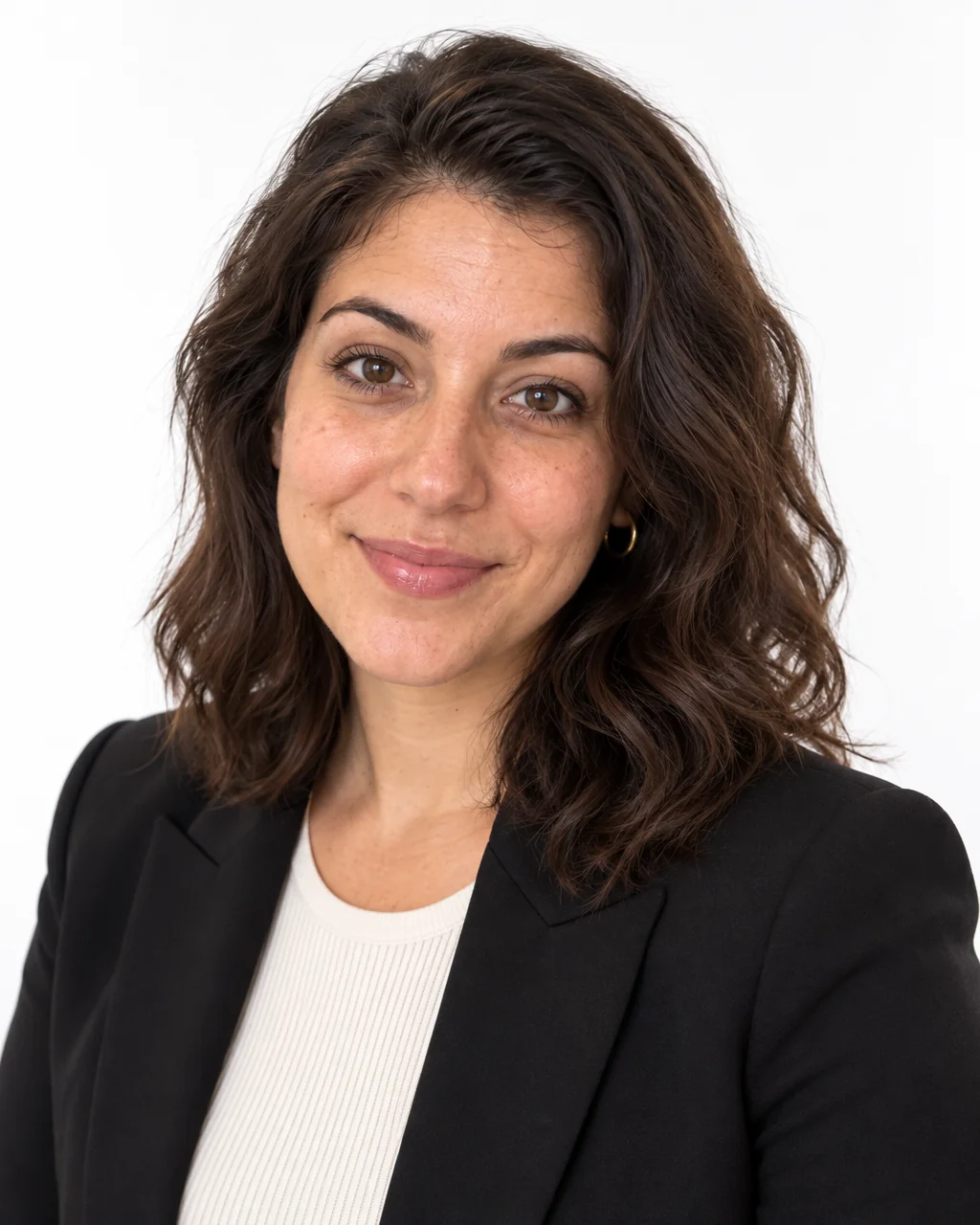
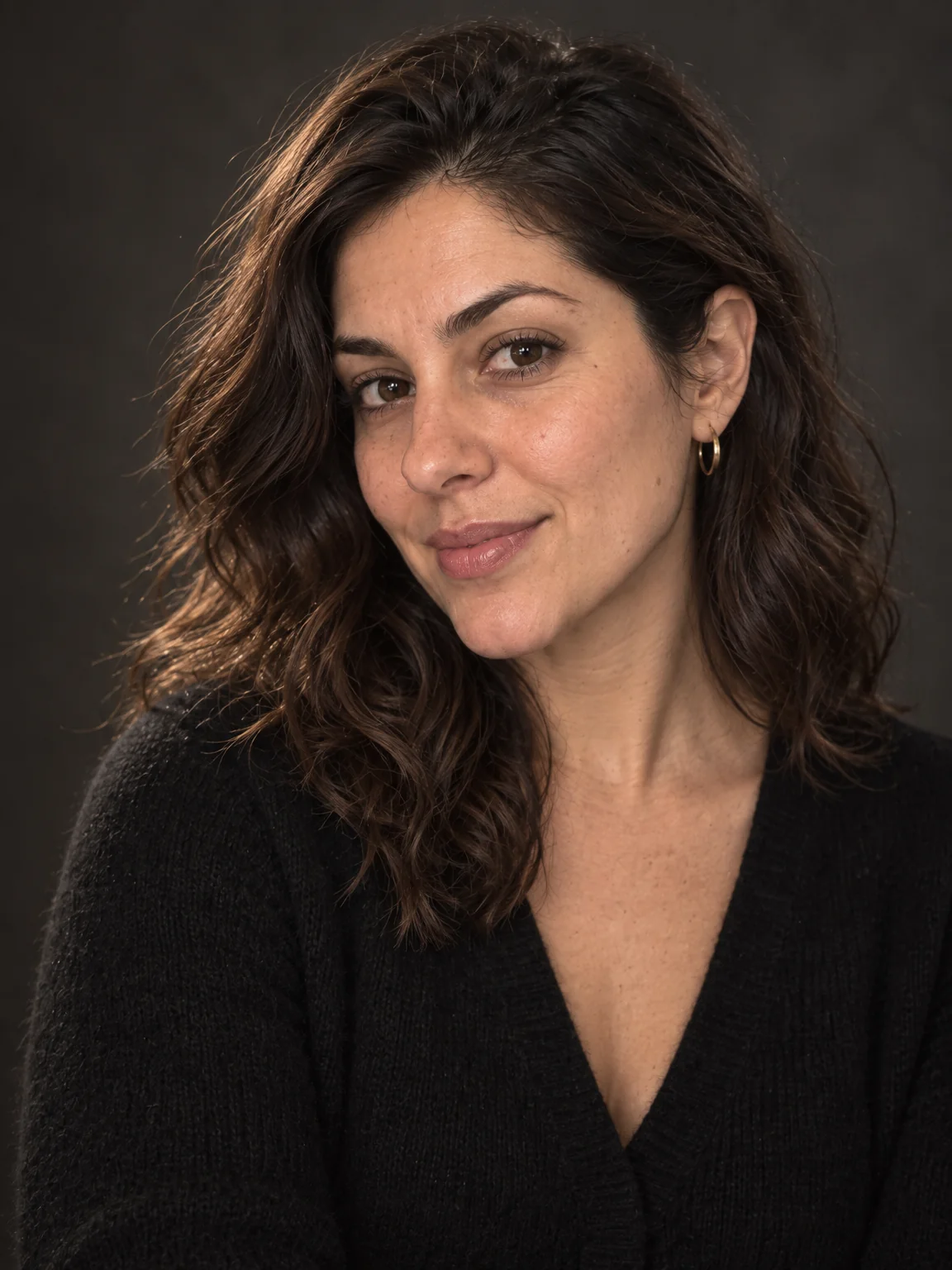
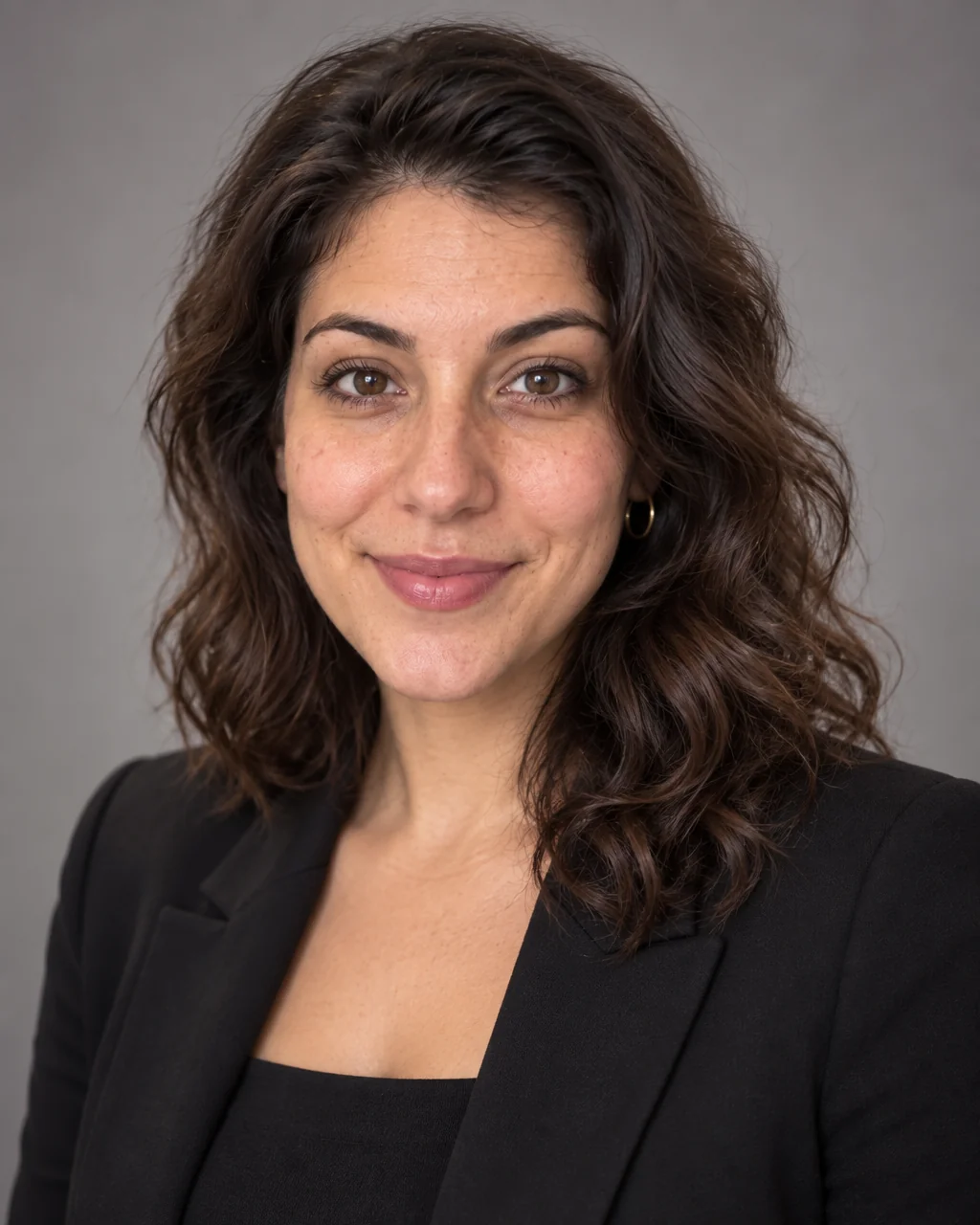
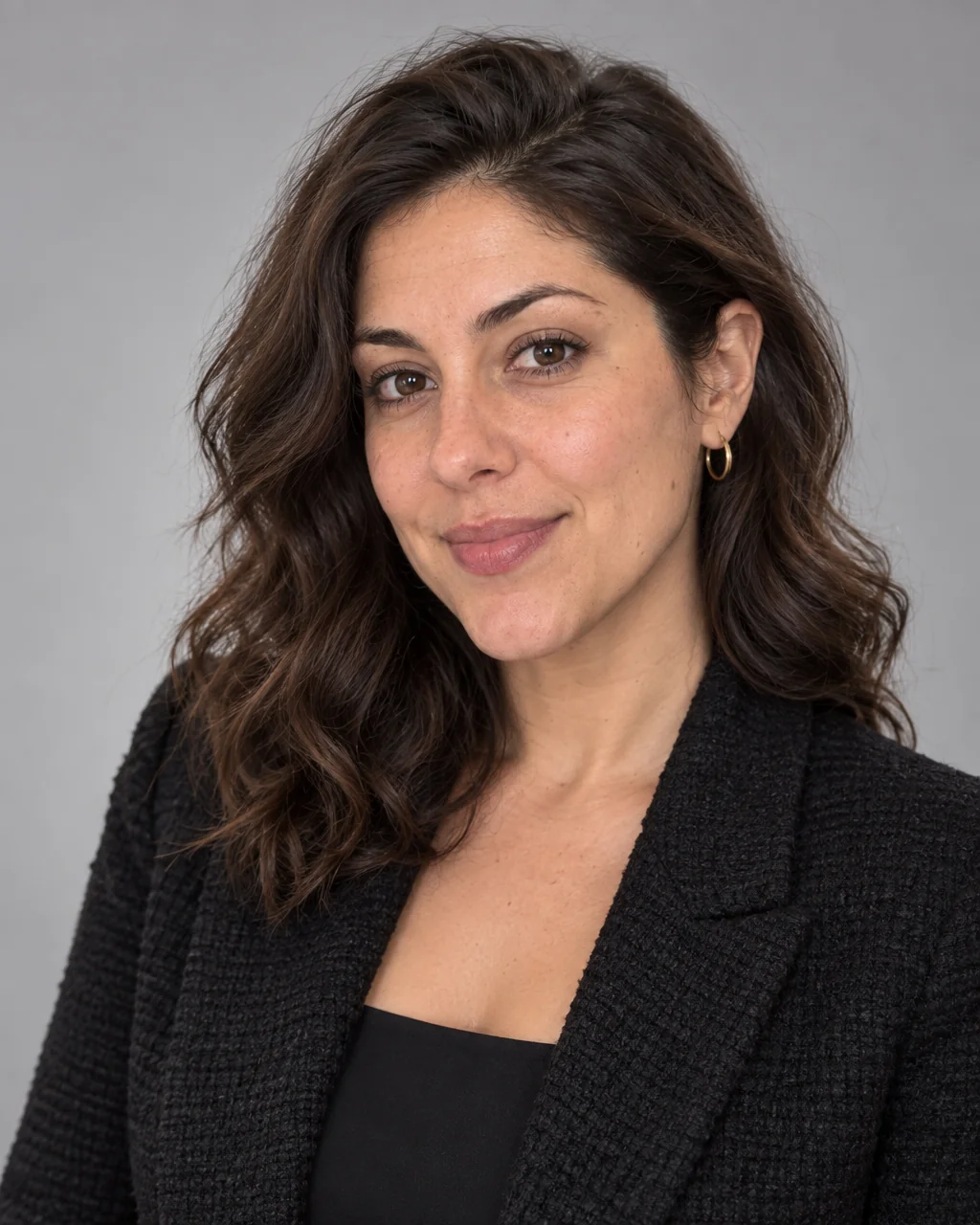
Conference programs print your face at thumbnail size beside a title, and event screens blow it up to three meters. Speaker headshots need a bold, clean composition — a touch of personality in the wardrobe, a seamless studio backdrop, sharp eyes — that reads at both extremes.
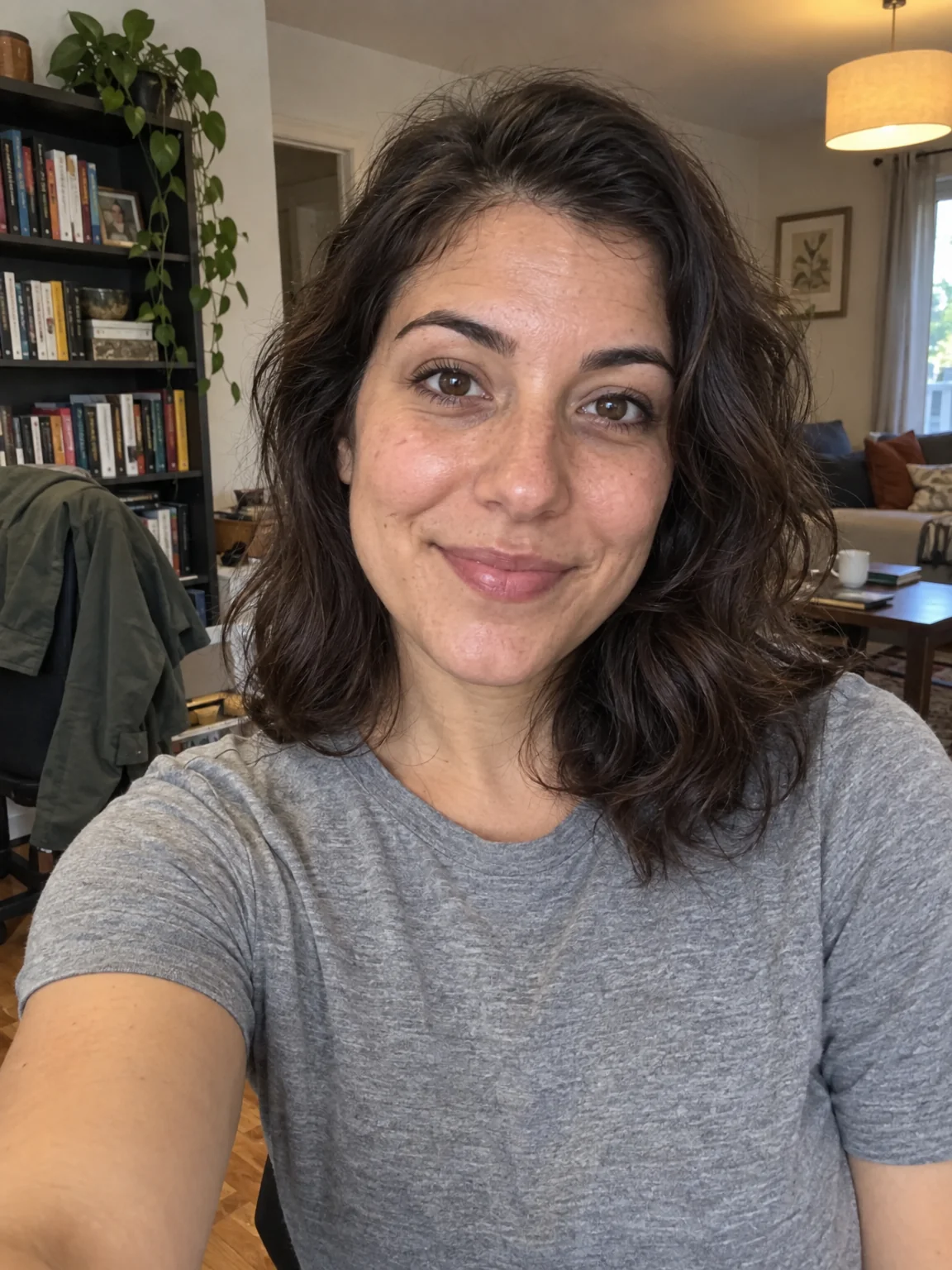
You want one headshot that every event organizer can drop into a program, a badge or a stage screen without asking for a different crop. A few selfies are the only input; the Creative attire on studio gray preset supplies the lens, the light and the wardrobe for speaker headshots, and your likeness supplies everything else. The speaker headshots you like can be retouched, moved to a different backdrop or upscaled for a printed program without starting again.
4 free credits — one Standard run of any tool. No card needed.
Made for when
- Every event asks for a headshot and you send a different one each time
- The last one was cropped from a panel photo with someone's shoulder in it
- Your talks are about creativity and your photo says accounting
- Organizers need a high-resolution file, not a screenshot
Step by step
- 01
Make a Professional Headshot with the attire and backdrop below
Speaker headshots need studio light and a clean backdrop; both are built into the brief.
Professional Headshot - 02
Even out skin and eyes with Face Retouch
Keeps the headshot natural at the size a profile shows it.
Face Retouch - 03
Change the backdrop later without starting again
When a website redesign calls for a different look, speaker headshots move to a new backdrop in seconds.
Background Changer