
People· Retouch
Background Changer
Replace the background of any photo by describing the new one — a studio, an office, a beach at sunset — with clean subject edges and lighting, color and perspective blended to match.
4 free credits — one Standard run of any tool. No card needed.

What you'll choose
- Photos you upload: Your photo
- New Background
Cost per result
- StandardQuick results for everyday use4cr
- ProFiner skin, fabric and surface detail12cr
- MaxThe most detail, for large prints44cr
- Edit it with words, or send it into any other tool
- Standard, Pro and Max quality
- Saved to Your photos, downloadable full size
- Print-size upscales and short videos
How it works
- 01
Upload a photo where you or your subject is clearly separated from the background.
- 02
Describe the new background — place, light and how blurred it should be.
- 03
Shoot, compare with the original, and download or try another scene.
Describe a new backdrop and step into it with matching light and perspective
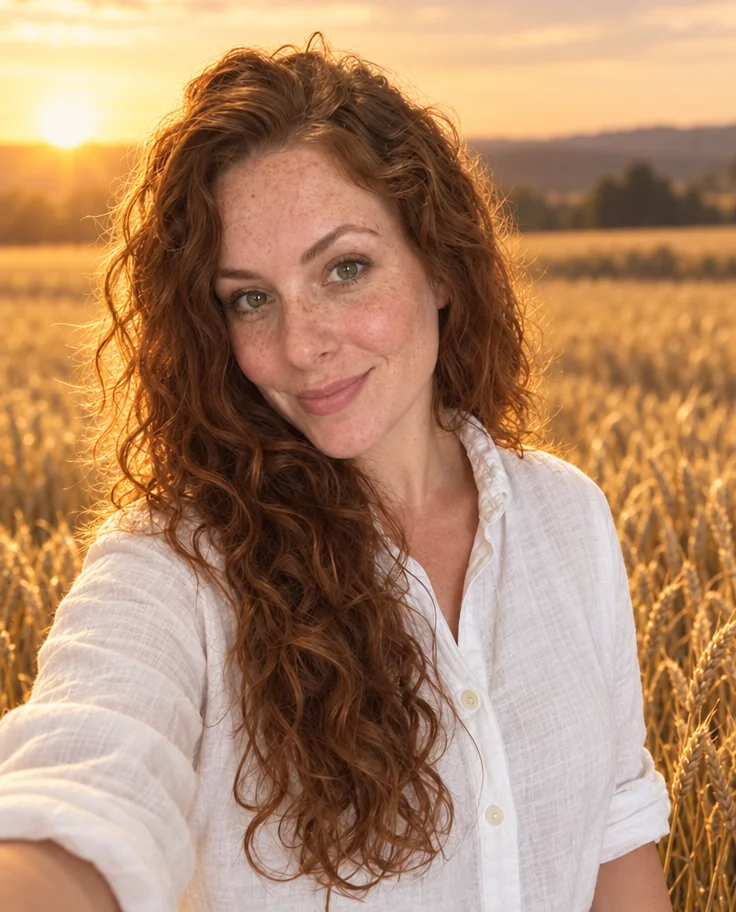
The best photo of you was taken in the worst place. Background Changer keeps the person and replaces the place. Describe the new backdrop in plain words — a seamless studio gray, a sunlit wheat field, a rooftop at blue hour — and the Studio cuts you out with clean edges around hair and shoulders, drops you into the new scene and matches the light, color and perspective so you look photographed there rather than pasted in. Your face, pose, clothing and expression stay exactly as they were.
Specific descriptions produce the most convincing scenes: name the place, the light and how sharp it should be. "A bright modern office, softly blurred" reads like a corporate headshot; "a beach at golden hour with the sun behind me" adds warm rim light to the hair. It works on headshots, full-length photos, couples and groups, and on pets and products just as well. The result keeps the aspect ratio of your original photo.
A Standard run costs 4 credits and finishes in seconds; Pro and Max quality refine the edge mask around fine hair and the realism of the new scene. Background Changer is in the Continue row under every Studio result, so a LinkedIn headshot can be re-shot against a different backdrop for a conference bio, and a pet portrait can move from the studio to your garden. Compare against the original with one tap before you download.
Good to know
Works well with
 from 4 credits
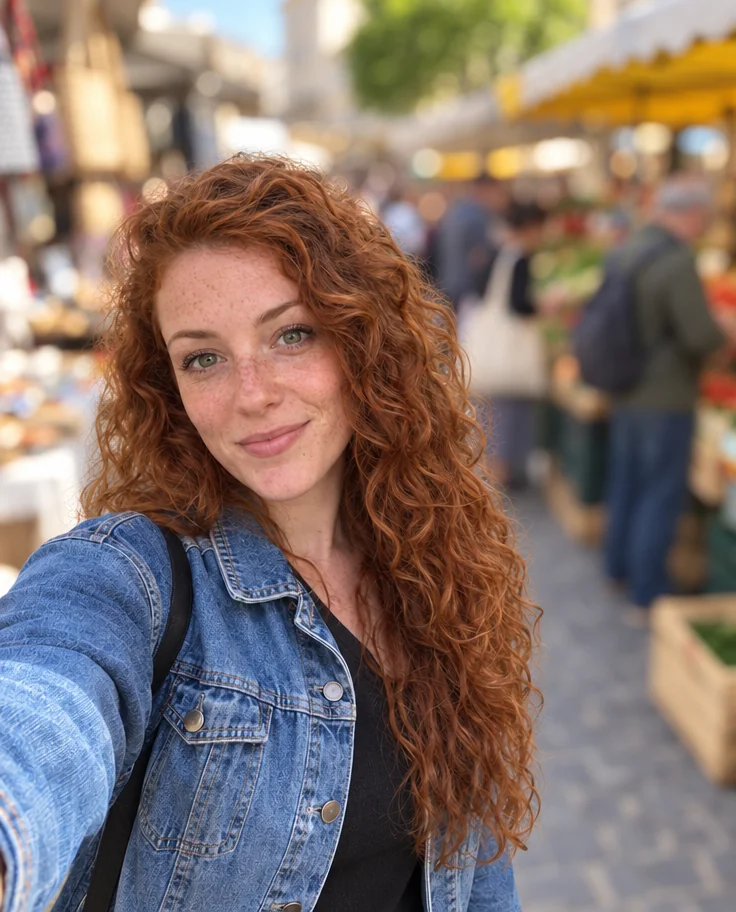
Blur Background
Creamy portrait-lens blur behind you, sharp edges on hair and shoulders
- Example coming soonfrom 1 credits
Background Remover
A clean cut-out with a transparent background, from 1 credit
 from 4 credits
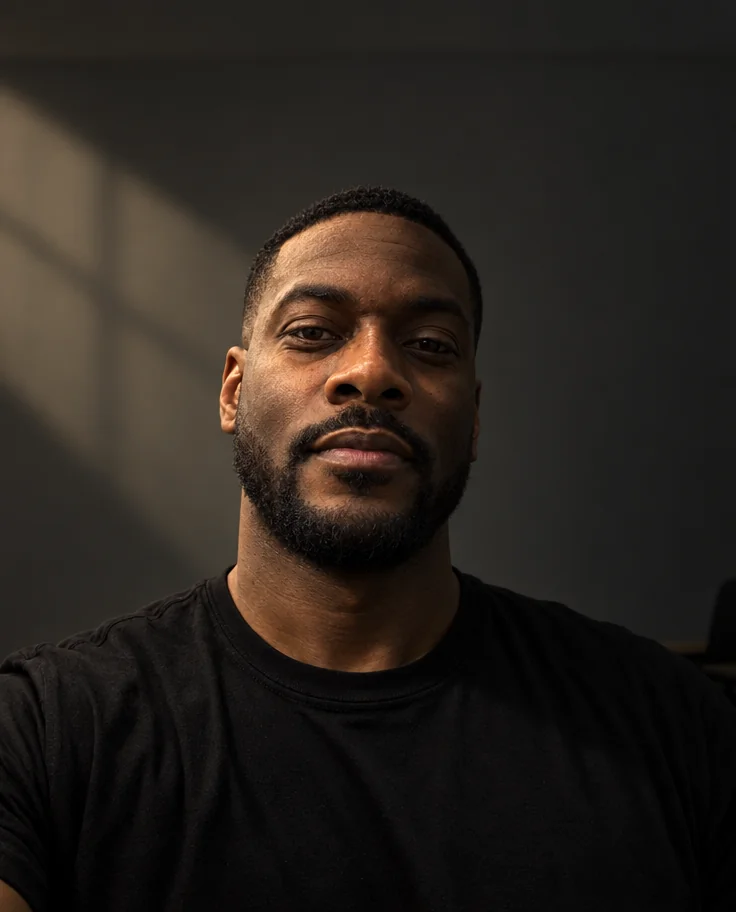
Relight Photo
Twenty lighting setups, from soft window light to Rembrandt, neon and film noir
 from 4 credits
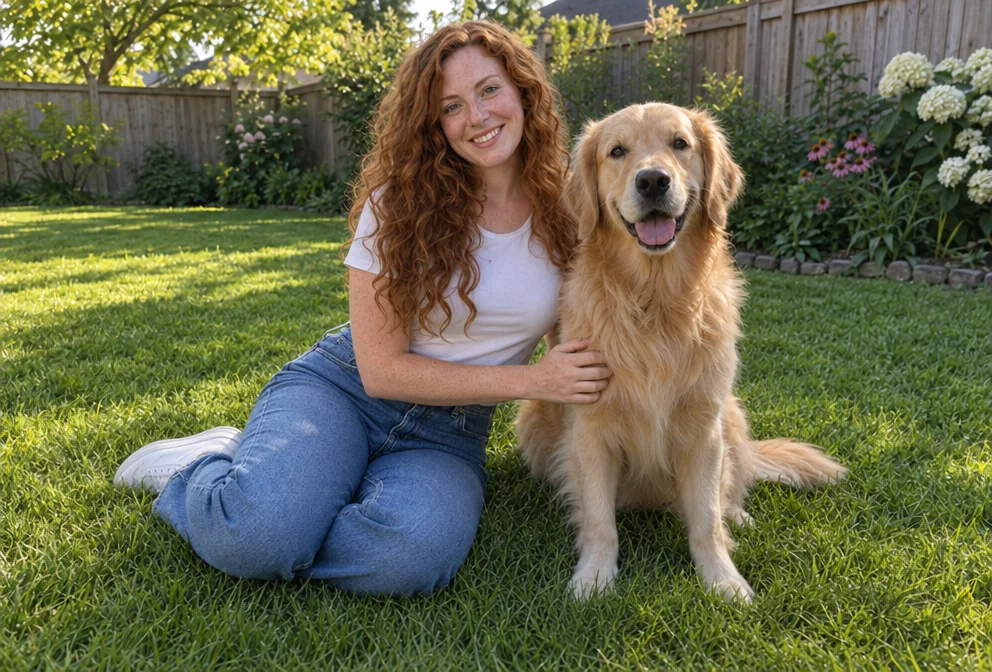
Add People
Put the people from one photo into the scene of another, as if they were there