
People· Retouch
Blur Background
Add a strong, natural lens-style background blur to any photo while keeping you tack sharp, with clean edges around hair and shoulders — the look of an 85mm portrait lens.
4 free credits — one Standard run of any tool. No card needed.

What you'll choose
- Photos you upload: Your photo
Cost per result
- StandardQuick results for everyday use4cr
- ProFiner skin, fabric and surface detail12cr
- MaxThe most detail, for large prints44cr
- Edit it with words, or send it into any other tool
- Standard, Pro and Max quality
- Saved to Your photos, downloadable full size
- Print-size upscales and short videos
How it works
- 01
Upload a photo where you are clearly separated from the background.
- 02
Shoot at Standard, or Pro and Max for finer hair edges.
- 03
Compare with the original, then download or continue with Face Retouch.
Creamy portrait-lens blur behind you, sharp edges on hair and shoulders
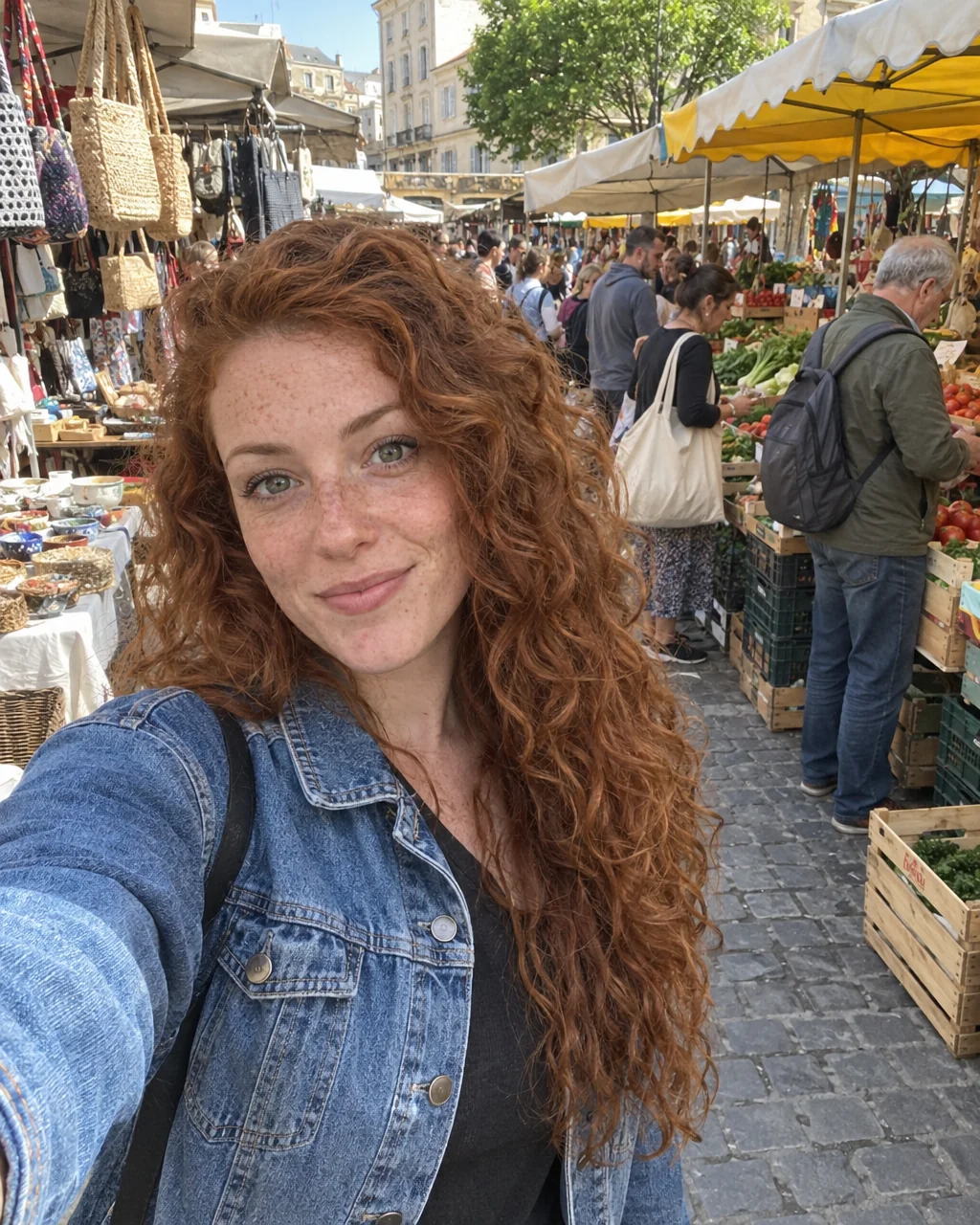
Phone cameras keep everything in focus, which is why a selfie in a kitchen looks like a photo of a kitchen. Blur Background gives it the shallow depth of field of a portrait lens: the subject stays perfectly sharp, the background melts into a creamy, even blur, and the edge around hair, ears and shoulders is handled cleanly instead of with the halo that phone portrait modes leave behind. Nothing in the background is replaced or invented — it is your room, your street, your park, softened.
It is the quickest way to turn a good selfie into a usable profile photo: distractions disappear, the eye goes to the face, and the photo looks intentional. It works on head-and-shoulders portraits, full-length photos and group shots, and it handles tricky edges such as curly hair, glasses and a raised hand. The output keeps the aspect ratio and resolution of the original, so it slips into an existing edit without cropping.
A Standard run costs 4 credits and takes seconds; Pro and Max quality refine the edge mask around fine hair and the smoothness of the blur. Blur Background pairs well with Face Retouch for a two-step headshot from a phone photo, and with Relight when the light on the face needs help. If you want a different scene rather than a softer version of this one, Background Changer is the next tool over.
Good to know
Works well with
 from 4 credits
Background Changer
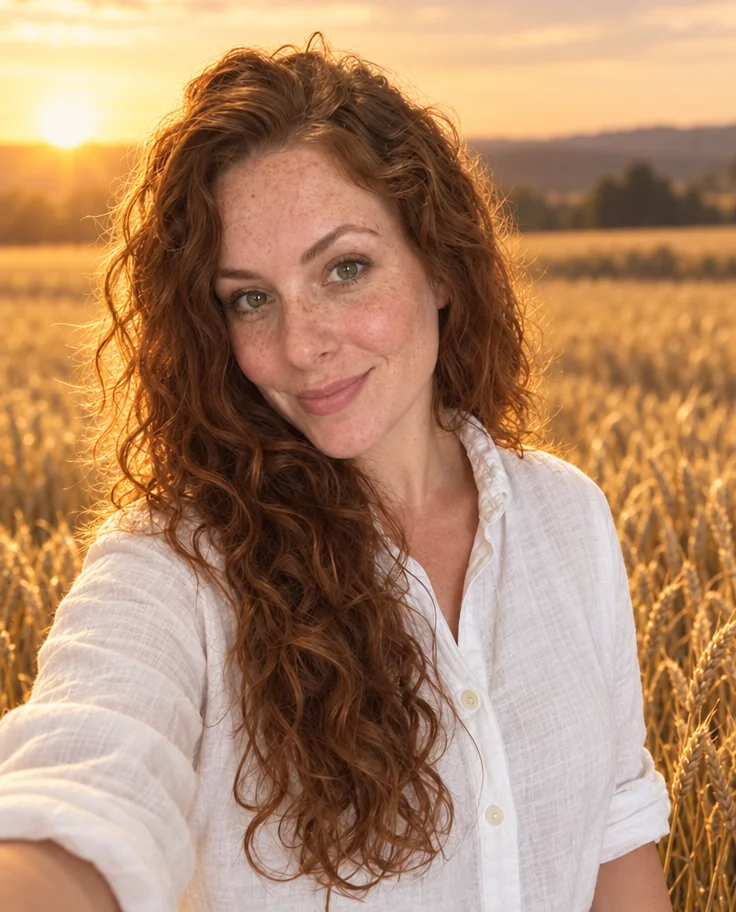
Describe a new backdrop and step into it with matching light and perspective
 from 4 credits
Face Retouch
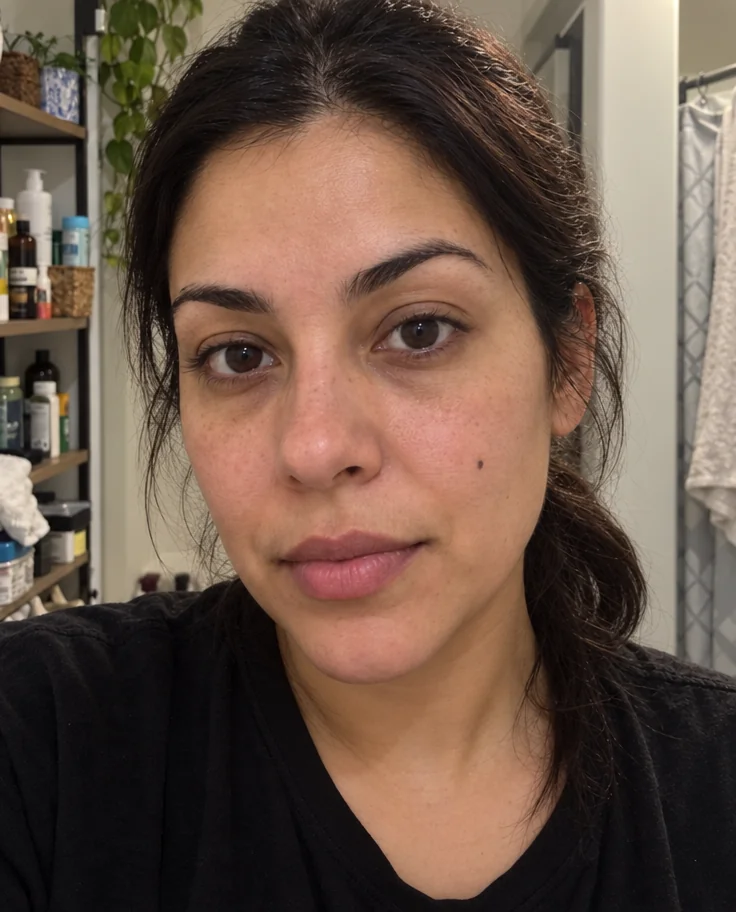
Blemishes, redness and shadows eased — pores, freckles and you, kept
 from 4 credits
Relight Photo
Twenty lighting setups, from soft window light to Rembrandt, neon and film noir
 from 4 credits
Professional Headshot
Corporate-grade headshots in your pick of attire and backdrop, from 1–3 selfies