
Products· Products
Product Photo on White Background
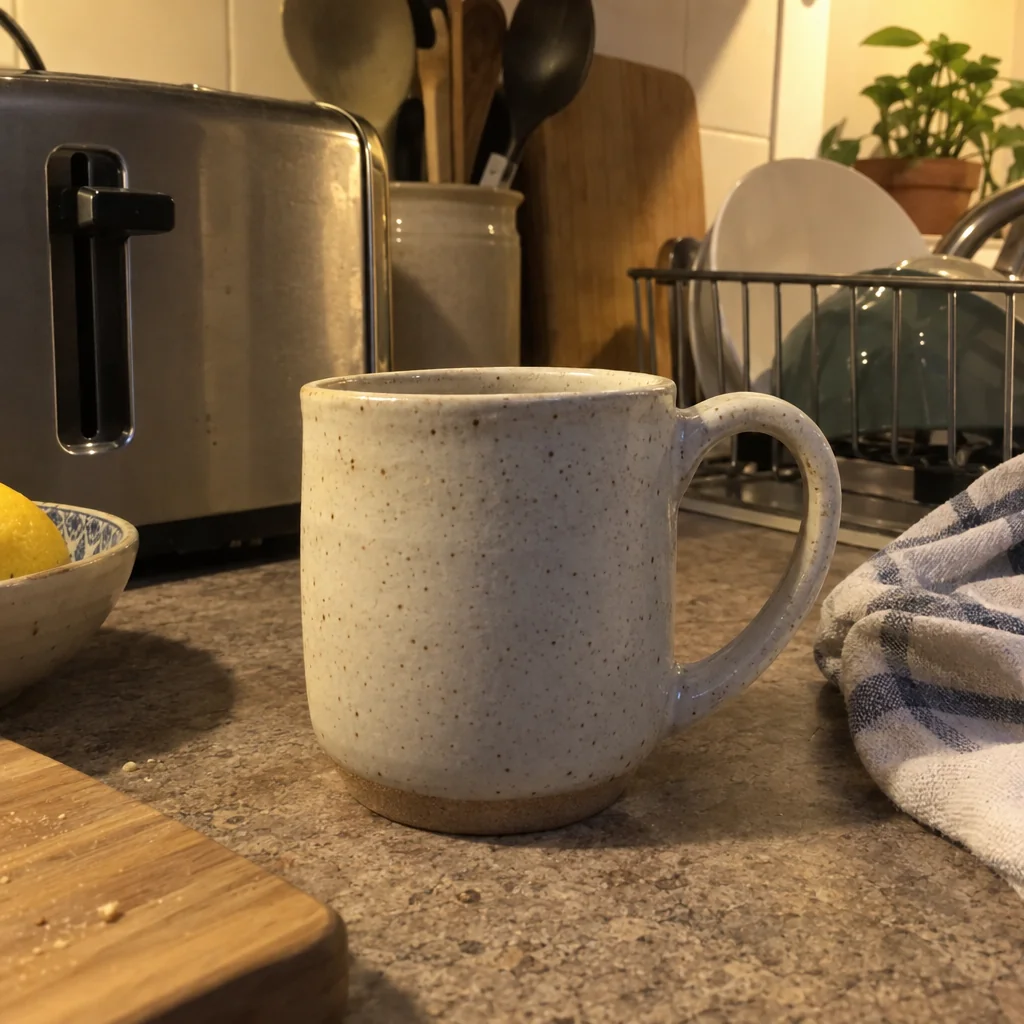
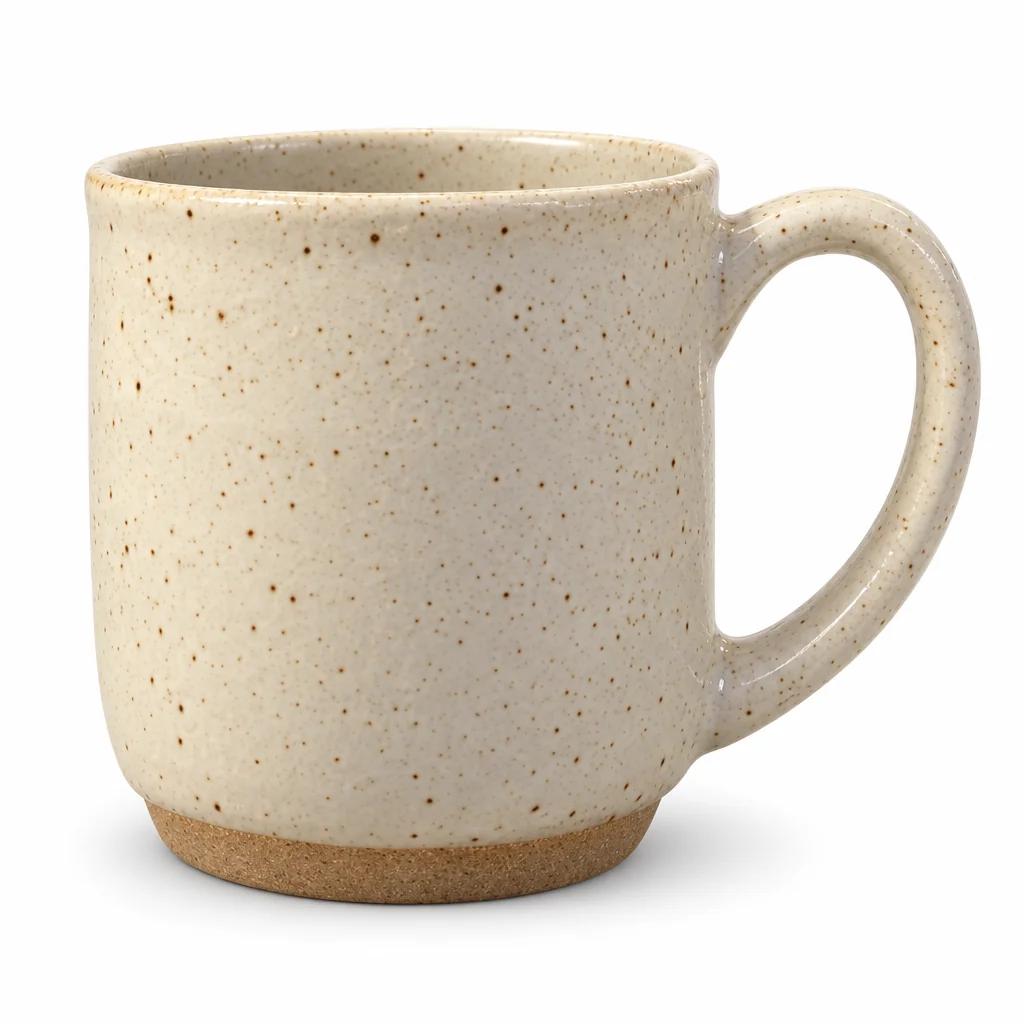
Photograph the thing on any surface and get it back on pure white with a natural shadow, square, evenly lit and unchanged in shape, color and detail.
4 free credits — one Standard run of any tool. No card needed.
What you'll choose
- Photos you upload: Your product photo
- ShadowSoft ShadowContact ShadowNo Shadow
- 1:1 output
Cost per result
- StandardQuick results for everyday use4cr
- ProFiner skin, fabric and surface detail12cr
- MaxThe most detail, for large prints44cr
- Edit it with words, or send it into any other tool
- Standard, Pro and Max quality
- Saved to Your photos, downloadable full size
- Print-size upscales and short videos
How it works
- 01
Set the object on any surface in daylight, fill most of the picture with it and keep it in focus.
- 02
Choose Soft Shadow, Contact Shadow or No Shadow.
- 03
Create at Standard, Pro or Max, compare with your photo, and download the square white-background result.
A clean white-background photo of any object, from a phone photo on your desk
Every object looks better on a clean white background with a soft, believable shadow — the photo you see on a maker's website, a menu card, a catalogue or a slide. Getting it the old way means a light tent, two lamps, a sheet of card and an hour of cutting out edges. Here it is one phone photo of the item on whatever surface is nearest, and the studio returns it centered on pure white, evenly lit, cropped square and ready to use. The item itself is not reinterpreted: the shape, proportions, colors, materials, texture and any printed label stay exactly as photographed.
The single option is the shadow. Soft Shadow gives a diffuse, natural shadow as if the object sat under a big window; Contact Shadow keeps only the thin dark line where the object meets the surface, the look of most catalogue photography; No Shadow floats it on flat white, which suits cut-outs, icons and anything that will be placed on a colored layout later. Reflective and transparent items — glass, chrome, clear plastic — are handled with care so the highlights still read as the real material rather than a painted-on gloss.
A Standard result costs 4 credits and takes seconds; Pro (12) and Max (44) resolve finer texture such as fabric weave, engraving and brushed metal for larger sizes. Everything is saved to Your photos, so the same object can go straight into Product Lifestyle Photo for a scene, Flat Lay Photo for a top-down arrangement, Background Remover for a transparent PNG or Image Upscaler for print.
Good to know
Works well with
 from 4 credits
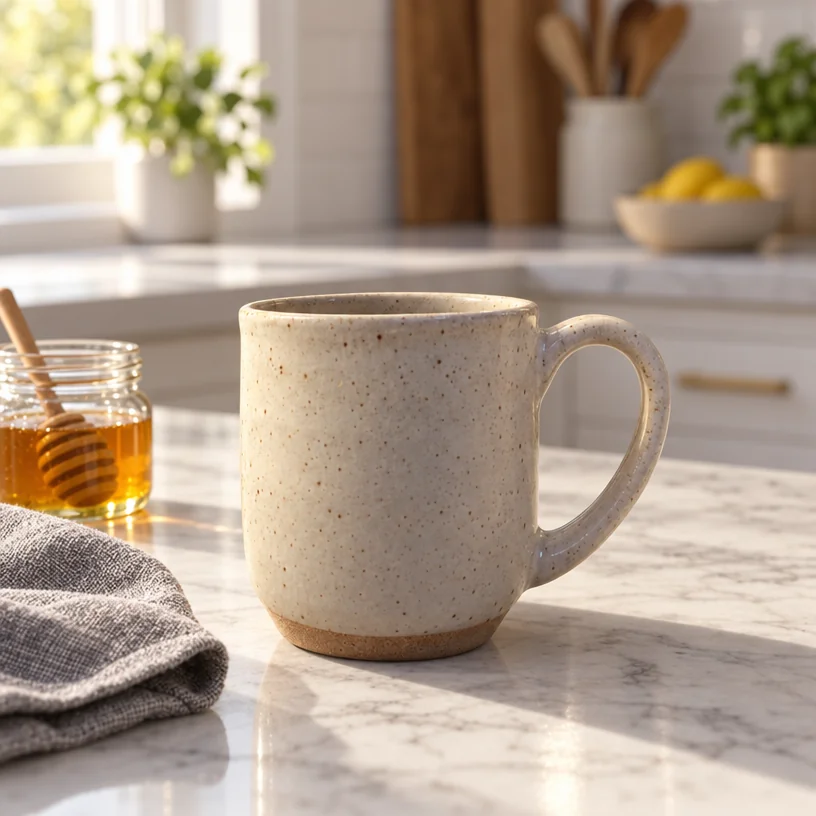
Product Lifestyle Photo
Put your product in a real setting: marble kitchen, café table, garden, beach
 from 4 credits
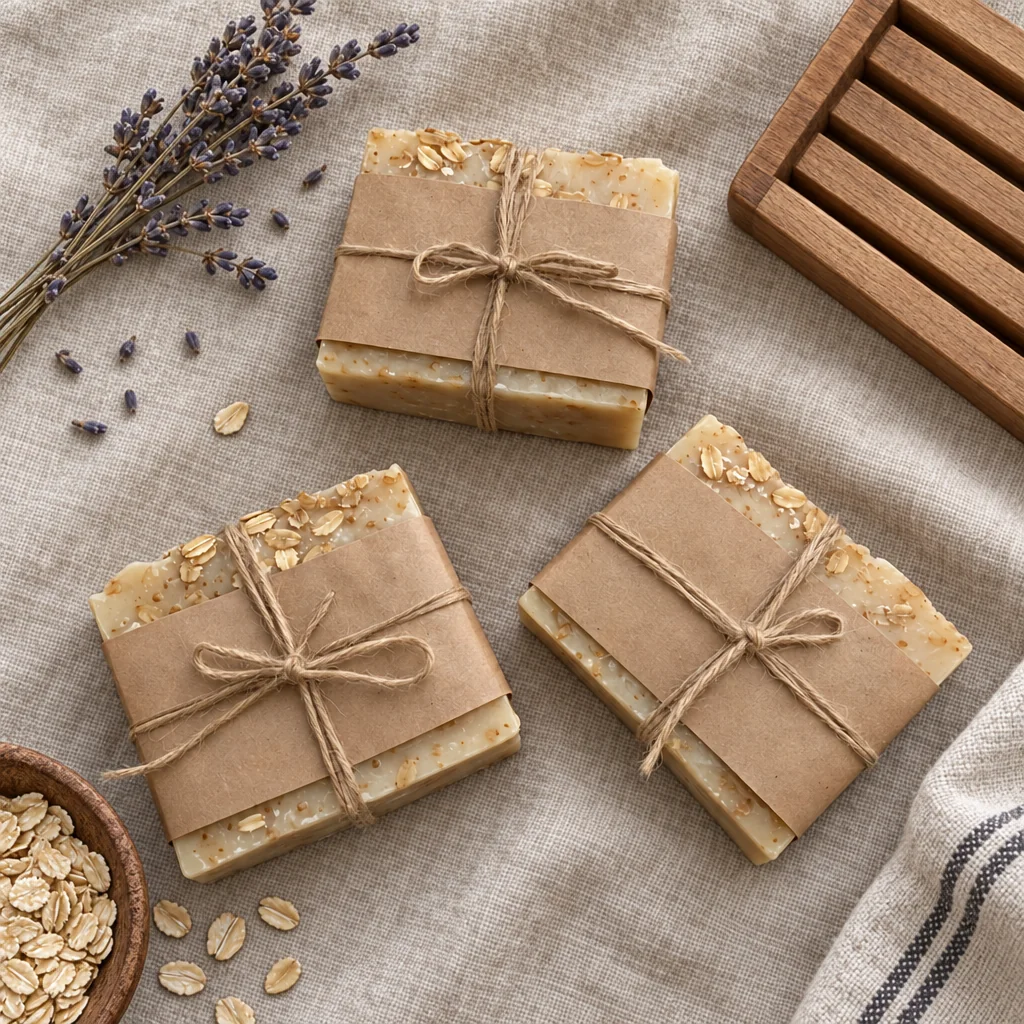
Flat Lay Photo
A styled top-down flat lay on linen, marble, wood, concrete or paper
- Example coming soonfrom 1 credits
Background Remover
A clean cut-out with a transparent background, from 1 credit
- Example coming soonfrom 3 credits
Image Upscaler
Enlarge any photo to 4, 8, 16 or 32 megapixels for prints and screens