
Pets· Restore
Image Upscaler
Upscale a photo or a Studio result to 4, 8, 16 or 32 megapixels with recovered detail and clean edges — enough for framed prints, canvases and large displays.
4 free credits — one Standard run of any tool. No card needed.
What you'll choose
- Photos you upload: Your photo
Cost per result
- 3 · 5 · 10 · 20 credits for 4 · 8 · 16 · 32 MP
- Edit it with words, or send it into any other tool
- Standard, Pro and Max quality
- Saved to Your photos, downloadable full size
- Print-size upscales and short videos
How it works
- 01
Upload a photo, or open any Studio result and choose Upscale from the Continue row.
- 02
Pick the target size — 4, 8, 16 or 32 megapixels — with its credit cost shown.
- 03
Download the enlarged file and send it to print.
Enlarge any photo to 4, 8, 16 or 32 megapixels for prints and screens
A photo that looks perfect on a phone falls apart on a wall. Image Upscaler enlarges it with detail rather than blur, taking a photo or a Studio result to 4, 8, 16 or 32 megapixels. Skin texture, hair, fabric and edges are reconstructed rather than stretched, so a headshot prints cleanly at 8×10, a pet portrait fills an A3 canvas and a family photo holds up as a large framed print. The aspect ratio and everything in the picture stay the same.
It is the last step of most chains. Shoot, retouch, change the backdrop or expand the photo at the working resolution, then upscale once for the final output. Four targets cover the usual destinations: 4 MP for large screens and social, 8 MP for standard prints, 16 MP for A3 and canvas, 32 MP for posters and wall art. The Studio shows the credit cost of each size before you choose, and every size you render is kept as a variant on the same contact-sheet entry.
Costs run from 3 credits at 4 MP through 5 at 8 MP, 10 at 16 MP and 20 at 32 MP — priced by size rather than by quality. Upscaling works on scans of old prints after Photo Restoration, on Image Generator backdrops and on any JPG you upload directly. Compare the enlargement against the original at full size before you send a file to the print shop.
Good to know
Works well with
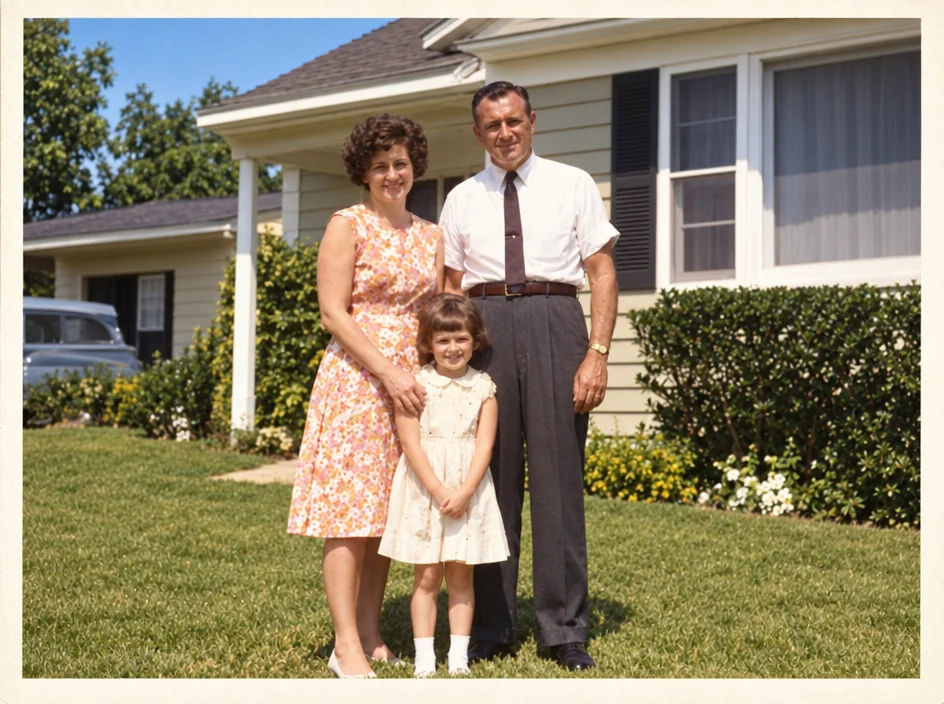 from 4 credits
Photo Restoration
Scratches, creases, stains and fading repaired — the original look, respected
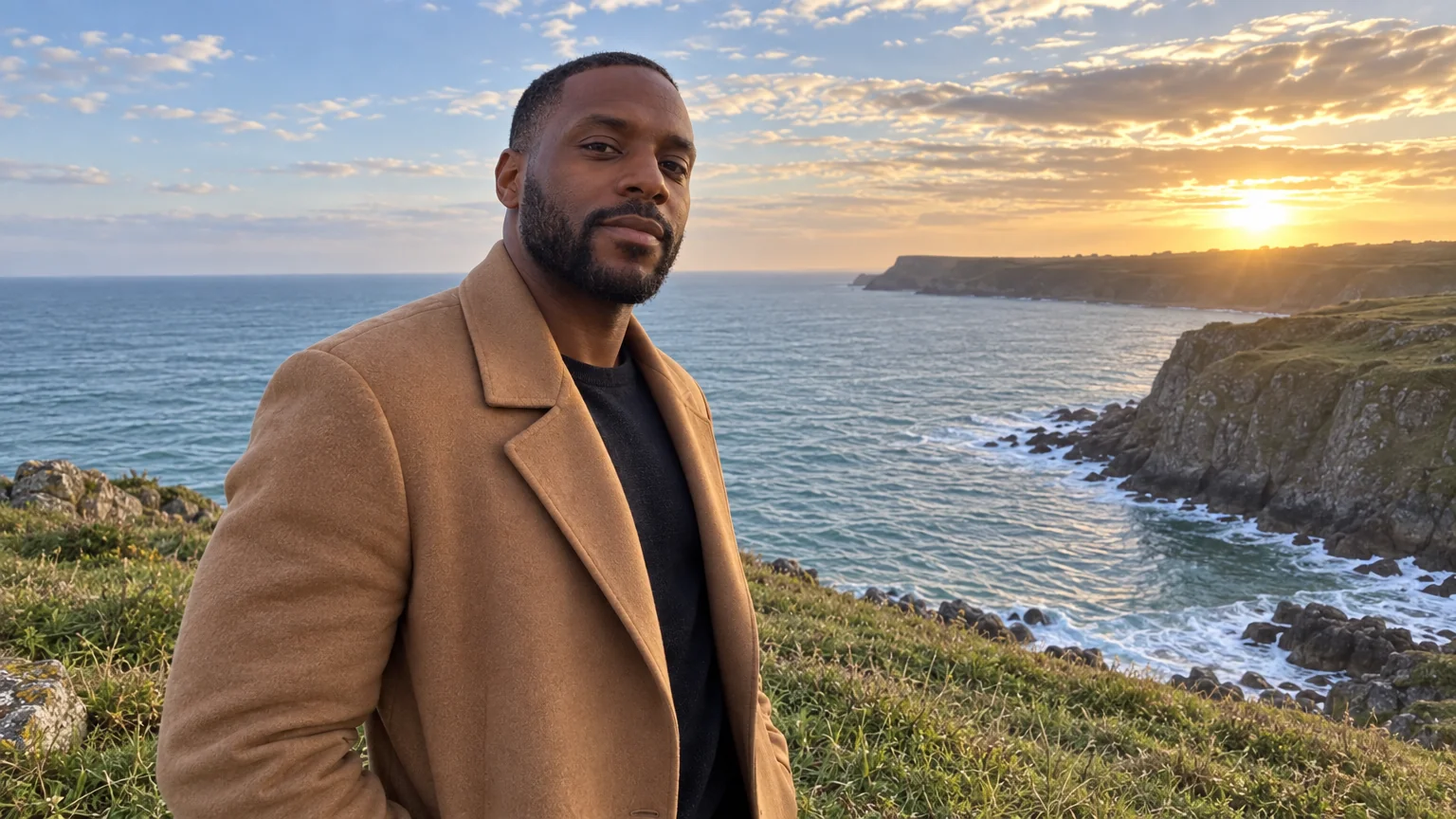 from 4 credits
Expand Photo
Widen a tight crop — the scene continues naturally into any aspect ratio
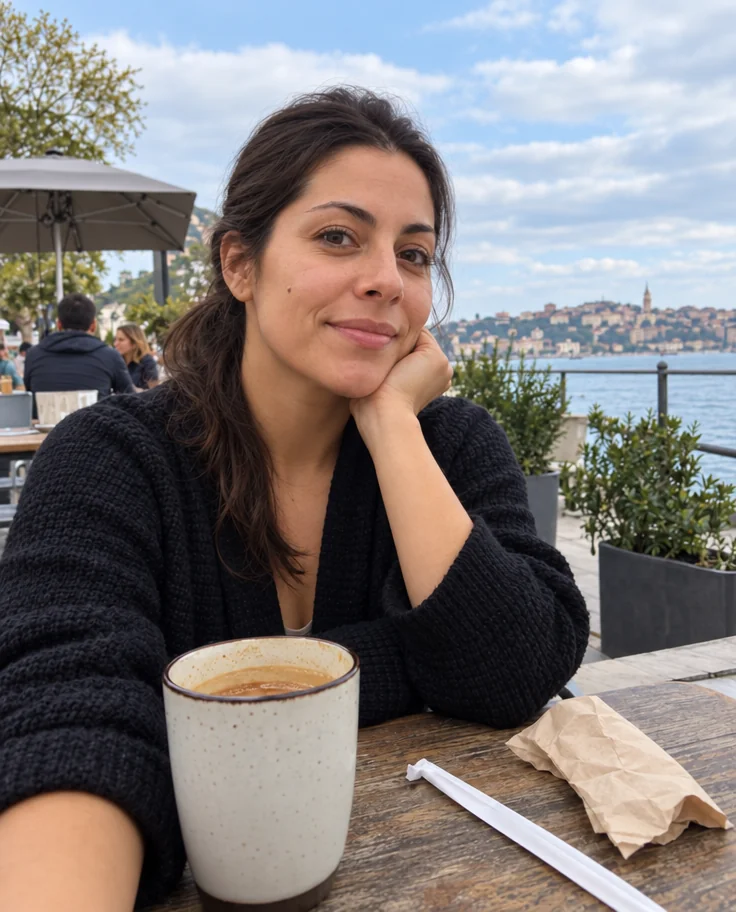 from 4 credits
Photo Retouch
A clean professional finish for the whole photo — people, products, rooms, food
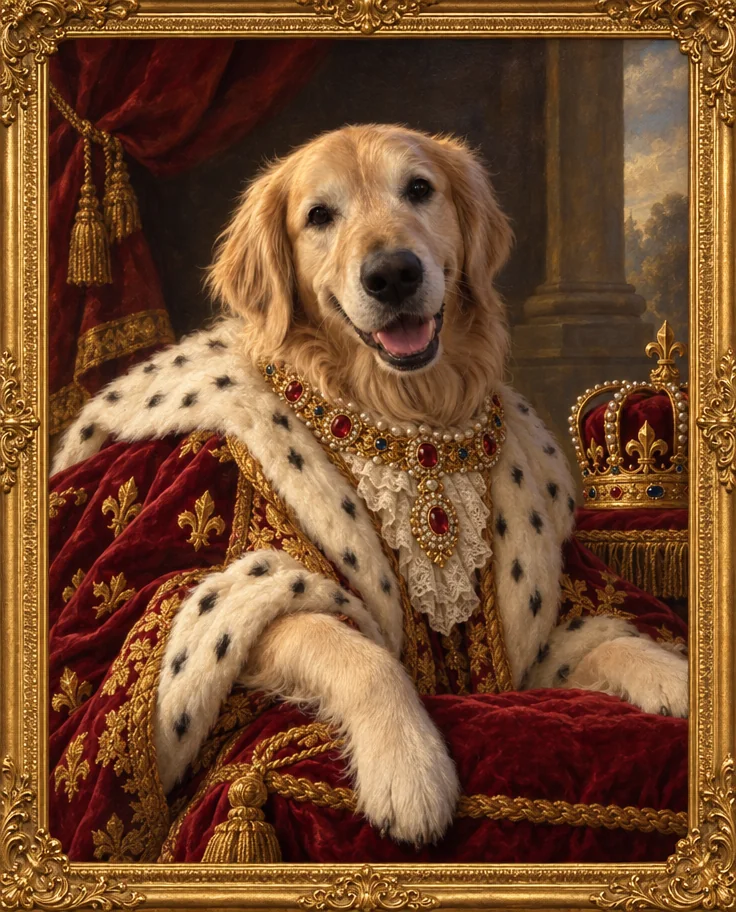 from 4 credits
Pet Portrait
Studio, royal oil painting, superhero or watercolor — your pet, unmistakably