
Products· Retouch
Photo Retouch
Balance light and color, lift dust and smudges and refine detail across the entire photo. A focus select tunes the pass for portraits, products, real estate, food or landscapes.
4 free credits — one Standard run of any tool. No card needed.


What you'll choose
- Photos you upload: Your photo
- Retouch FocusStandardPortraitProductReal EstateFoodLandscape
Cost per result
- StandardQuick results for everyday use4cr
- ProFiner skin, fabric and surface detail12cr
- MaxThe most detail, for large prints44cr
- Edit it with words, or send it into any other tool
- Standard, Pro and Max quality
- Saved to Your photos, downloadable full size
- Print-size upscales and short videos
How it works
- 01
Upload the photo — a portrait, a product, a room, a plate or a view.
- 02
Pick the retouch focus that matches the subject, or leave it on Standard.
- 03
Shoot, compare with the original, and download or continue with another tool.
A clean professional finish for the whole photo — people, products, rooms, food
Face Retouch works on a face; Photo Retouch works on everything else in the picture. It removes small distracting spots, marks and smudges, balances exposure and white balance, refines texture and detail, and gives the whole image the polished, even look of a photo that has been through a professional edit. The composition, subject and framing are untouched. It is the tool to run on the family photo where the lighting was mixed, the listing photo where the room reads dim, or the phone shot of a dish that came out a little gray.
The Retouch Focus select tells the Studio what matters most. Standard is a balanced pass for any photo. Portrait concentrates on the people: natural skin refinement, brighter eyes and tidy hair. Product lifts dust and settles reflections on the item. Real Estate brightens rooms and recovers the view through windows. Food brings out appetizing color and texture and tidies the plate. Landscape cuts haze and deepens sky and foliage without making them look artificial. Output keeps the original aspect ratio.
A Standard run costs 4 credits and takes seconds; Pro and Max quality resolve fabric, wood grain and fine texture more faithfully, which shows on large screens and prints. Photo Retouch pairs well with the rest of the Studio: relight a dull scene with Relight, remove a stray passer-by with Remove a Person, then upscale the finished photo for printing. Every version stays in Your photos for comparison against the original.
Good to know
Works well with
 from 4 credits
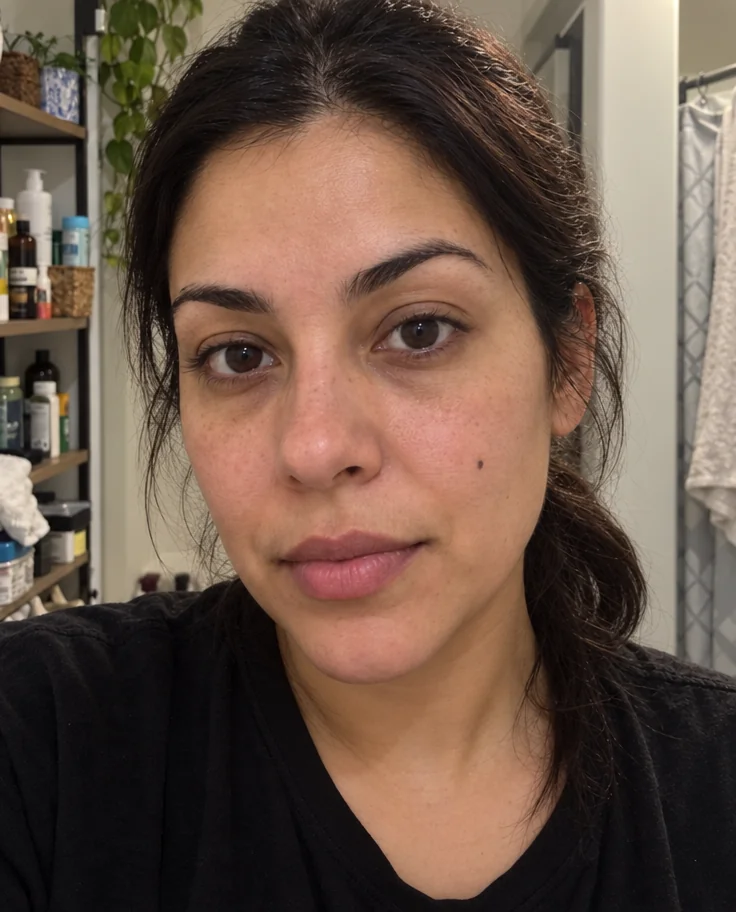
Face Retouch
Blemishes, redness and shadows eased — pores, freckles and you, kept
 from 4 credits
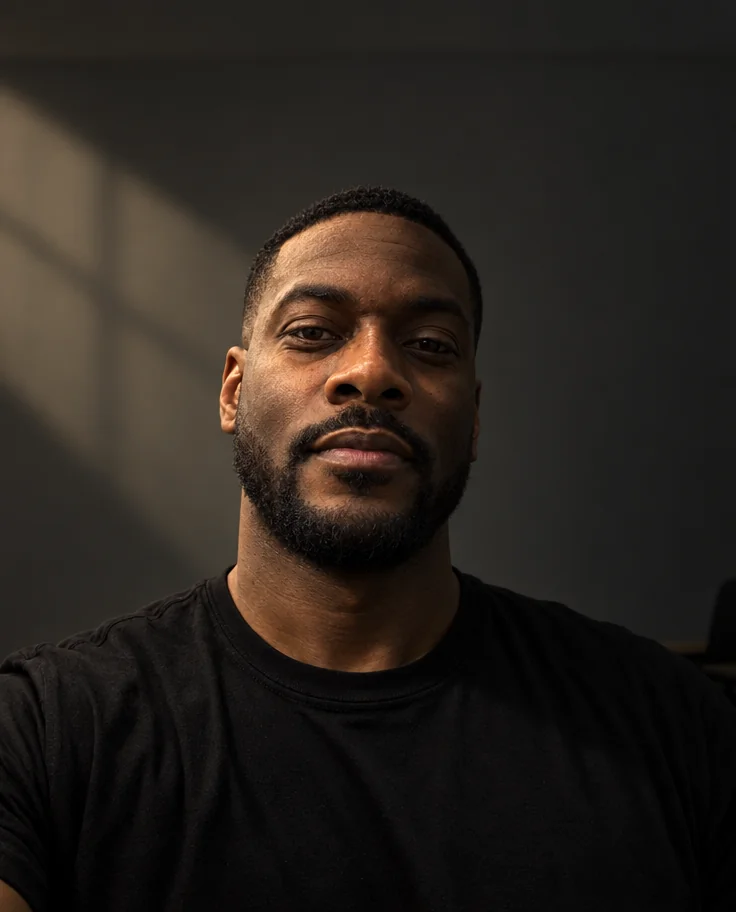
Relight Photo
Twenty lighting setups, from soft window light to Rembrandt, neon and film noir
 from 4 credits
Remove an Object
Name the thing — a bin, a wire, a watermark of glare — and it's gone
- Example coming soonfrom 3 credits
Image Upscaler
Enlarge any photo to 4, 8, 16 or 32 megapixels for prints and screens