
Homes & Real Estate· Homes & Real Estate
Real Estate Photo Editor
Polish a property photo to a professional standard: balanced exposure, recovered window views, a vivid sky, straight walls and optional twilight or declutter. Layout and condition stay unchanged.
4 free credits — one Standard run of any tool. No card needed.
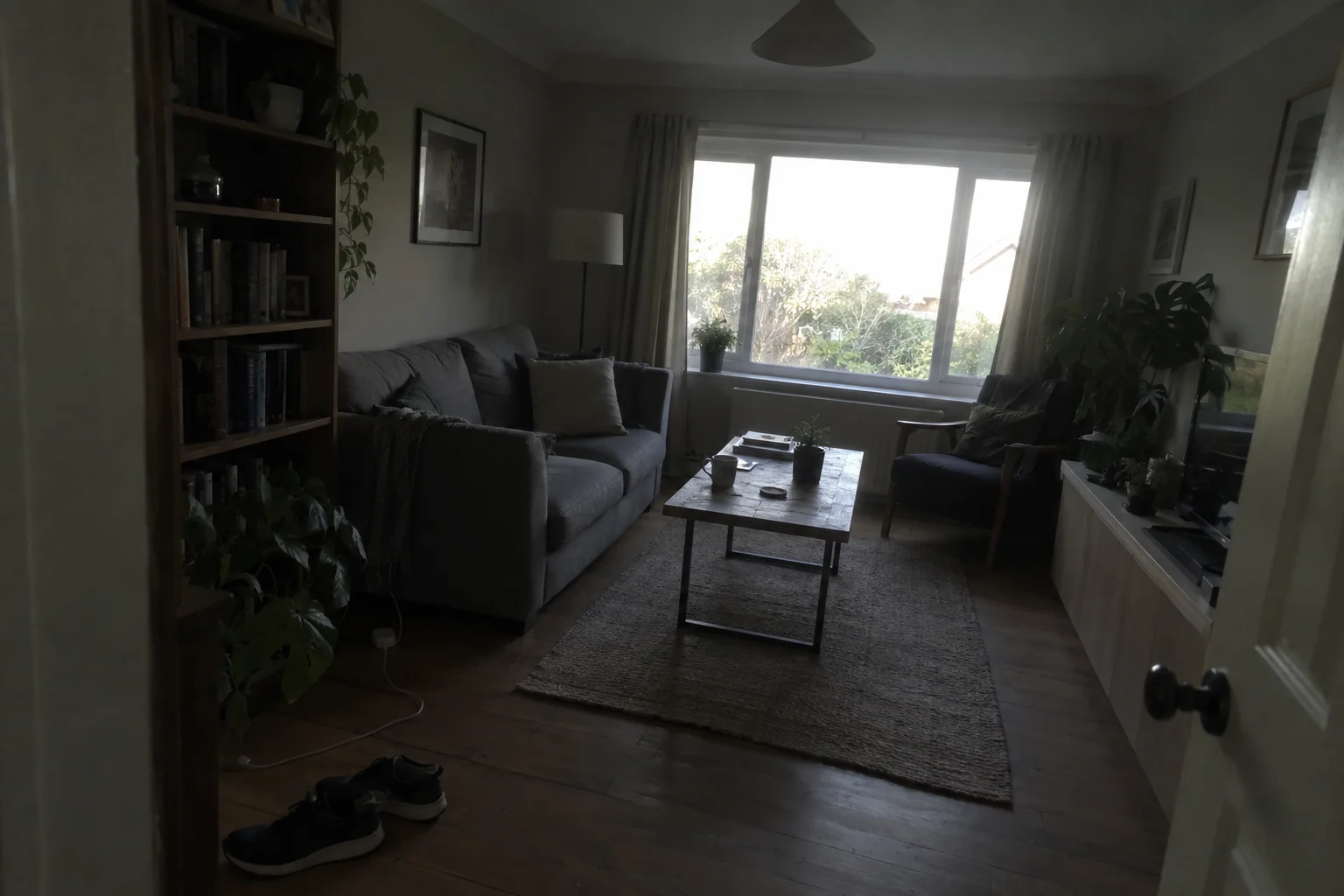
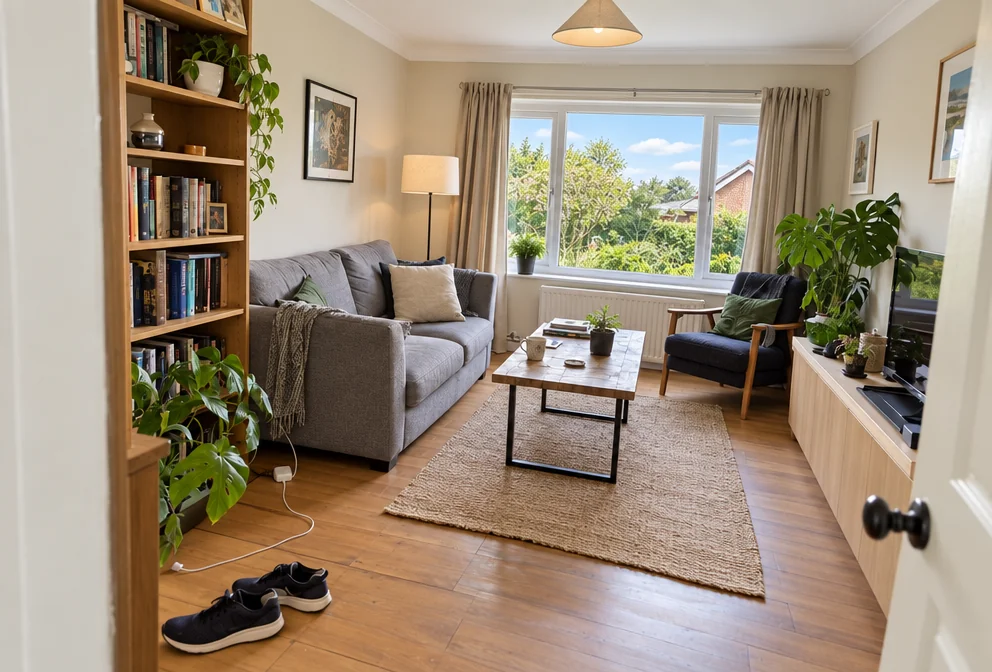
What you'll choose
- Photos you upload: Your property photo
- EnhancementAutoBrightenBlue SkyTwilightDeclutterWide & Level
Cost per result
- StandardQuick results for everyday use4cr
- ProFiner skin, fabric and surface detail12cr
- MaxThe most detail, for large prints44cr
- Edit it with words, or send it into any other tool
- Standard, Pro and Max quality
- Saved to Your photos, downloadable full size
- Print-size upscales and short videos
How it works
- 01
Photograph each room or the exterior with the phone held level, in daylight if you can.
- 02
Choose Auto, Brighten, Blue Sky, Twilight, Declutter or Wide & Level.
- 03
Create, compare with your photo, and download or run another mode on the result.
Bright, level, sky-corrected property photos — or a twilight exterior
Most property photos are taken on a phone between viewings: the room is dark, the window is a white rectangle, the sky is grey and the walls lean inward. Real Estate Photo Editor brings that photo up to the standard of a professional listing shoot — balanced bright exposure, neutral white balance, detail recovered in the corners and through the windows, a natural blue sky and healthy lawn where they appear, a crisp clean finish — without changing what the property actually is. Rooms, windows, fixtures, furnishings and the true condition of the place stay as photographed.
Six enhancement modes cover the usual jobs. Auto does the standard polish. Brighten lifts a dark interior. Blue Sky replaces a flat white sky on an exterior. Twilight turns a daytime exterior into the classic dusk shot with glowing windows. Declutter removes loose items — shoes, cables, papers, bottles — and leaves furniture alone. Wide & Level straightens the verticals and gives the shot the wide, upright feel of an architectural lens.
A run costs 4 credits at Standard, 12 at Pro and 44 at Max, and Pro is a sensible default for photos that will be printed on a brochure or shown large on a screen. Agents, hosts, landlords and owners selling privately use the same three steps for a whole property in a few minutes. Interior Photography adds a styled look to rooms, Sky Replacement offers more skies, and Object Remover takes out a specific item you name.
Good to know
Works well with
 from 4 credits
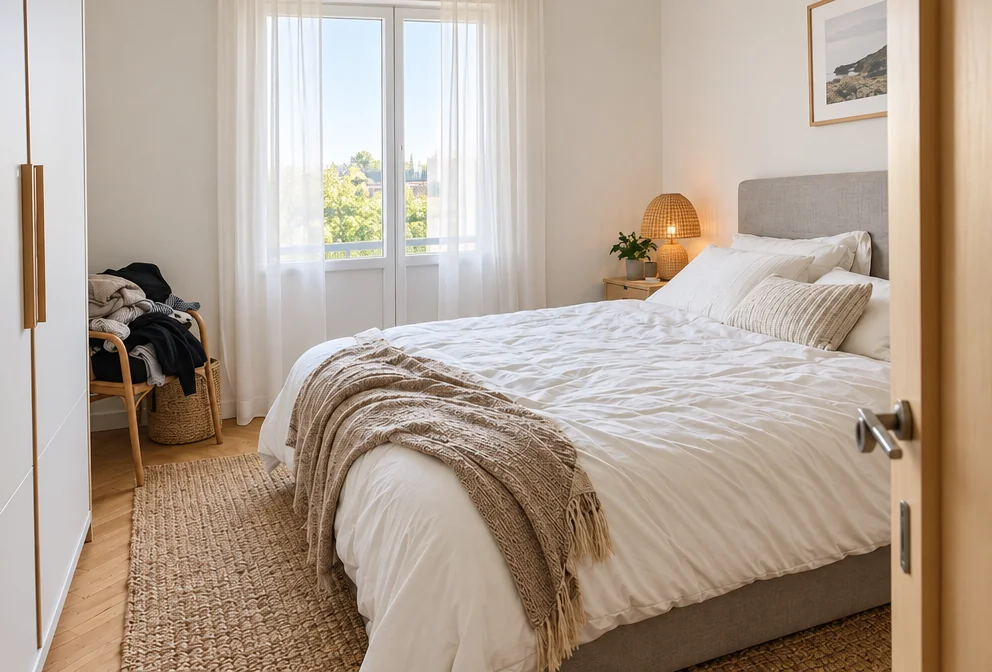
Interior Photography
Straight walls, balanced windows and a styled look for any room photo
 from 4 credits
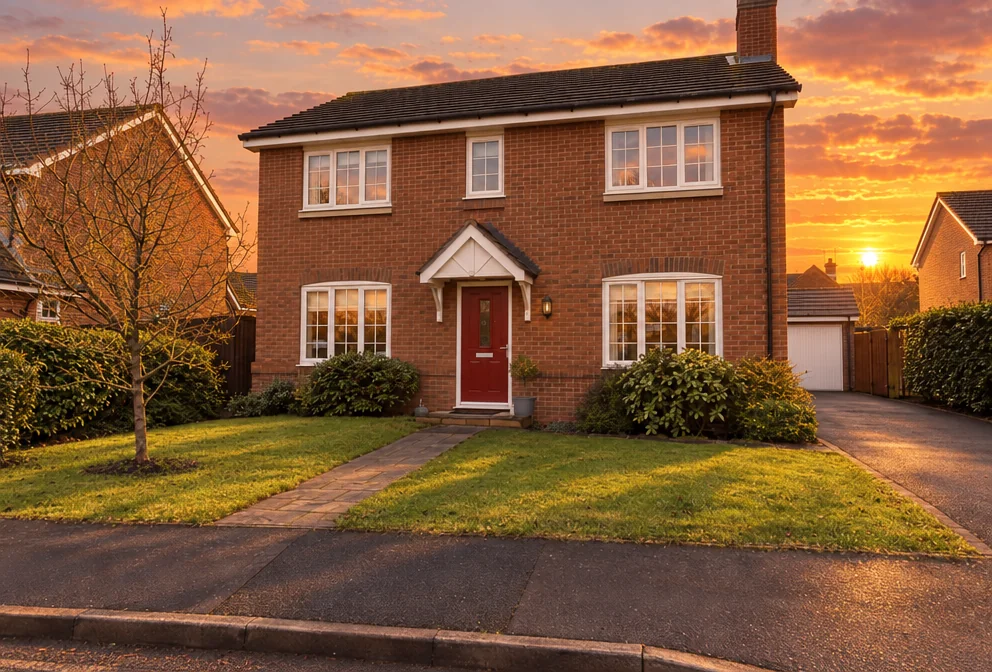
Sky Replacement
Swap a dull sky for blue, sunset, storm, dawn or stars, scene relit to match
 from 4 credits
Remove an Object
Name the thing — a bin, a wire, a watermark of glare — and it's gone
 from 4 credits
Time of Day
Move the sun — golden hour, blue hour, overcast, night or starry sky