
The whole photo studio, powered by AI
The photo studio for everything you shoot.
People, pets, products, food, homes, cars — upload a phone photo (or a few selfies) and get studio-quality photos in seconds. 51 tools, open 24/7.
4 free credits — one Standard run of any tool. No card needed.
What are you shooting?




From this photo
One person, three shoots — all from the same three selfies.
What you can shoot
Eight kinds of photos, one studio.
Pick the subject and the studio brings the right tools, settings and examples. Everything uses the same canvas, credits and saved photos.
01
People
Headshots, portraits, couples and families — new photos of you from the selfies on your phone.
23 toolsSee the tools
02
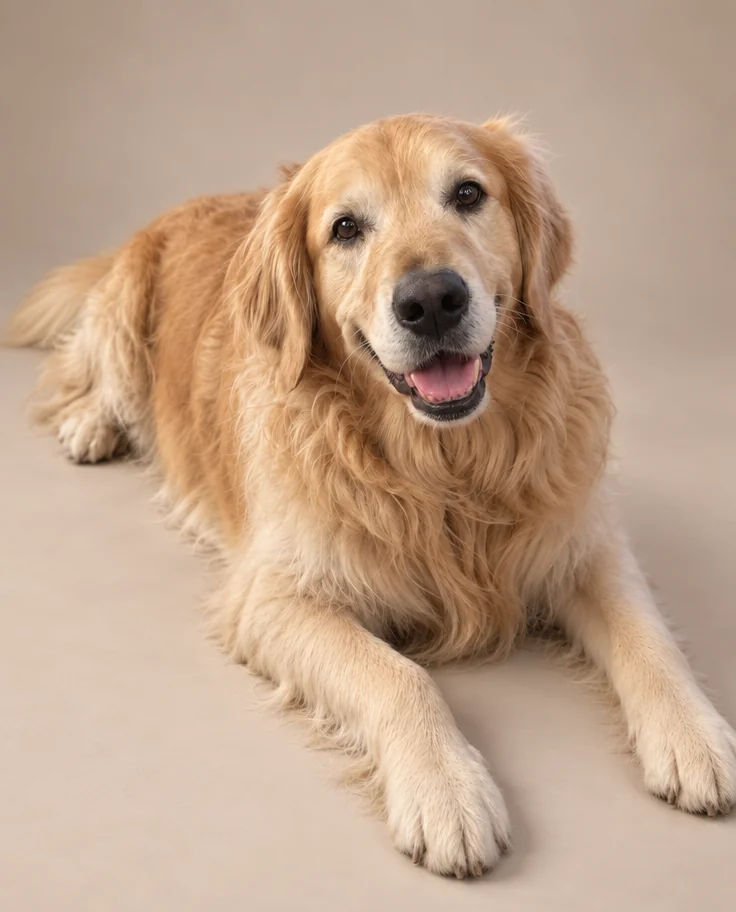
Pets
Studio portraits, painted portraits and photos of you with your pet — from one photo off the rug.
9 toolsSee the tools

03
Products
Clean white-background shots, lifestyle scenes, flat lays and jewelry close-ups from a photo on your desk.
12 toolsSee the tools
04
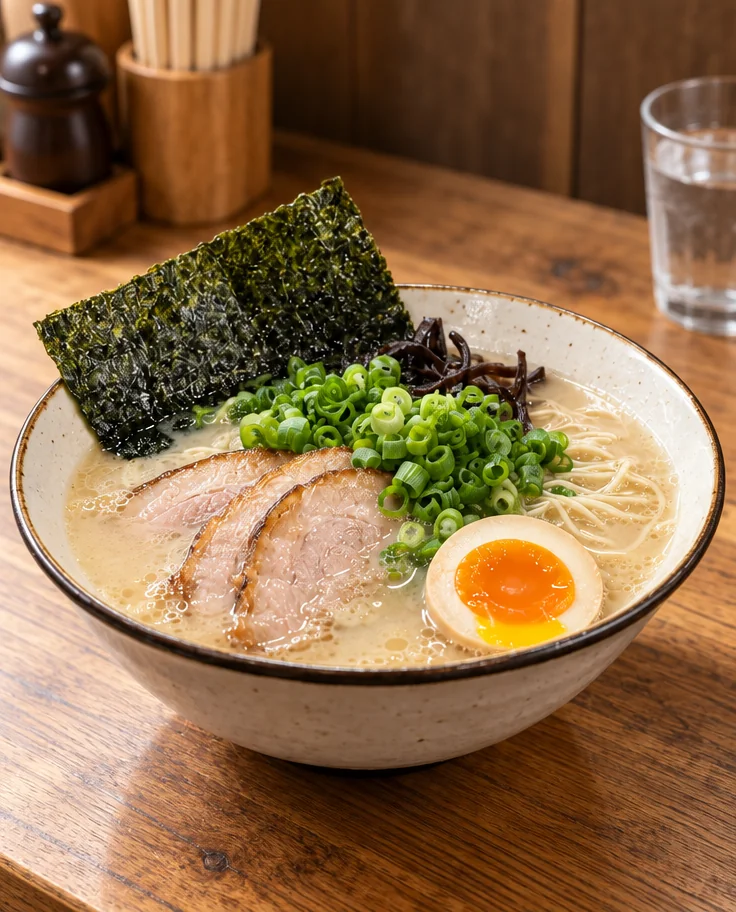
Food & Drink
Menu shots, overhead spreads and café drinks that look appetizing — from a photo taken at the pass.
8 toolsSee the tools
05
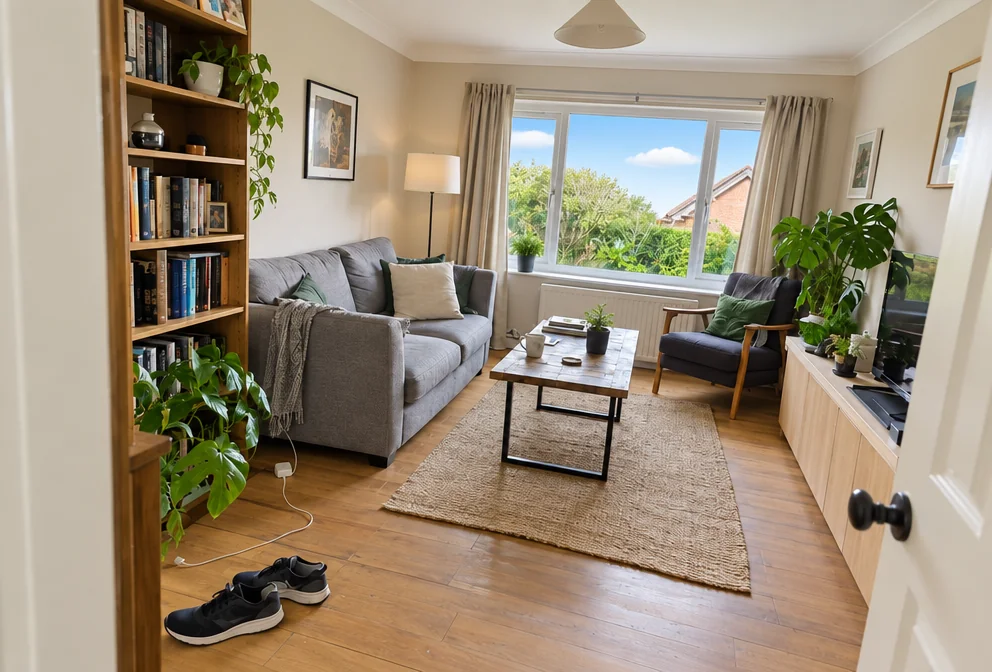
Homes & Real Estate
Bright, level, sky-corrected exterior and interior photos from the ones you took walking through.
9 toolsSee the tools
06
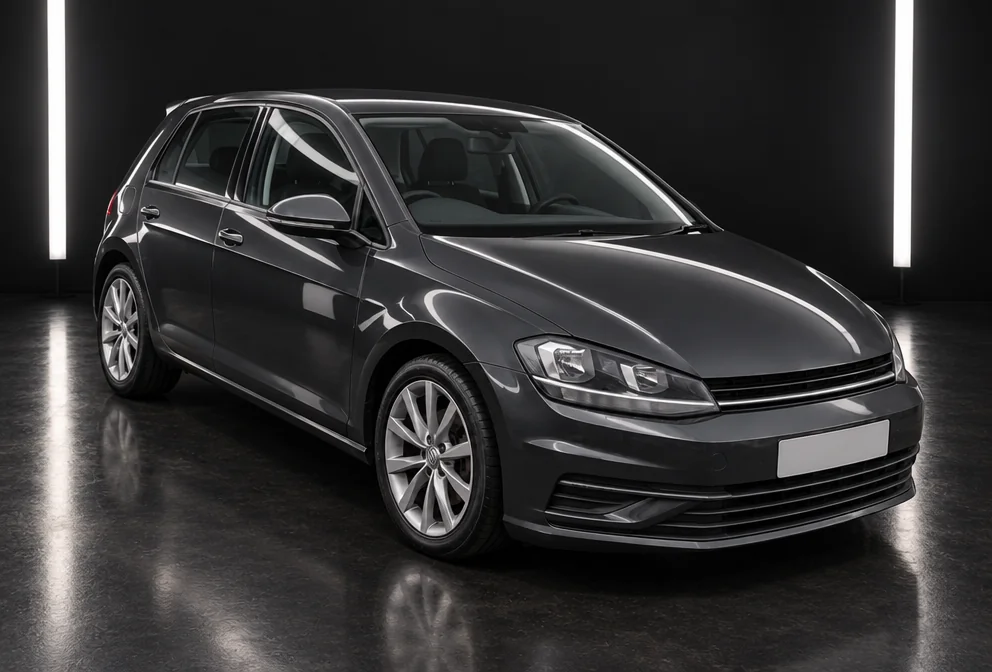
Cars
Showroom, studio and open-road photos of the car in your driveway — same car, same plates, better everything.
9 toolsSee the tools
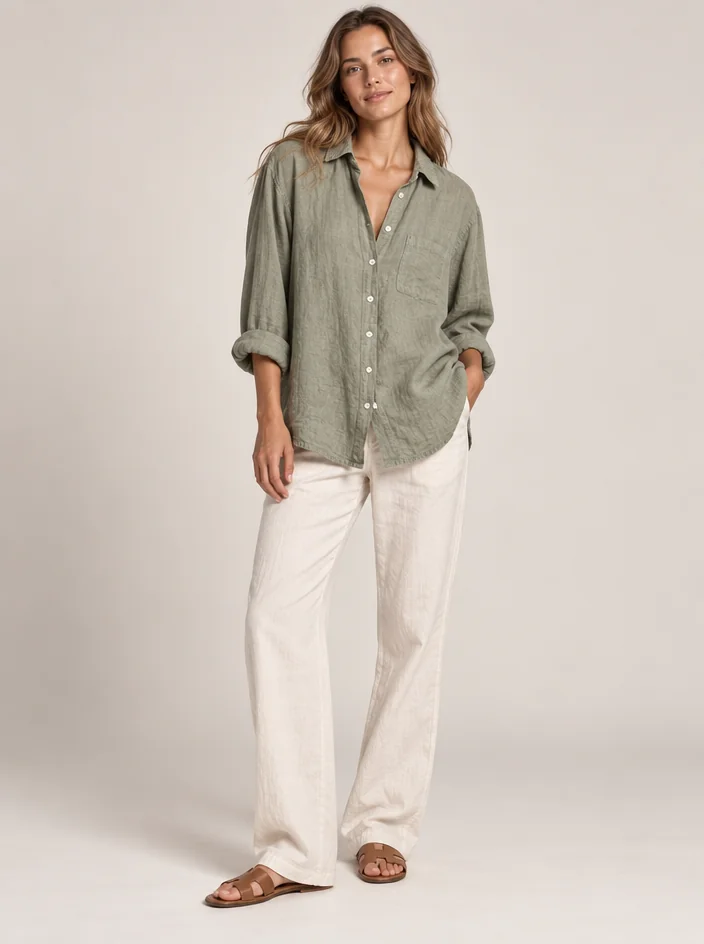
07
Fashion & Clothing
Clothes on a model, outfits swapped, a garment tried on you — from a photo of the piece on a hanger.
11 toolsSee the tools
08
Restore & Retouch
Creased prints repaired, black-and-white made color, blurry enlarged, strangers removed, faces polished.
13 toolsSee the tools
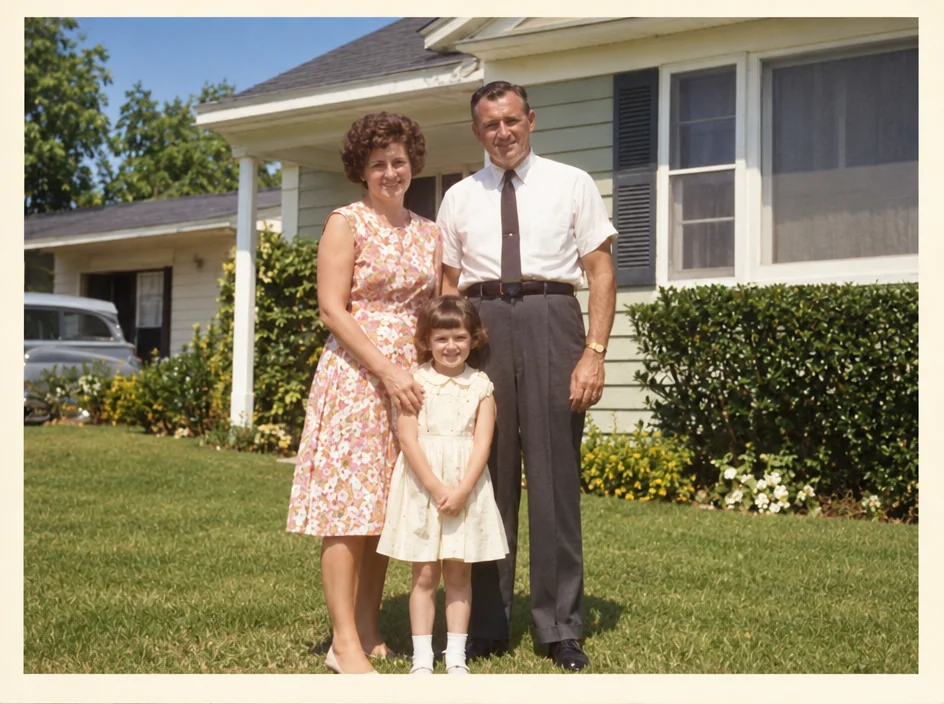
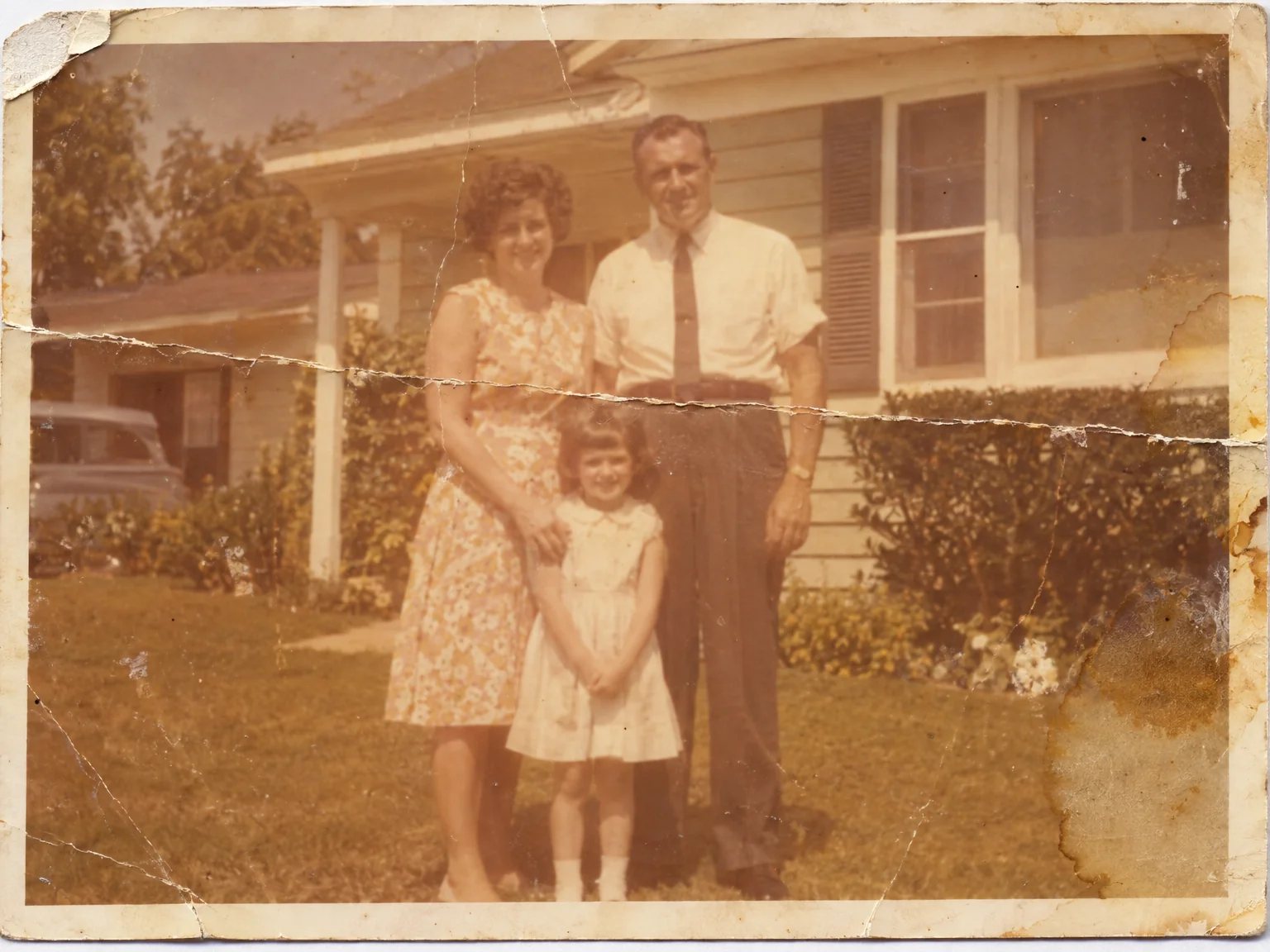
Before and after
The photo you took. The photo you wanted.
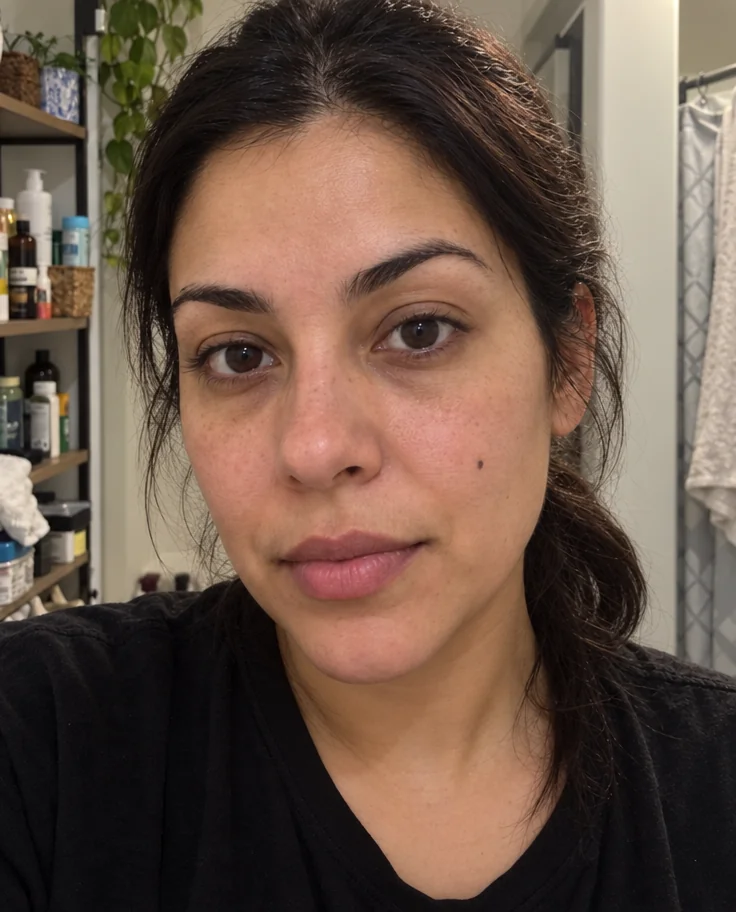
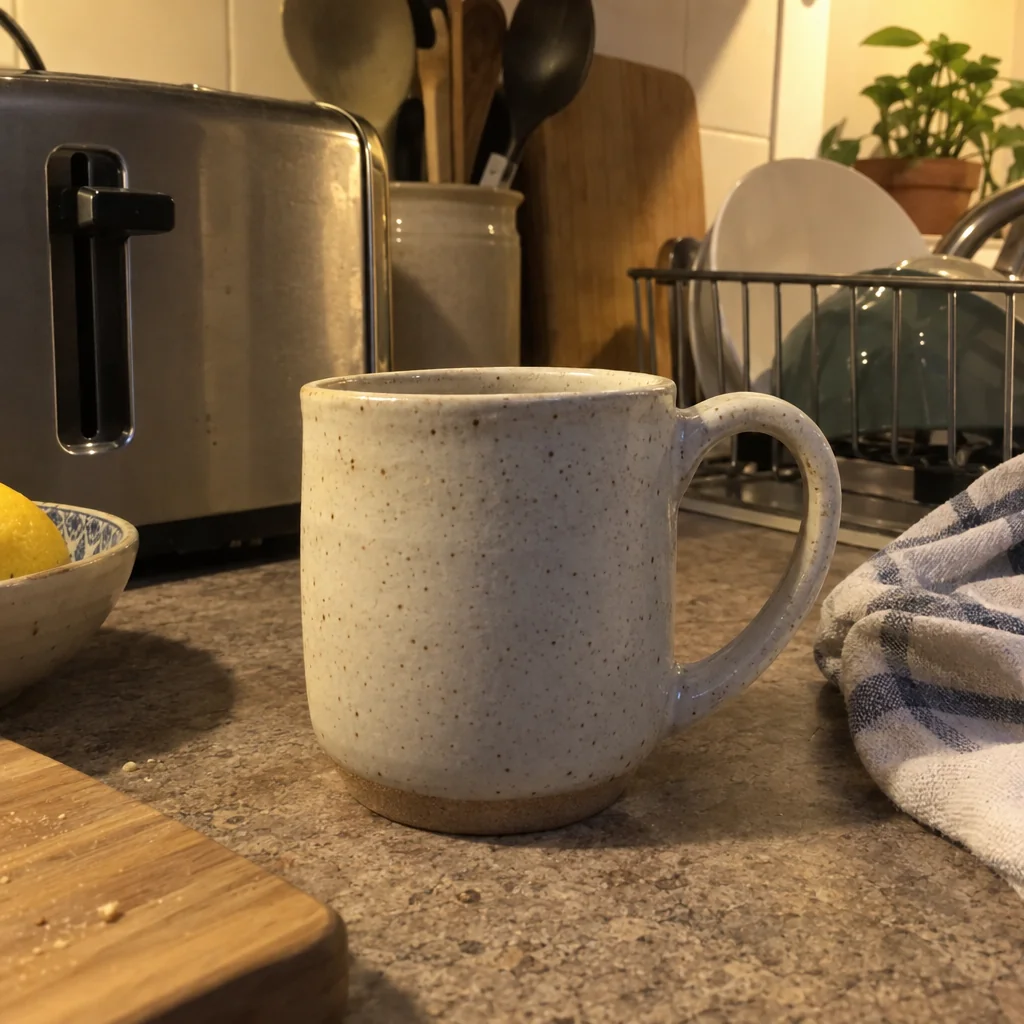
Every result on this page was made in the studio from the photo on the left.


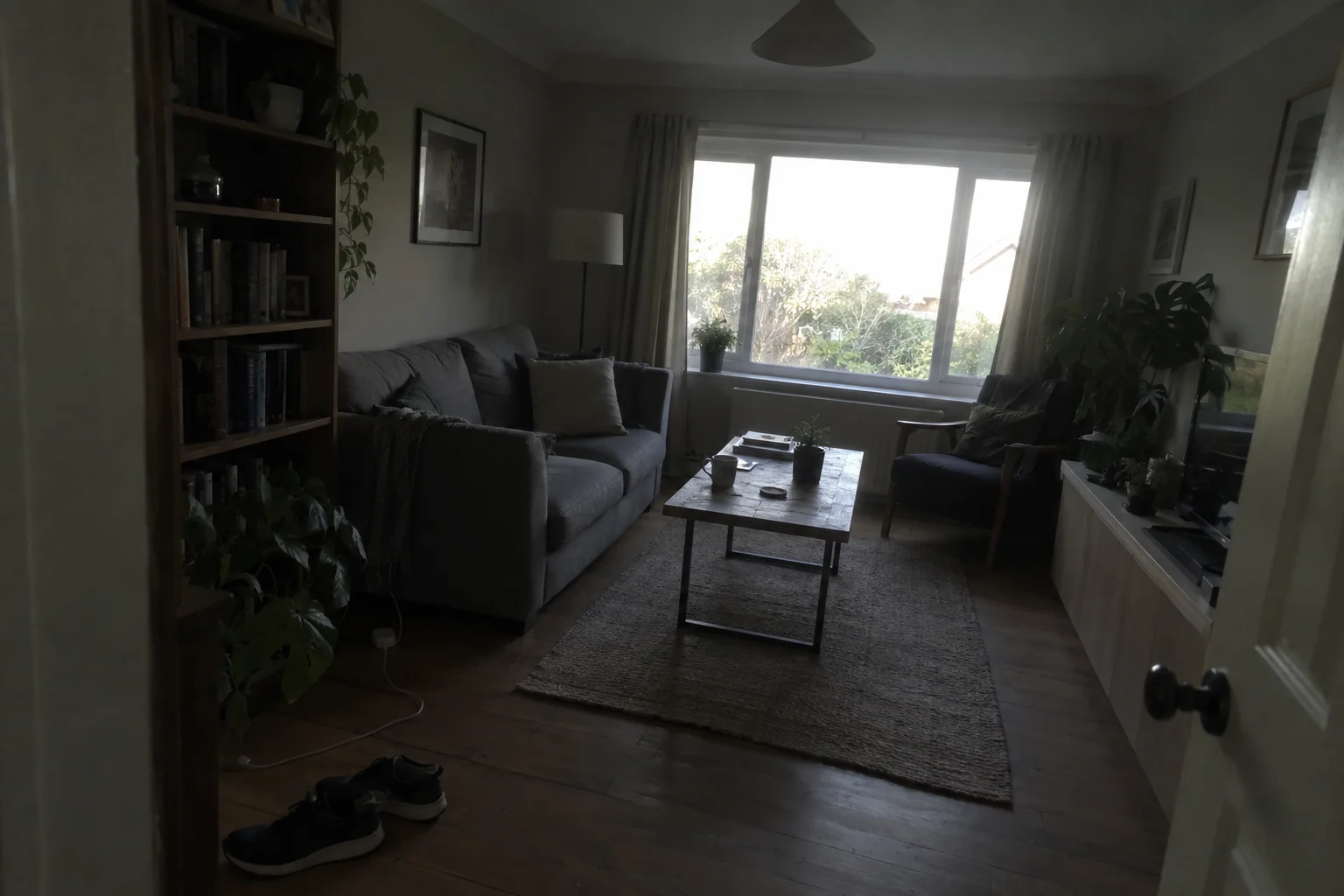

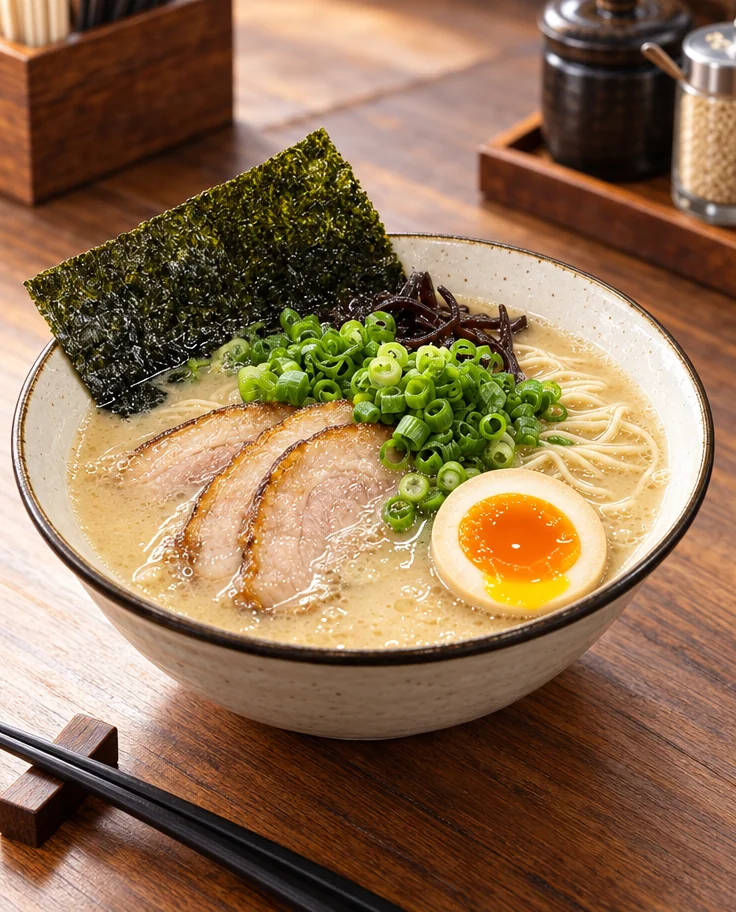
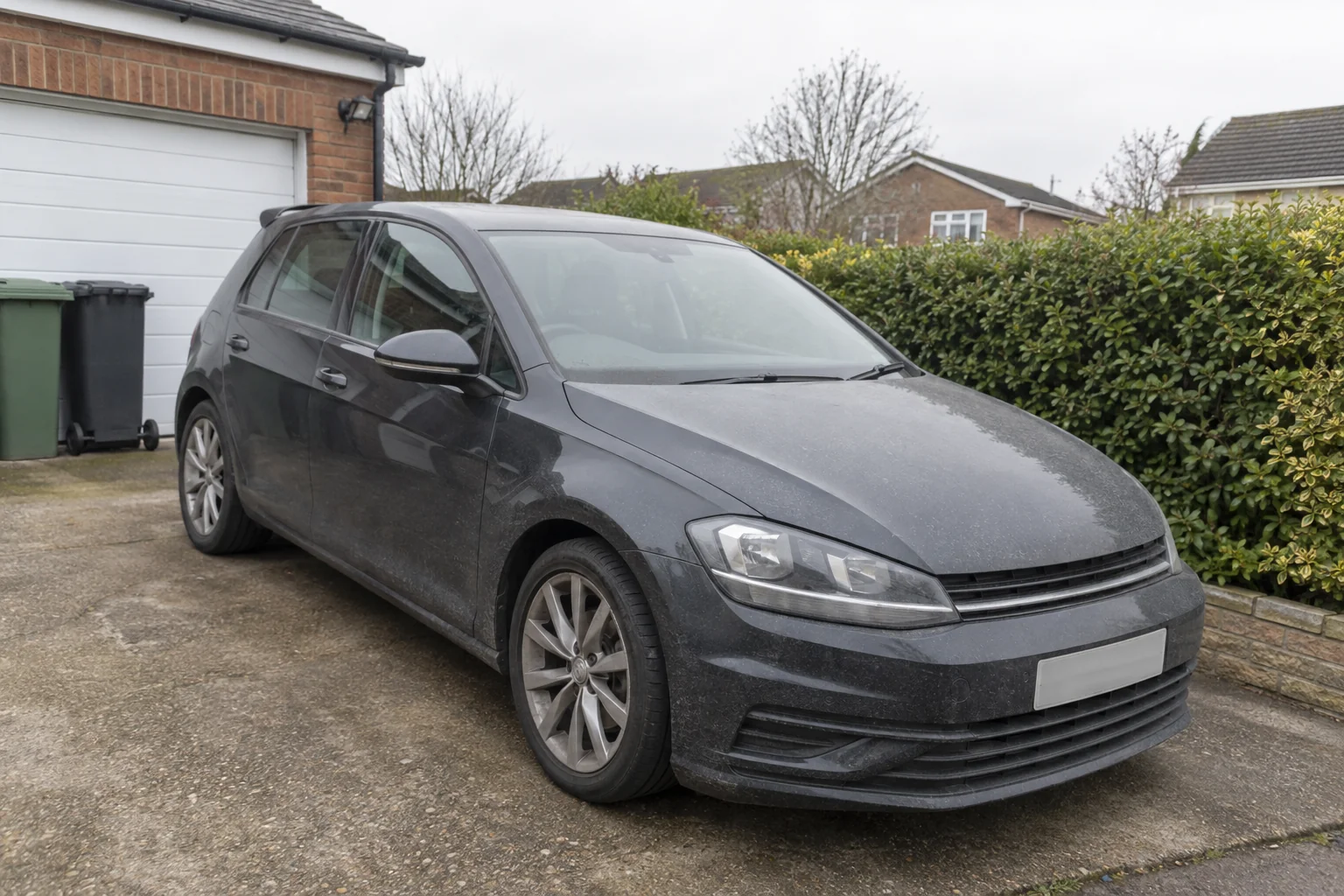
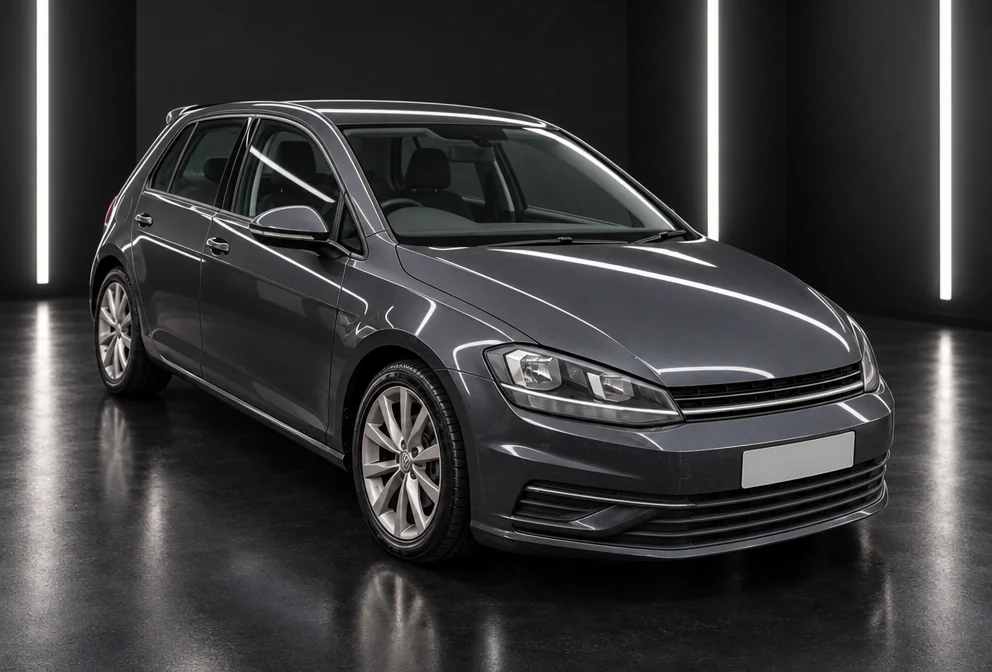

How it works
Three steps, a few seconds.
- 01
Upload a photo
A phone photo is fine — a selfie, the dog on the rug, a mug on the counter, the car in the driveway. For portraits, two to four selfies give a closer match.
- 02
Choose a tool and its options
Pick what you are shooting, then the tool: headshot, pet portrait, white background, menu shot, twilight exterior. Set a style or describe a scene in plain words.
- 03
Create, then keep going
Your result appears in seconds. Edit it with words, upscale it for print, turn it into a short video or send it into another tool. Download full size, no watermark.


A selfie in, a headshot out
Tools by subject
51 tools, sorted by what you are photographing.
People
See the tools → from 4 credits
AI Photoshoot
Twenty shoots — LinkedIn to golden hour — from one to four of your selfies
 from 4 credits
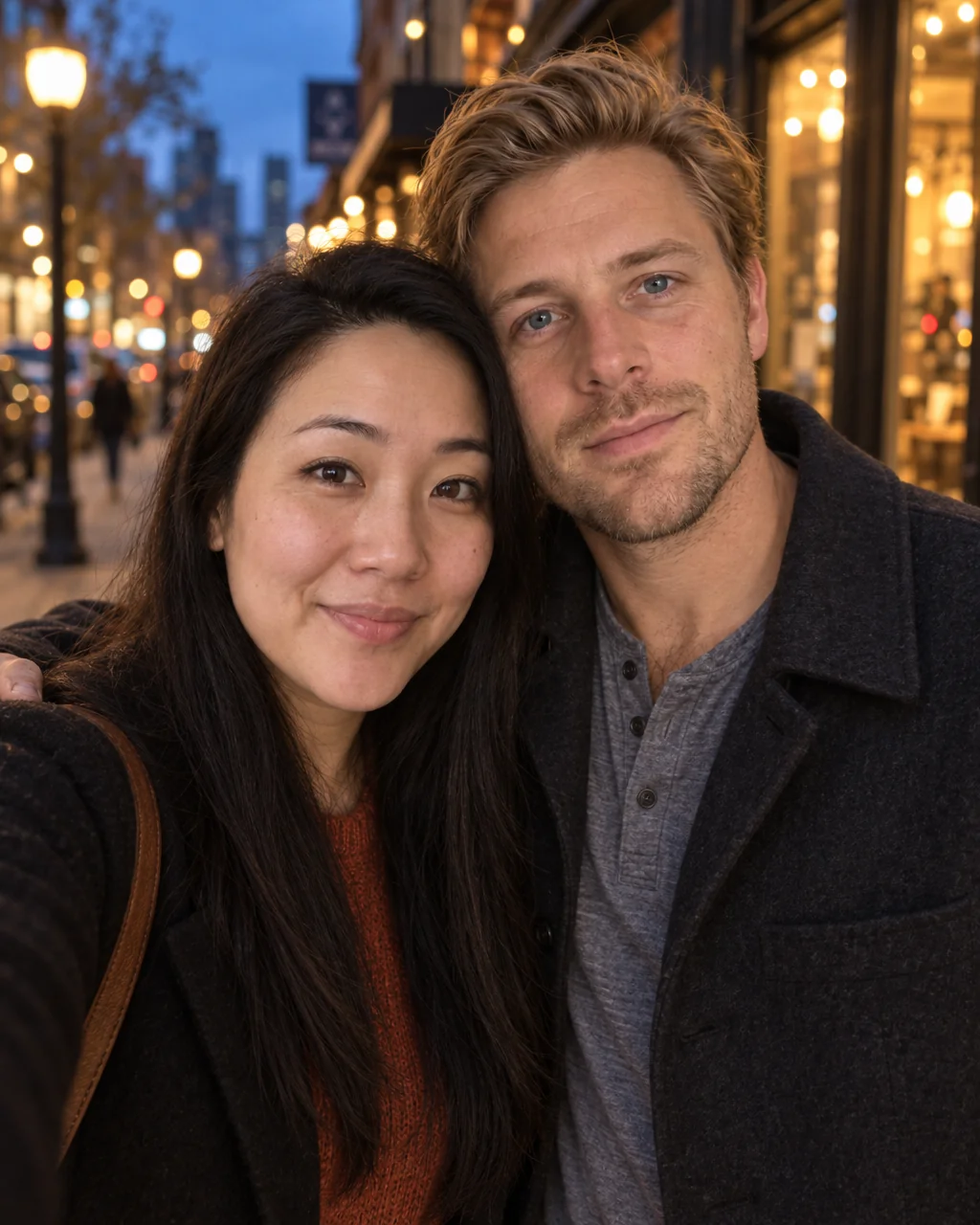
Professional Headshot
Corporate-grade headshots in your pick of attire and backdrop, from 1–3 selfies
 from 4 credits
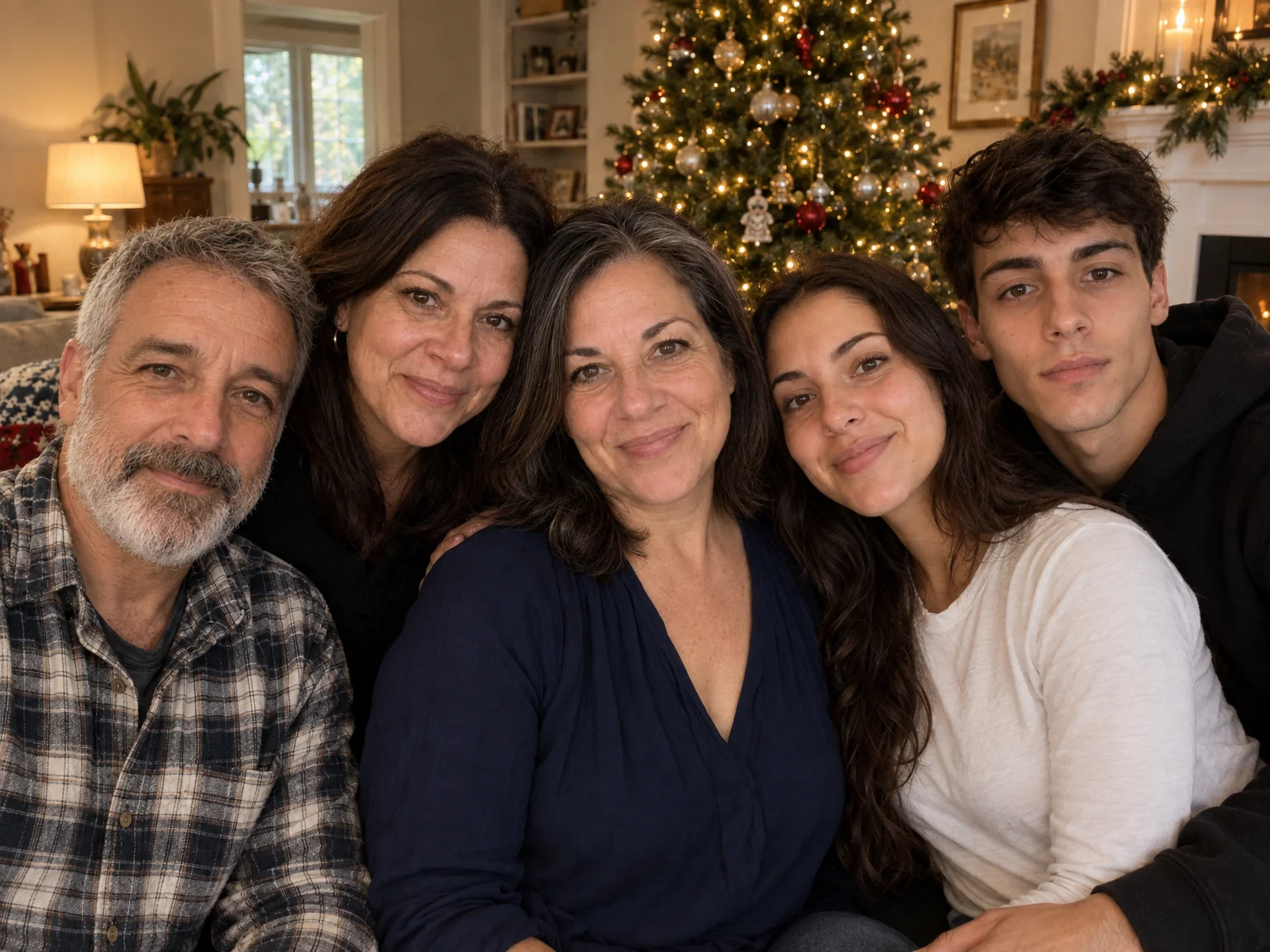
Couple Photos
One photo of you both from two separate selfies — beach, city, studio or snow
 from 4 credits
Group Photo
Everyone in one photo — 2 to 4 people from separate photos, no scheduling needed
 from 4 credits
Passport Photo
A compliant passport photo from any selfie — US, EU, UK, India or Canada
Pets
See the tools →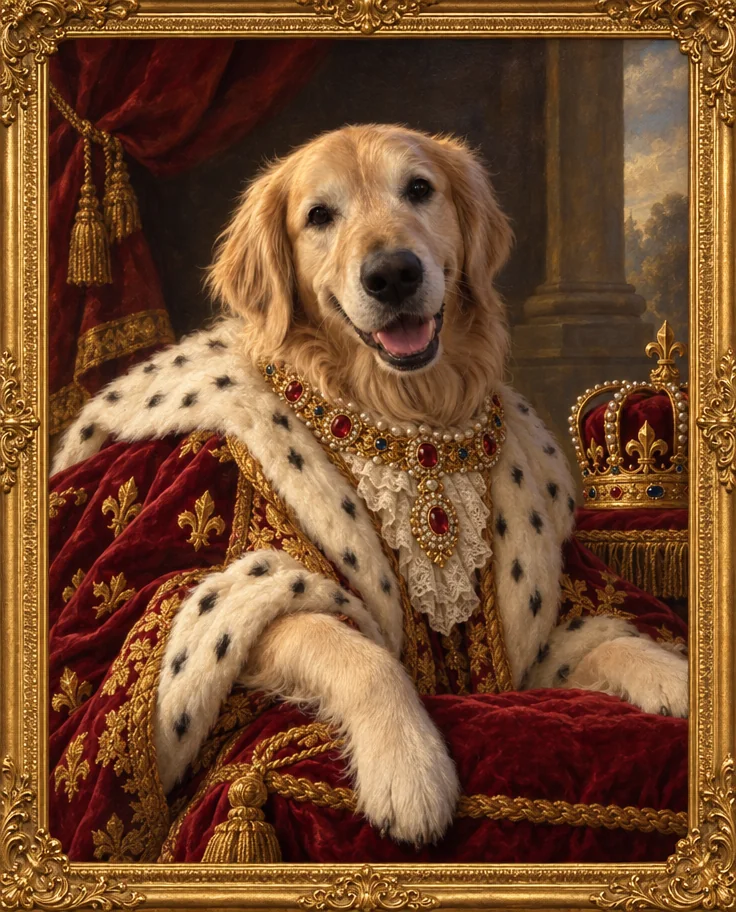 from 4 credits
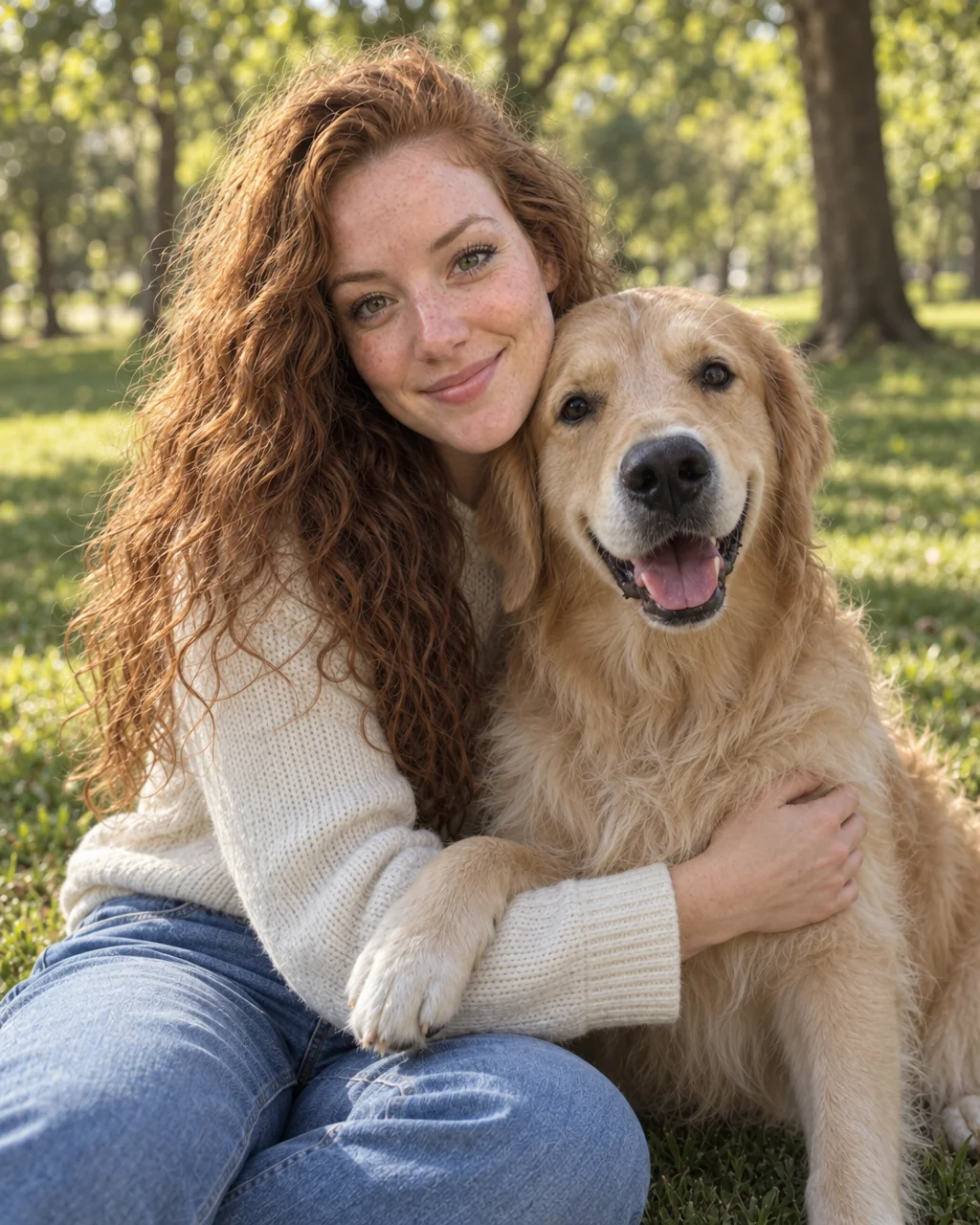
Pet Portrait
Studio, royal oil painting, superhero or watercolor — your pet, unmistakably
 from 4 credits
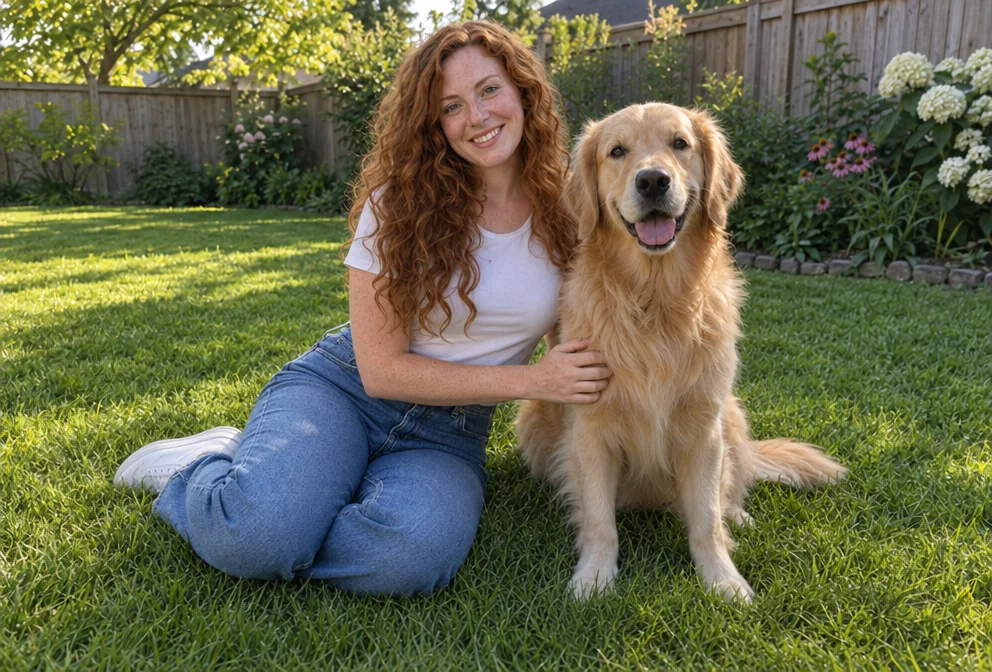
Pet and Owner Photos
You and your pet in one photo, from a photo of each, in six scenes
 from 4 credits
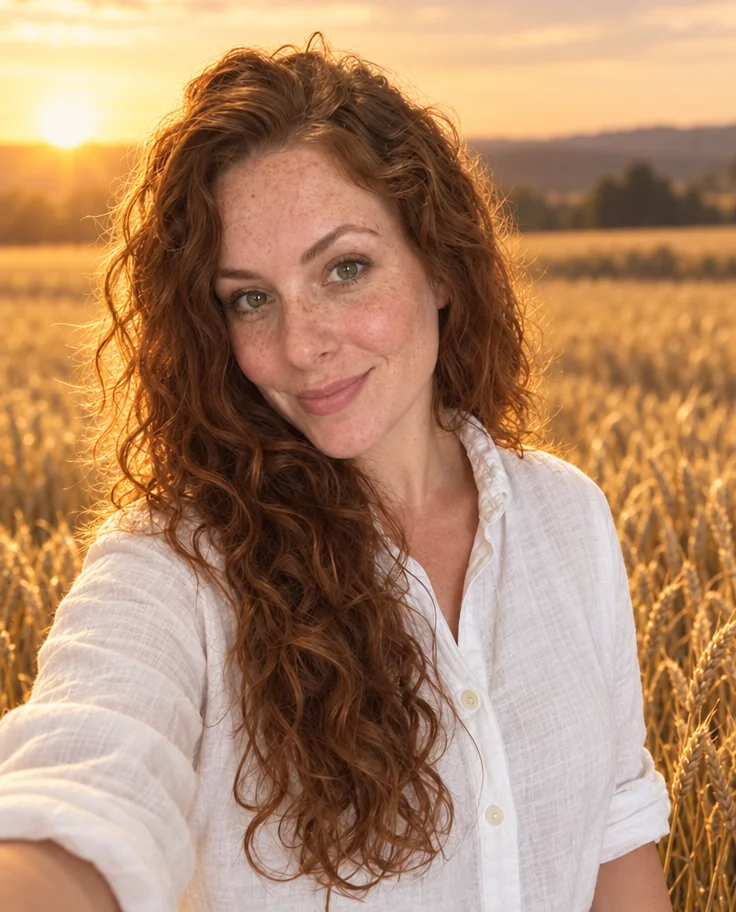
Add People
Put the people from one photo into the scene of another, as if they were there
 from 4 credits
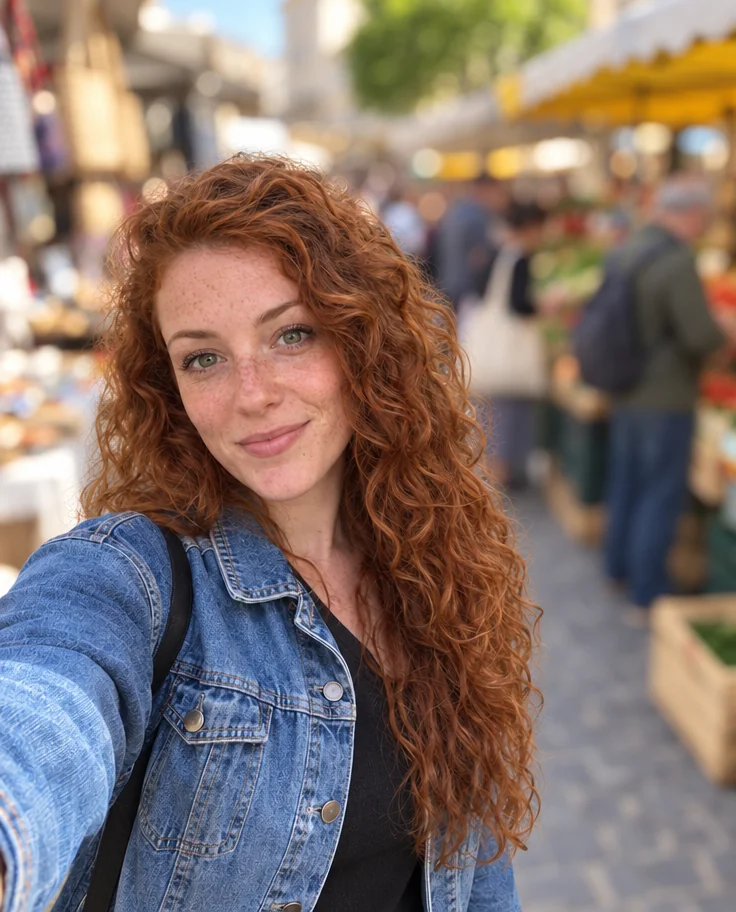
Background Changer
Describe a new backdrop and step into it with matching light and perspective
 from 4 credits
Blur Background
Creamy portrait-lens blur behind you, sharp edges on hair and shoulders
Products
See the tools → from 4 credits
Product Photo on White Background
A clean white-background photo of any object, from a phone photo on your desk
 from 4 credits
Product Lifestyle Photo
Put your product in a real setting: marble kitchen, café table, garden, beach
 from 4 credits
Product on Model
Your product held, worn or in use, by a model or a real person you photograph
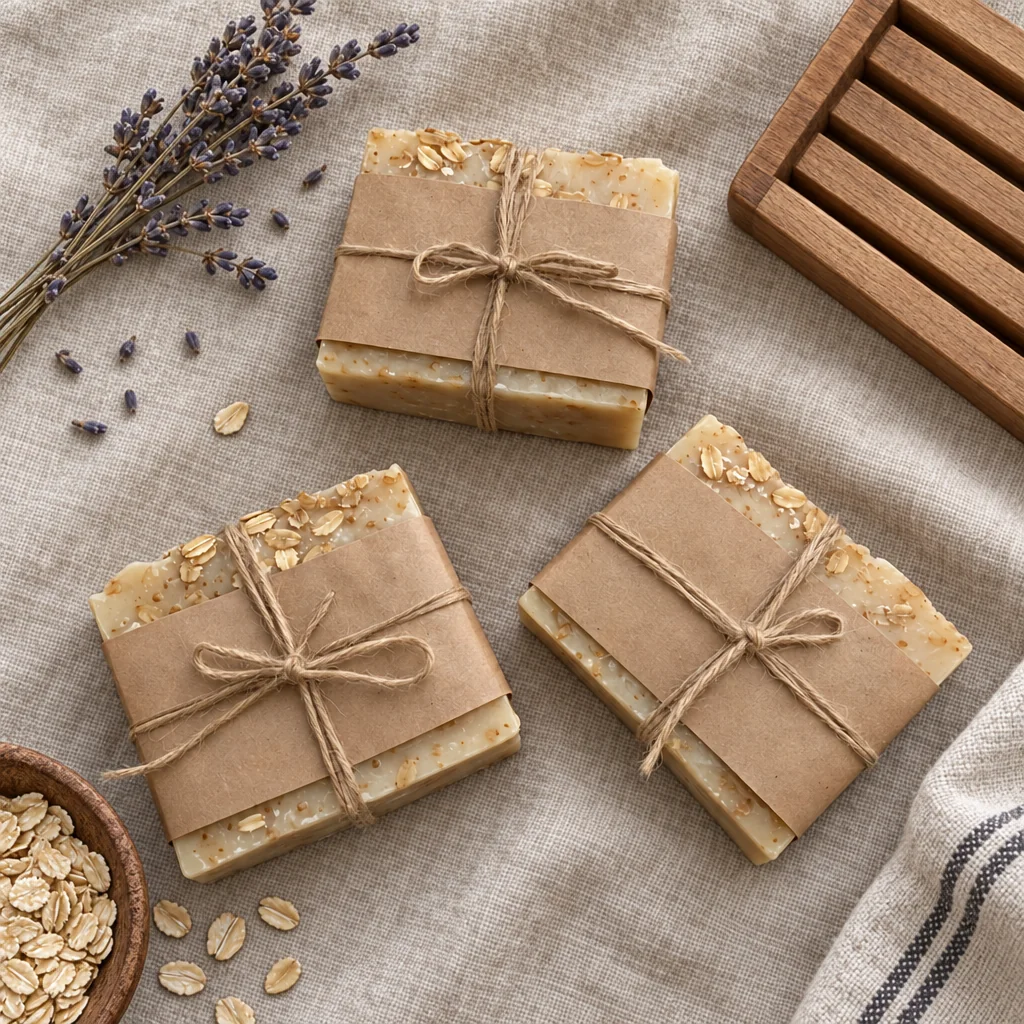 from 4 credits
Flat Lay Photo
A styled top-down flat lay on linen, marble, wood, concrete or paper
 from 4 credits
Jewelry Photography
Crisp close-ups of rings, chains and earrings on velvet, marble, linen or a hand
Food & Drink
See the tools →- from 4 credits
Food Photography
Your dish, reshot for the menu, an overhead spread or fine dining
- from 4 credits
Flat Lay Photo
A styled top-down flat lay on linen, marble, wood, concrete or paper
- from 4 credits
Product Lifestyle Photo
Put your product in a real setting: marble kitchen, café table, garden, beach
 from 4 credits
Photo Retouch
A clean professional finish for the whole photo — people, products, rooms, food
 from 4 credits
Remove an Object
Name the thing — a bin, a wire, a watermark of glare — and it's gone
Homes & Real Estate
See the tools →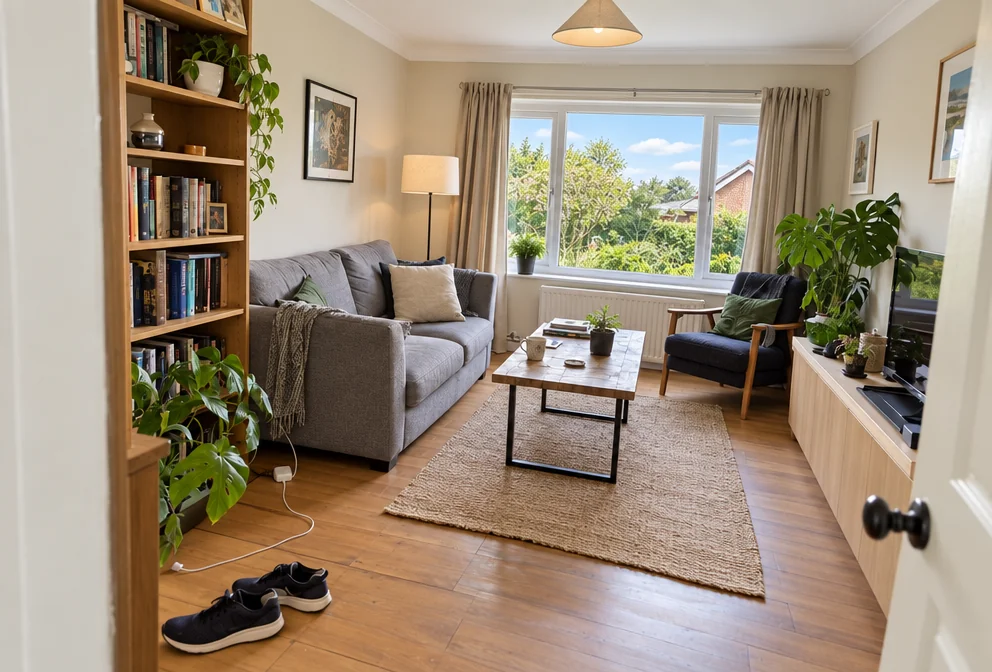 from 4 credits
Real Estate Photo Editor
Bright, level, sky-corrected property photos — or a twilight exterior
 from 4 credits
Interior Photography
Straight walls, balanced windows and a styled look for any room photo
 from 4 credits
Sky Replacement
Swap a dull sky for blue, sunset, storm, dawn or stars, scene relit to match
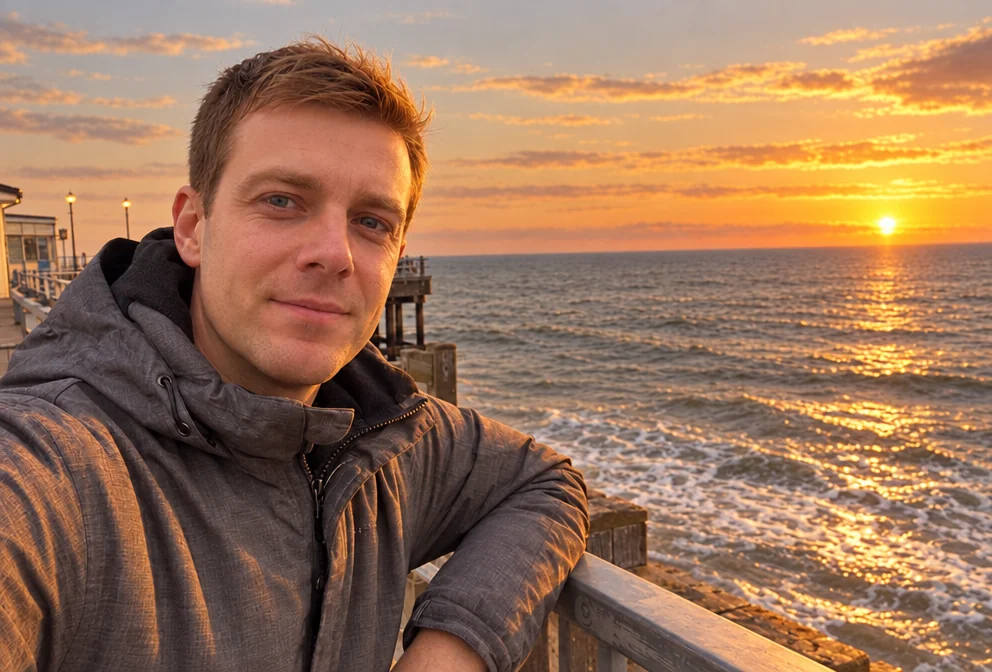 from 4 credits
Time of Day
Move the sun — golden hour, blue hour, overcast, night or starry sky
- from 4 credits
Remove an Object
Name the thing — a bin, a wire, a watermark of glare — and it's gone
Cars
See the tools →- from 4 credits
Car Photography
The car in your driveway, reshot in a studio, a showroom or on the open road
- from 4 credits
Sky Replacement
Swap a dull sky for blue, sunset, storm, dawn or stars, scene relit to match
- from 4 credits
Background Changer
Describe a new backdrop and step into it with matching light and perspective
- from 4 credits
Remove an Object
Name the thing — a bin, a wire, a watermark of glare — and it's gone
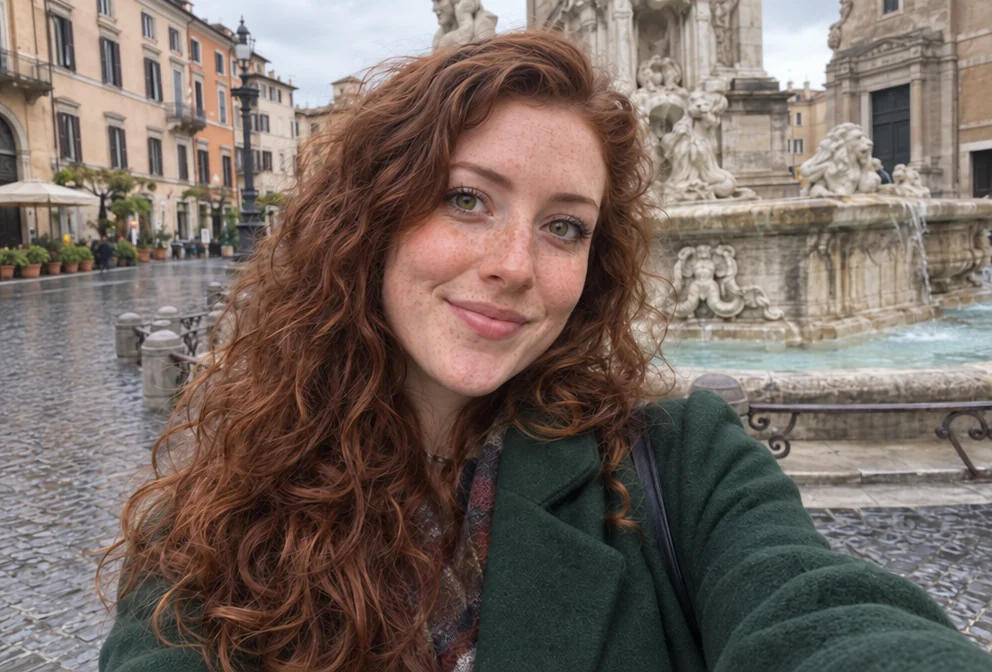 from 4 credits
Remove a Person
The stranger behind you, the ex beside you — gone, with the scene filled in
Fashion & Clothing
See the tools →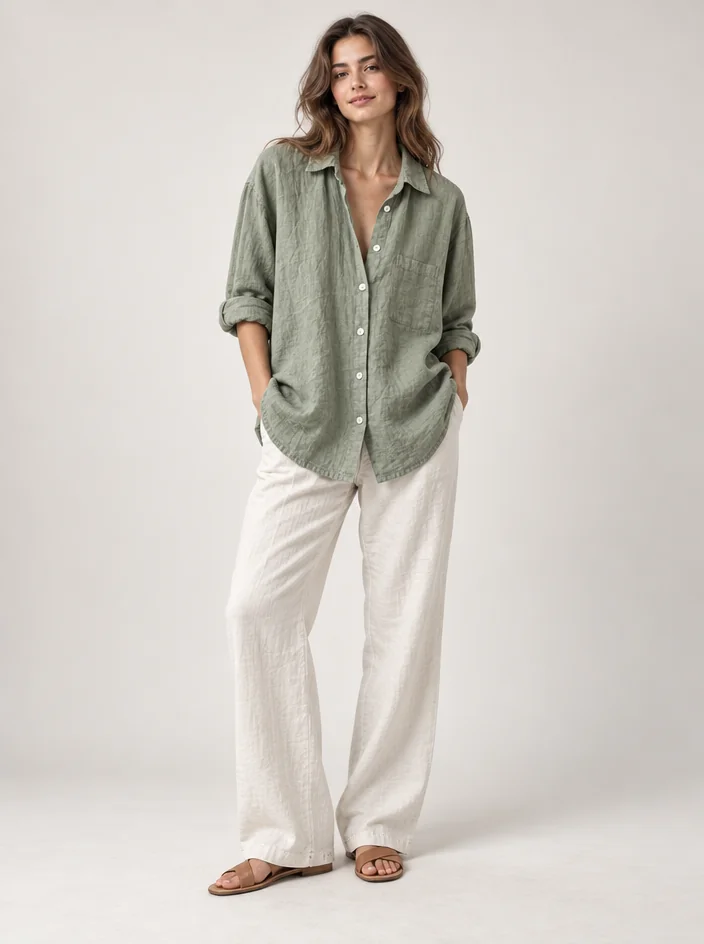 from 4 credits
Clothing on Model
A garment on a hanger, shown full-body on a model: studio, street, runway, beach
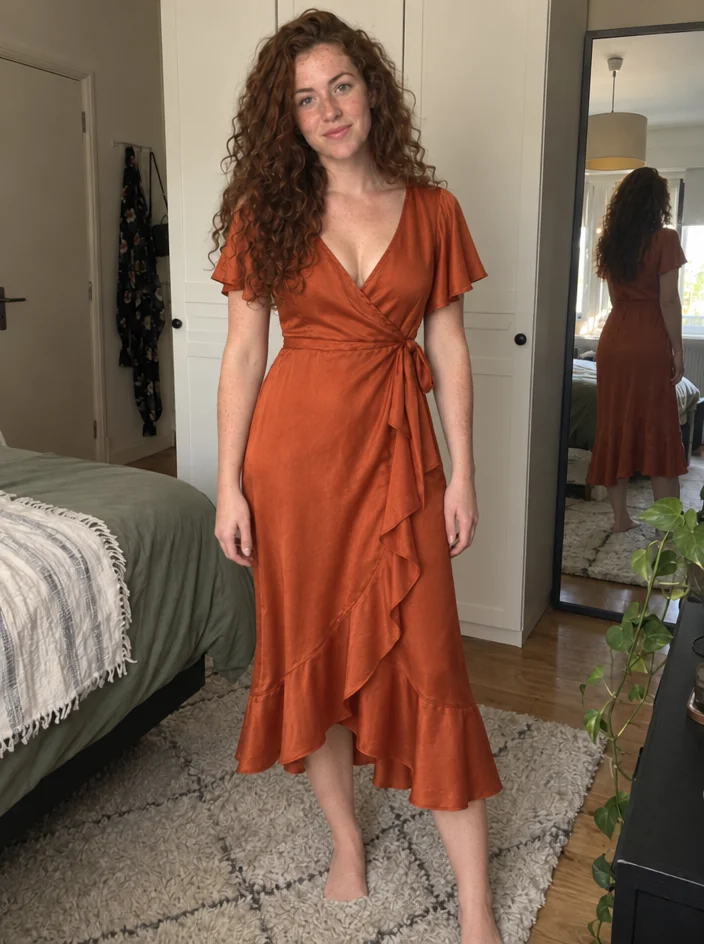 from 4 credits
Virtual Try-On
Wear a garment from a product photo — your pose, your face, that exact piece
 from 4 credits
Outfit Change
Describe a new outfit in words and wear it in your existing photo
- from 4 credits
Product on Model
Your product held, worn or in use, by a model or a real person you photograph
- from 4 credits
Flat Lay Photo
A styled top-down flat lay on linen, marble, wood, concrete or paper
Restore & Retouch
See the tools →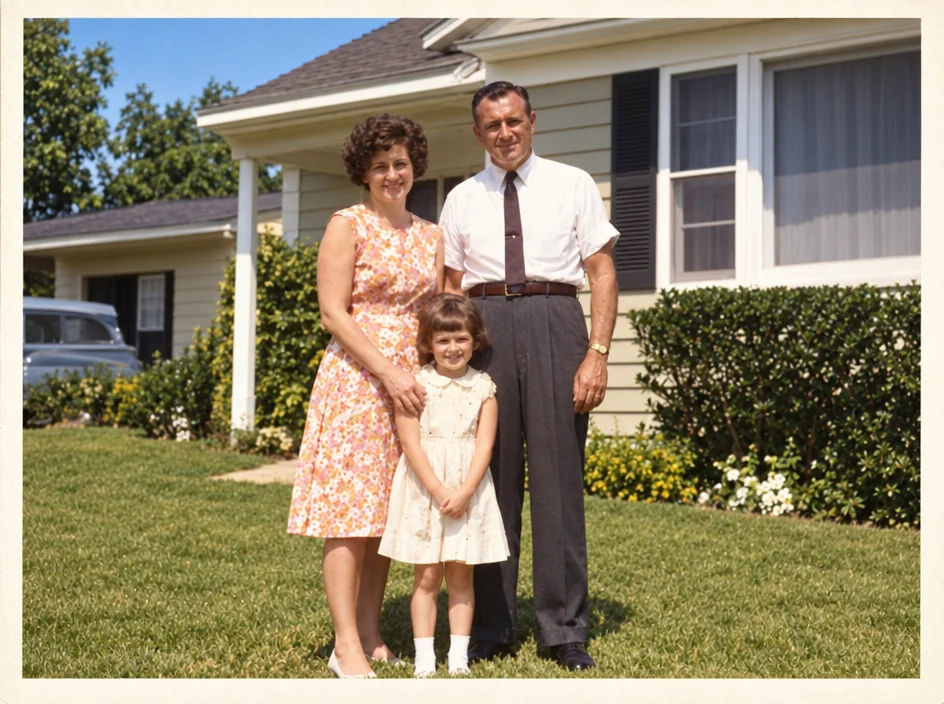 from 4 credits
Photo Restoration
Scratches, creases, stains and fading repaired — the original look, respected
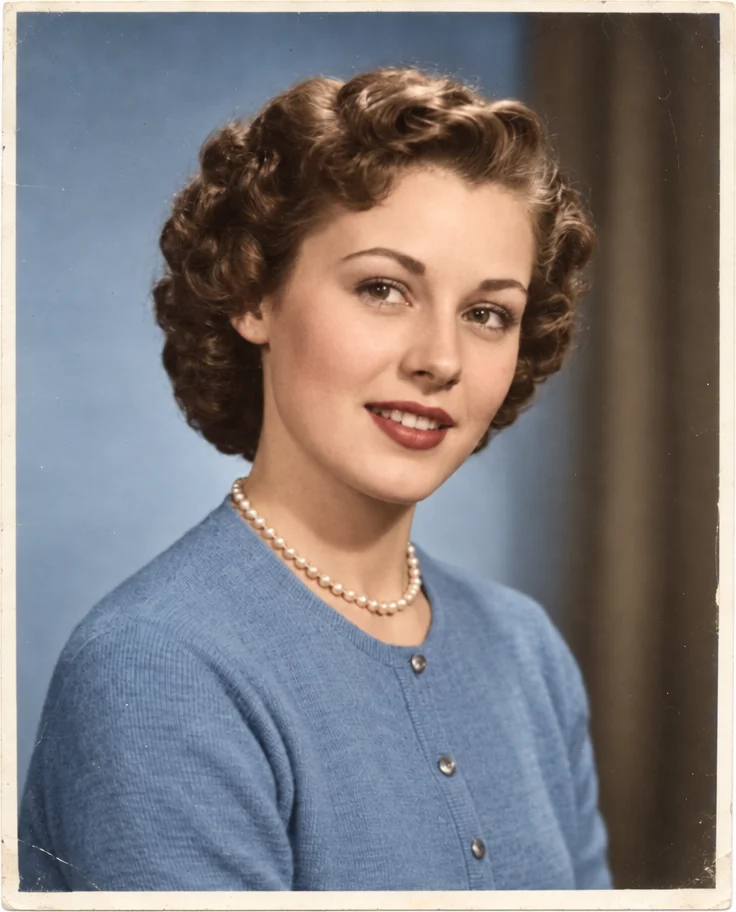 from 4 credits
Colorize Photo
Black-and-white photos in believable, period-true color — grain and detail kept
- Example coming soonfrom 3 credits
Image Upscaler
Enlarge any photo to 4, 8, 16 or 32 megapixels for prints and screens
- from 4 credits
Face Retouch
Blemishes, redness and shadows eased — pores, freckles and you, kept
- from 4 credits
Photo Retouch
A clean professional finish for the whole photo — people, products, rooms, food
Pricing
Pay per photo, not per shoot.
A Standard result from one photo costs 4 credits. Monthly plans refill; one-time packs never expire; either way credits are added immediately.
Monthly plans
Starter
$15/month
1,000 credits a month
Monthly plans
Pro
$30/month
2,500 credits a month
Monthly plans
Studio
$50/month
5,000 credits a month
One-time packs
Small pack
$4.99
250 credits, never expire
One-time packs
Medium pack
$9.99
600 credits, never expire
One-time packs
Large pack
$22.99
1,500 credits, never expire
Questions before you start
Open 24/7
Your first photo is on us.
4 free credits — one Standard run of any tool. No card needed.