
Fashion & Clothing· Fashion & Clothing
Clothing on Model
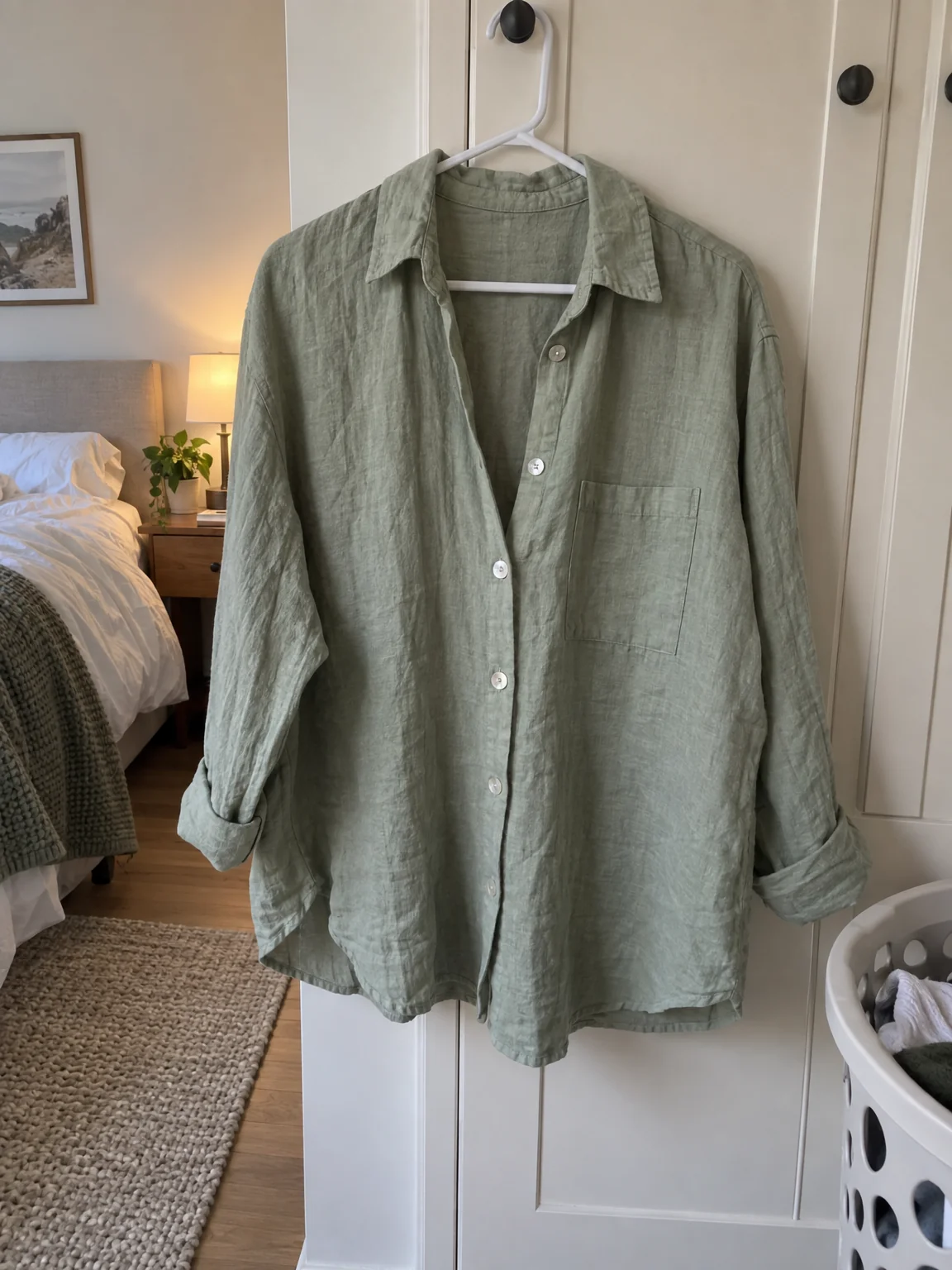
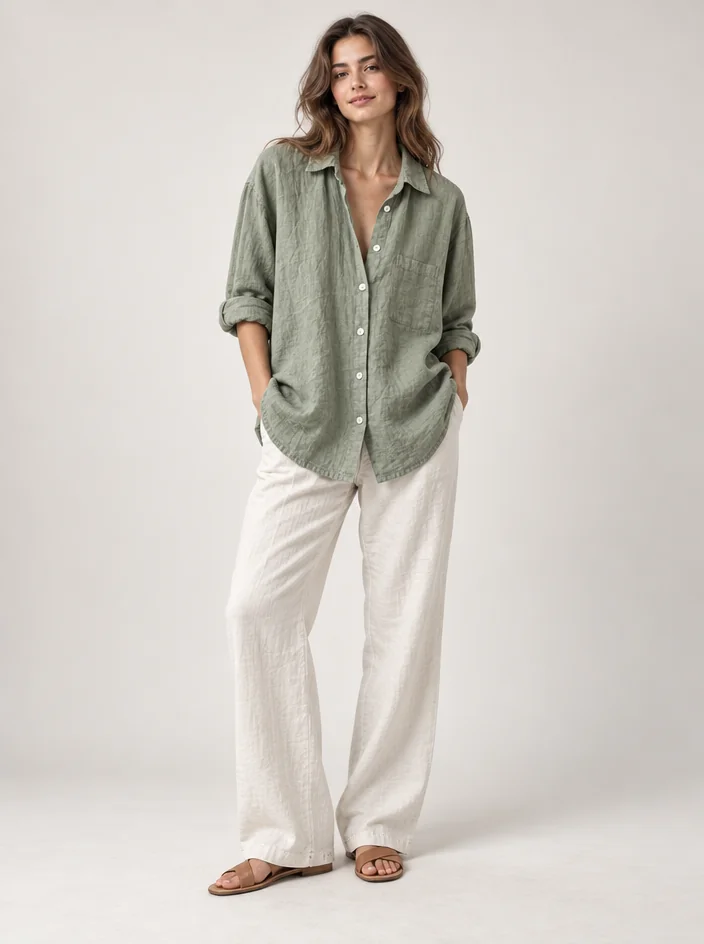
Upload a photo of a piece of clothing on a hanger, a mannequin or laid flat and see it worn by a model in a chosen setting, with the cut, fabric, print and details kept exactly.
4 free credits — one Standard run of any tool. No card needed.
What you'll choose
- Photos you upload: Photo of the garment
- SceneStudioStreetRunwayBeachOffice
- Describe the model
Cost per result
- StandardQuick results for everyday use4cr
- ProFiner skin, fabric and surface detail12cr
- MaxThe most detail, for large prints44cr
- Edit it with words, or send it into any other tool
- Standard, Pro and Max quality
- Saved to Your photos, downloadable full size
- Print-size upscales and short videos
How it works
- 01
Photograph the garment on a hanger, a mannequin or laid flat, with the whole piece in the picture.
- 02
Choose a scene and describe the model if you have someone specific in mind.
- 03
Create, compare with the garment photo, and reshoot in another scene or send the result to Retouch or Upscale.
A garment on a hanger, shown full-body on a model: studio, street, runway, beach
A shirt on a hanger is information; a shirt on a person is a photograph someone wants. Clothing on Model takes one photo of a garment — on a hanger, on a mannequin, folded on a bed, laid flat on the floor — and produces a full-body fashion photo of it being worn. The exact cut, color, fabric, pattern, print, trims and details of your piece are matched with realistic fit, seams, folds and drape; nothing is invented, no graphic is added, and the piece still looks like the one you can hold in your hand.
Five scenes set the mood: a clean Studio with seamless backdrop, a Street with soft city light, a Runway with a dark house and a spotlight, a bright Beach, and an Office for workwear. The optional model description lets you choose who wears it in plain words — age range, height, build, hair, skin tone, expression — so a linen dress can be shown on the person your customers resemble. Leave it empty and a professional fashion model is used.
Results cost 4 credits at Standard, 12 at Pro and 44 at Max, and Pro is worth it when fabric texture or a fine print matters. Every photo is saved to Your photos, where you can reshoot the same garment in another scene, retouch, change the background or upscale for print. Small labels, vintage resellers, tailors and anyone deciding whether a piece works all use the same three steps.
Good to know
Works well with
 from 4 credits
Virtual Try-On
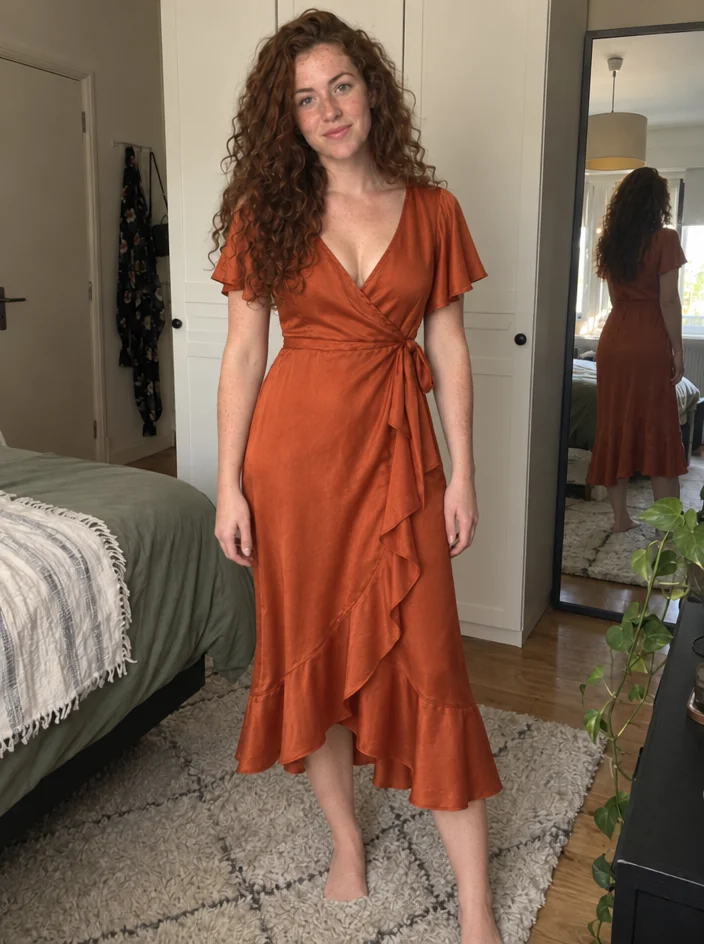
Wear a garment from a product photo — your pose, your face, that exact piece
 from 4 credits
Outfit Change
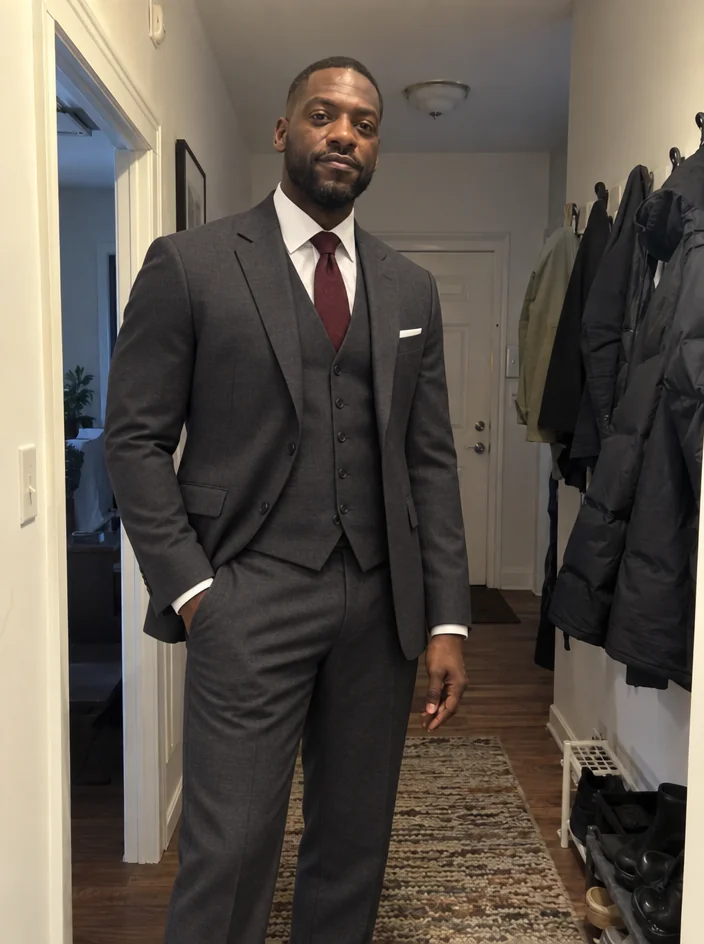
Describe a new outfit in words and wear it in your existing photo
 from 4 credits
Product on Model
Your product held, worn or in use, by a model or a real person you photograph
 from 4 credits
Flat Lay Photo
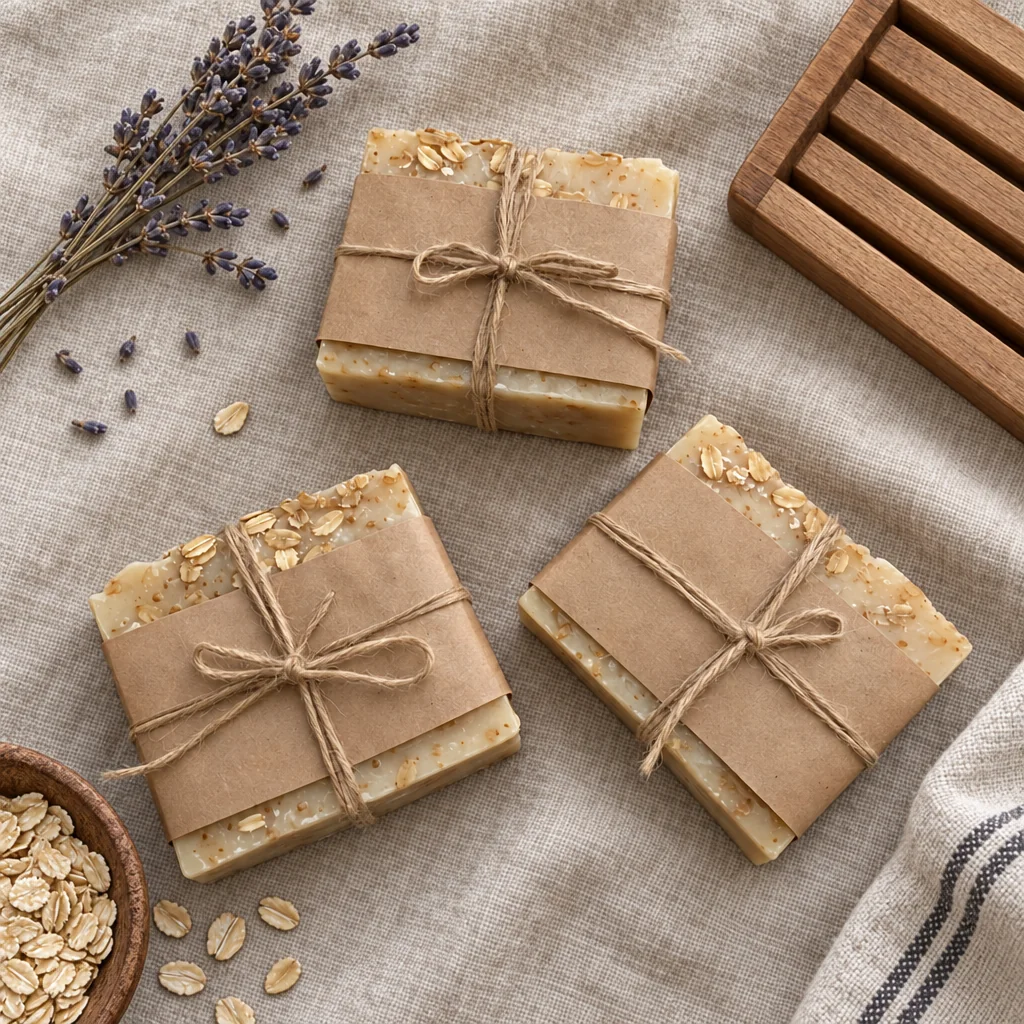
A styled top-down flat lay on linen, marble, wood, concrete or paper