
People· People
Professional Headshot
A polished head-and-shoulders headshot built from your selfies. Choose attire from business professional to tech casual and a backdrop from studio gray to a blurred office.
4 free credits — one Standard run of any tool. No card needed.
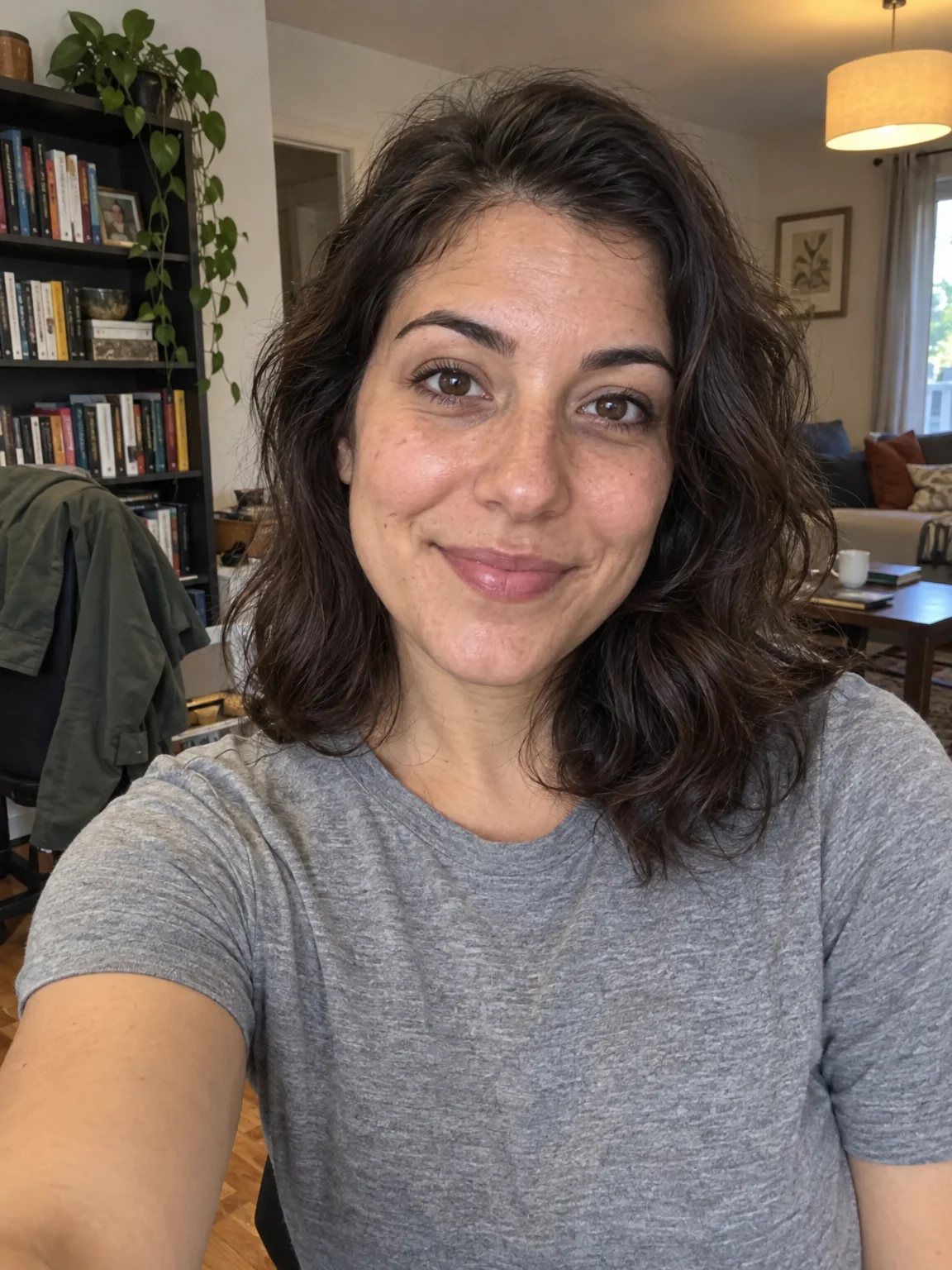
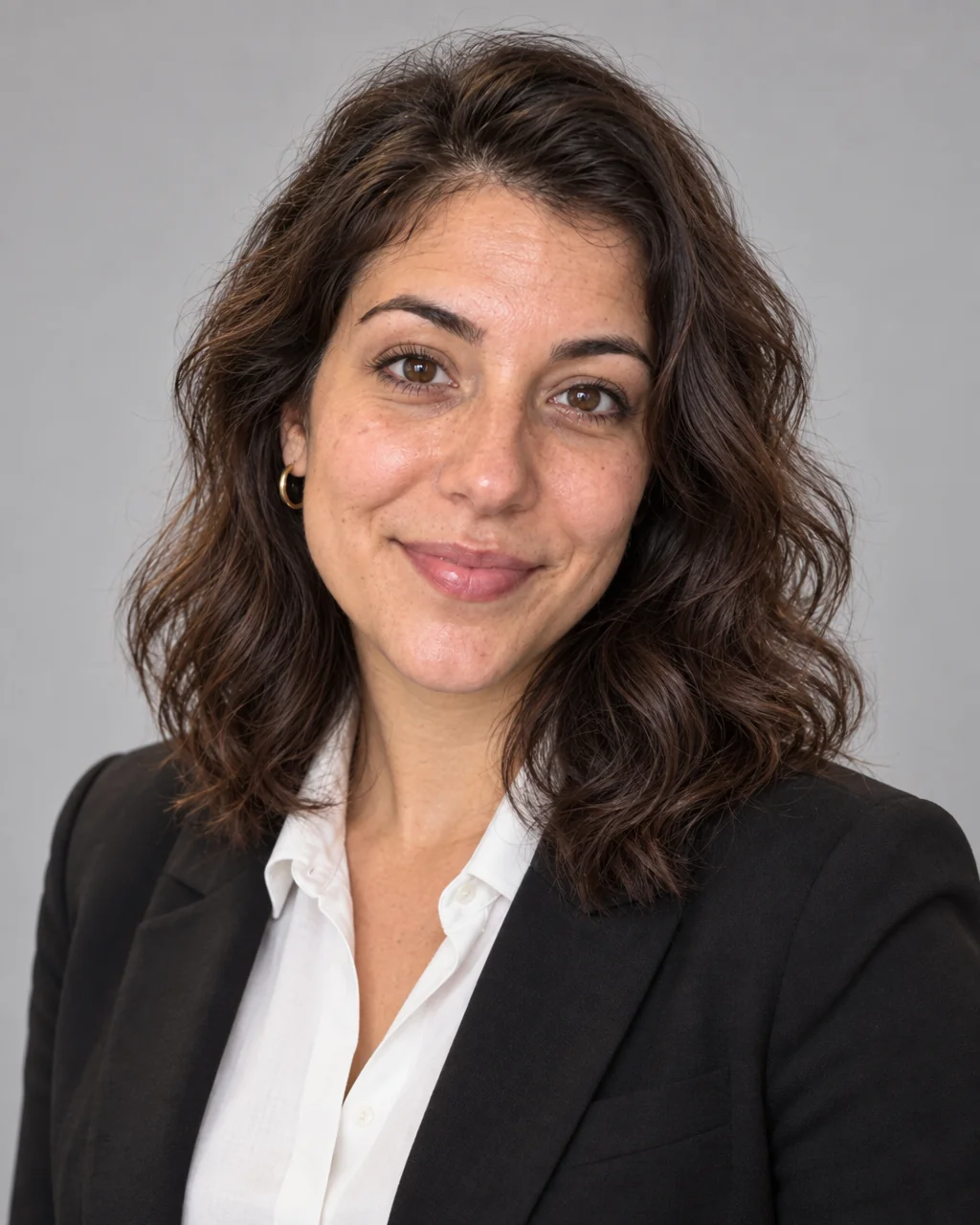
What you'll choose
- Photos you upload: Your selfies (1–3)
- AttireBusiness ProfessionalBusiness CasualSmart CasualCreativeMedical / HealthcareTech Casual
- BackdropStudio GrayClean WhiteDark CharcoalBlurred OfficeOutdoor CityWarm Neutral
- 4:5 output
Cost per result
- StandardQuick results for everyday use4cr
- ProFiner skin, fabric and surface detail12cr
- MaxThe most detail, for large prints44cr
- Edit it with words, or send it into any other tool
- Standard, Pro and Max quality
- Saved to Your photos, downloadable full size
- Print-size upscales and short videos
How it works
- 01
Upload one to three selfies with your face fully visible and no sunglasses.
- 02
Pick the attire that fits your field and the backdrop that fits the page it will sit on.
- 03
Shoot, compare against your selfie, and download the 4:5 headshot or retouch it further.
Corporate-grade headshots in your pick of attire and backdrop, from 1–3 selfies
A headshot has one job: make a stranger trust you in half a second. This tool builds that photo from one to three of your selfies — head and shoulders, shoulders angled a touch toward the camera, three-point studio lighting with crisp catchlights and a warm, approachable expression. Your face, hairline, skin tone and eye color are carried over from the references; the tailoring, the backdrop and the light are the Studio's. Results are framed at 4:5, which drops neatly into LinkedIn, a company team page, a conference bio or an email signature.
Two selects shape the brief. Attire runs from a dark suit over a crisp collar, through business casual and smart casual, to creative, medical white coat and tech casual. Backdrop offers seamless studio gray, clean white, deep charcoal with a vignette, a softly blurred office, an outdoor city street and a warm neutral wall. Mixing them lets a founder, a nurse and a designer each get a headshot that reads right for their field — and a whole team can shoot against the same backdrop for a consistent about page without gathering everyone in one room.
A Standard run from one selfie costs 4 credits, plus 2 for each extra reference, and takes seconds. Pro and Max quality add finer skin and fabric detail for large formats. If your favorite selfie has a stray hair or an uneven skin day, run Face Retouch on the result; if the company wants a different backdrop next quarter, the Background Changer swaps it without a reshoot. Everything stays in Your photos so you can download the file again whenever a new profile asks for it.
Good to know
Works well with
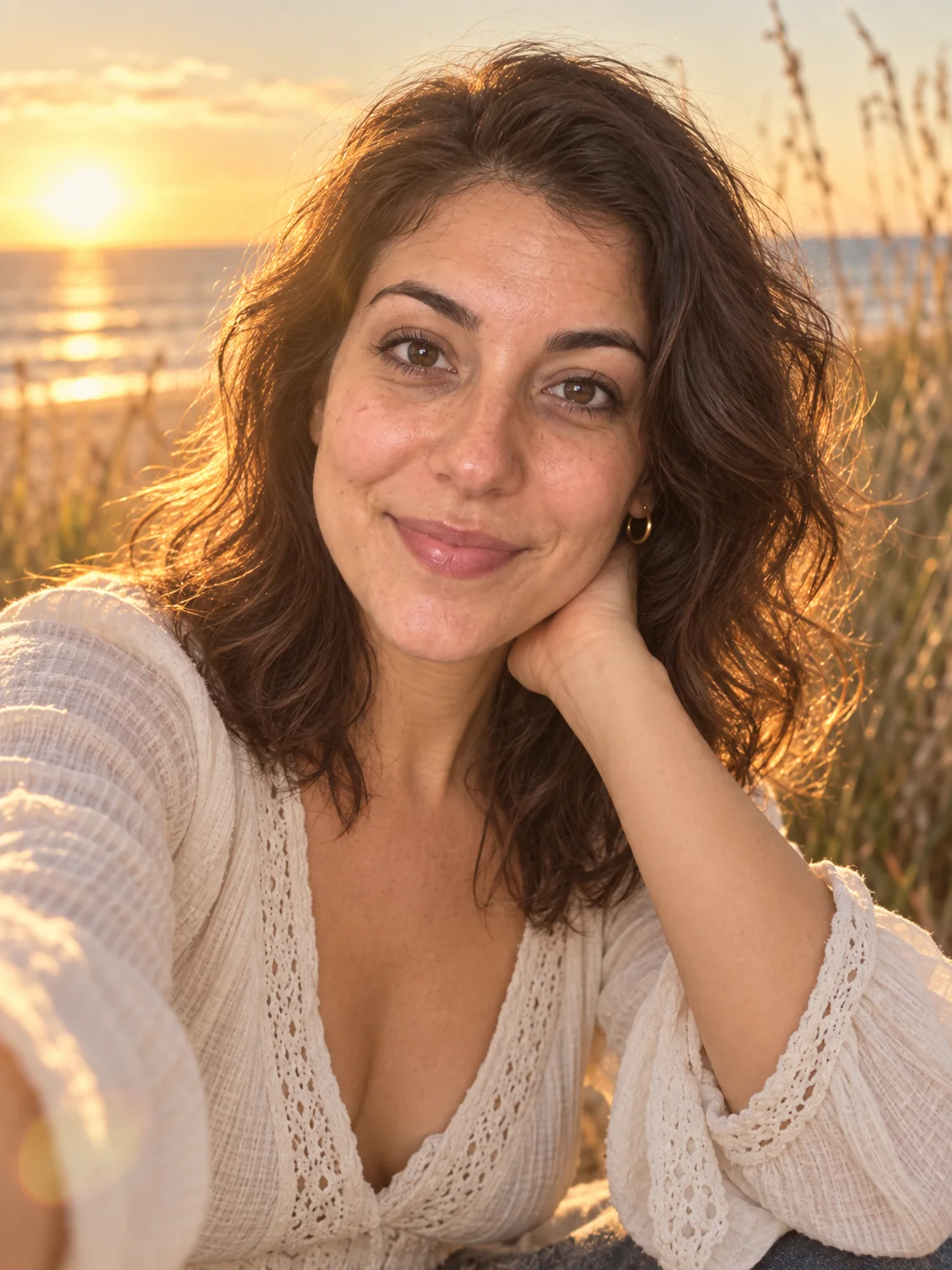 from 4 credits
AI Photoshoot
Twenty shoots — LinkedIn to golden hour — from one to four of your selfies
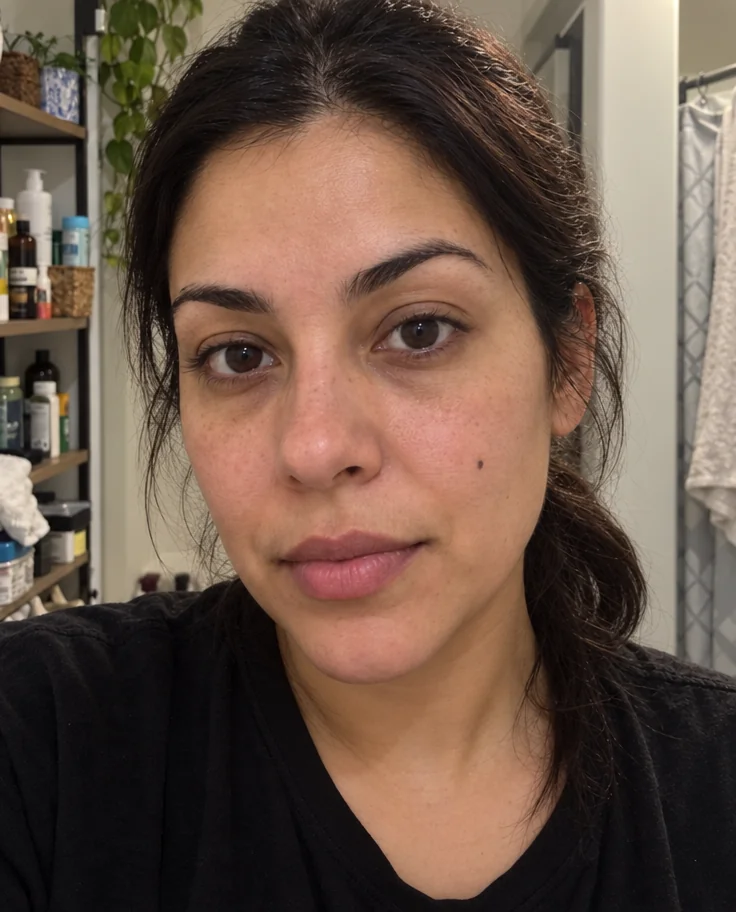 from 4 credits
Face Retouch
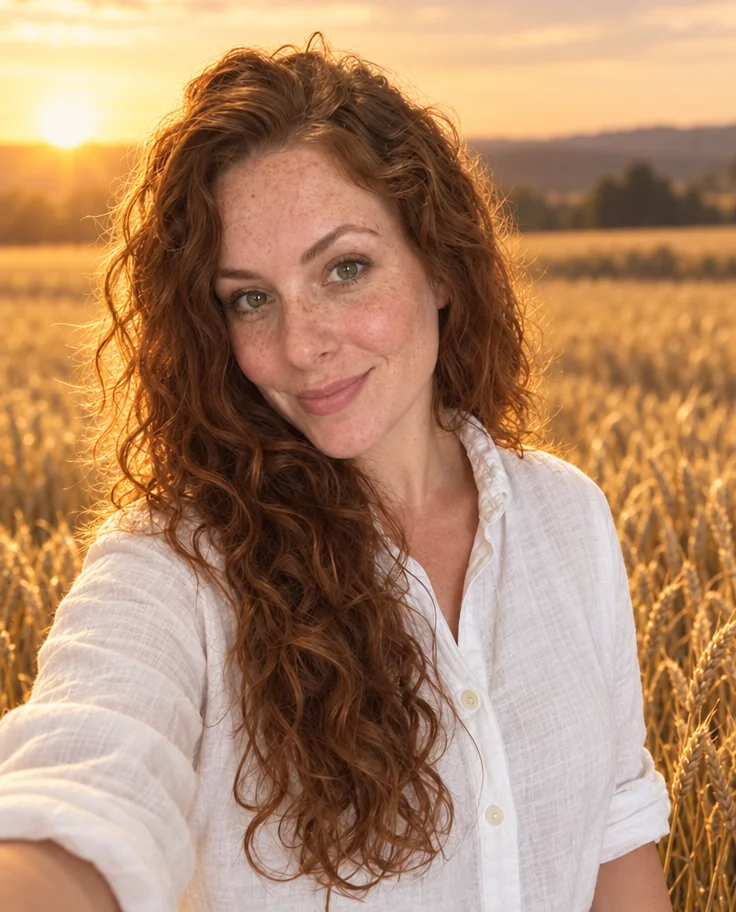
Blemishes, redness and shadows eased — pores, freckles and you, kept
 from 4 credits
Background Changer
Describe a new backdrop and step into it with matching light and perspective
 from 4 credits
Passport Photo
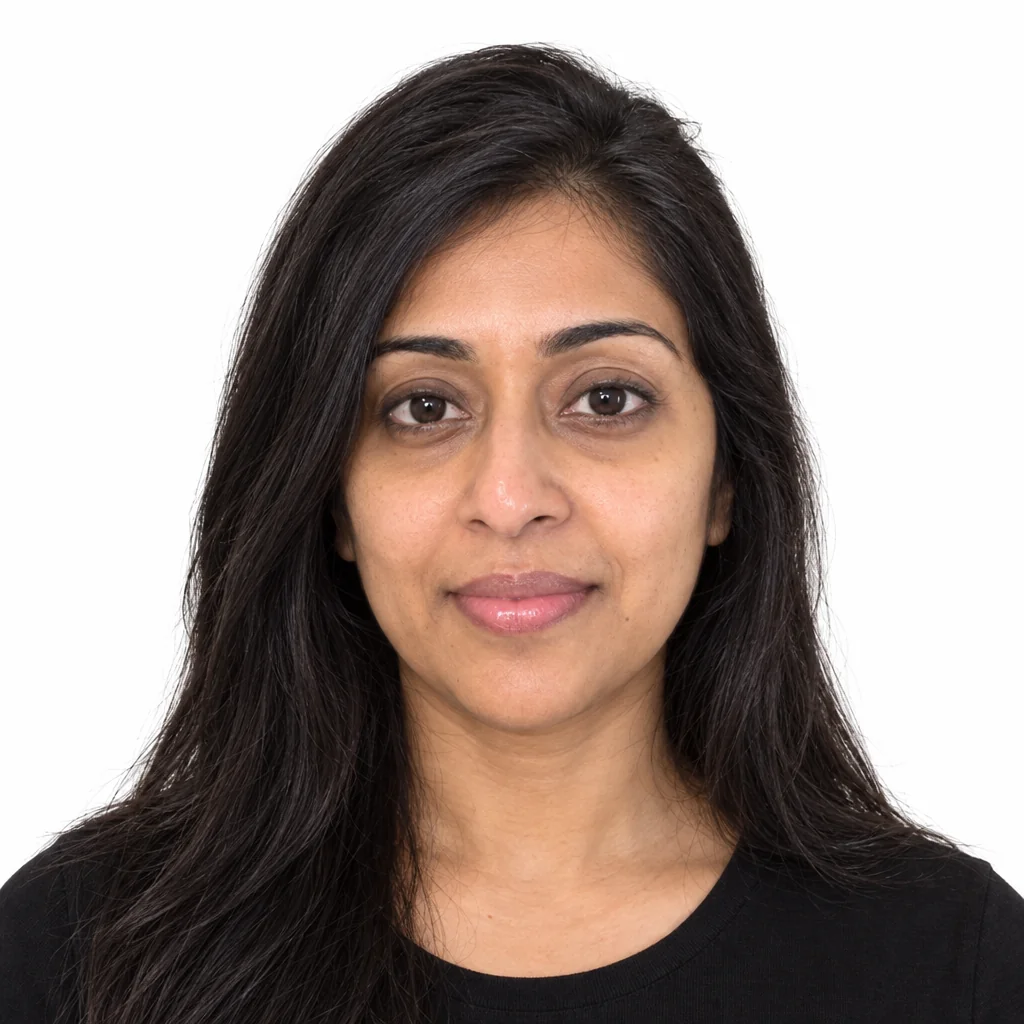
A compliant passport photo from any selfie — US, EU, UK, India or Canada