
People· People
Passport Photo
Turn a selfie into a passport photo that meets the format: white background, neutral expression, even lighting and the correct crop for US, EU/Schengen, UK, Indian or Canadian applications.
4 free credits — one Standard run of any tool. No card needed.
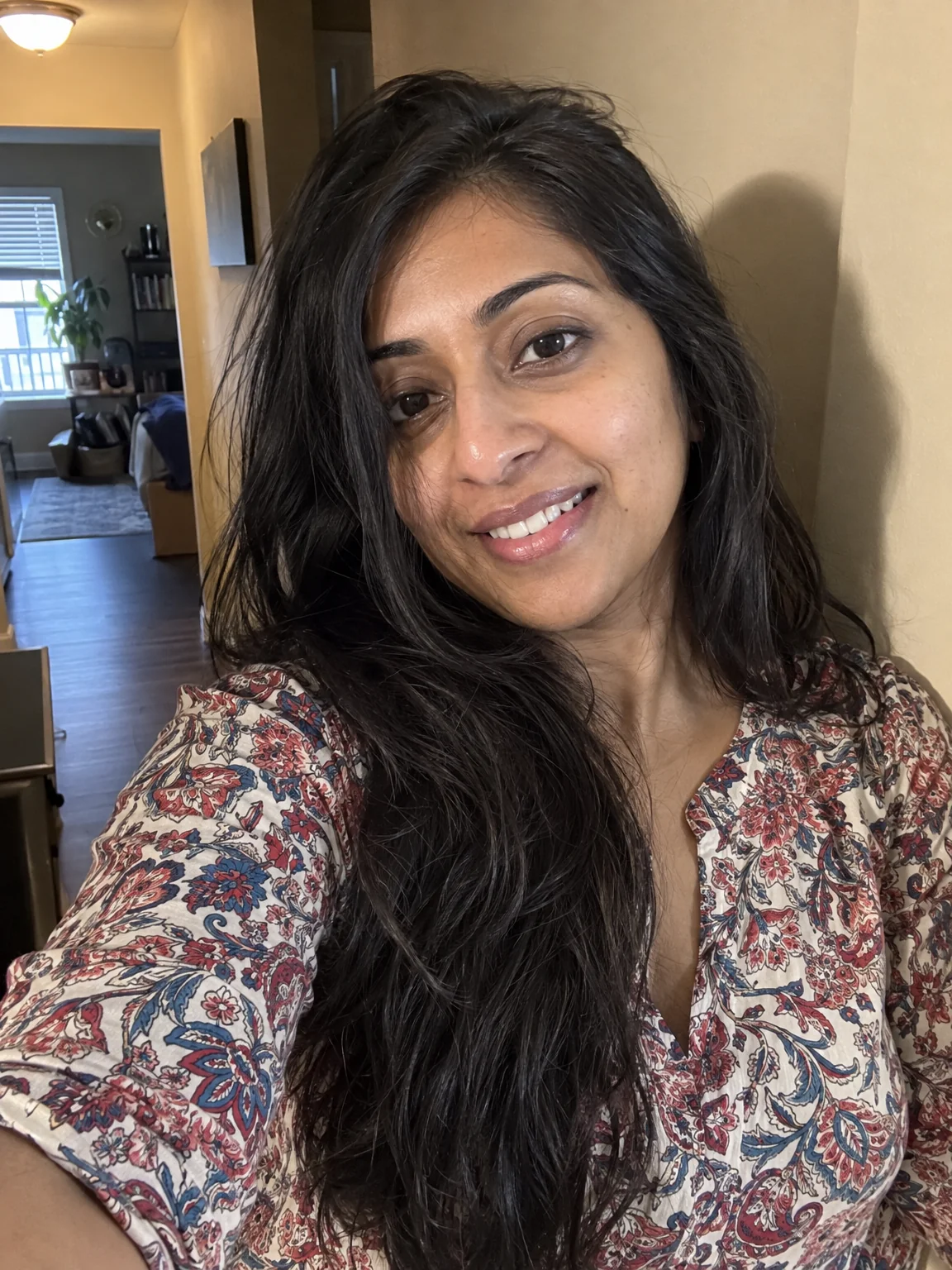
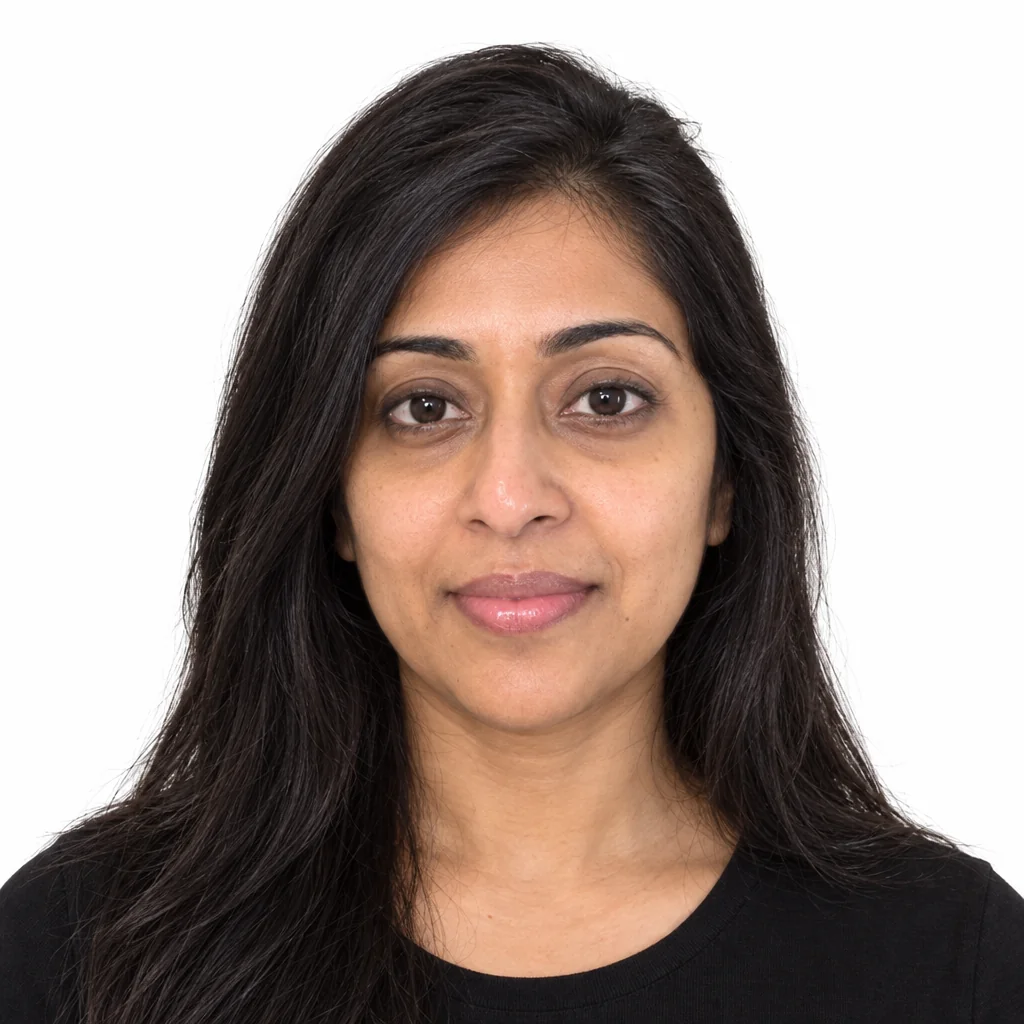
What you'll choose
- Photos you upload: Your selfie
- Passport FormatUS 2×2 inEU 35×45 mmUK 35×45 mmIndia 2×2 inCanada 50×70 mm
Cost per result
- StandardQuick results for everyday use4cr
- ProFiner skin, fabric and surface detail12cr
- MaxThe most detail, for large prints44cr
- Edit it with words, or send it into any other tool
- Standard, Pro and Max quality
- Saved to Your photos, downloadable full size
- Print-size upscales and short videos
How it works
- 01
Take a selfie facing the camera in even light, hair off the face, no sunglasses.
- 02
Choose the passport format for your country.
- 03
Shoot, check the result against the official rules, and download for printing or upload.
A compliant passport photo from any selfie — US, EU, UK, India or Canada
Passport photos are rejected for small reasons — a shadow on the wall, a half smile, hair across the brow, glare on glasses. Passport Photo takes an ordinary selfie and rebuilds it to spec: a plain pure-white background, head centered and facing straight on, neutral expression with the mouth closed, both eyes open and clearly visible, hair away from the face, even frontal light with no shadows, and plain clothing. Your identity is kept exactly, which is the whole point of the document.
The format select sets the crop and proportions for the country: US 2×2 inch (square, face about 60% of the photo height), EU/Schengen 35×45 mm, UK 35×45 mm, Indian 2×2 inch and Canadian 50×70 mm. Each format has its own head-size and margin rules, and the Studio composes the photo accordingly. The result is a digital file ready to print at a pharmacy kiosk or upload to an online renewal, and it works just as well for visa applications and ID cards that follow the same conventions.
A Standard run costs 4 credits and is ready in seconds; Pro quality is worth it when the photo will be printed, and Max is rarely needed. Before you shoot, clear reflections with Glasses Glare Removal if you wear glasses. Always check the finished photo against your issuing authority's current rules — requirements change, and some offices insist on photos taken in person. Every version stays in Your photos for a quick reprint.
Good to know
Works well with
 from 4 credits
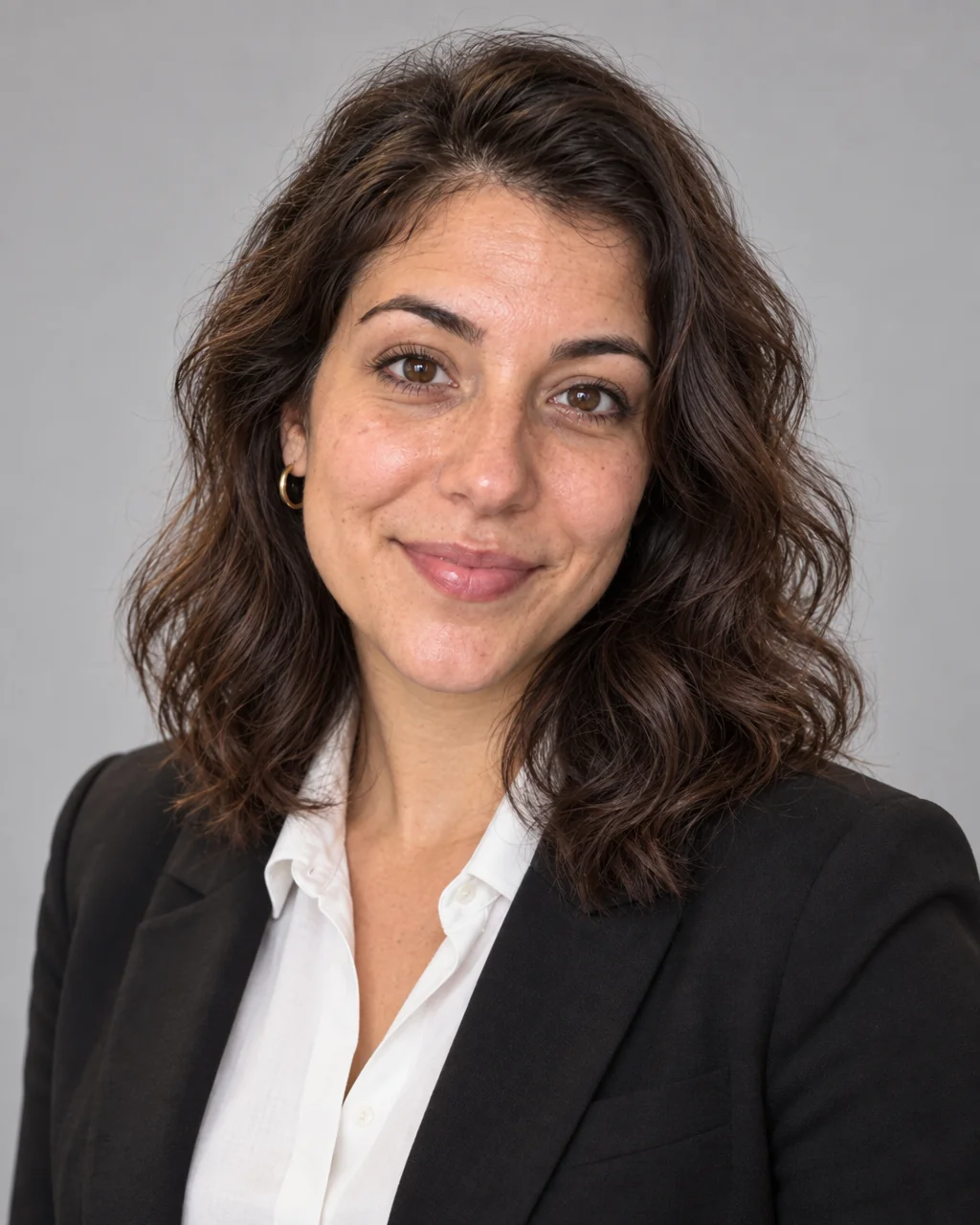
Glasses Glare Removal
Keep the glasses, lose the reflections — eyes visible again
 from 4 credits
Professional Headshot
Corporate-grade headshots in your pick of attire and backdrop, from 1–3 selfies
- Example coming soonfrom 1 credits
Background Remover
A clean cut-out with a transparent background, from 1 credit
 from 4 credits
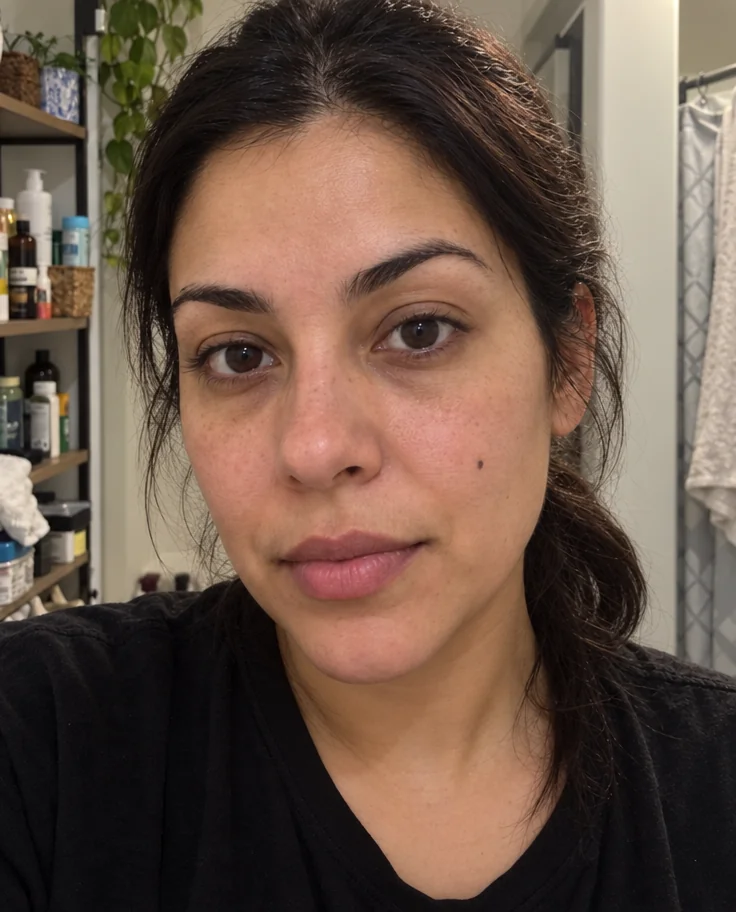
Face Retouch
Blemishes, redness and shadows eased — pores, freckles and you, kept