Professional
LinkedIn headshots, no photographer
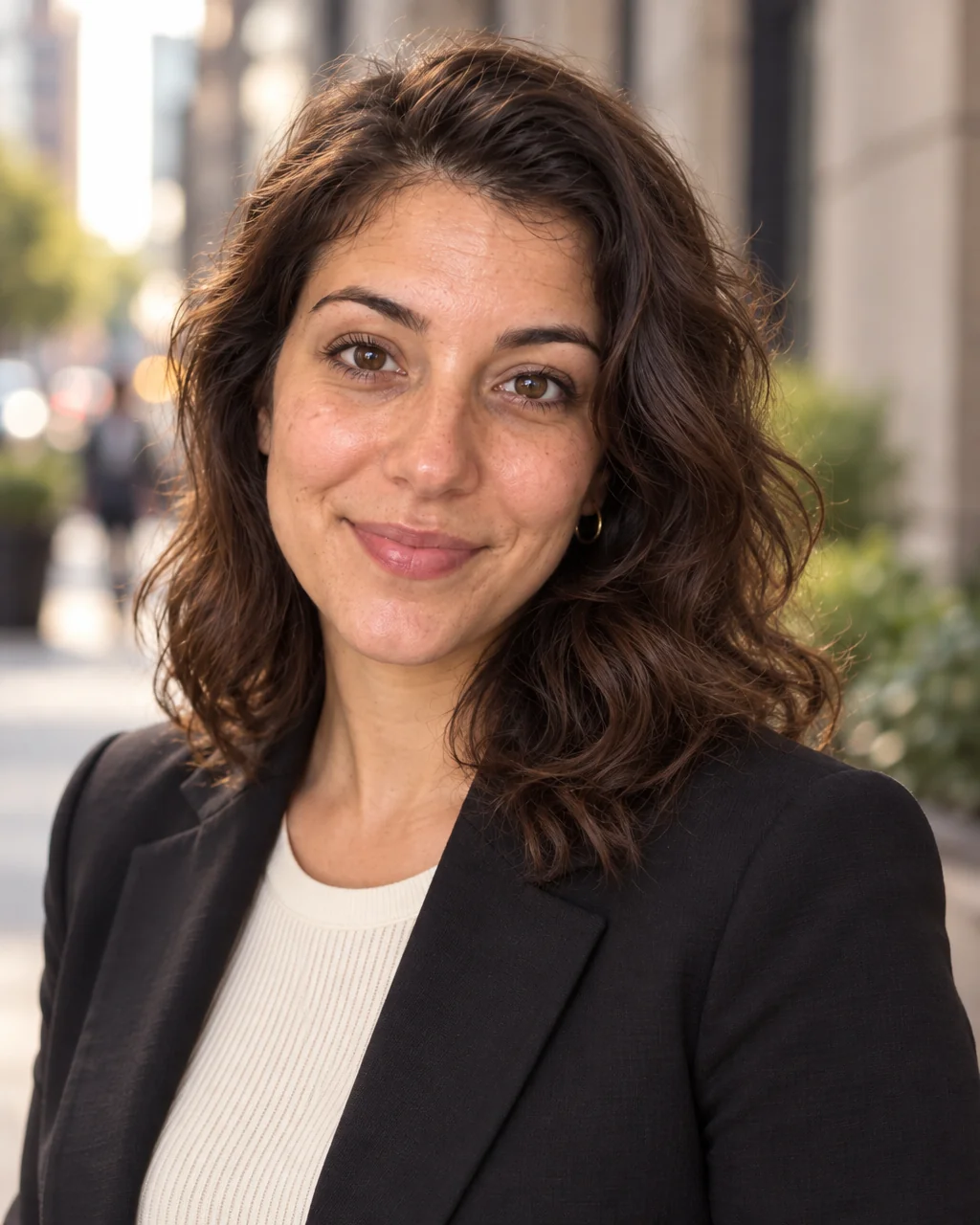
Recruiters look at the photo before the headline. A LinkedIn headshot needs soft three-point light, a clean gray backdrop, shoulders angled toward the camera and an expression that says approachable and competent at the same time — none of which a bathroom mirror provides.
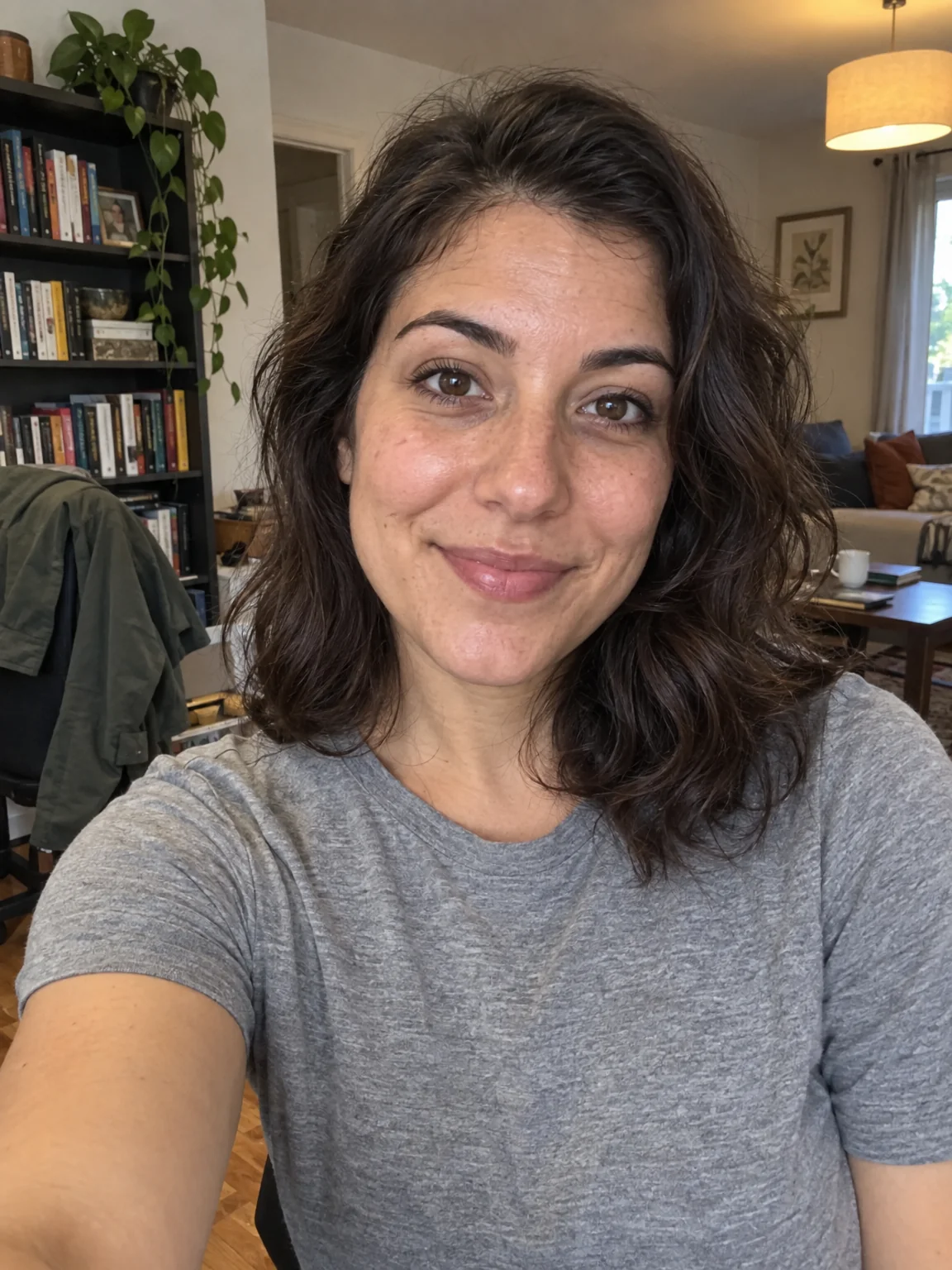
You want a photo that looks like it came from a real studio, made from the selfies already on your phone. With the LinkedIn Headshot preset selected, each run turns your selfies into LinkedIn headshots lit and framed the way a studio would light and frame them. Run Face Retouch on the keeper, swap the backdrop if the brand changes, and upscale LinkedIn headshots when they go to print — all from Your photos.
4 free credits — one Standard run of any tool. No card needed.

Made for when
- Your current profile photo is a cropped wedding guest shot or a selfie in a car
- A photographer costs more than you want to spend on a job hunt
- You need a photo this week, not after the studio's next opening
- You want a headshot that still looks like you when they meet you
Step by step
- 01
Upload 1–4 selfies and choose the LinkedIn Headshot preset
Everything about LinkedIn headshots except your face comes from this preset, and the face comes from you.
AI Photoshoot - 02
Retouch the keeper with Face Retouch
Small marks and flyaways disappear; the geometry of your face does not change.
Face Retouch - 03
Move the photo to a specific backdrop
A described backdrop replaces the preset's scene with matching light and perspective.
Background Changer