
People· People
AI Photoshoot
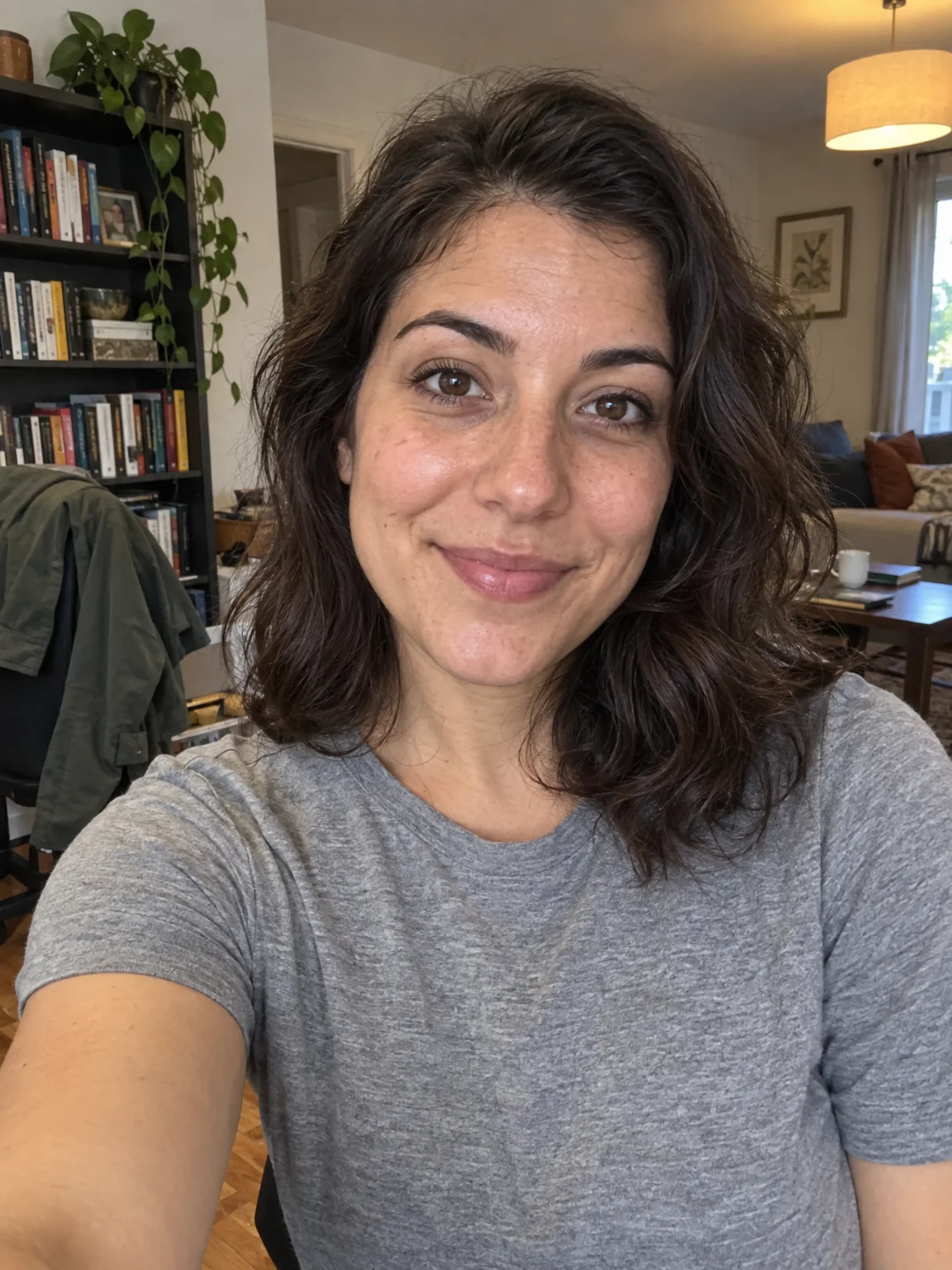
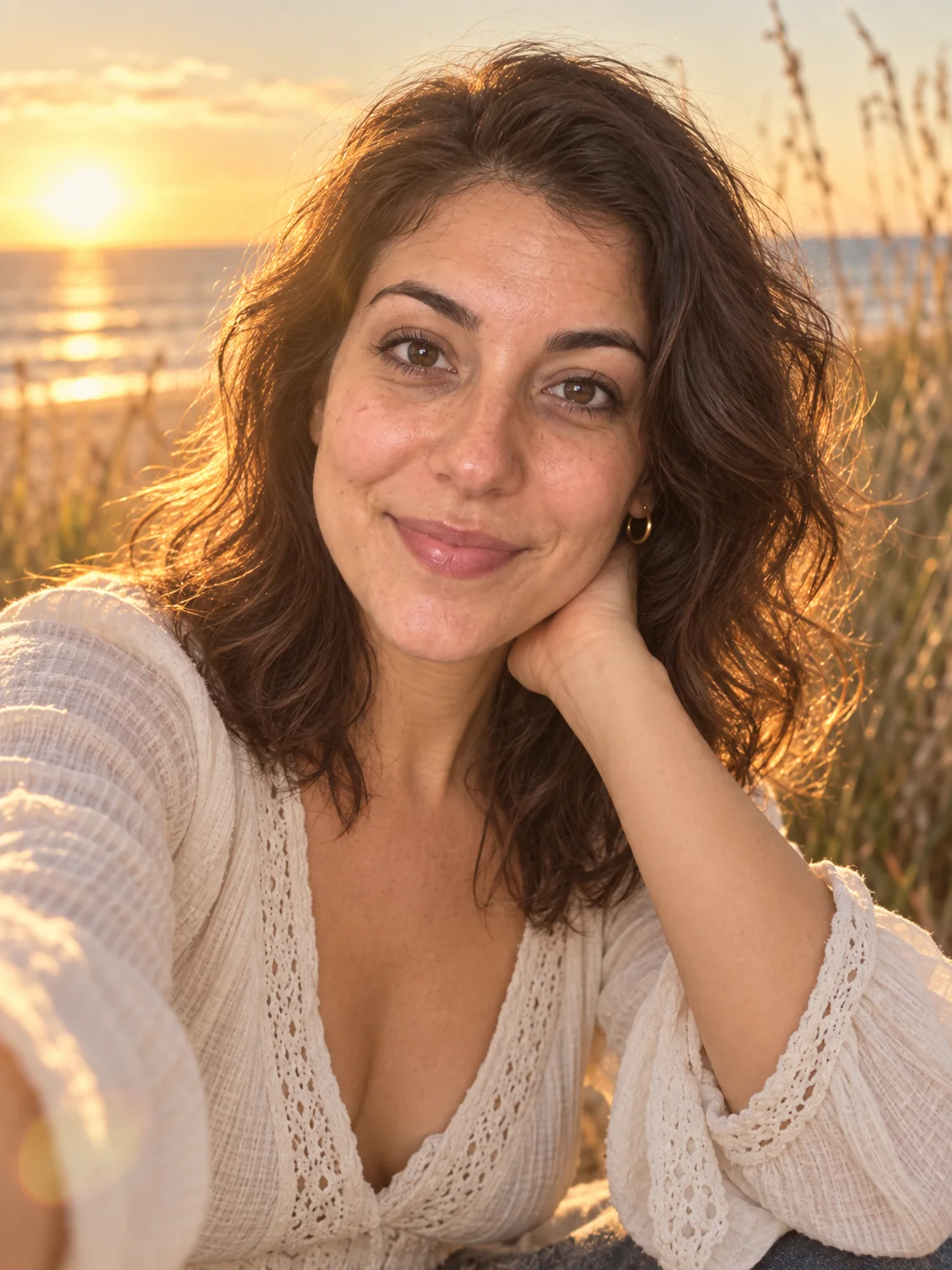
Turn a handful of phone selfies into a finished photoshoot. Pick a preset from LinkedIn headshot to vintage film, add a setting or outfit if you like, and get a new photograph of you in seconds.
4 free credits — one Standard run of any tool. No card needed.
What you'll choose
- Photos you upload: Your selfies (1–4)
- Shoot TypeLinkedIn HeadshotStudio PortraitDating ProfileEditorial FashionTravelFitnessGraduationMaternity+12
- Setting
- Outfit
- Aspect RatioPortrait 3:4Square 1:1Portrait 4:5Portrait 2:3Story 9:16Landscape 4:3Landscape 3:2Wide 16:9
- 3:4 output
Cost per result
- StandardQuick results for everyday use4cr
- ProFiner skin, fabric and surface detail12cr
- MaxThe most detail, for large prints44cr
- Edit it with words, or send it into any other tool
- Standard, Pro and Max quality
- Saved to Your photos, downloadable full size
- Print-size upscales and short videos
How it works
- 01
Drop in one to four selfies that show your face clearly from slightly different angles.
- 02
Choose a shoot type, then optionally describe the setting and outfit you want in plain words.
- 03
Shoot at Standard, Pro or Max quality, compare with your selfie, and download or keep editing.
Twenty shoots — LinkedIn to golden hour — from one to four of your selfies
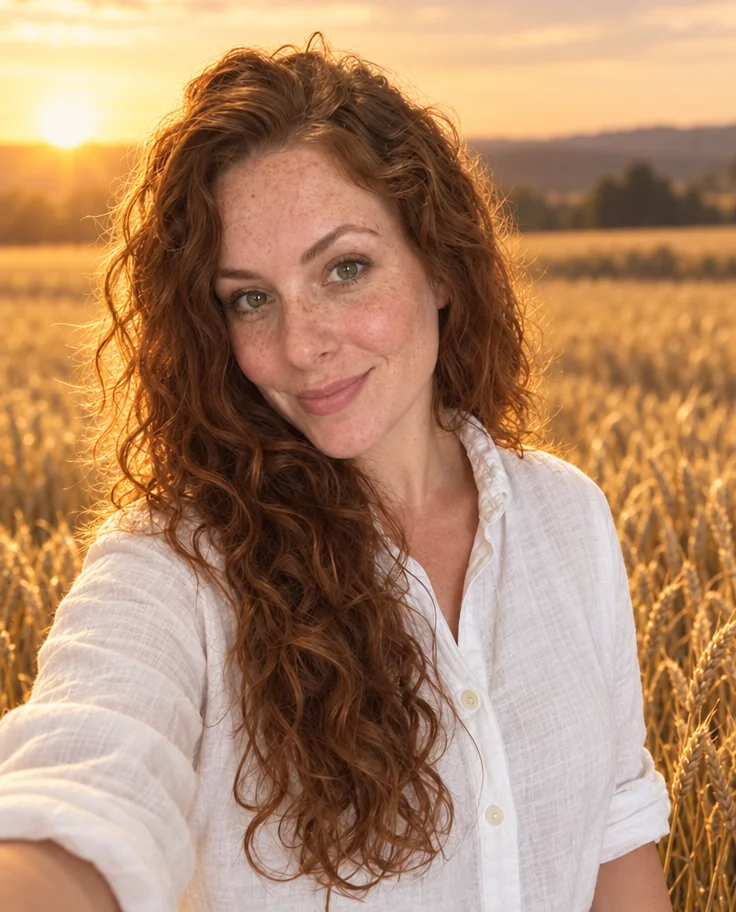
The AI Photoshoot is the front door of the Studio. You bring one to four selfies — phone snaps in bad light are fine — and choose the shoot you would have chosen a photographer for: a LinkedIn headshot, a dating-profile photo on a café terrace, a graduation portrait on campus, a maternity shoot at golden hour, a 1970s film print, a black-and-white study by window light. The Studio reads your face, hair, skin tone and small details such as freckles from every reference you give it, then builds a completely new photograph around that likeness with the framing, lighting and wardrobe of the preset.
Each of the twenty shoot types is a full brief, not just a filter. Editorial Fashion means a three-quarter pose against a concrete wall under hard directional light; Cozy at Home means a knit sweater, a mug and soft window light on a sofa. The optional Setting and Outfit fields let you rewrite parts of that brief in plain words — put the LinkedIn headshot in your own office, or shoot the travel preset in Lisbon rather than a generic old town. The aspect ratio select photos the result for where it will live: 3:4 for profiles, 9:16 for stories, 16:9 for a banner.
Standard finish costs 4 credits from a single selfie, with 2 more per additional reference photo, and is ready in seconds. Pro and Max quality spend more credits on skin texture, fabric detail and hair, which matters for print or a company website. Every photo lands in Your photos, where you can compare it with your original, run a face retouch, change the backdrop, upscale it for a large print or send it into any other tool. The Studio is open 24/7, so you can reshoot until the photo feels like you.
Good to know
Works well with
 from 4 credits
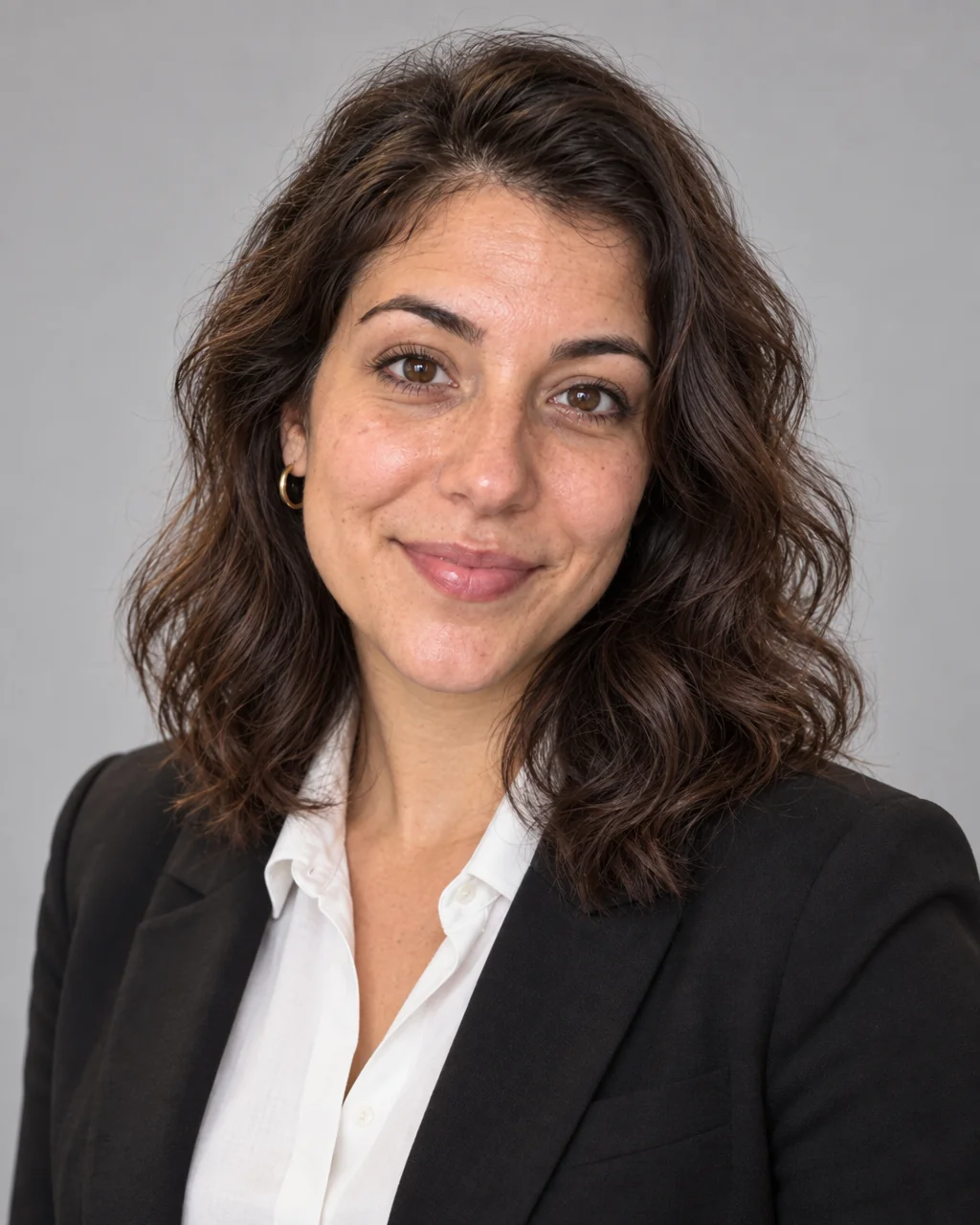
Professional Headshot
Corporate-grade headshots in your pick of attire and backdrop, from 1–3 selfies
 from 4 credits
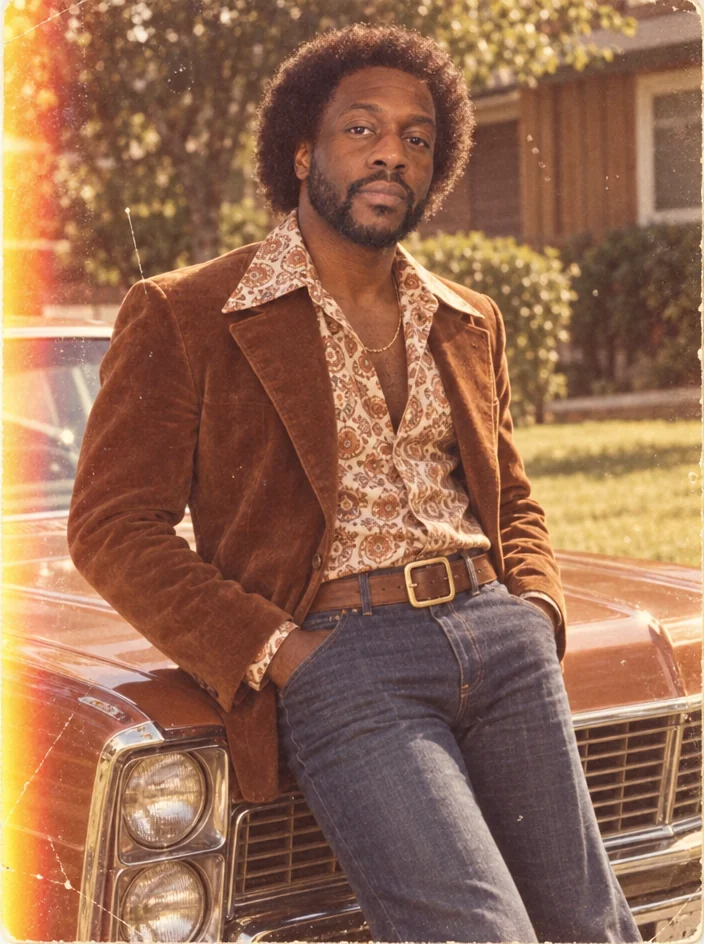
Decade Portrait
You in the 1920s, 1950s, 1980s or any decade between — hair, clothes, film
 from 4 credits
Face Retouch
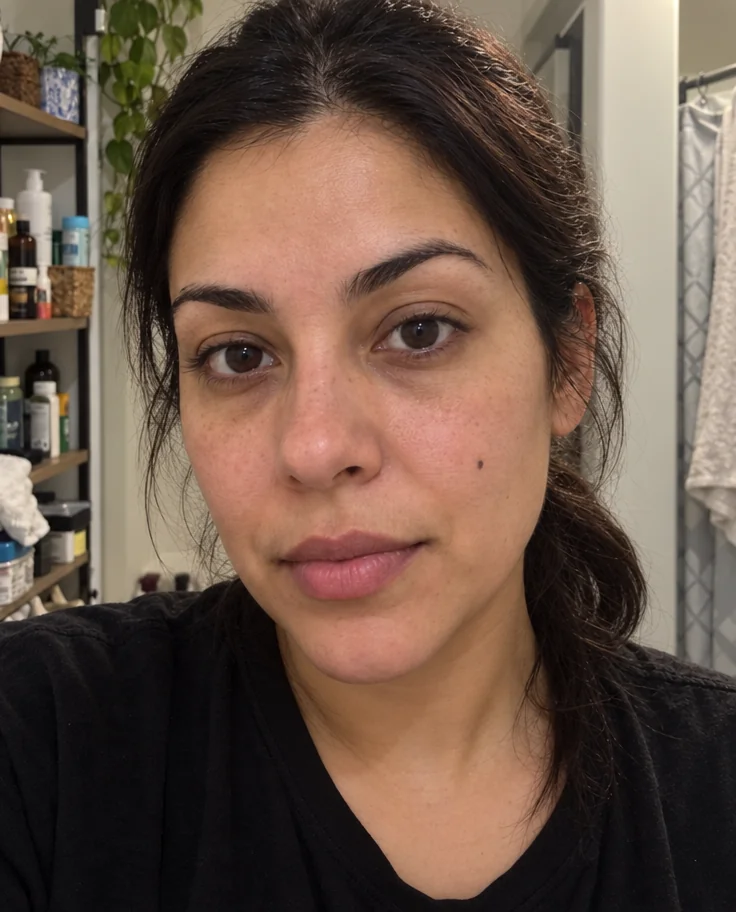
Blemishes, redness and shadows eased — pores, freckles and you, kept
 from 4 credits
Background Changer
Describe a new backdrop and step into it with matching light and perspective