
People· People
Decade Portrait
Reimagine a photo of yourself as if taken in a chosen decade from the 1920s to the 2000s, with period-accurate hair, clothing, camera and print character, and your face kept recognizable.
4 free credits — one Standard run of any tool. No card needed.
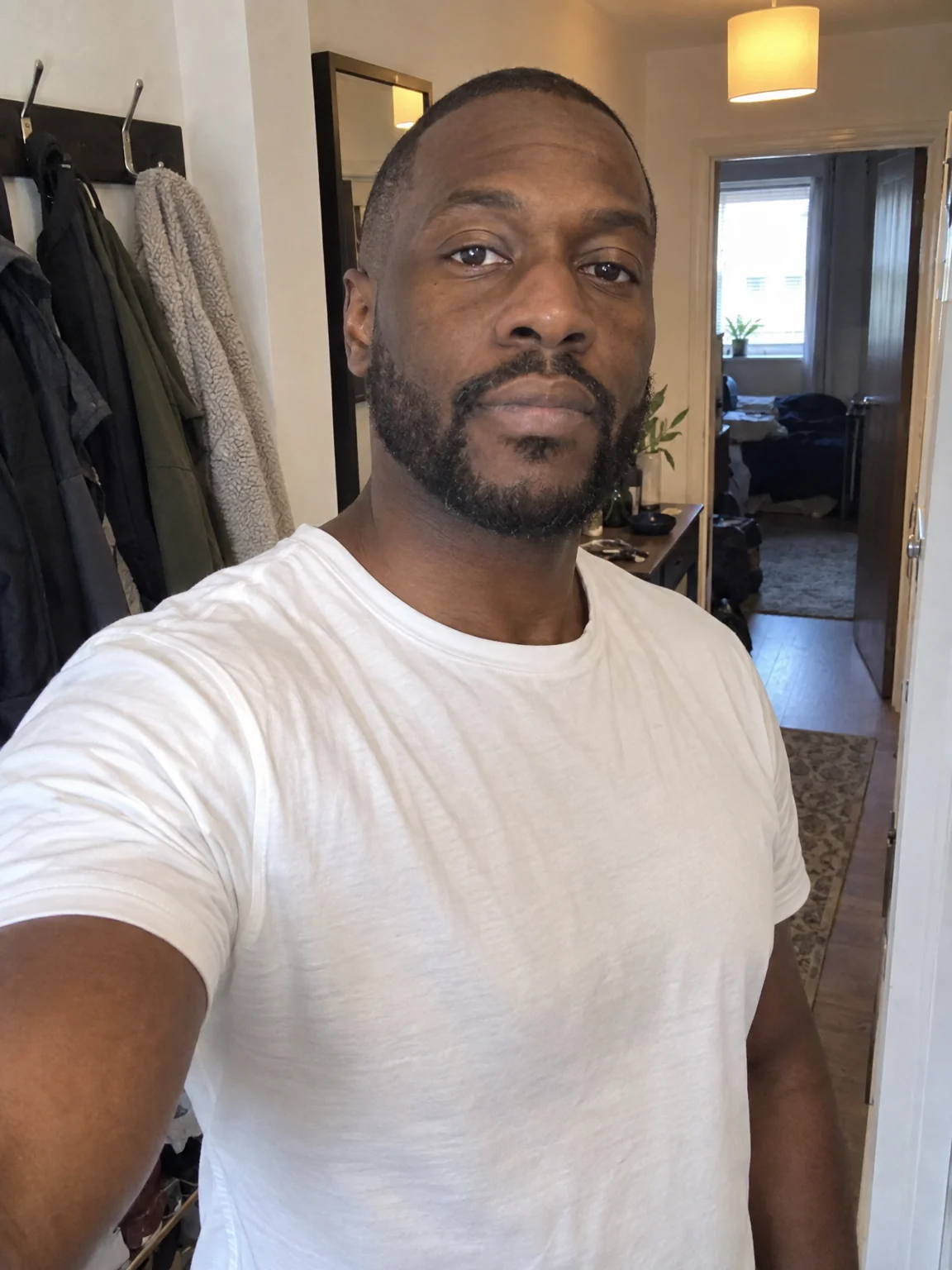
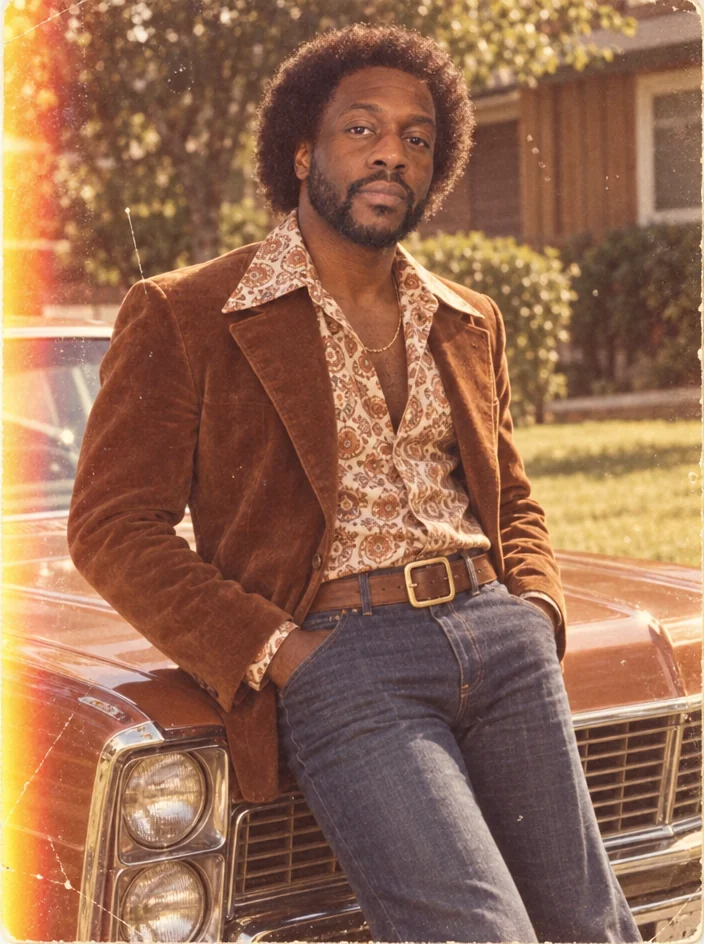
What you'll choose
- Photos you upload: Your photo
- Decade1920s1930s1940s1950s1960s1970s1980s1990s+1
Cost per result
- StandardQuick results for everyday use4cr
- ProFiner skin, fabric and surface detail12cr
- MaxThe most detail, for large prints44cr
- Edit it with words, or send it into any other tool
- Standard, Pro and Max quality
- Saved to Your photos, downloadable full size
- Print-size upscales and short videos
How it works
- 01
Upload a clear photo of yourself, head and shoulders or waist up.
- 02
Pick a decade from the 1920s to the 2000s.
- 03
Shoot, compare with the original, and download or try the next decade.
You in the 1920s, 1950s, 1980s or any decade between — hair, clothes, film
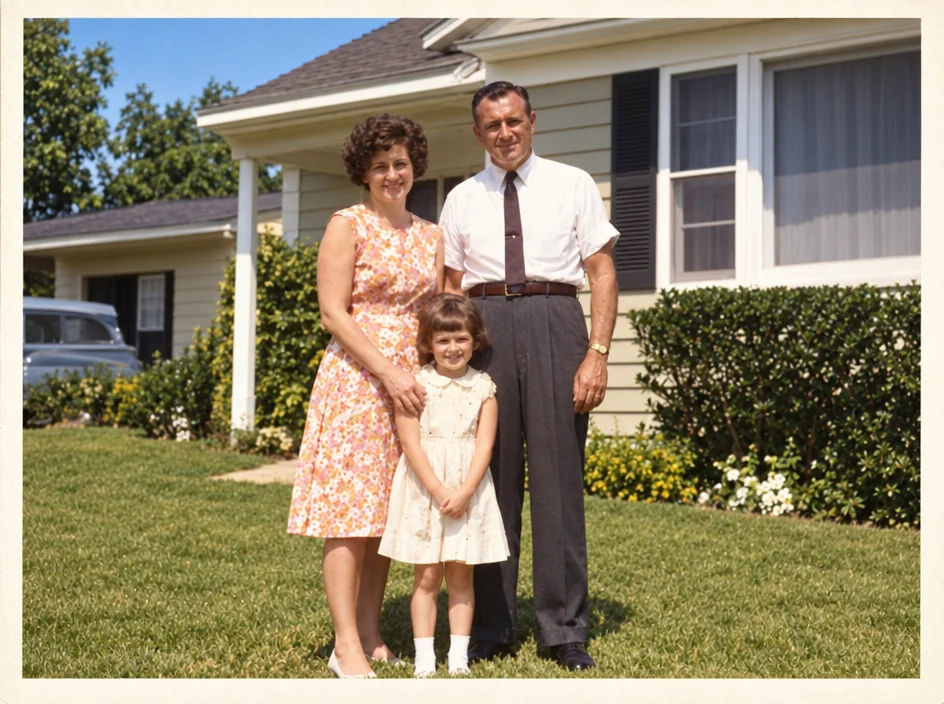
Decade Portrait is a costume shoot and a editing suite in one. Upload a photo and choose a decade; the Studio restyles your hair and clothes for the era and re-photographs you with the camera and print of the time. The 1920s become a sepia studio portrait with finger waves and an art-deco backdrop. The 1950s are Kodachrome pastels outside a diner. The 1980s are a mall-studio laser grid with big hair and glossy flash. The tool is built to keep your face recognizable throughout — the decade changes around you, not the person.
Nine decades are available, each written as a full period brief: 1930s Hollywood glamour with butterfly lighting, 1940s wartime monochrome, 1960s mod with a pop-art backdrop, 1970s warm faded film with light leaks, 1990s point-and-shoot flash, and early-2000s digicam with rhinestones. Costume and hair are matched to the era and to you, and the print characteristics — grain, tone, halation, overexposure — are rendered rather than faked with a filter. The output keeps the aspect ratio of your photo.
A Standard run costs 4 credits and takes seconds; Pro and Max quality render fabric, hair and film grain with more fidelity, which shows in prints. Decade Portrait is a favorite for themed parties, birthday cards, family history projects and social series — run the same selfie through five decades and post the timeline. For a period shoot with your own setting and outfit, AI Photoshoot's Vintage Film preset accepts free-text direction.
Good to know
Works well with
 from 4 credits
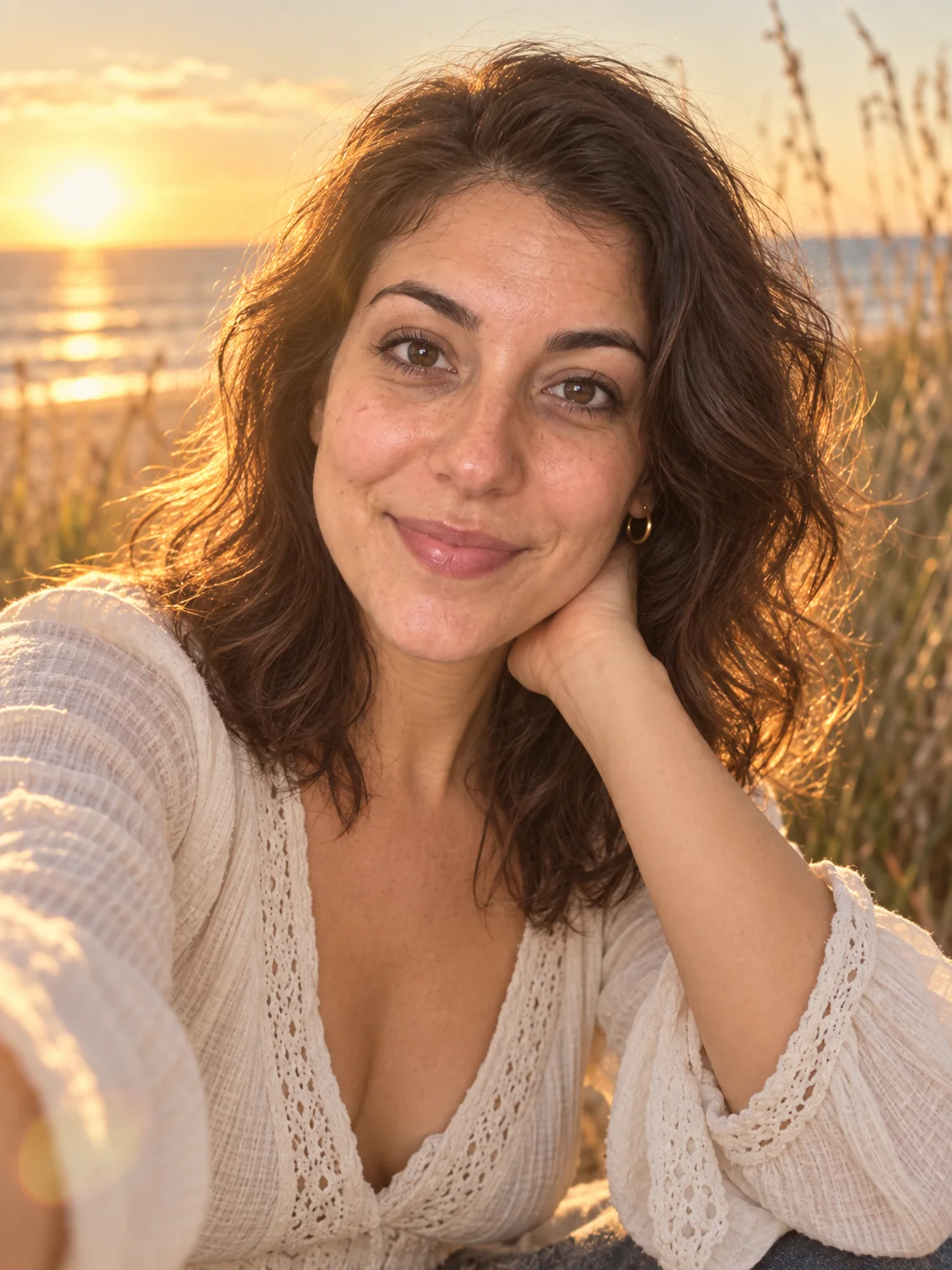
AI Photoshoot
Twenty shoots — LinkedIn to golden hour — from one to four of your selfies
 from 4 credits
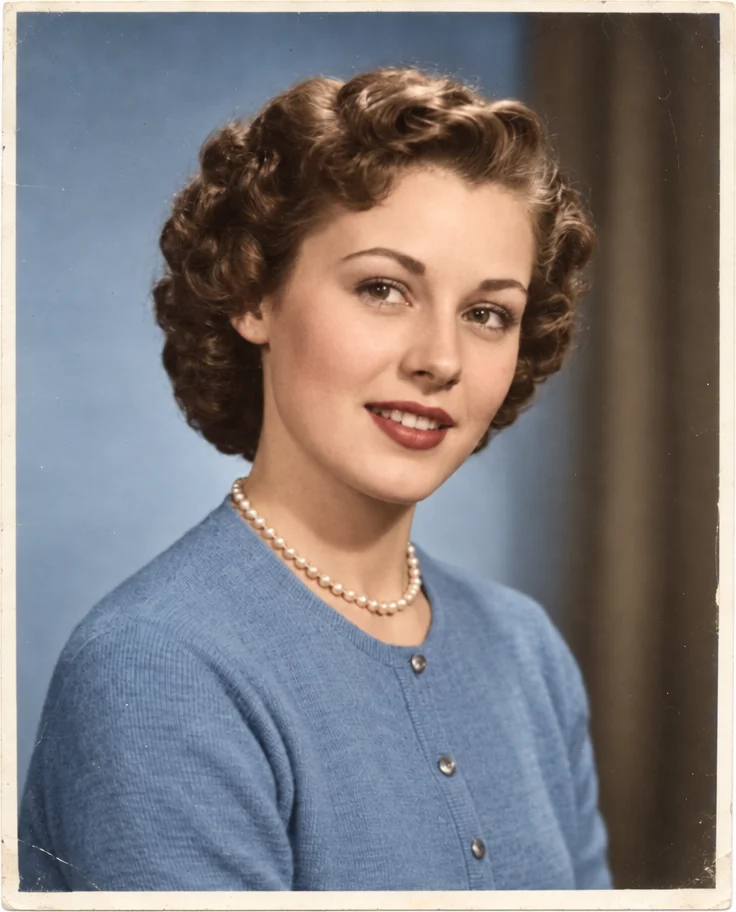
Colorize Photo
Black-and-white photos in believable, period-true color — grain and detail kept
 from 4 credits
Photo Restoration
Scratches, creases, stains and fading repaired — the original look, respected
 from 4 credits
Age Progression
See yourself 5 to 50 years on — realistic, subtle, graceful or weathered