
People· Creative
Age Progression
Age a photo by 5 to 50 years in six styles from subtle to weathered, keeping bone structure, eye color, expression, clothing and background unchanged.
4 free credits — one Standard run of any tool. No card needed.


What you'll choose
- Photos you upload: Your photo
- Years Older+10 years+5 years+20 years+30 years+40 years+50 years
- Aging StyleRealisticSubtleGracefulWeatheredDistinguishedWisdom Lines
Cost per result
- StandardQuick results for everyday use4cr
- ProFiner skin, fabric and surface detail12cr
- MaxThe most detail, for large prints44cr
- Edit it with words, or send it into any other tool
- Standard, Pro and Max quality
- Saved to Your photos, downloadable full size
- Print-size upscales and short videos
How it works
- 01
Upload a clear photo of the face, ideally in even light.
- 02
Choose how many years to add and the aging style.
- 03
Shoot, compare with the original, and download or try another decade.
See yourself 5 to 50 years on — realistic, subtle, graceful or weathered
Age Progression is a portrait of a future you. Pick how many years to add — five, ten, twenty, up to fifty — and the Studio applies the signs of age to your photo: fine lines and deeper creases, changes in skin texture, graying and thinning hair, the softening around the jaw. Bone structure, eye color, expression, pose, clothing and background all stay as photographed, so the result is unmistakably you at a later chapter rather than a stranger.
The style select shapes the story. Realistic is the straightforward option with detailed wrinkles, age spots and gray hair. Subtle adds a decade lightly, the way good genes and sunscreen would. Graceful and Distinguished produce the elegant, well-kept look of an executive or a grandparent at a wedding. Weathered adds sun damage and deep lines for an outdoors life, and Wisdom Lines lands between — character without harshness. Together they cover a birthday joke, a family what-if, a film or theater reference, and a serious look at the years ahead.
A Standard run costs 4 credits and takes seconds; Pro and Max quality render skin texture and individual gray hairs more convincingly. Run it on a couple photo to see both of you at seventy, or pair it with Look Younger to build a timeline from one portrait. Every version stays in Your photos, and the compare toggle shows the original alongside the aged photo. Ten years at Subtle is a good first run; it is close enough to be uncanny and gentle enough to share.
Good to know
Works well with
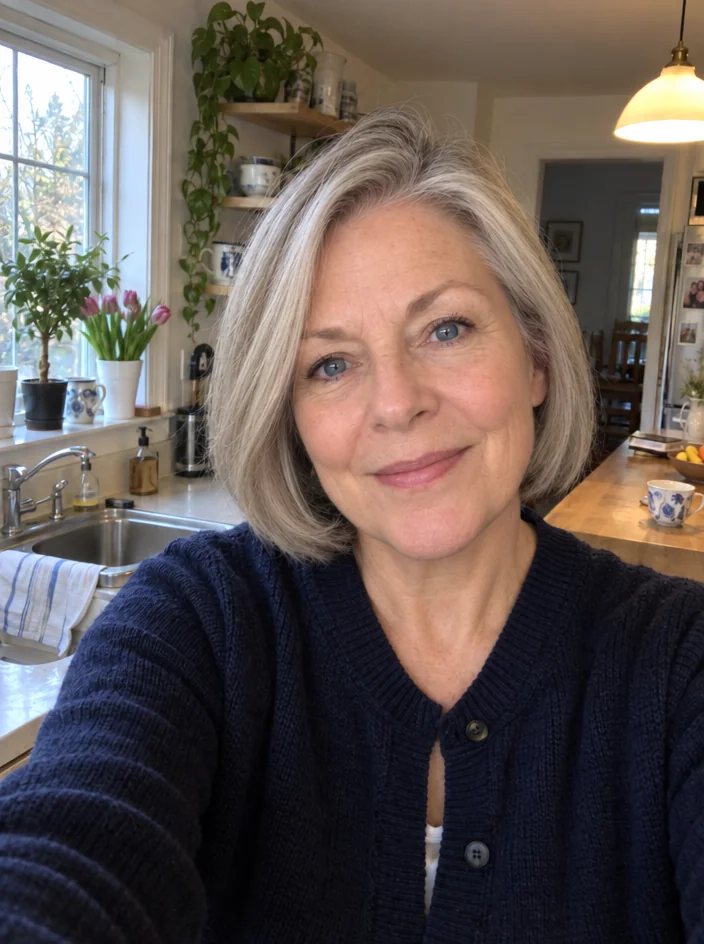 from 4 credits
Look Younger
Five to thirty years younger, with your identity and expression intact
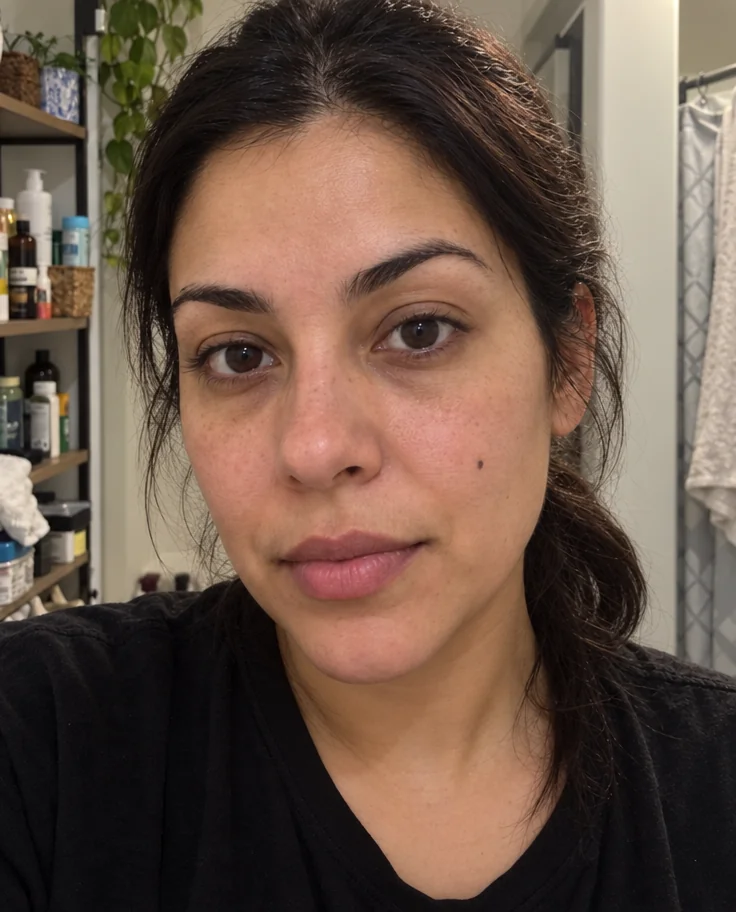 from 4 credits
Face Retouch
Blemishes, redness and shadows eased — pores, freckles and you, kept
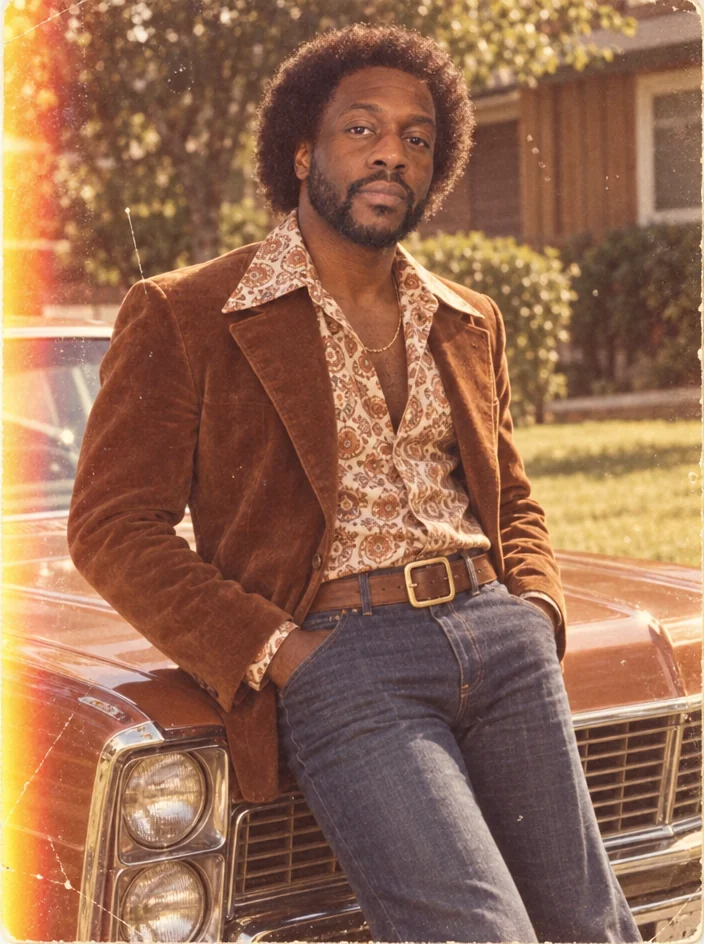 from 4 credits
Decade Portrait
You in the 1920s, 1950s, 1980s or any decade between — hair, clothes, film
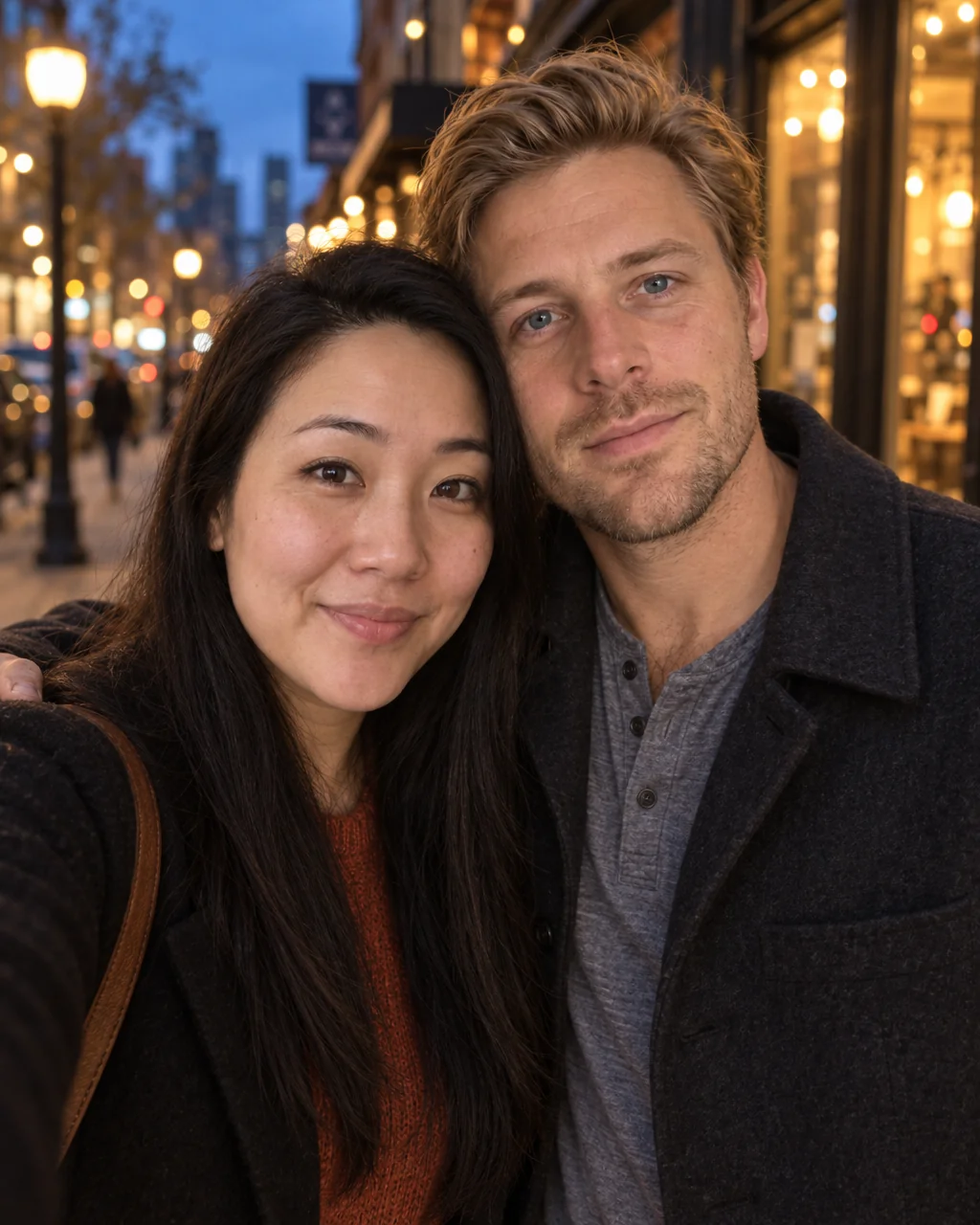 from 4 credits
Couple Photos
One photo of you both from two separate selfies — beach, city, studio or snow