
People· People
Couple Photos
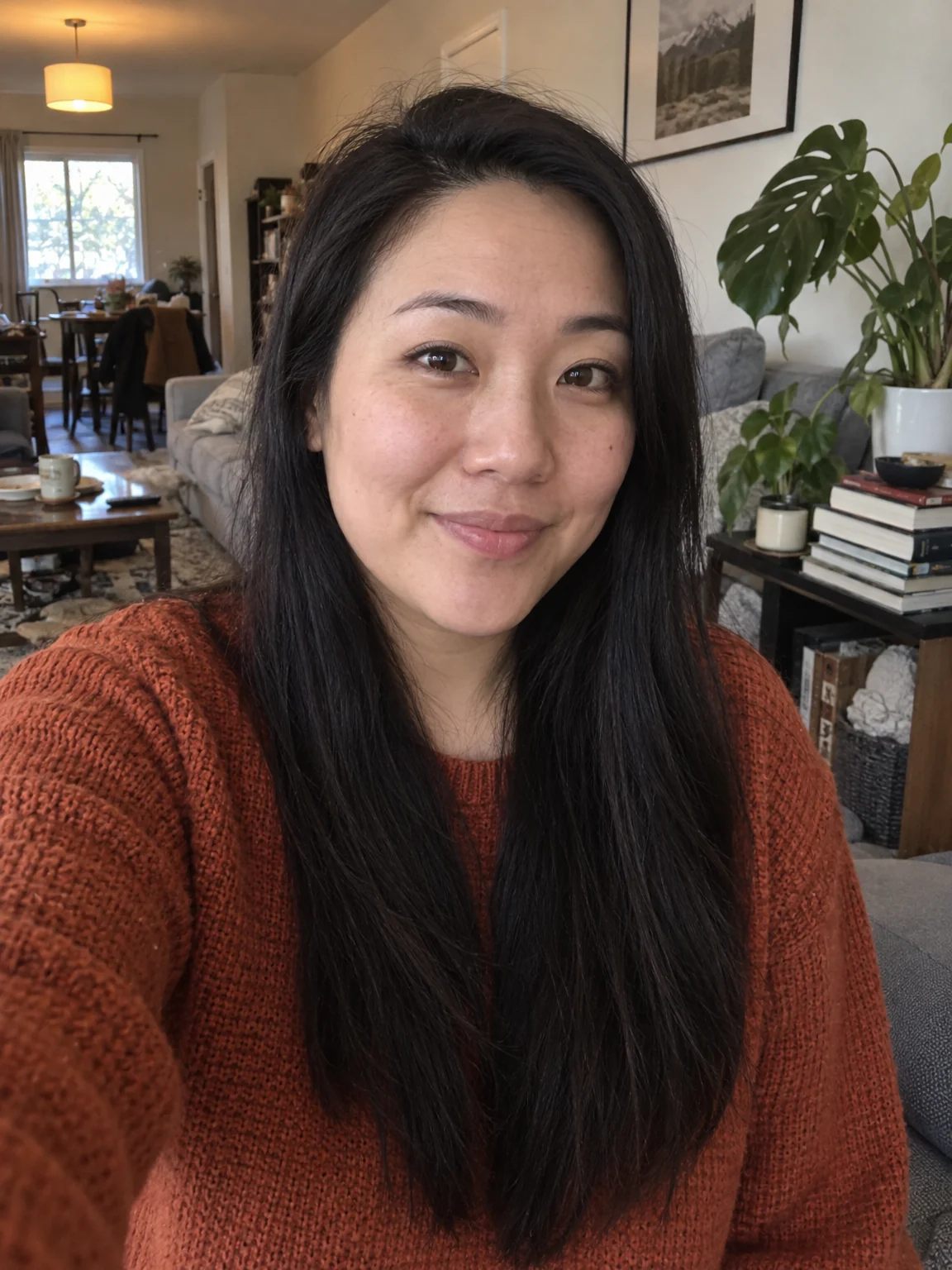
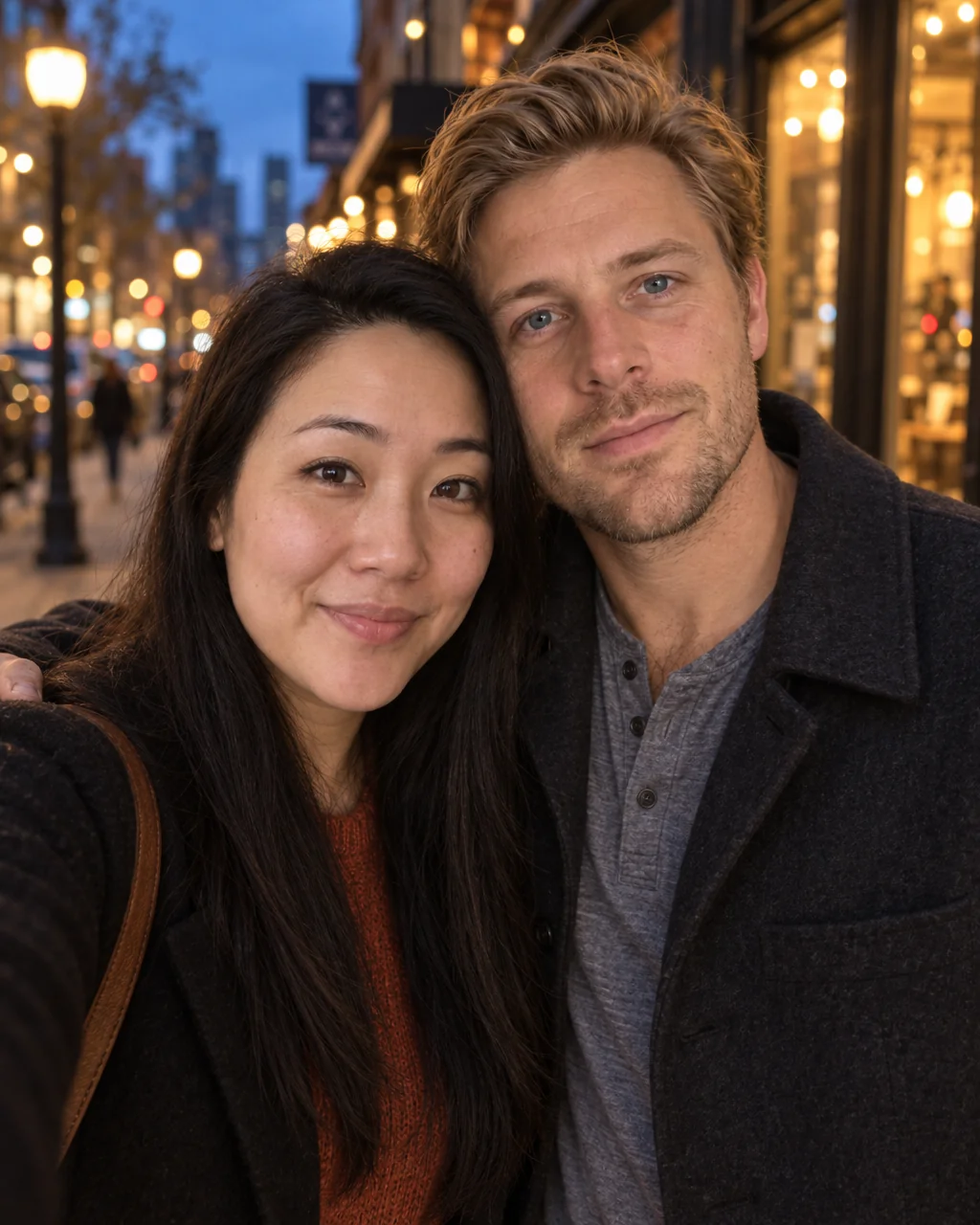
Bring one selfie of each person and get a photograph of the two of you together in a chosen scene, from a sunset beach to a café date, with both faces kept recognizable.
4 free credits — one Standard run of any tool. No card needed.
What you'll choose
- Photos you upload: First person's selfie · Second person's selfie
- SceneStudioSunset BeachCity EveningCozy at HomeAutumn ParkWedding StyleCafé DateWinter Snow
- 4:5 output
Cost per result
- StandardQuick results for everyday use4cr
- ProFiner skin, fabric and surface detail14cr
- MaxThe most detail, for large prints46cr
- Edit it with words, or send it into any other tool
- Standard, Pro and Max quality
- Saved to Your photos, downloadable full size
- Print-size upscales and short videos
How it works
- 01
Upload one selfie of each person — clear faces, similar head sizes help.
- 02
Choose the scene: studio, sunset beach, city evening, cozy home, autumn park, wedding style, café or snow.
- 03
Shoot, check both likenesses with the compare toggle, and download or reshoot in another scene.
One photo of you both from two separate selfies — beach, city, studio or snow
Couples rarely have a good photo together — someone is always holding the phone. Couple Photos fixes that with two separate selfies: one of each of you, taken whenever and wherever. The Studio composes a single photograph of the two of you side by side, matching the light on both faces, keeping scale and perspective consistent and posing you with natural, affectionate body language. Each face stays its own — same features, skin tone, hair — so the result looks like a photo from a shoot you actually attended rather than a collage.
Eight scenes cover most occasions. Studio gives a clean neutral backdrop for an engagement announcement or a save-the-date. Sunset Beach, City Evening and Autumn Park are classic couple-shoot settings; Cozy at Home and Café Date are relaxed and candid; Wedding Style puts you in formal attire at a flower-decked venue; Winter Snow wraps you in coats and scarves under soft snowfall. Output is framed at 4:5, the ratio that fits dating profiles, holiday cards and social posts without awkward crops.
A Standard run costs 4 credits for two photos and finishes in seconds; Pro and Max quality bring out fabric and hair detail for prints. If you are happy with the pose but not the light, send the photo to Relight or Time of Day. If you want the whole family in the picture, Group Photo takes two to four people, and Add People can place a third person into a scene you already like. Every version sits in Your photos for a quick side-by-side.
Good to know
Works well with
 from 4 credits
Group Photo
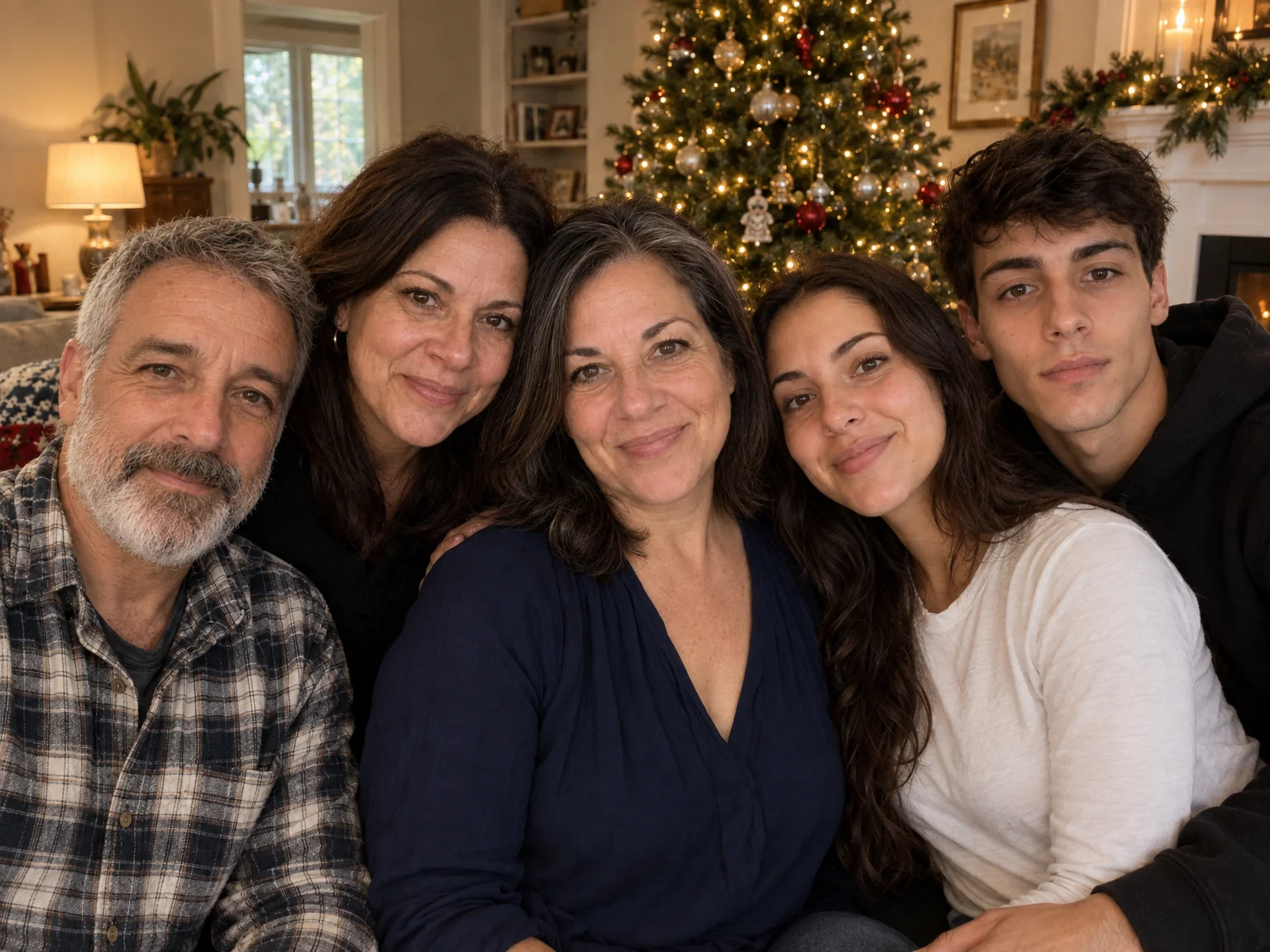
Everyone in one photo — 2 to 4 people from separate photos, no scheduling needed
 from 4 credits
Add People
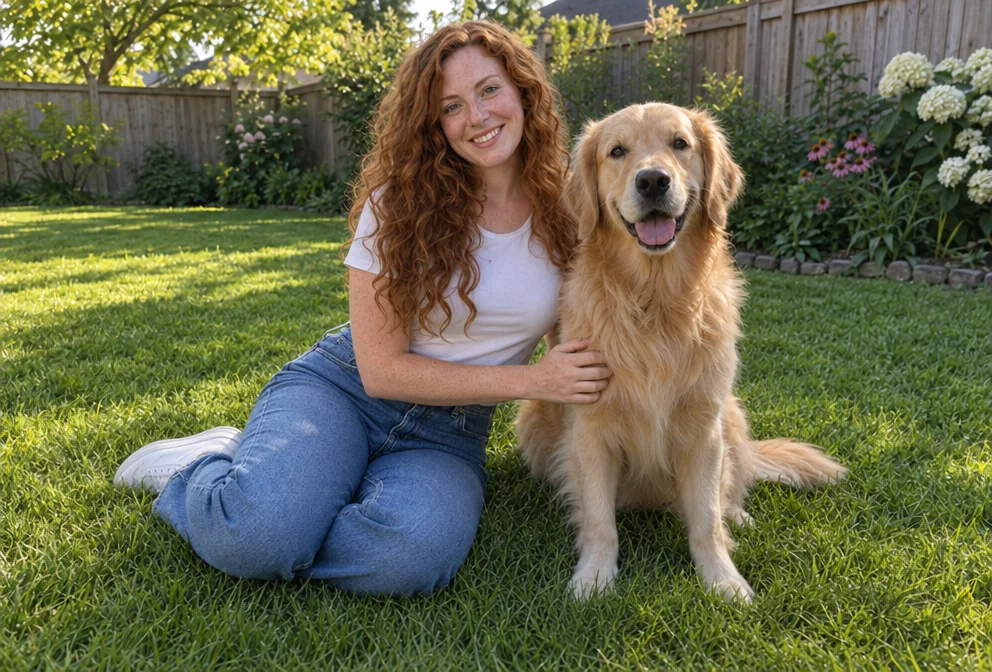
Put the people from one photo into the scene of another, as if they were there
 from 4 credits
AI Photoshoot
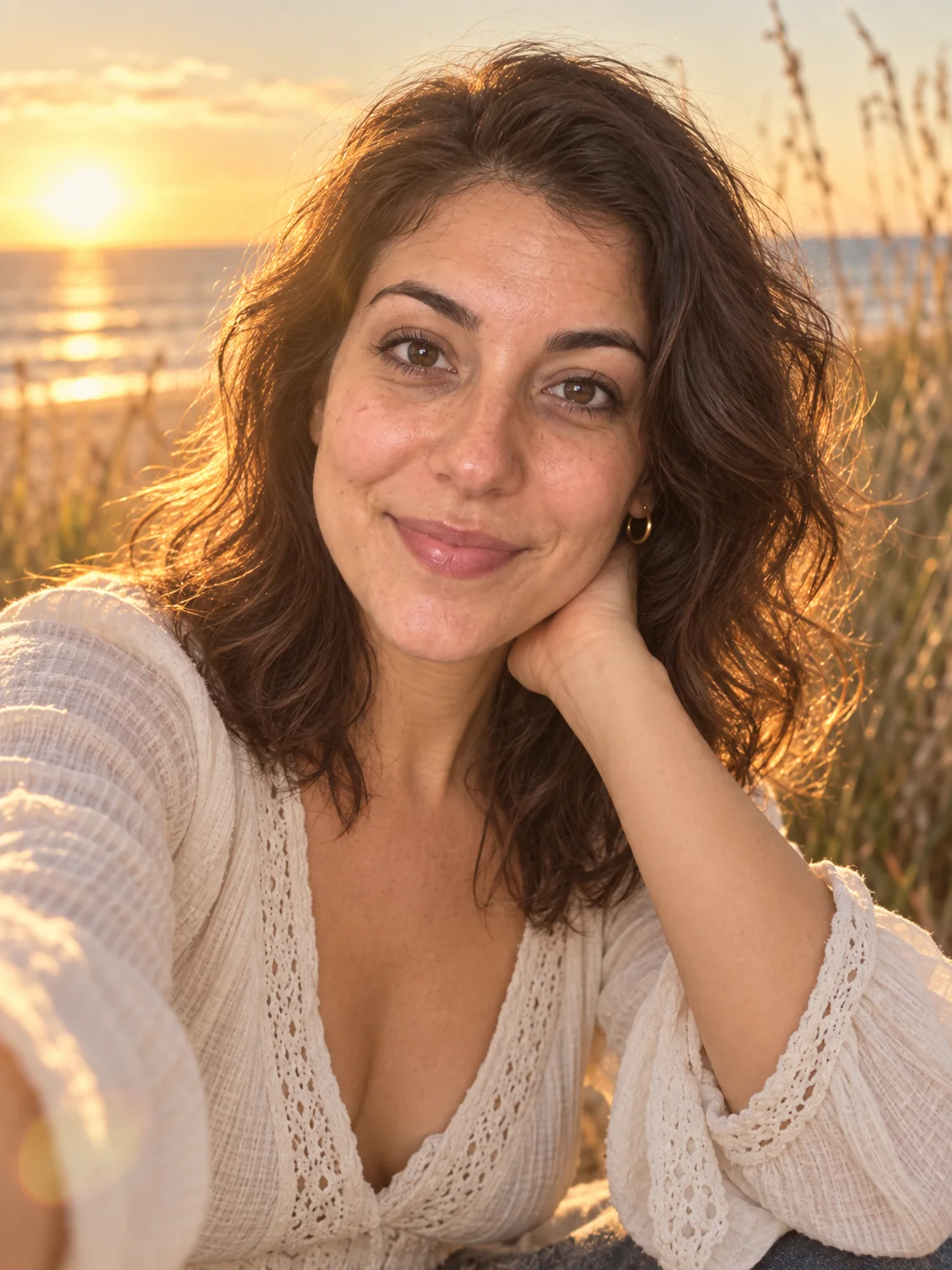
Twenty shoots — LinkedIn to golden hour — from one to four of your selfies
 from 4 credits
Baby Photo Generator
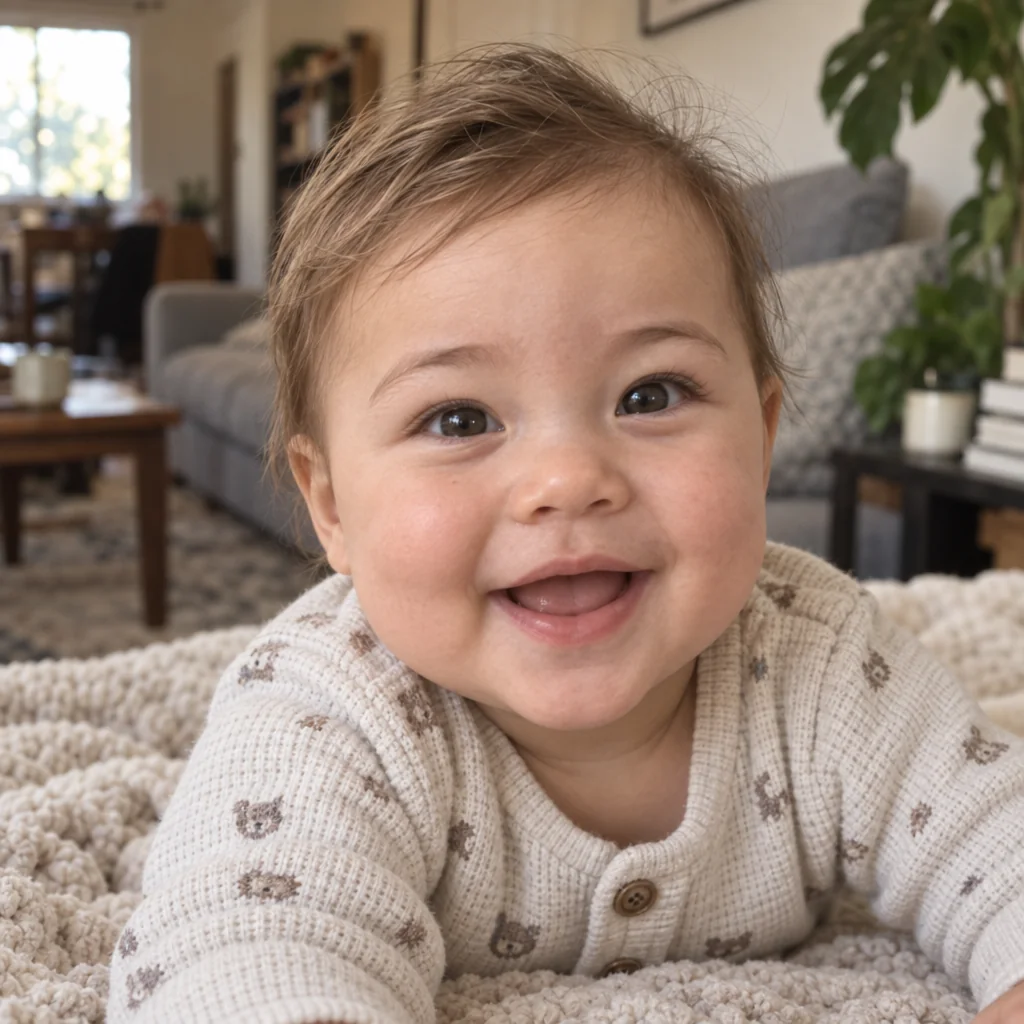
A photo of the baby you might have, from a photo of each parent