
People· People
Group Photo
Combine separate photos of two to four people into a single group photograph in a chosen setting, from a backyard party to a company office, with every face kept recognizable.
4 free credits — one Standard run of any tool. No card needed.

What you'll choose
- Photos you upload: One photo per person (2–4)
- SceneStudioBackyard PartyBeachRooftopHoliday Living RoomOffice TeamMountain HikeRestaurant
- 4:3 output
Cost per result
- StandardQuick results for everyday use4cr
- ProFiner skin, fabric and surface detail14cr
- MaxThe most detail, for large prints46cr
- Edit it with words, or send it into any other tool
- Standard, Pro and Max quality
- Saved to Your photos, downloadable full size
- Print-size upscales and short videos
How it works
- 01
Upload one clear photo per person — two to four people in total.
- 02
Pick the scene: studio, backyard party, beach, rooftop, holiday living room, office team, mountain hike or restaurant.
- 03
Shoot, confirm every likeness with the compare toggle, and download or try a second scene.
Everyone in one photo — 2 to 4 people from separate photos, no scheduling needed
Getting everyone in the same place at the same time is the hard part of a group photo. This tool removes it. Upload one photo per person — two to four people, each from their own selfie — and the Studio arranges them together in one photo with consistent lighting, scale and perspective, friendly body language and every face in sharp focus. Siblings on three continents, a remote team, college friends who have not been in one room for years: each face keeps its own features, skin tone and hair.
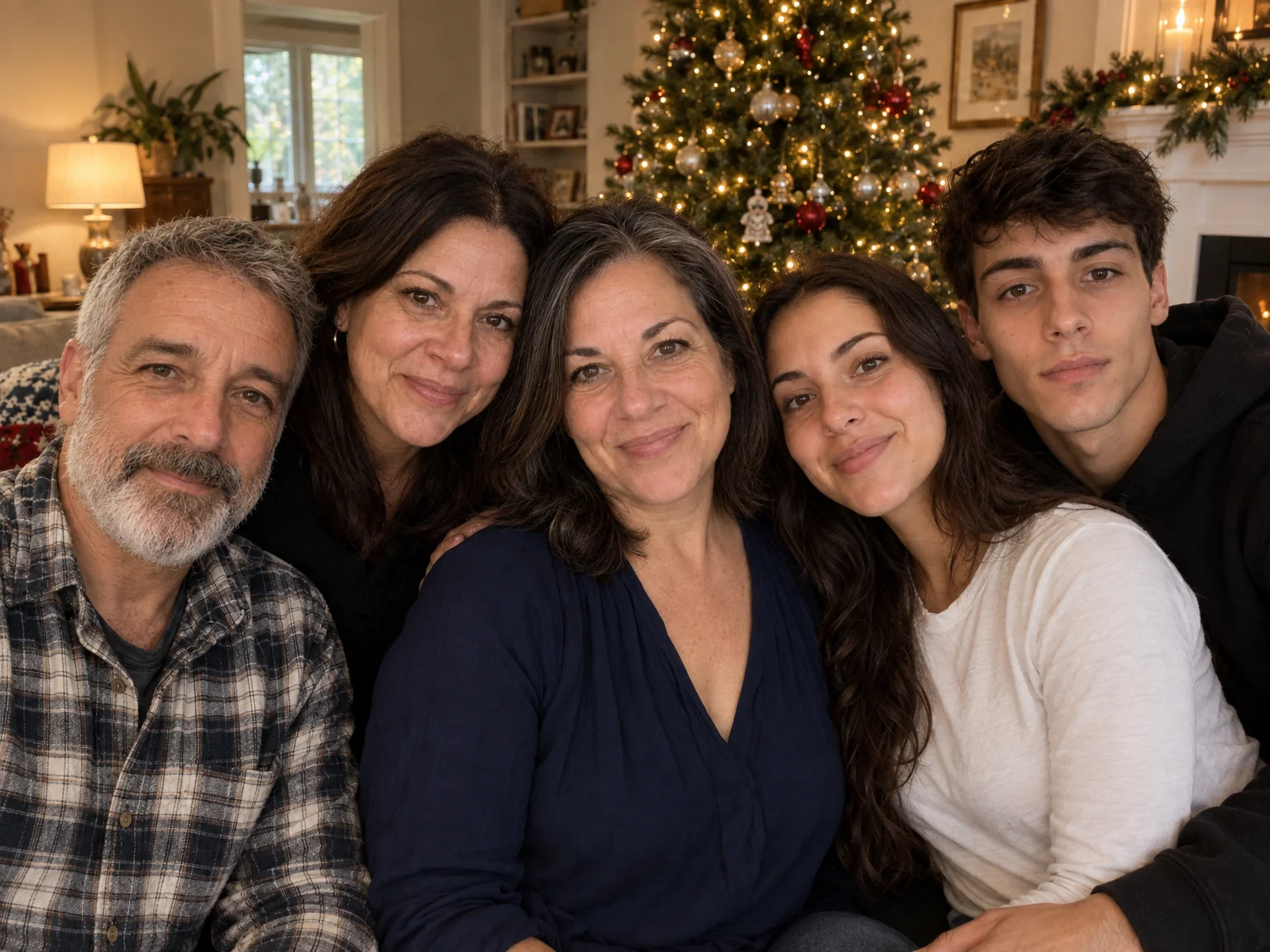
The scene select sets the occasion. Studio is a seamless neutral backdrop for a clean, timeless group portrait. Backyard Party, Beach, Rooftop at golden hour and Mountain Hike are relaxed outdoor settings. Holiday Living Room puts the group beside a decorated tree — a favorite for family cards. Office Team dresses everyone business-casual in a bright modern office for a website or press kit, and Restaurant gathers the group around a candlelit table. Output is framed at 4:3, wide enough for four people without crowding.
Two photos at Standard cost 4 credits; each additional person adds 2. Photos are ready in seconds and land in Your photos. For a family-card layout, send the result to Expand Photo for a wider crop or to Relight for a warmer mood. If one person's expression is not quite right, Expression Changer can adjust it on the finished photo. Pro and Max quality are worth it when the photo is headed for print or a company homepage.
Good to know
Works well with
 from 4 credits
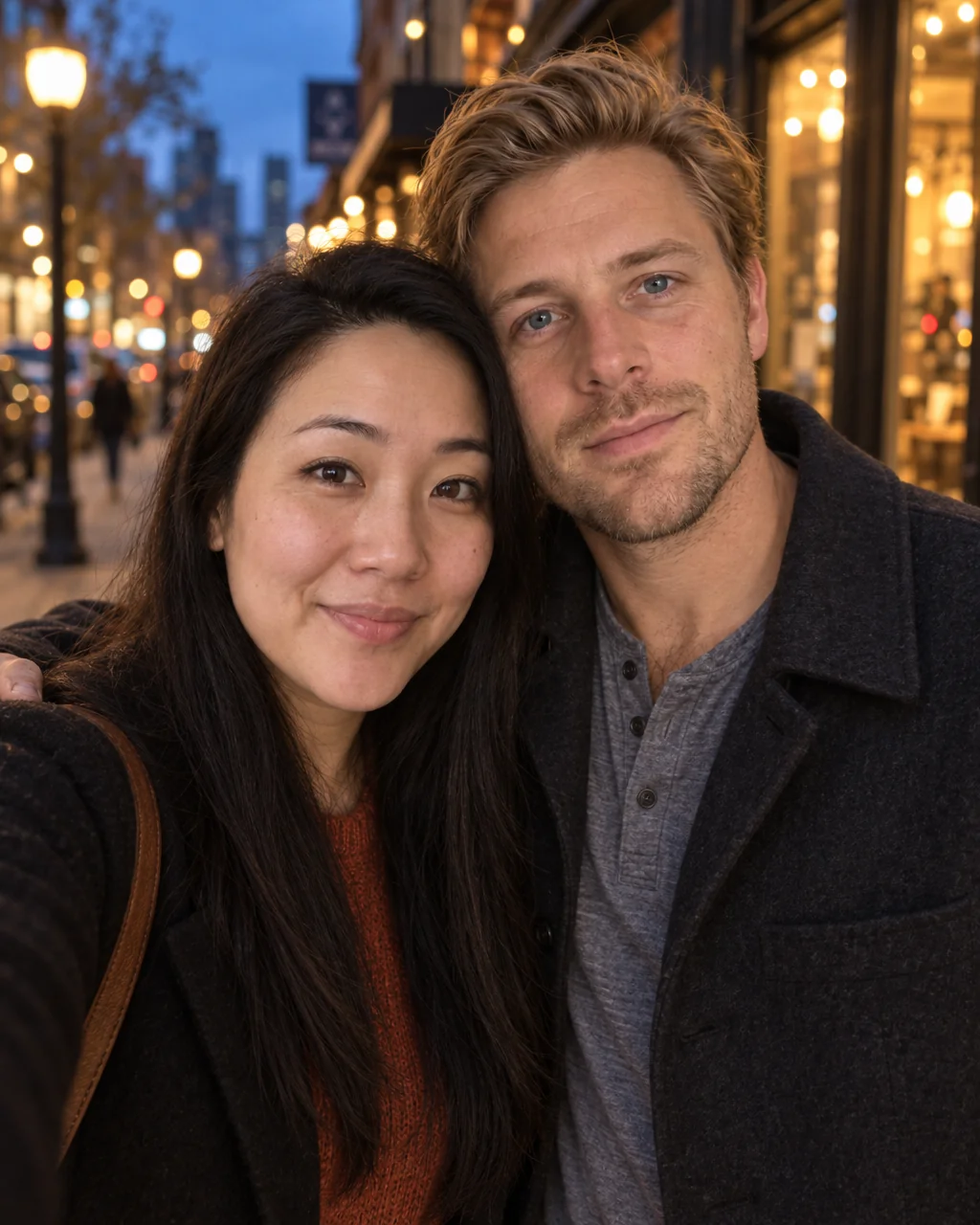
Couple Photos
One photo of you both from two separate selfies — beach, city, studio or snow
 from 4 credits
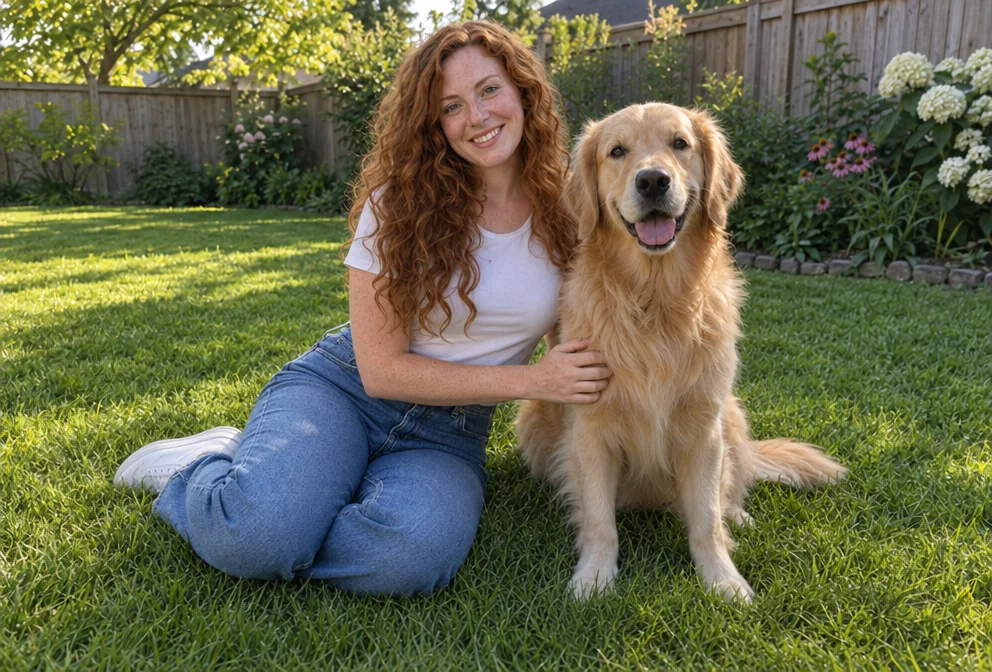
Add People
Put the people from one photo into the scene of another, as if they were there
 from 4 credits
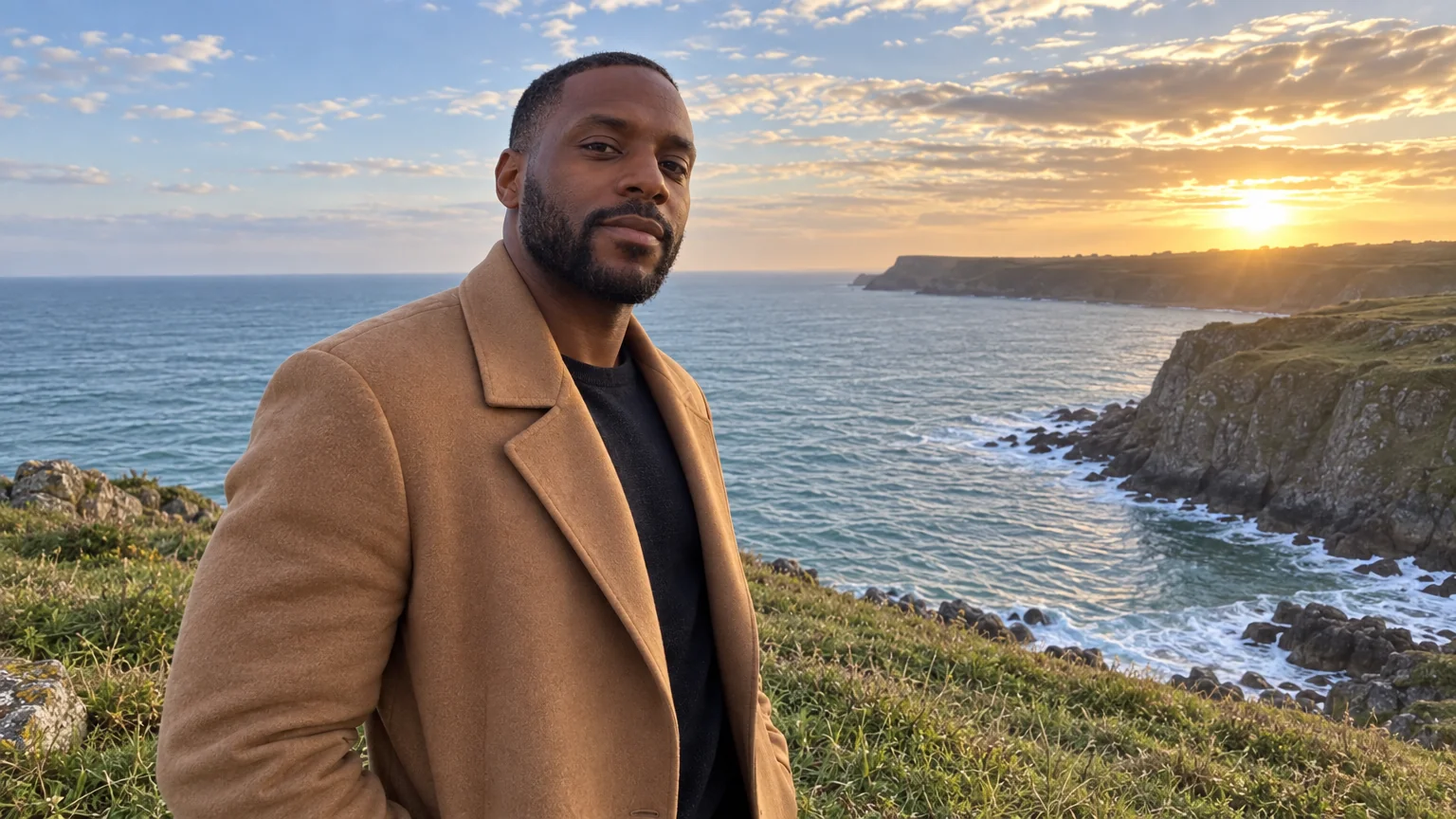
Expand Photo
Widen a tight crop — the scene continues naturally into any aspect ratio
 from 4 credits
Relight Photo
Twenty lighting setups, from soft window light to Rembrandt, neon and film noir