
People· Retouch
Relight Photo
Change the lighting of a photo to one of twenty studio and atmospheric setups — soft, dramatic, Rembrandt, split, rim, window, candlelight, neon, film noir and more — while keeping the subject and identity.
4 free credits — one Standard run of any tool. No card needed.

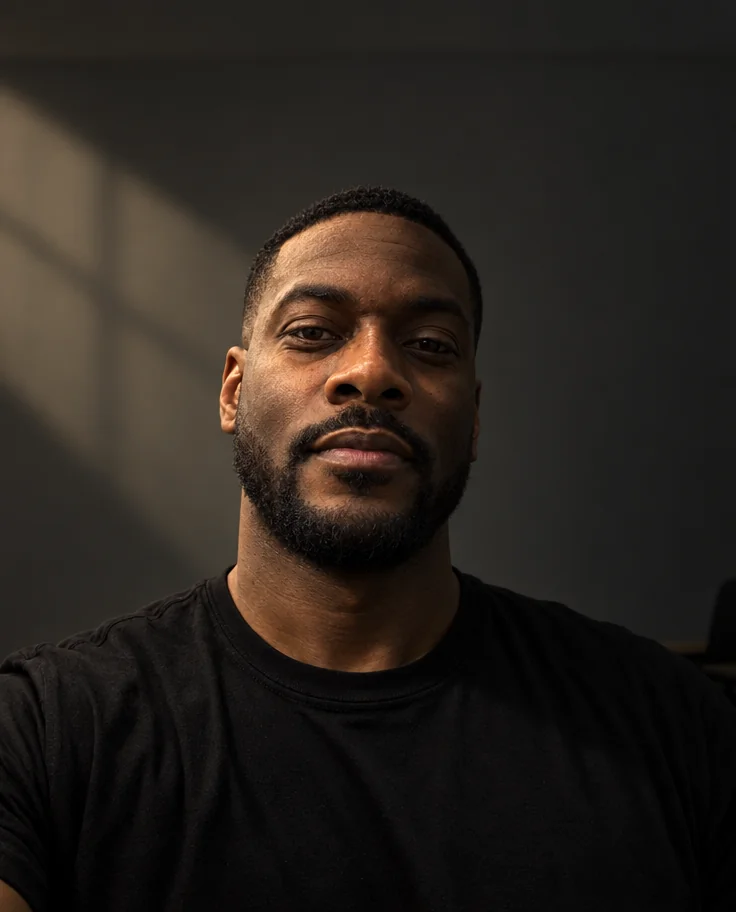
What you'll choose
- Photos you upload: Your photo
- Lighting StyleStudio Soft LightStudio DramaticRembrandt LightingSplit LightingButterfly LightingLoop LightingBroad LightingShort Lighting+12
Cost per result
- StandardQuick results for everyday use4cr
- ProFiner skin, fabric and surface detail12cr
- MaxThe most detail, for large prints44cr
- Edit it with words, or send it into any other tool
- Standard, Pro and Max quality
- Saved to Your photos, downloadable full size
- Print-size upscales and short videos
How it works
- 01
Upload a portrait or any photo whose light you want to change.
- 02
Choose a lighting style — classic studio pattern or atmospheric mood.
- 03
Shoot, compare with the original, and download or try a second setup.
Twenty lighting setups, from soft window light to Rembrandt, neon and film noir
Light is what a photographer sells, and Relight puts twenty setups on your photo after the fact. Choose a lighting style and the Studio re-lights the scene accordingly — the direction and softness of the key light, the shadows it casts on the face, the fill, the rim on the hair — while keeping your features, pose, clothing and background. A flat, overhead-lit selfie becomes a Rembrandt portrait with a triangle of light on the cheek, or a window-lit study, or a split-lit dramatic photo.
The classic studio patterns are all here: Soft, Dramatic, Rembrandt, Split, Butterfly, Loop, Broad, Short and Rim, plus Silhouette and Spotlight. Then the atmospheric ones — Natural Window, Candlelight, Fire Glow, Fairy Lights, Neon Cyberpunk, Film Noir, Underwater, Northern Lights and Vintage Flash. Photographers use the first group to fix a portrait; everyone uses the second to change its mood entirely. The output keeps the aspect ratio of the original.
A Standard run costs 4 credits and takes seconds; Pro and Max quality render skin under the new light with more subtlety, which matters for close portraits. Relight is a natural follow-up to any shoot, to Background Changer when the new scene calls for a different light, and to Photo Retouch when balance alone is not enough. Compare against the original with one tap and keep the version that makes the face look best.
Good to know
Works well with
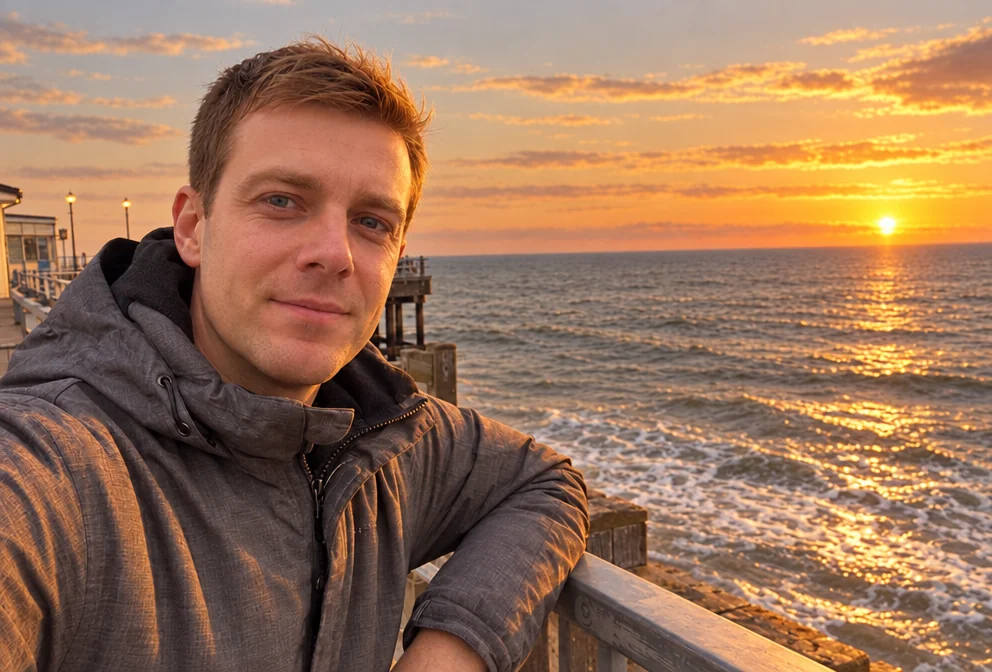 from 4 credits
Time of Day
Move the sun — golden hour, blue hour, overcast, night or starry sky
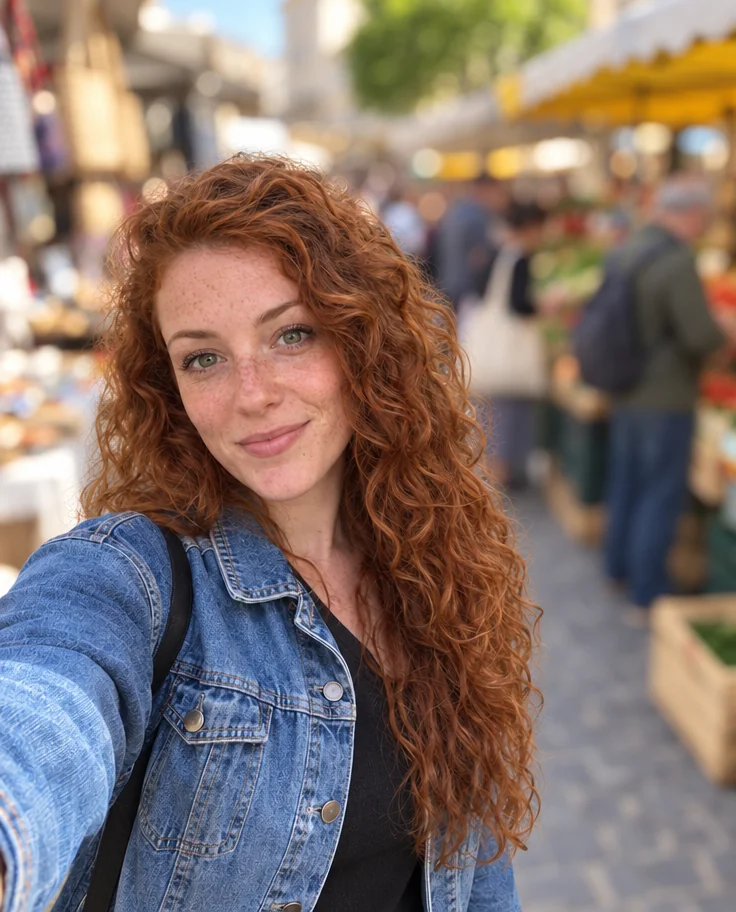 from 4 credits
Blur Background
Creamy portrait-lens blur behind you, sharp edges on hair and shoulders
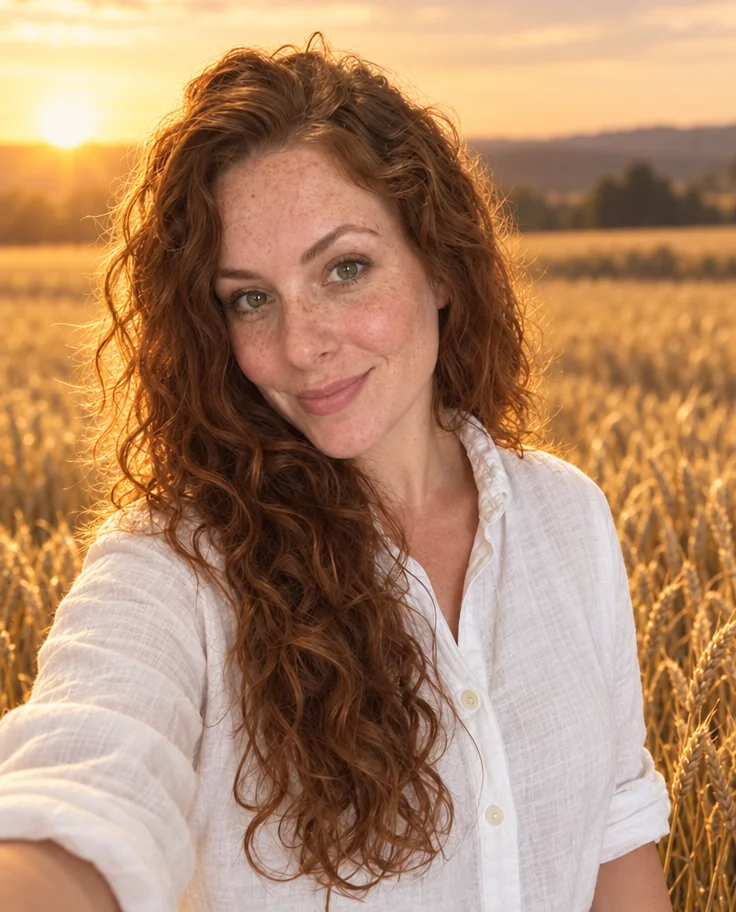 from 4 credits
Background Changer
Describe a new backdrop and step into it with matching light and perspective
 from 4 credits
Photo Retouch
A clean professional finish for the whole photo — people, products, rooms, food