
What you can shoot · Restore & Retouch
Bring back the photo you thought was lost.
Creased prints repaired, black-and-white made color, blurry enlarged, strangers removed, faces polished.
4 free credits — one Standard run of any tool. No card needed.
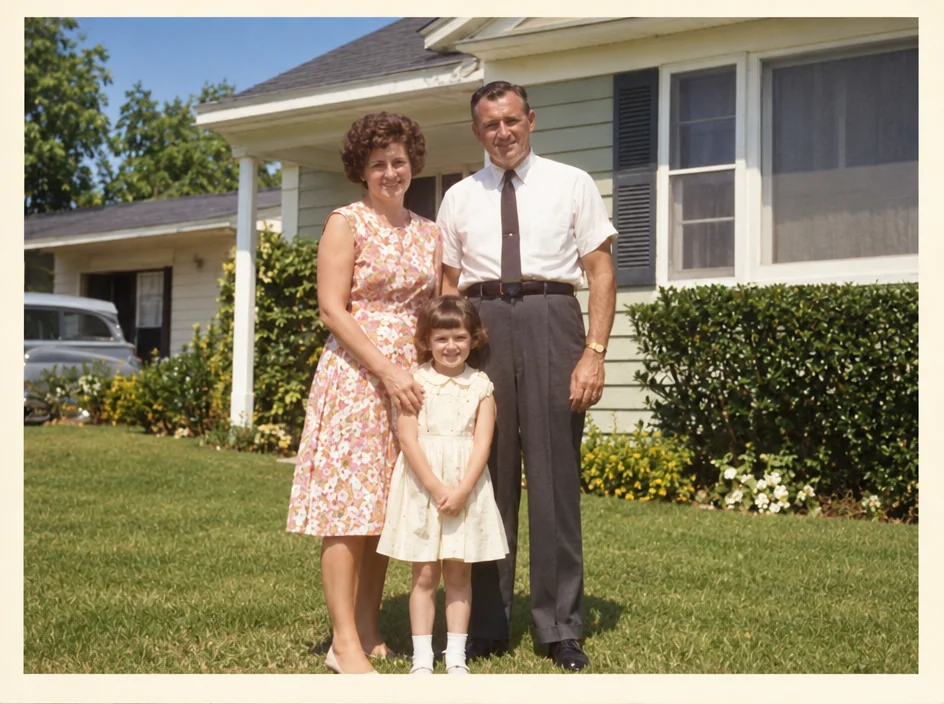
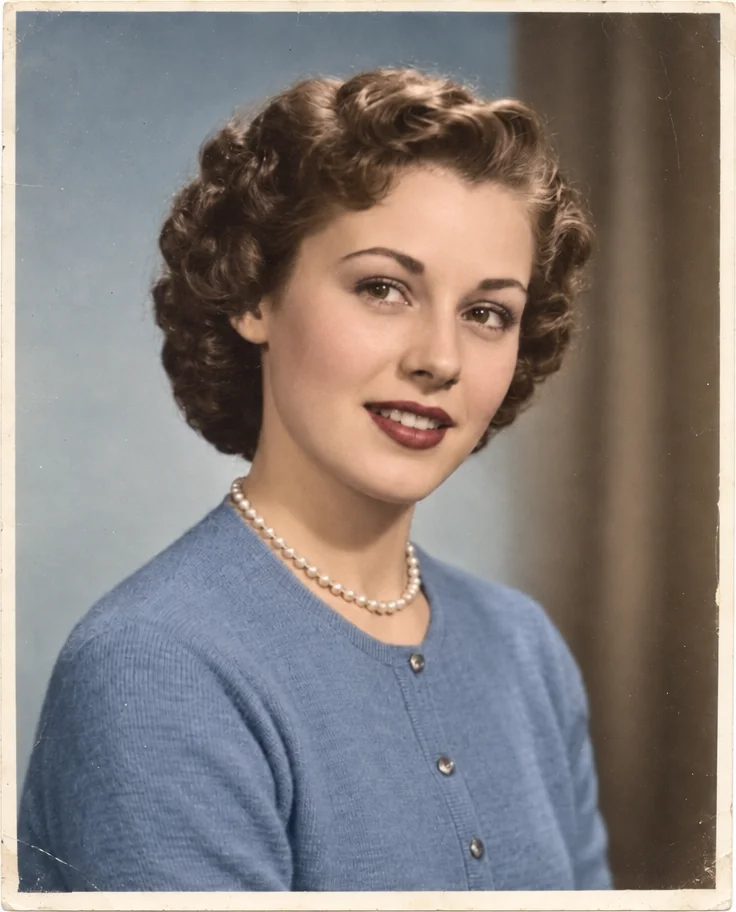
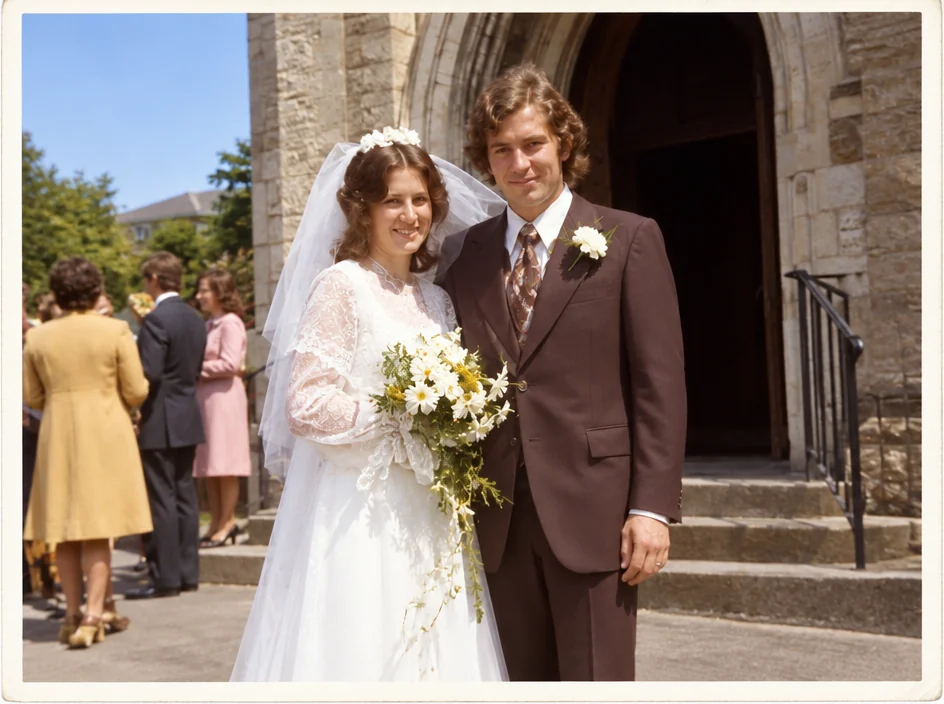
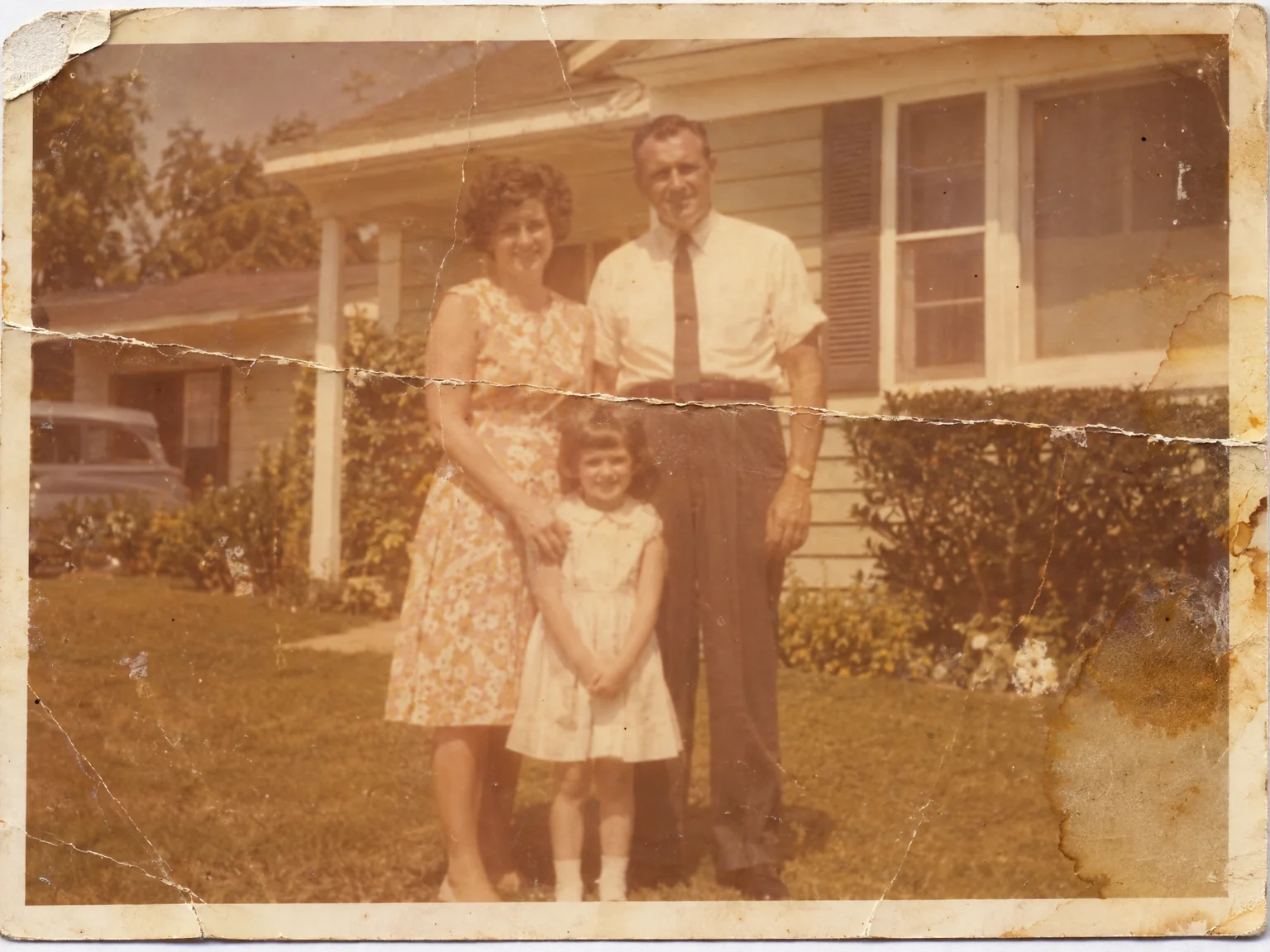
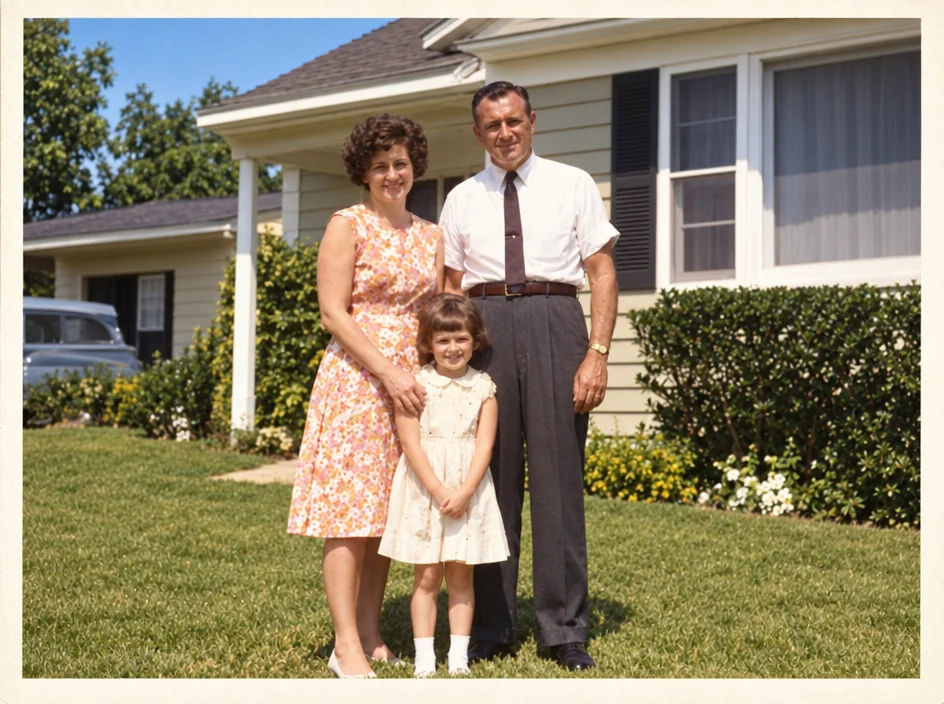
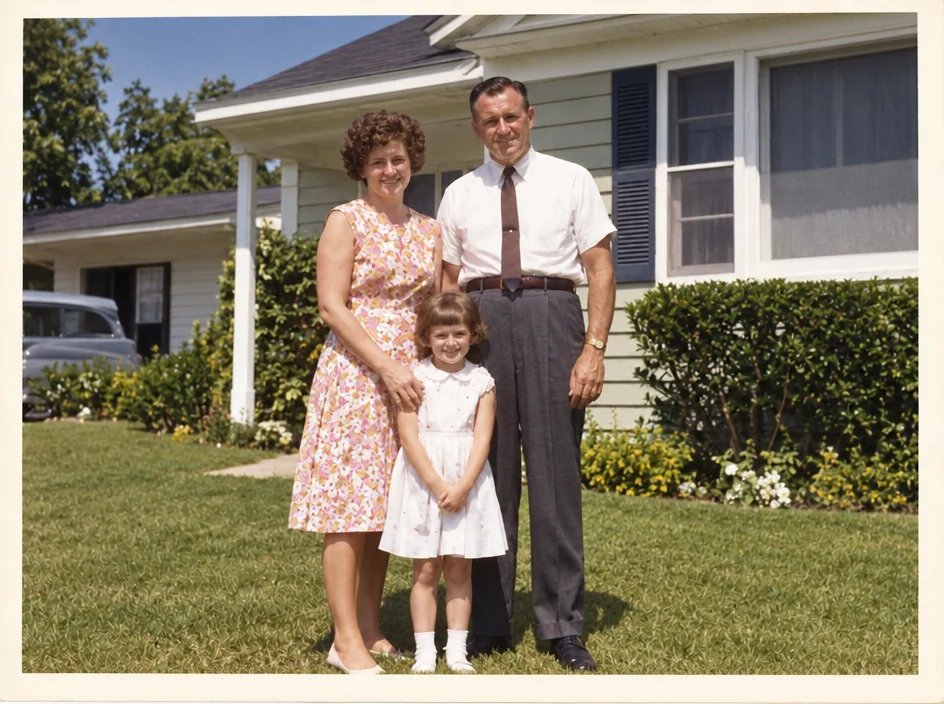
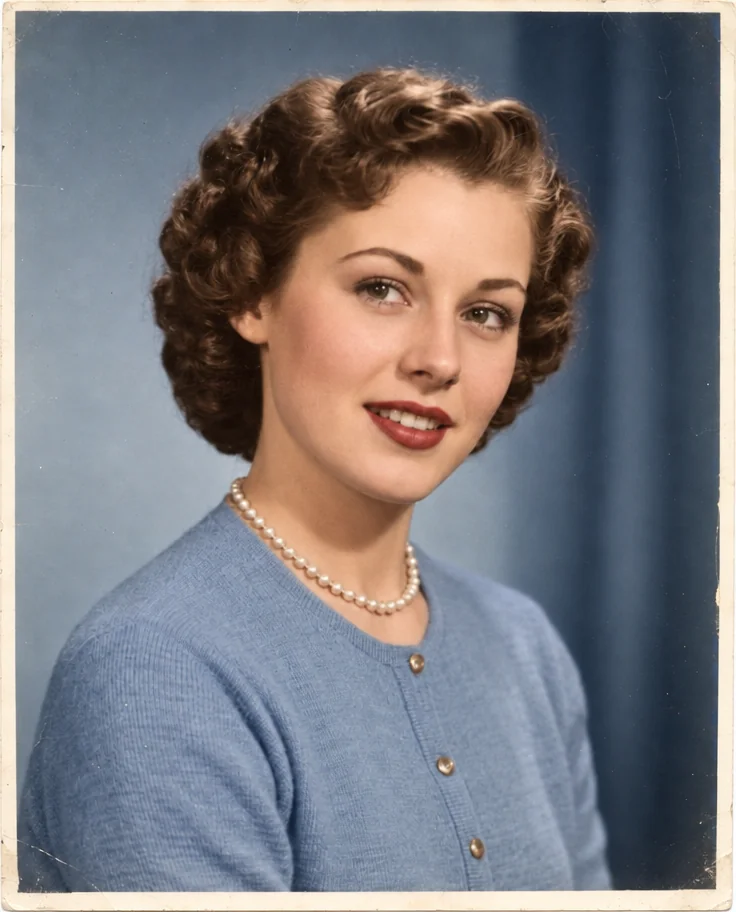
A creased 1960s print: repaired, colorized, enlarged.
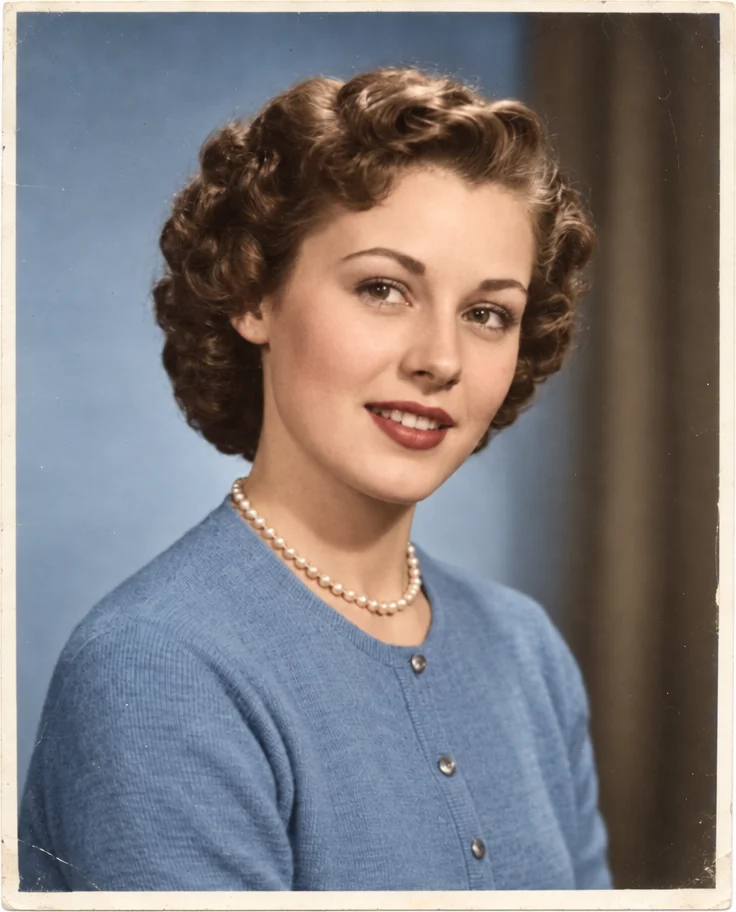
Photo Restoration repairs creases, scratches, stains and fading on a scan or a phone photo of an old print while keeping the grain and the faces exactly as they were. Colorize adds natural, period-true color. Image Upscaler enlarges a small original to 8, 16 or 32 megapixels so it can be printed again.
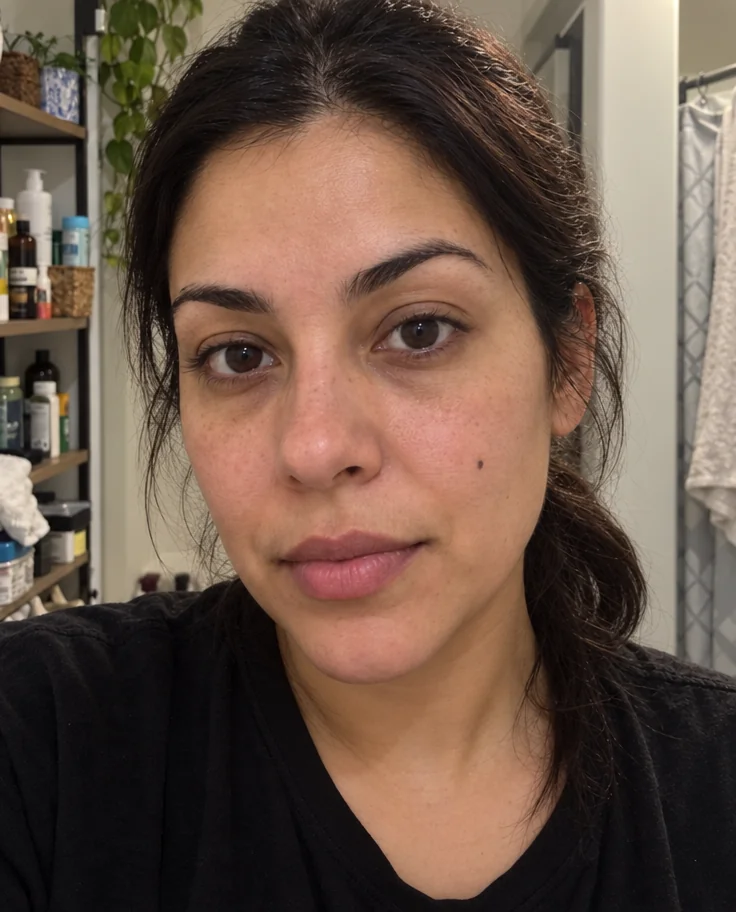
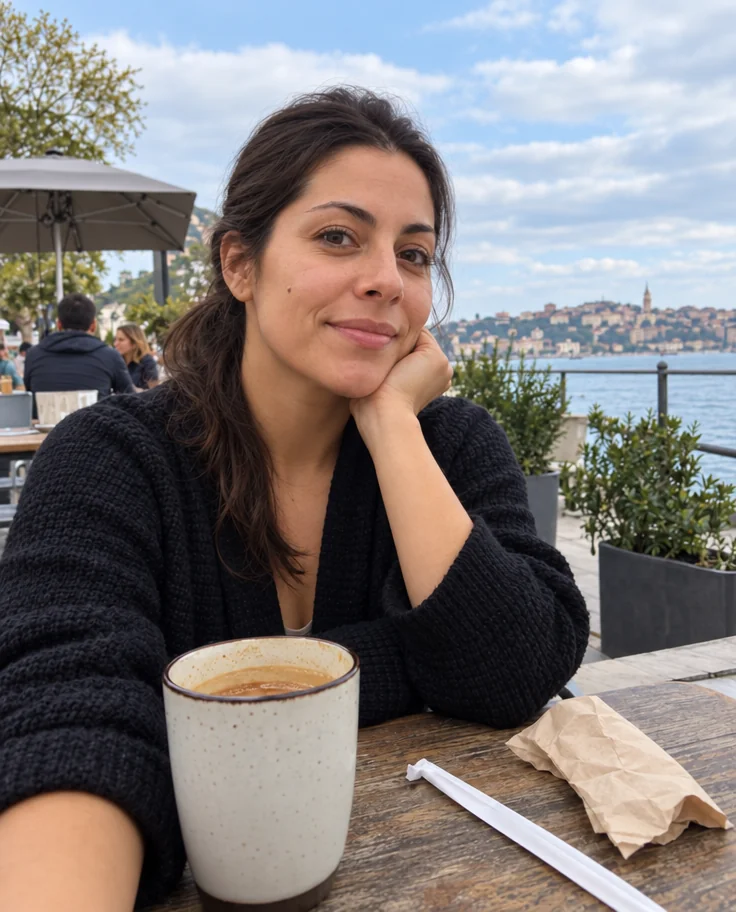
Retouch covers the photos you took last week: Face Retouch for blemishes and tired eyes, Photo Retouch for dull light and dust spots, Object Remover and Person Remover for what should not be in the picture, Open Eyes and Glasses Glare Removal for the almost-perfect shot.
Restore & Retouch tools
Every tool opens the studio with this subject already selected.
 from 4 credits
Photo Restoration
Scratches, creases, stains and fading repaired — the original look, respected
 from 4 credits
Colorize Photo
Black-and-white photos in believable, period-true color — grain and detail kept
- Example coming soonfrom 3 credits
Image Upscaler
Enlarge any photo to 4, 8, 16 or 32 megapixels for prints and screens
 from 4 credits
Face Retouch
Blemishes, redness and shadows eased — pores, freckles and you, kept
 from 4 credits
Photo Retouch
A clean professional finish for the whole photo — people, products, rooms, food
 from 4 credits
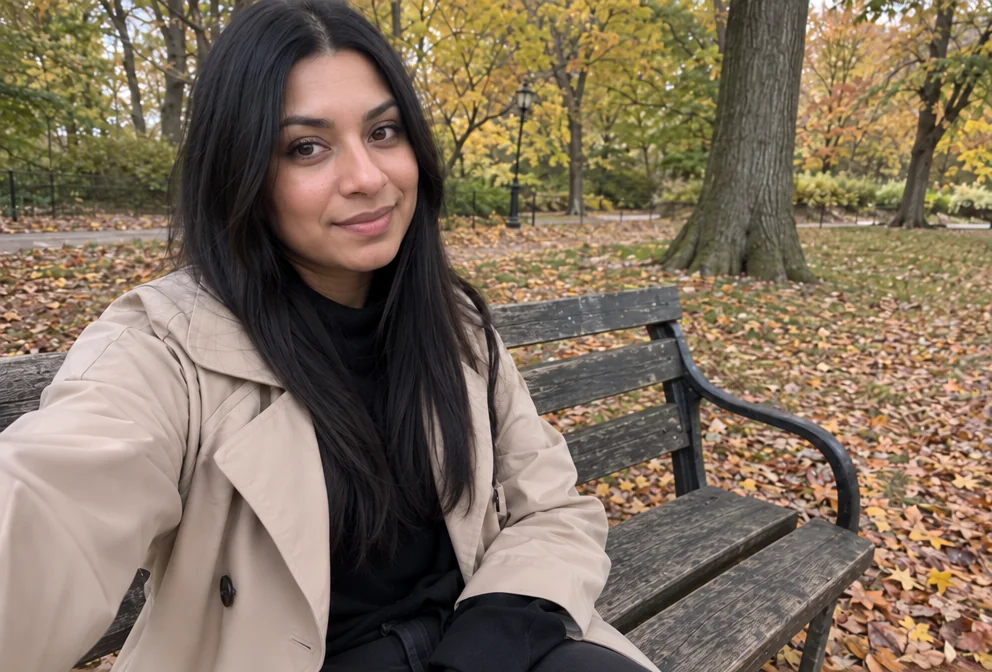
Remove an Object
Name the thing — a bin, a wire, a watermark of glare — and it's gone
 from 4 credits
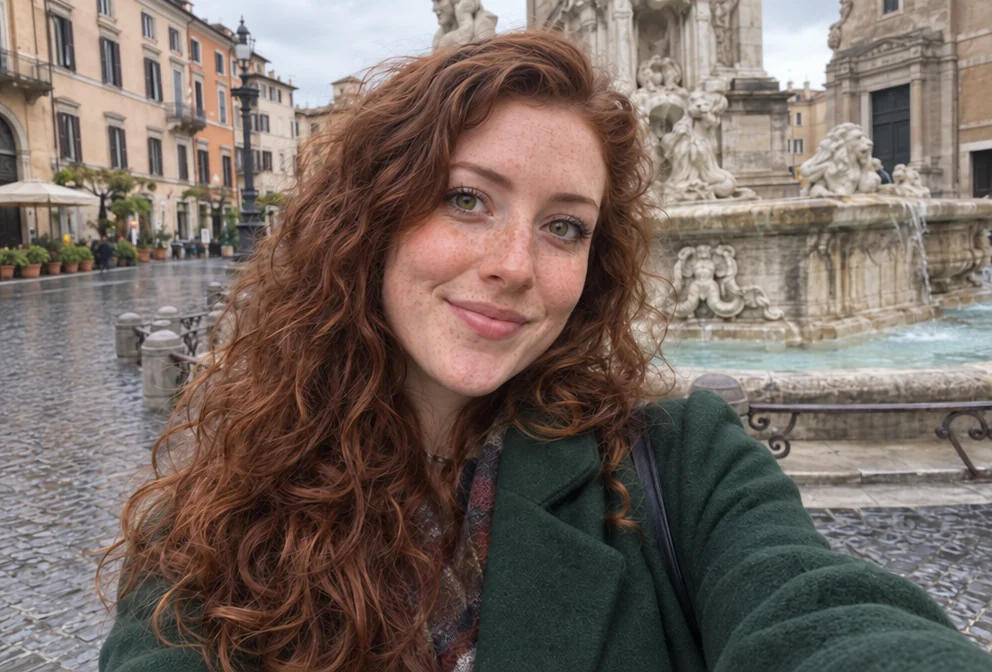
Remove a Person
The stranger behind you, the ex beside you — gone, with the scene filled in
 from 4 credits
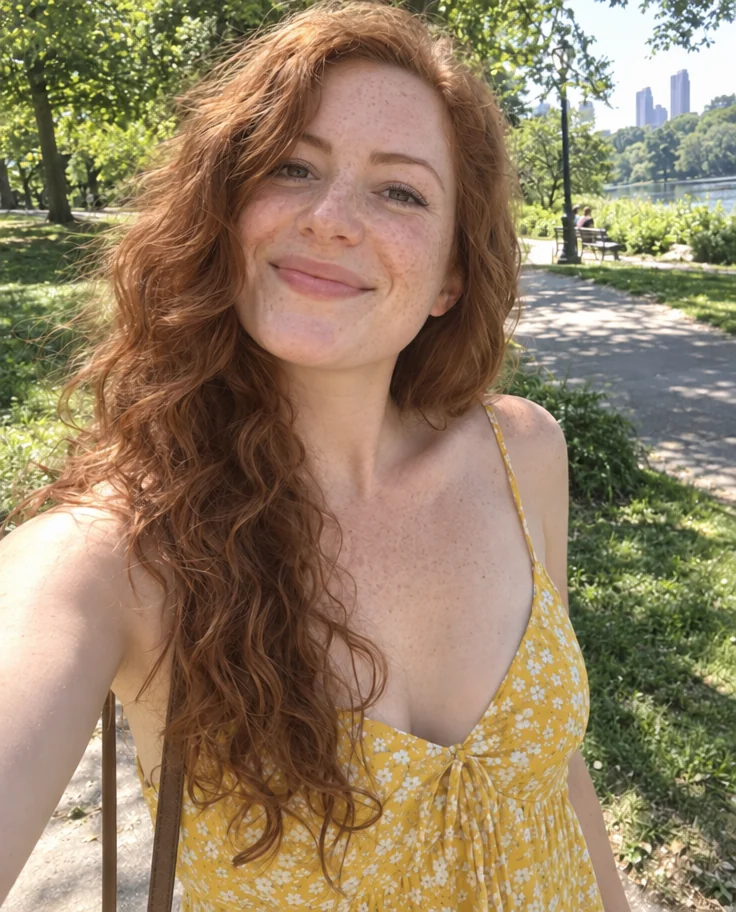
Open Eyes
The blink that ruined the group photo, undone
 from 4 credits
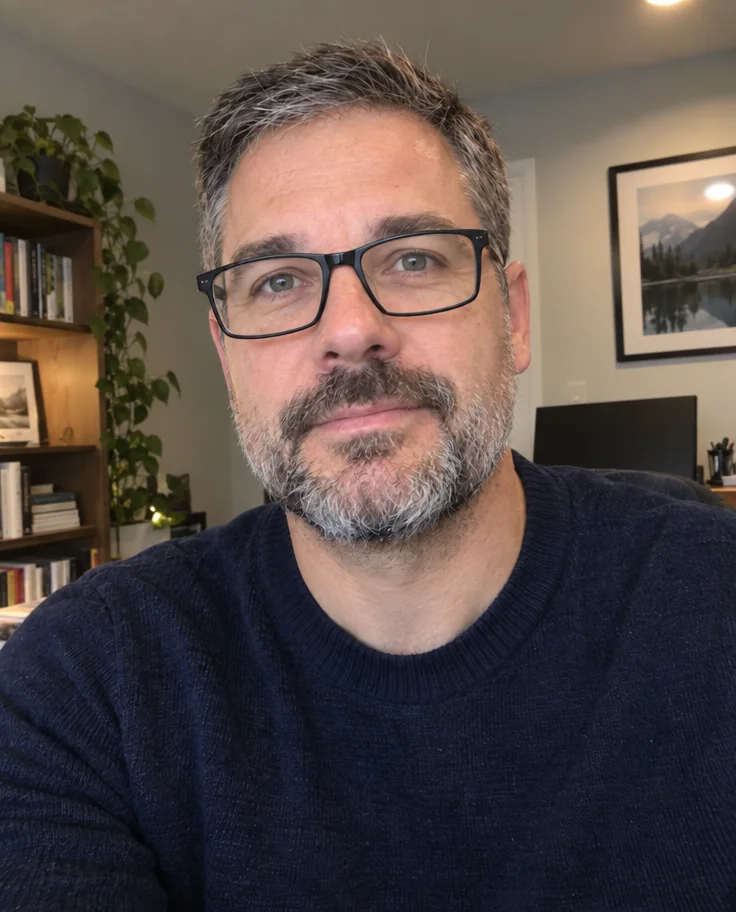
Glasses Glare Removal
Keep the glasses, lose the reflections — eyes visible again
 from 4 credits
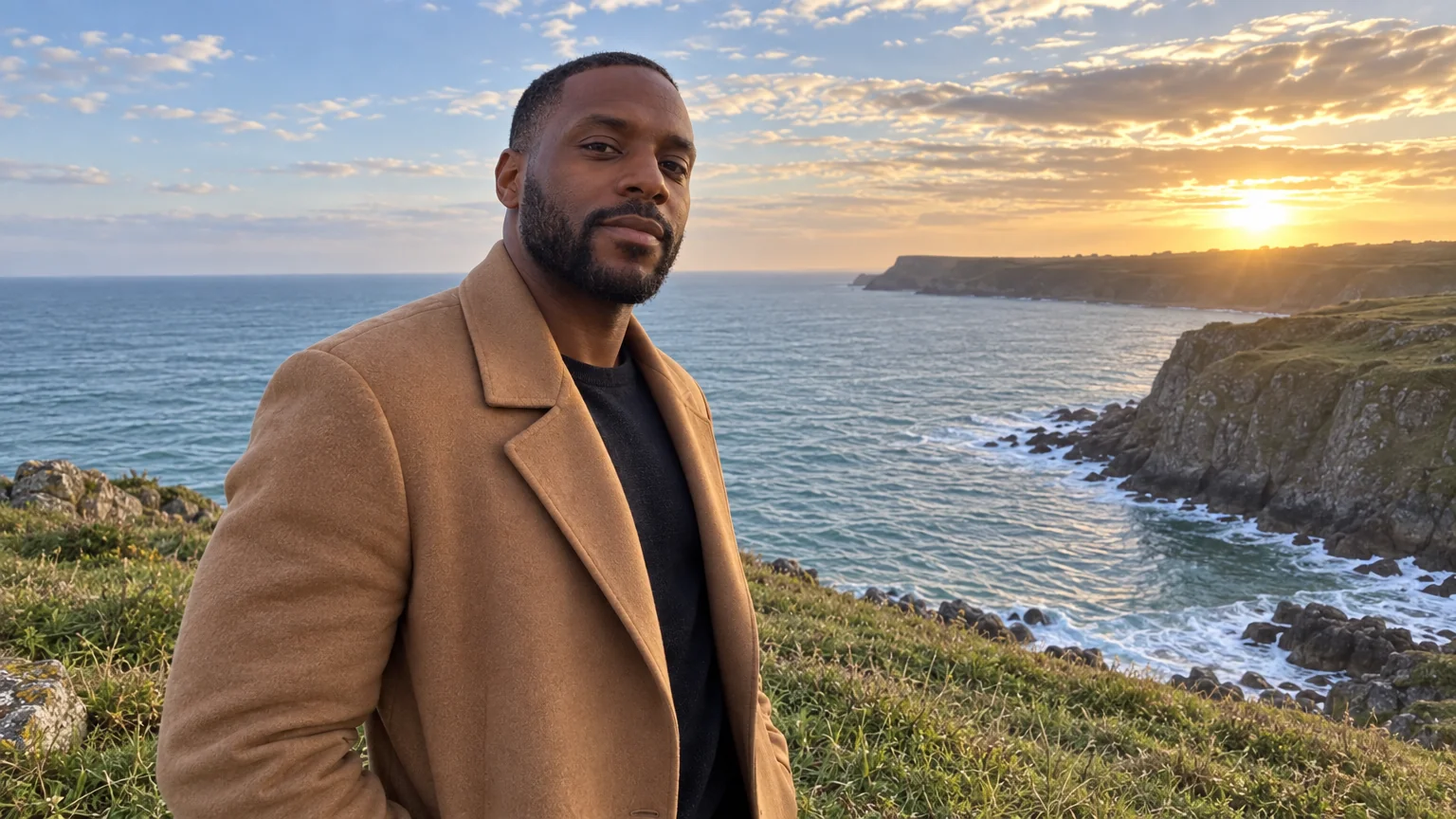
Perfect Smile
Whiter, straighter, stain-free teeth that still look like yours
 from 4 credits
Expand Photo
Widen a tight crop — the scene continues naturally into any aspect ratio
- Example coming soonfrom 1 credits
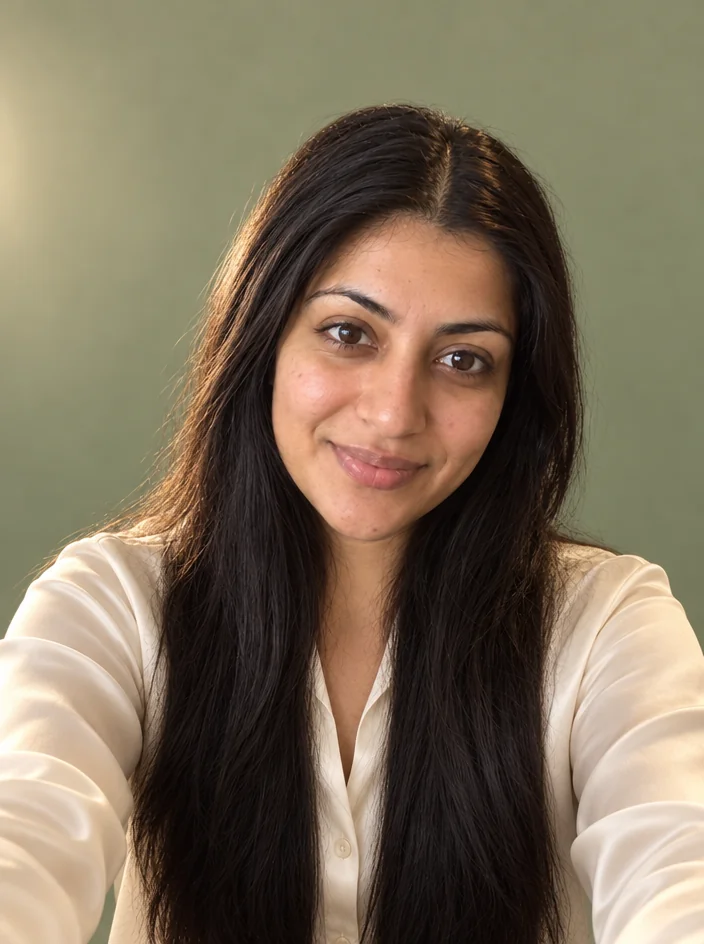
Background Remover
A clean cut-out with a transparent background, from 1 credit
 from 4 credits
AI Photo Editor
Edit any photo with a sentence — the tool for everything without its own button
Photo ideas
Pages that open the studio with the right tool and options already set.
Old family photos
Old photos
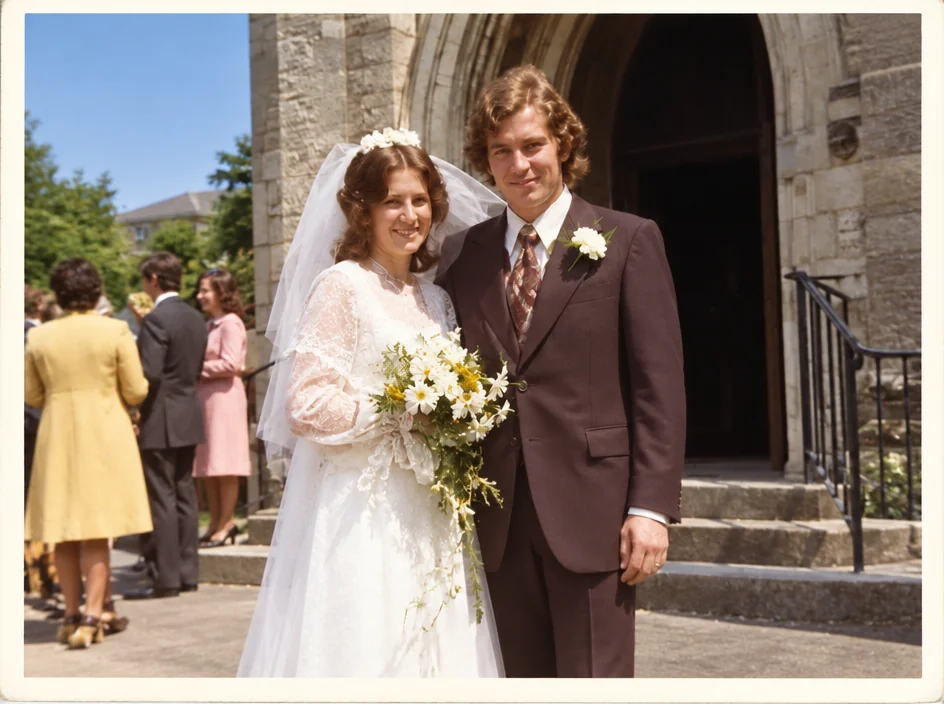
The wedding photo
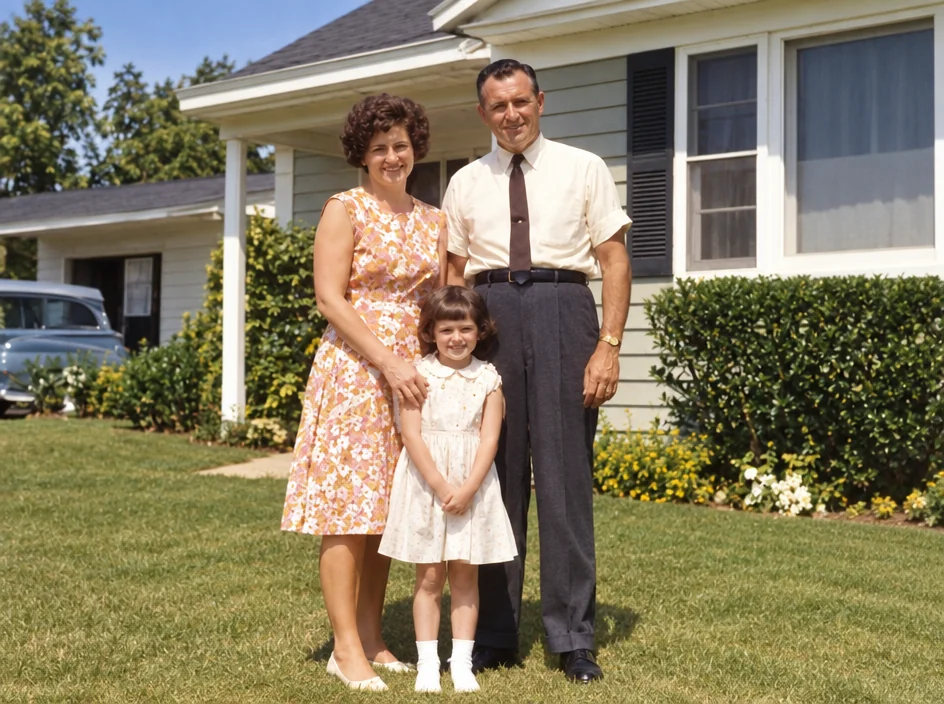
Small old photos
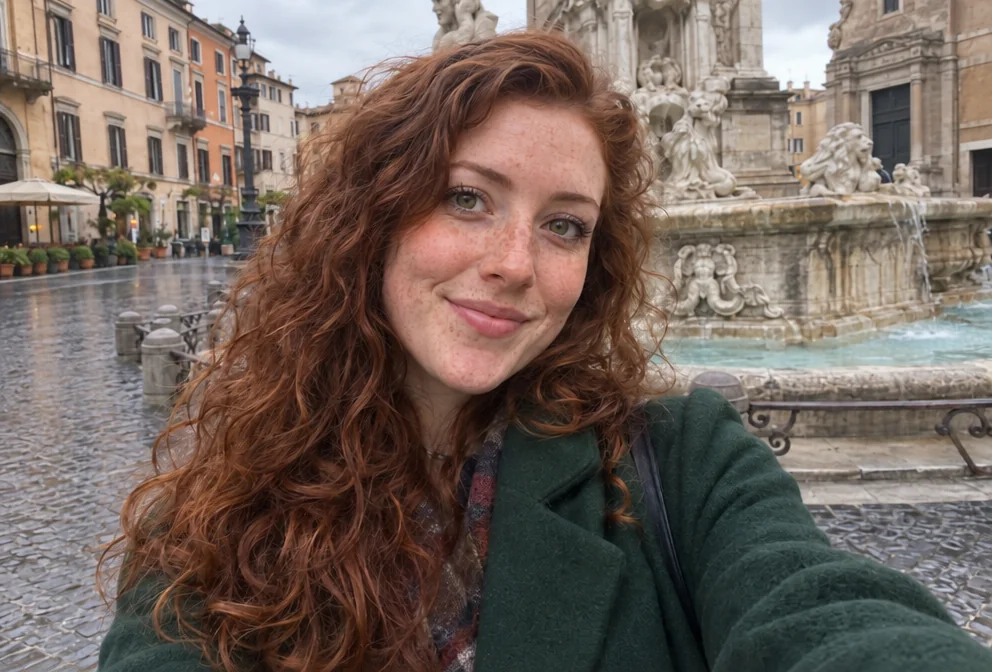
The photo without the stranger in it
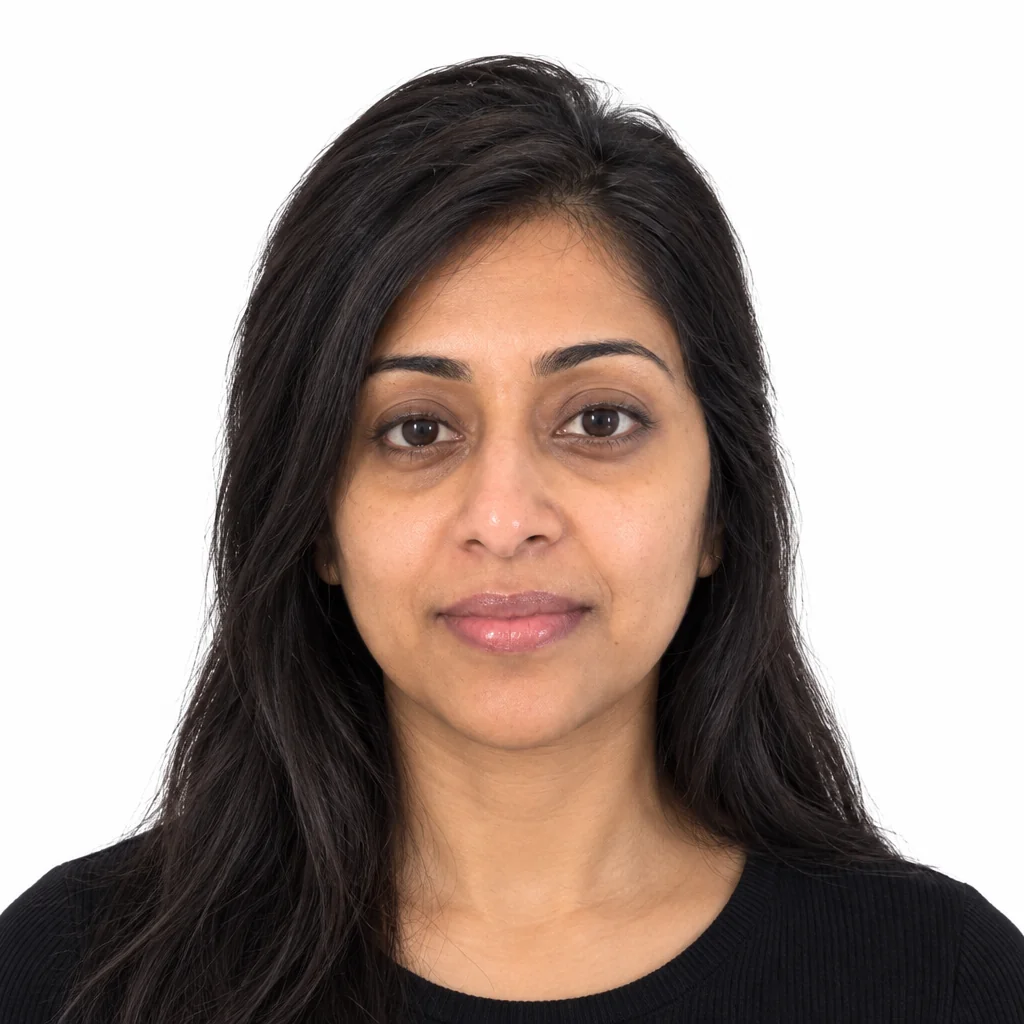
Passport photos
Good to know
Start with restore & retouch photos
Open the studioEverything you can shoot