
People· Retouch
Perfect Smile
Naturally whiten and straighten teeth and remove stains in any smiling photo, keeping the smile believable and the rest of the face unchanged.
4 free credits — one Standard run of any tool. No card needed.


What you'll choose
- Photos you upload: Your photo
Cost per result
- StandardQuick results for everyday use4cr
- ProFiner skin, fabric and surface detail12cr
- MaxThe most detail, for large prints44cr
- Edit it with words, or send it into any other tool
- Standard, Pro and Max quality
- Saved to Your photos, downloadable full size
- Print-size upscales and short videos
How it works
- 01
Upload a photo where the smile shows teeth.
- 02
Shoot at Standard for a quick polish, or Pro and Max for large prints.
- 03
Compare with the original and download or continue with Face Retouch.
Whiter, straighter, stain-free teeth that still look like yours
A great smile can be undone by a coffee stain or a slightly crooked front tooth that the camera makes worse. Perfect Smile is a dental retouch that stays believable. Teeth are whitened to a natural shade rather than paper white, straightened where they are noticeably out of line, and cleared of stains and small chips. The lips, gums, skin, expression and everything else in the photo are left exactly as they are, so the result looks like a good dentist visit rather than a different mouth.
It is built for photos where the smile shows teeth: headshots, dating-profile photos, graduation portraits, wedding-guest snaps and family pictures. On group photos every visible smile is treated. The tool keeps the aspect ratio of the uploaded image and preserves the original resolution as far as possible, so it slots into an existing edit without extra cropping. If the photo also needs help with skin or eyes, Face Retouch handles those; the two tools are designed to be run back to back.
A Standard run costs 4 credits and finishes in seconds. Pro and Max quality render enamel texture and highlights more faithfully, which shows on a large headshot or a print. Perfect Smile pairs naturally with Expression Changer — set the smile first, then perfect the teeth — and with any shoot in the Studio when you want a final polish before publishing. Compare against the original with one tap before you download.
Good to know
Works well with
 from 4 credits
Face Retouch
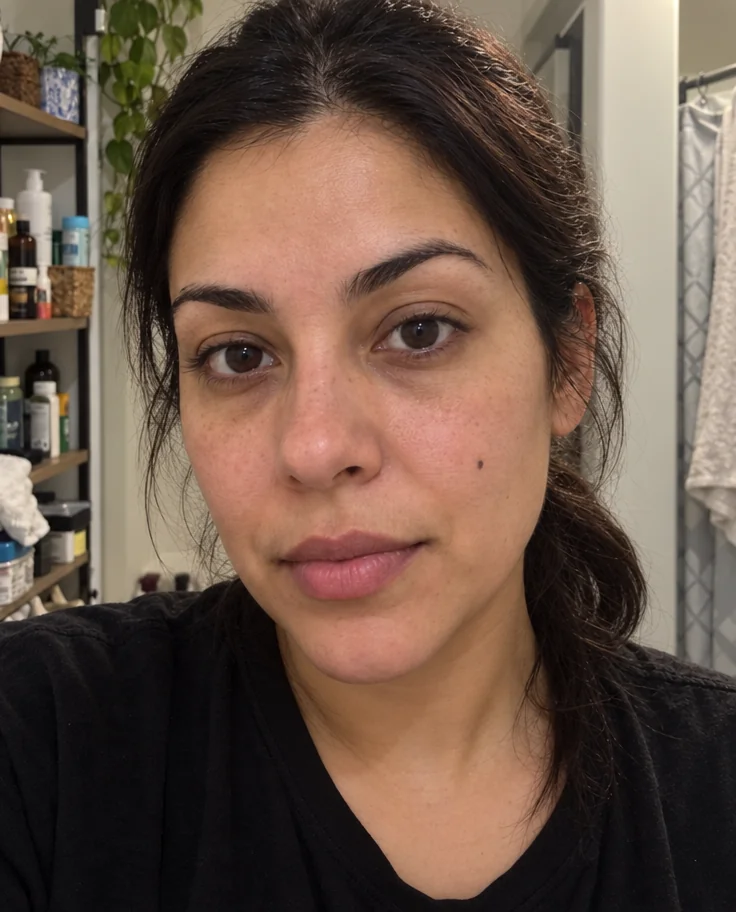
Blemishes, redness and shadows eased — pores, freckles and you, kept
 from 4 credits
Expression Changer
Turn a flat expression into a gentle smile, a laugh or a confident look
 from 4 credits
Open Eyes
The blink that ruined the group photo, undone
 from 4 credits
Makeup
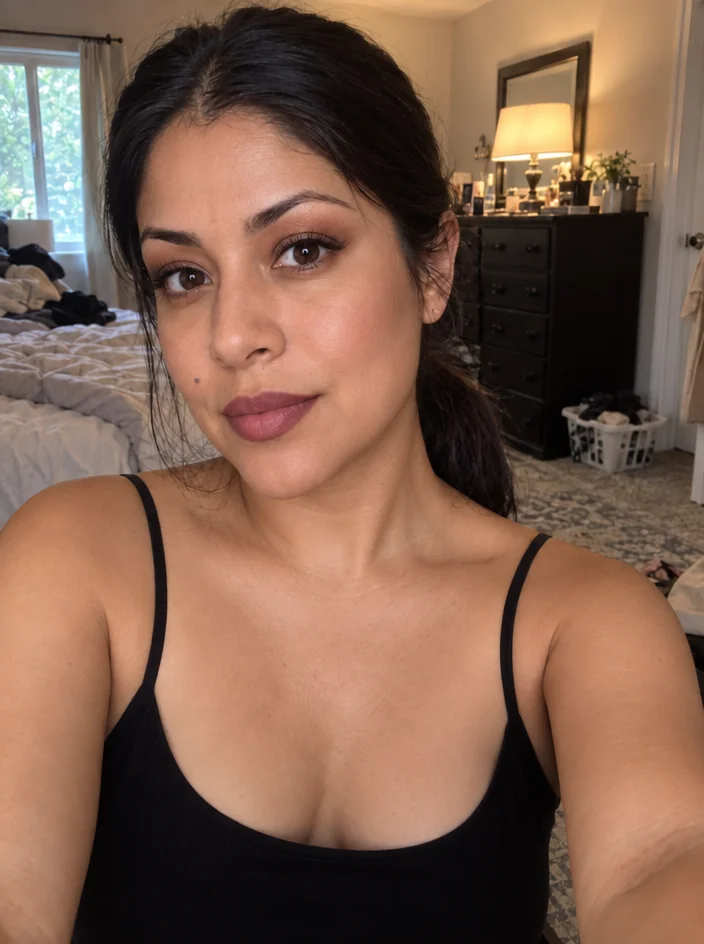
Describe a makeup look and see it blended into your photo's skin and light