
Fashion & Clothing· Fashion & Clothing
Makeup
Apply makeup by describing the look — soft glam, a red lip, smoky eyes, no-makeup makeup — and the Studio blends it with your skin tone and the lighting of the photo.
4 free credits — one Standard run of any tool. No card needed.
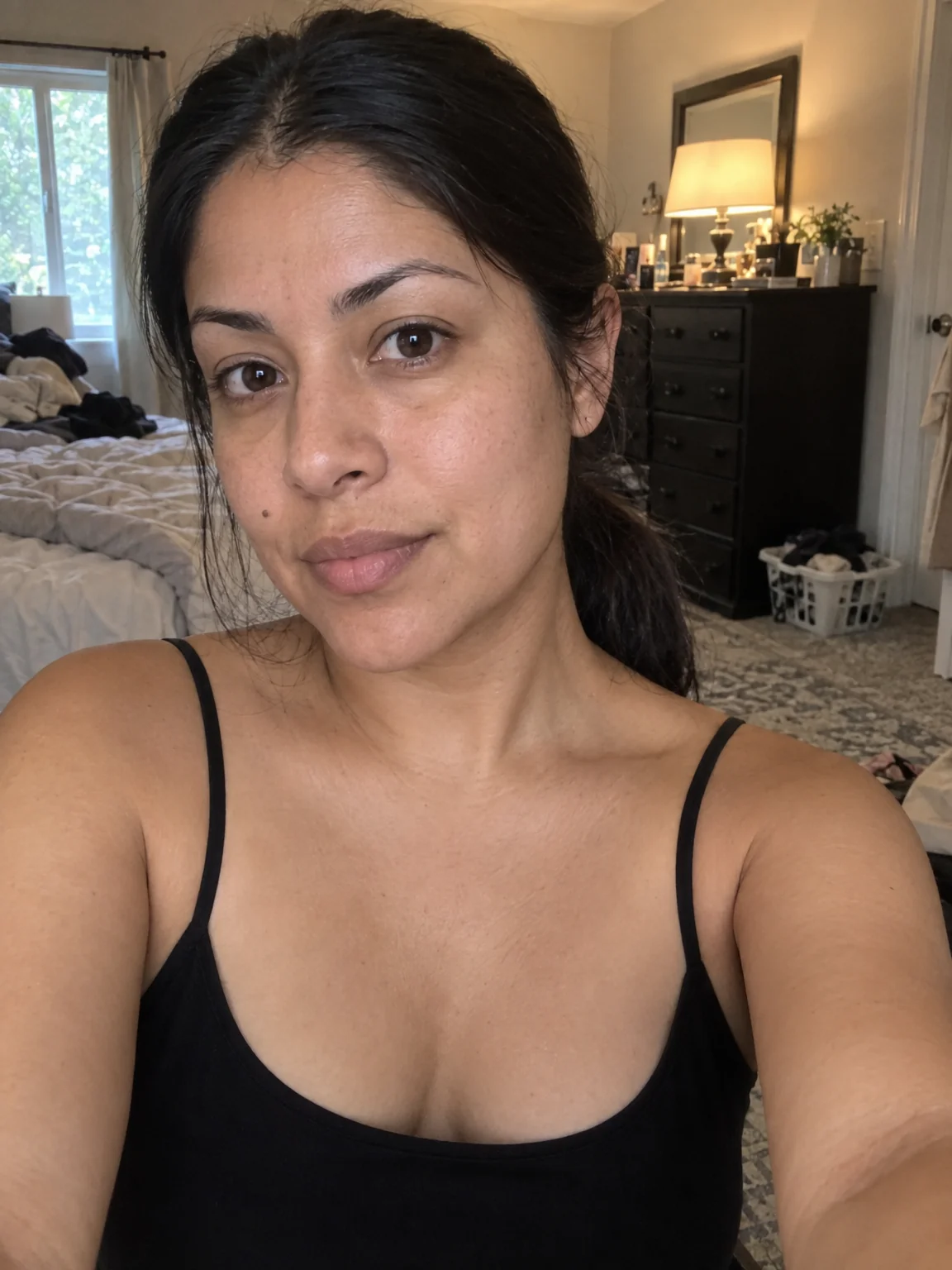
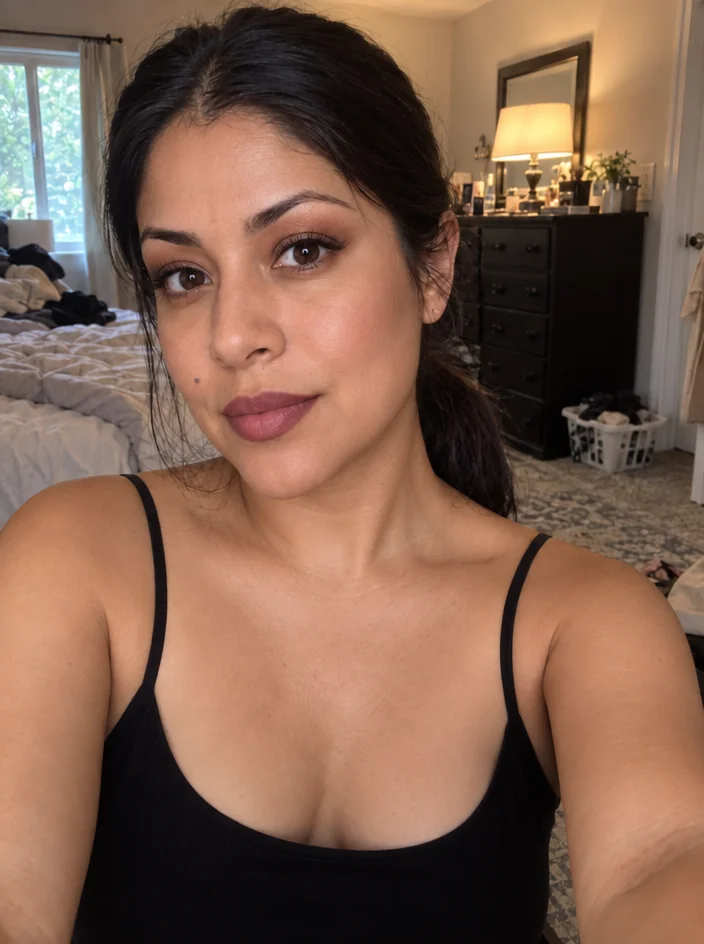
What you'll choose
- Photos you upload: Your photo
- Makeup Look
Cost per result
- StandardQuick results for everyday use4cr
- ProFiner skin, fabric and surface detail12cr
- MaxThe most detail, for large prints44cr
- Edit it with words, or send it into any other tool
- Standard, Pro and Max quality
- Saved to Your photos, downloadable full size
- Print-size upscales and short videos
How it works
- 01
Upload a photo with the face clearly lit and mostly toward the camera.
- 02
Describe the look: eyes, lips, skin finish and any accents.
- 03
Shoot, compare with the bare-faced original, and download or try another look.
Describe a makeup look and see it blended into your photo's skin and light
Makeup is a photo tool as much as a mirror tool, and this is where you test a look without buying the products. Describe it in plain words — a classic red lip, smoky charcoal eyes, bridal rose and shimmer, a no-makeup look with groomed brows — and the Studio applies it to your face, matched to your skin tone and blended into the light of the photo so it reads as worn, not pasted on. Your features, expression, hair and background stay the same.
Descriptions can be as short as a lip color or as detailed as a full face: eyes, brows, base, blush, contour, lips. Name finishes where they matter — matte, satin, glossy, shimmer — and the Studio renders them differently under the same light. It is useful for previewing a wedding or event look, for adding a touch of polish to a headshot, for content creators planning a tutorial, and for checking how a bold color sits against your complexion before you commit to it in person.
A Standard run costs 4 credits and is ready in seconds; Pro and Max quality render lash detail, lip texture and shimmer more precisely for close crops. Makeup combines naturally with Hairstyle Changer for a full look, with Face Retouch for even skin underneath, and with any shoot in the Studio when the wardrobe changed but the face did not. Run two or three looks on the same photo, compare them side by side in Your photos, and take screenshots to the makeup counter or your artist.
Good to know
Works well with
 from 4 credits
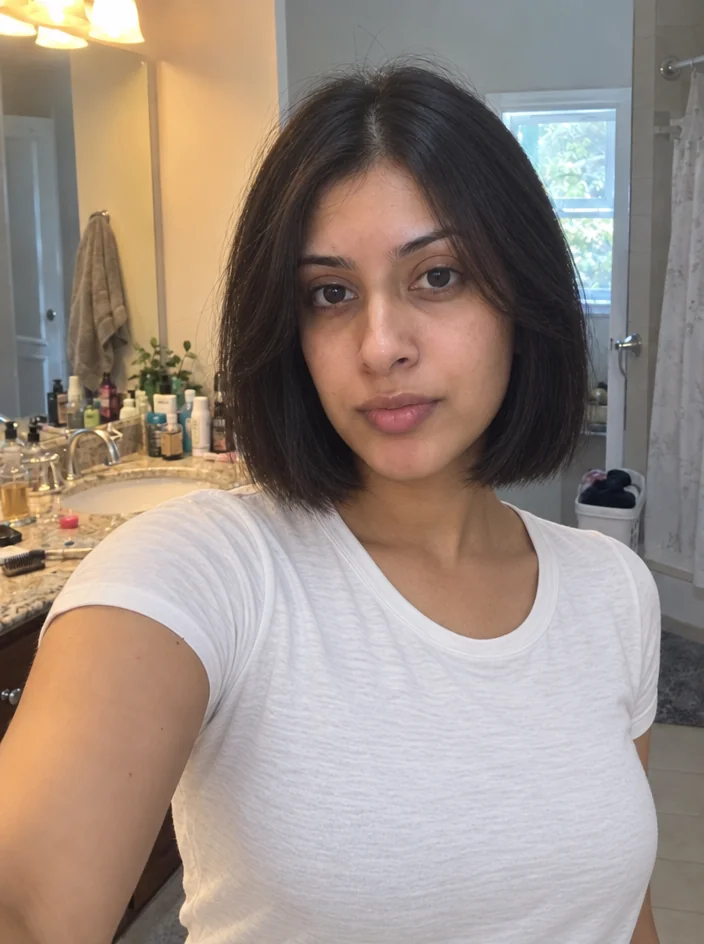
Hairstyle Changer
Preview any cut or color on your own photo before you sit in the chair
 from 4 credits
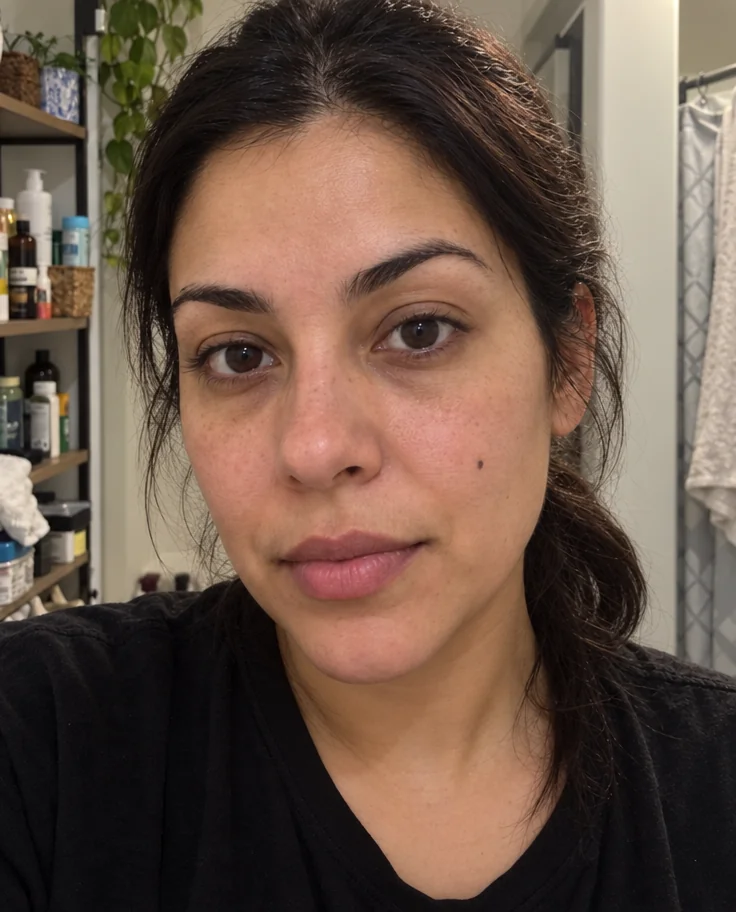
Face Retouch
Blemishes, redness and shadows eased — pores, freckles and you, kept
 from 4 credits
Outfit Change
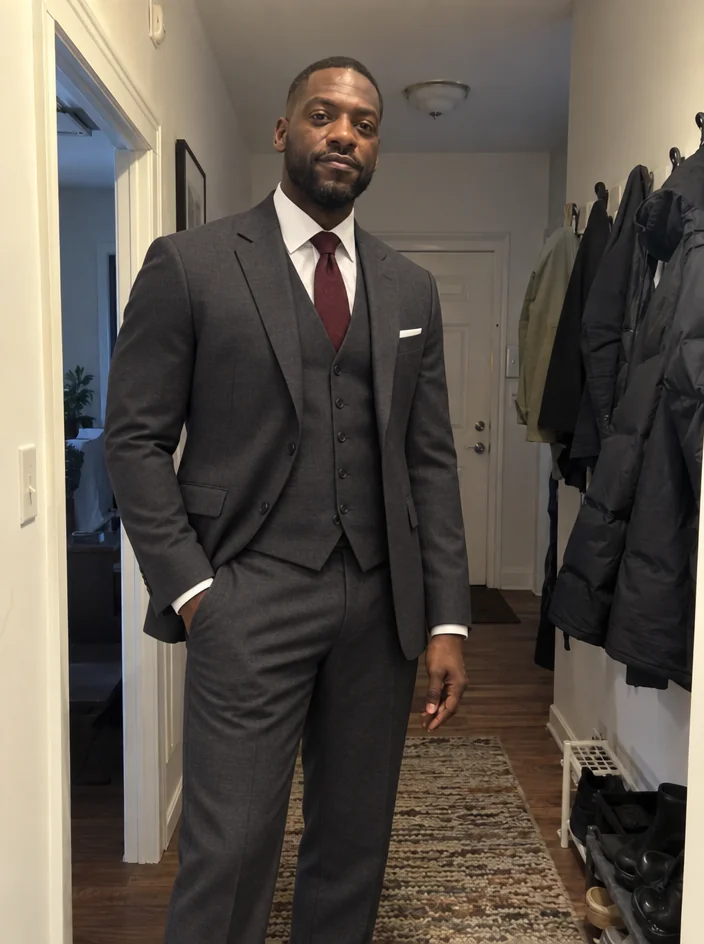
Describe a new outfit in words and wear it in your existing photo
 from 4 credits
Expression Changer
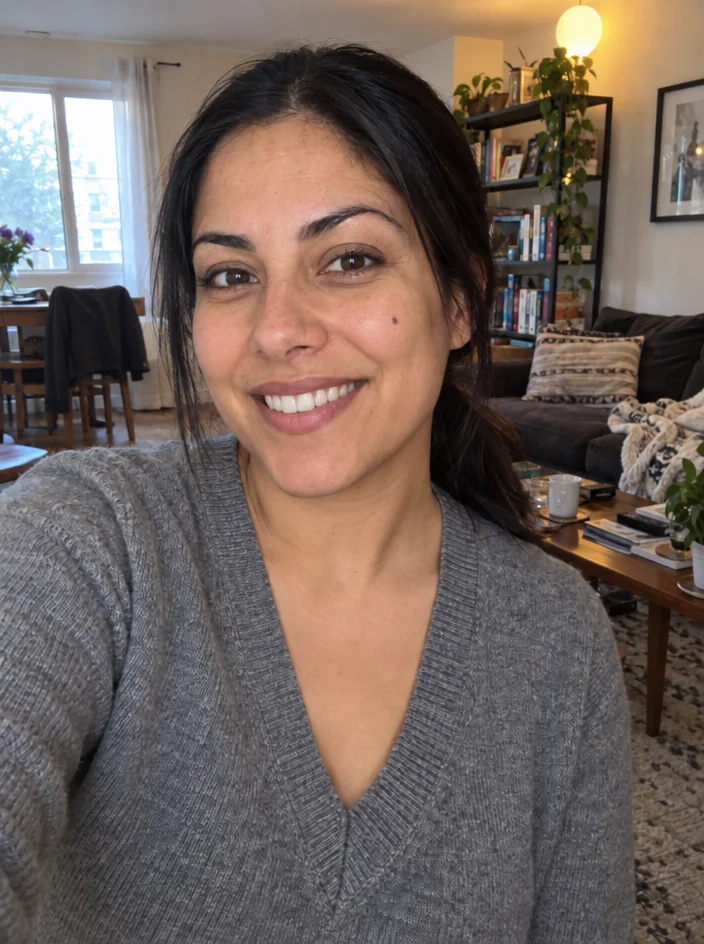
Turn a flat expression into a gentle smile, a laugh or a confident look