
Fashion & Clothing· Fashion & Clothing
Hairstyle Changer
Describe a hairstyle and pick a color — from keeping your own to platinum, copper or pastel pink — and see it on your photo with natural strands, volume and hairline.
4 free credits — one Standard run of any tool. No card needed.
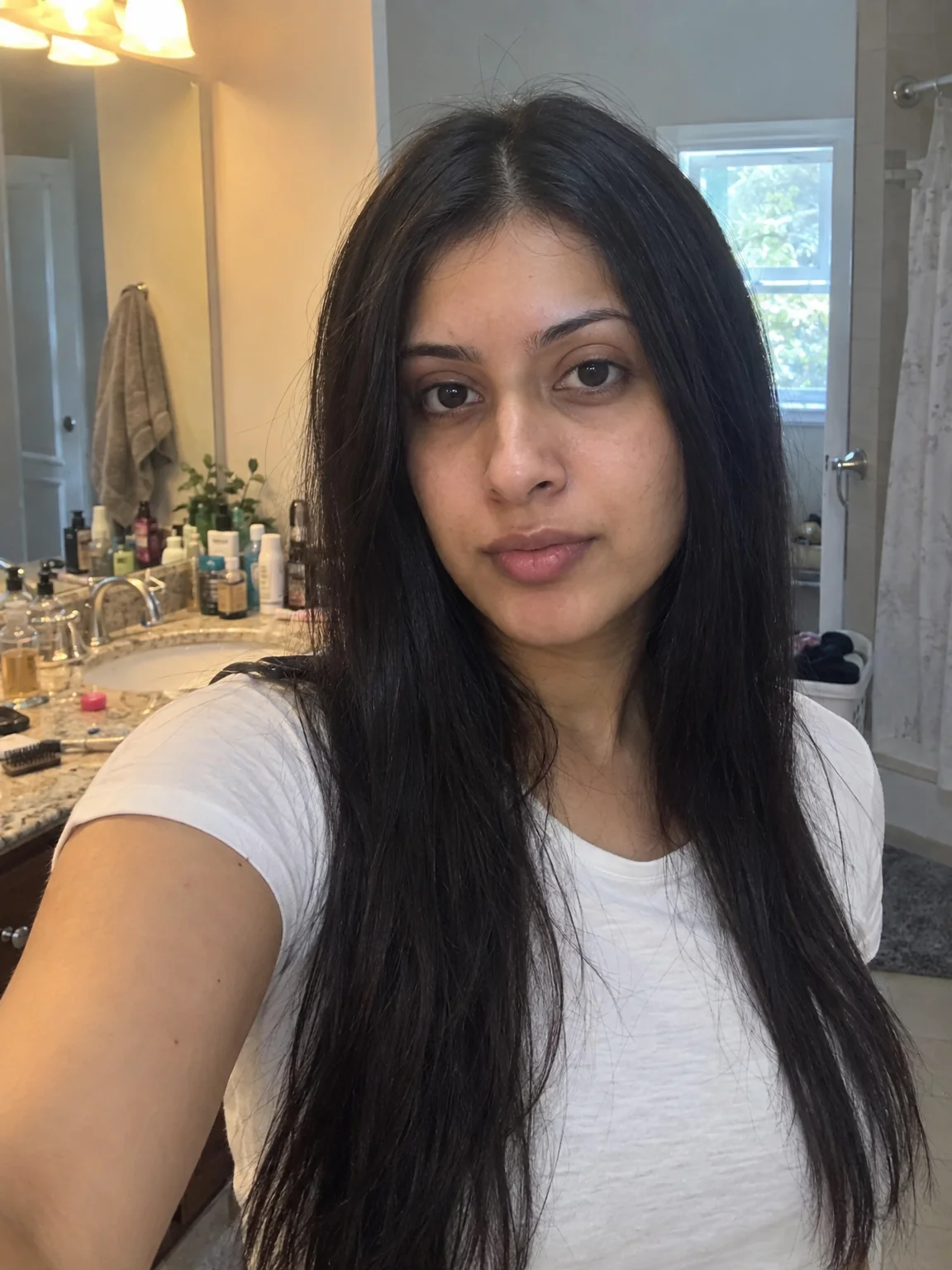
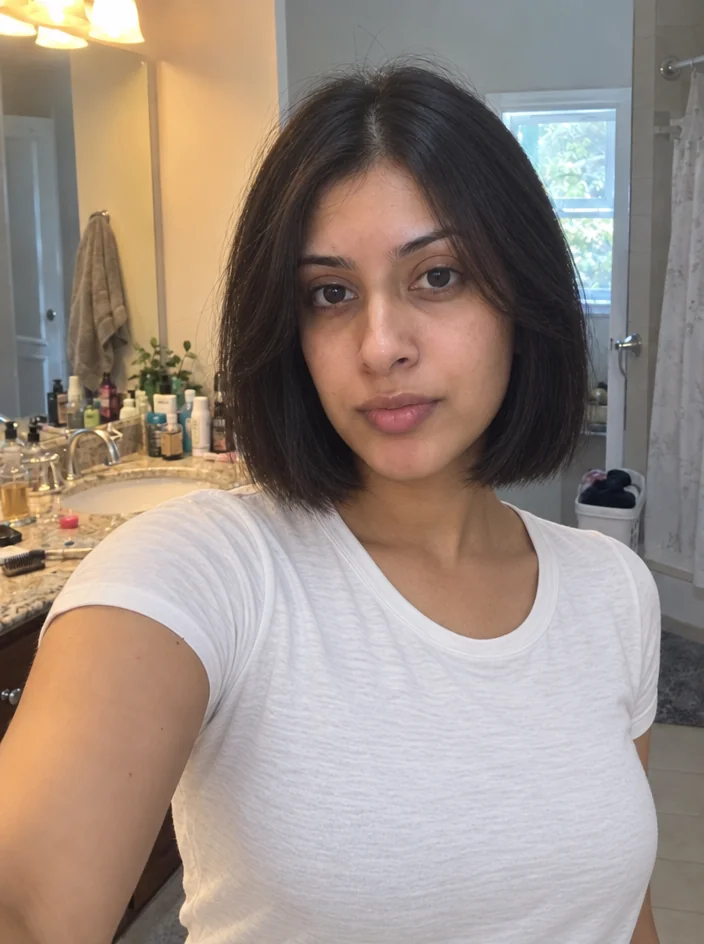
What you'll choose
- Photos you upload: Your photo
- New Hairstyle
- Hair ColorKeep Original ColorBlackDark BrownLight BrownBlondePlatinumRedAuburn+3
Cost per result
- StandardQuick results for everyday use4cr
- ProFiner skin, fabric and surface detail12cr
- MaxThe most detail, for large prints44cr
- Edit it with words, or send it into any other tool
- Standard, Pro and Max quality
- Saved to Your photos, downloadable full size
- Print-size upscales and short videos
How it works
- 01
Upload a photo with your face and current hair clearly visible.
- 02
Describe the new cut and choose a color, or keep your own.
- 03
Shoot, compare with your original, and save the styles you want to show your stylist.
Preview any cut or color on your own photo before you sit in the chair
Every haircut is a commitment made blind. Hairstyle Changer lets you see the result first. Upload a photo, describe the cut in ordinary language — a French bob, a textured crop faded at the sides, long waves with curtain bangs — and choose a color or keep your own. The Studio grows the new hair onto your head with realistic strands, volume and a natural hairline, matched to the light and shadows of the photo. Your face, expression and everything else in the picture stay as they were.
The color select covers the shades people actually ask for: keep original, black, dark and light brown, blonde and platinum, copper red and auburn, silver gray, pastel pink and deep blue. Pair them freely with any cut — a silver-gray pixie, an auburn shag, a platinum buzz. Describing texture helps: "tight coils", "straight and glossy", "beachy waves" each produce a distinctly different head of hair. Hats and headphones are removed where they would block the new style; glasses stay.
A Standard run costs 4 credits and finishes in seconds; Pro and Max quality render individual strands and highlights for a closer look at color. Try three or four ideas in a row and compare them in Your photos before booking the salon — or use it after the fact to check how a new color would look on your LinkedIn headshot. If you like the hair but want a cleaner face day too, Face Retouch takes the result next.
Good to know
Works well with
 from 4 credits
Outfit Change
Describe a new outfit in words and wear it in your existing photo
 from 4 credits
Makeup
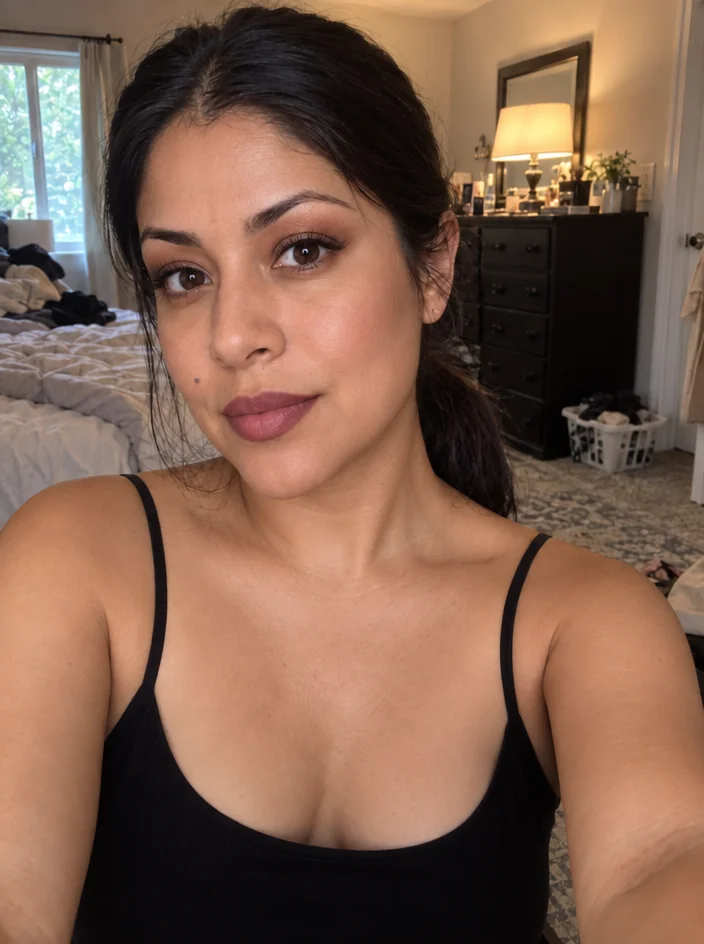
Describe a makeup look and see it blended into your photo's skin and light
 from 4 credits
Face Retouch
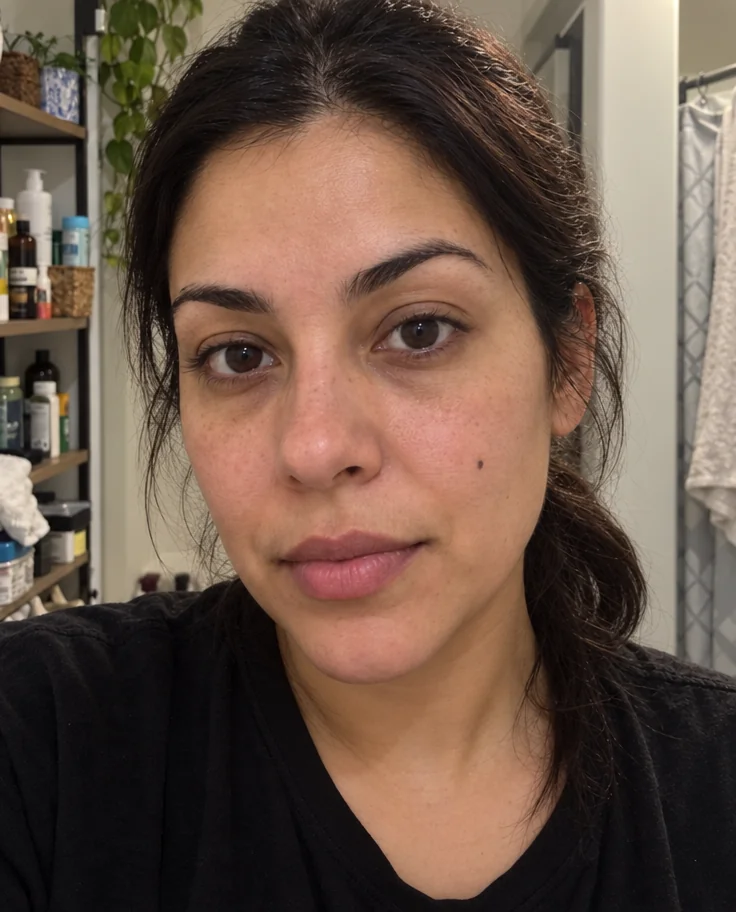
Blemishes, redness and shadows eased — pores, freckles and you, kept
 from 4 credits
AI Photoshoot
Twenty shoots — LinkedIn to golden hour — from one to four of your selfies