
Fashion & Clothing· Fashion & Clothing
Outfit Change
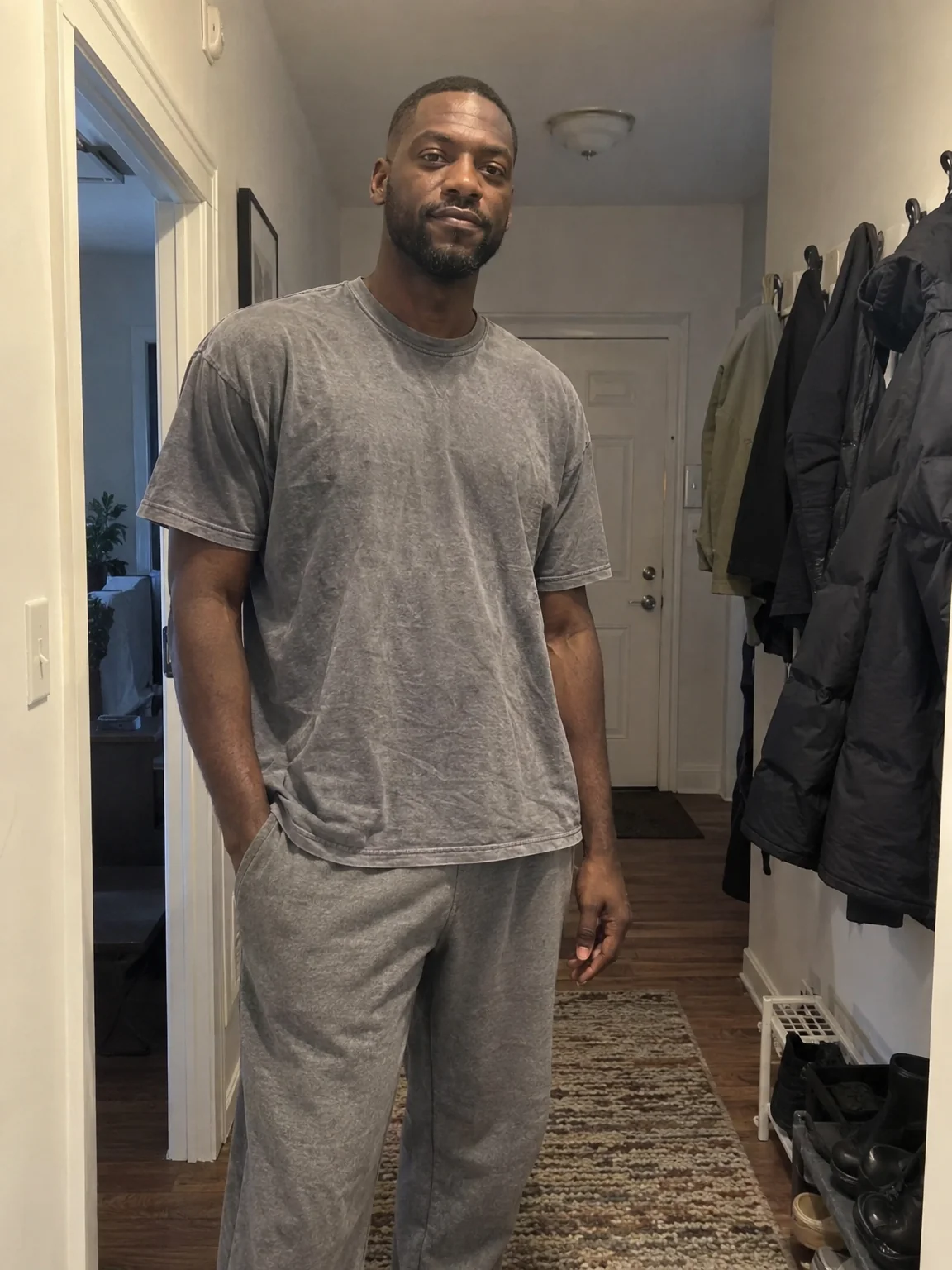
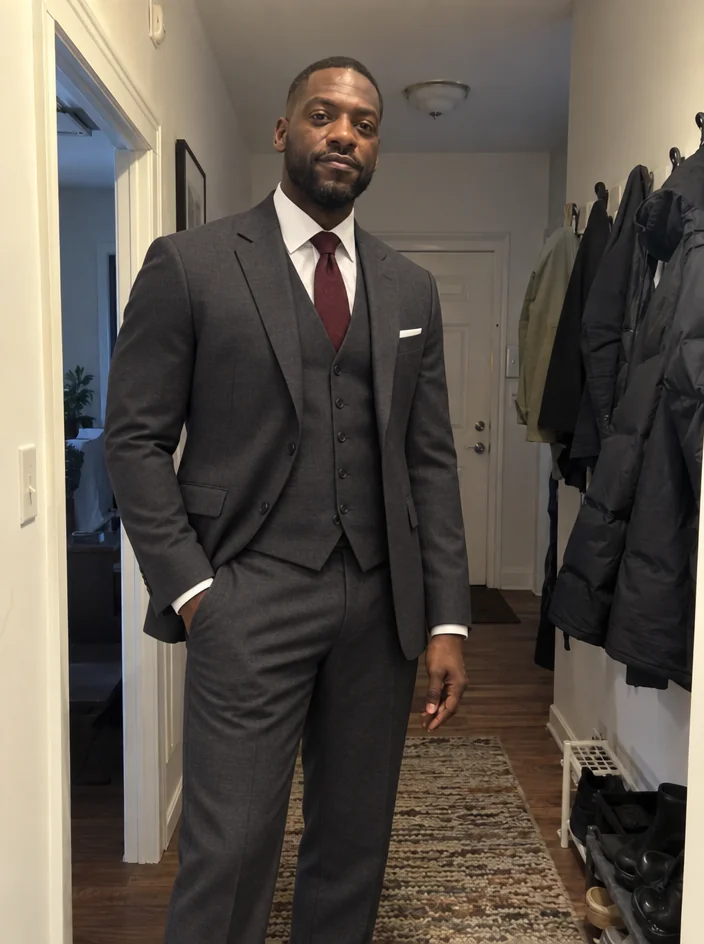
Change what you are wearing in any photo by describing the outfit. Fabric drape, seams and shadows are rebuilt to fit your pose while your face, hair, body and background stay the same.
4 free credits — one Standard run of any tool. No card needed.
What you'll choose
- Photos you upload: Your photo
- New Outfit
Cost per result
- StandardQuick results for everyday use4cr
- ProFiner skin, fabric and surface detail12cr
- MaxThe most detail, for large prints44cr
- Edit it with words, or send it into any other tool
- Standard, Pro and Max quality
- Saved to Your photos, downloadable full size
- Print-size upscales and short videos
How it works
- 01
Upload a photo where your clothing is visible — full length or head and shoulders.
- 02
Describe the new outfit: garment, color, fabric and any layers or accessories.
- 03
Shoot, compare with the original, and download or send it to Background Changer.
Describe a new outfit in words and wear it in your existing photo
The photo is right — the light, the smile, the place — but the hoodie is wrong. Outfit Change lets you keep the photo and rewrite the wardrobe. Describe the clothes in plain words, from a charcoal suit to a silk wrap dress, and the Studio tailors them to your body and pose with realistic drape, seams, folds and shadows that follow the existing light. Your face, hair, skin tone, body shape and the background are untouched, so the result is your photo in different clothes, not a different photo.
Specific descriptions produce the most convincing results. Name the garment, the color and the fabric: "a cream cable-knit sweater" beats "something cozy". Mention layers and accessories if they matter — an open camel coat over a black turtleneck, small gold hoops. Because the tool respects the original pose, seated photos get seated tailoring and a hand in a pocket stays in the pocket. It works on full-length shots and head-and-shoulders alike, and the output keeps the aspect ratio of the photo you uploaded.
A Standard run costs 4 credits and takes seconds; Pro and Max quality sharpen weave, stitching and fabric sheen for close crops. Use it to test a wardrobe before a headshot shoot, dress a casual selfie for a professional profile, or match outfits across a family photo. If you have a picture of the actual garment, Virtual Try-On uses it directly. And if the new outfit calls for a new setting, Background Changer takes the result next.
Good to know
Works well with
 from 4 credits
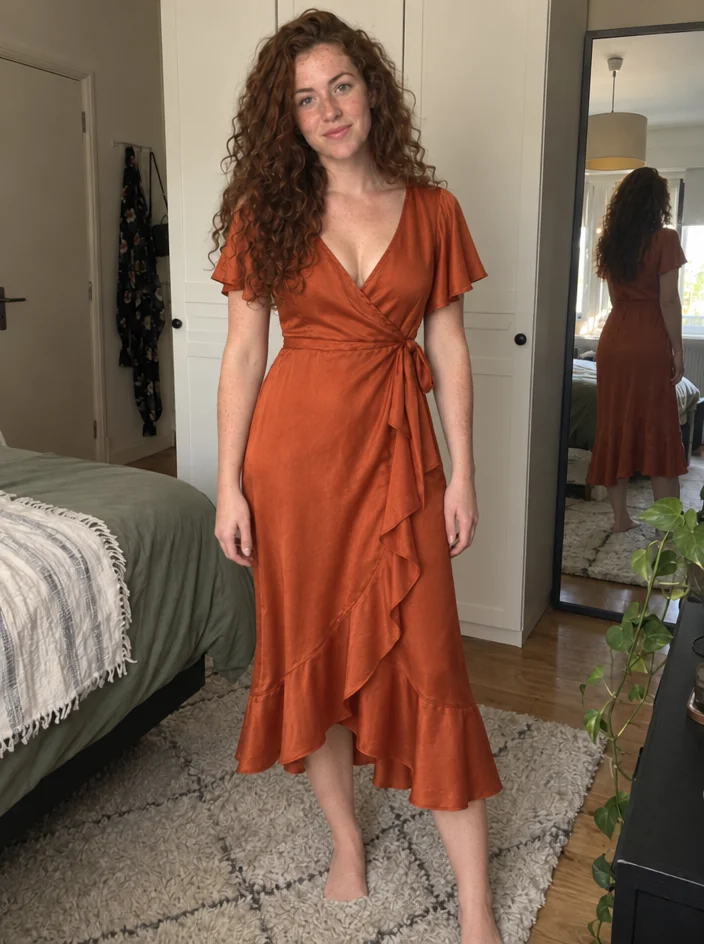
Virtual Try-On
Wear a garment from a product photo — your pose, your face, that exact piece
 from 4 credits
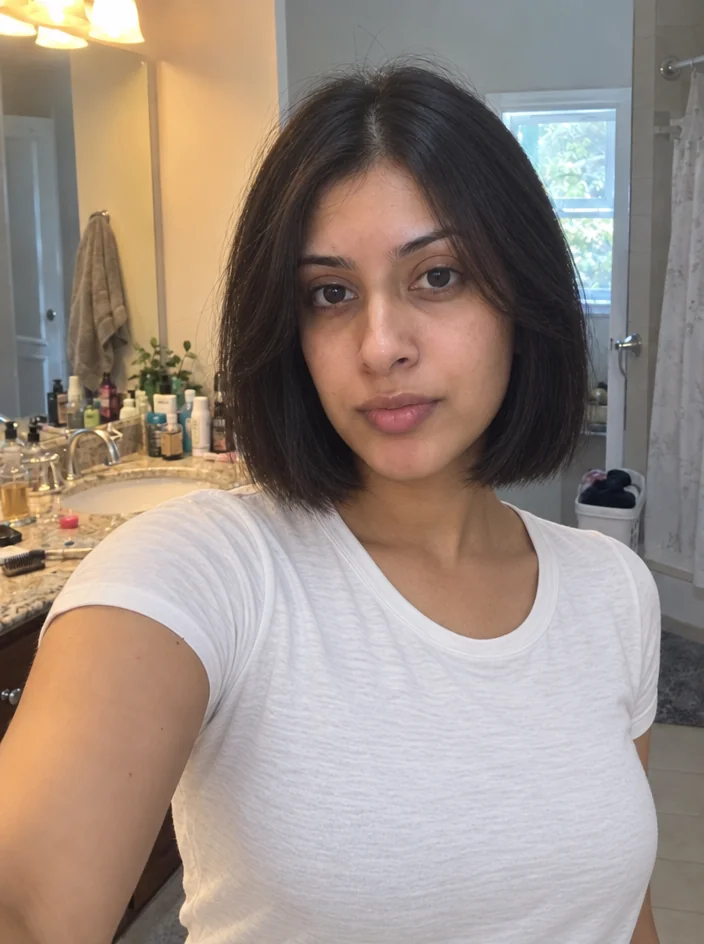
Hairstyle Changer
Preview any cut or color on your own photo before you sit in the chair
 from 4 credits
Background Changer
Describe a new backdrop and step into it with matching light and perspective
 from 4 credits
Professional Headshot
Corporate-grade headshots in your pick of attire and backdrop, from 1–3 selfies