
Fashion & Clothing· Fashion & Clothing
Virtual Try-On
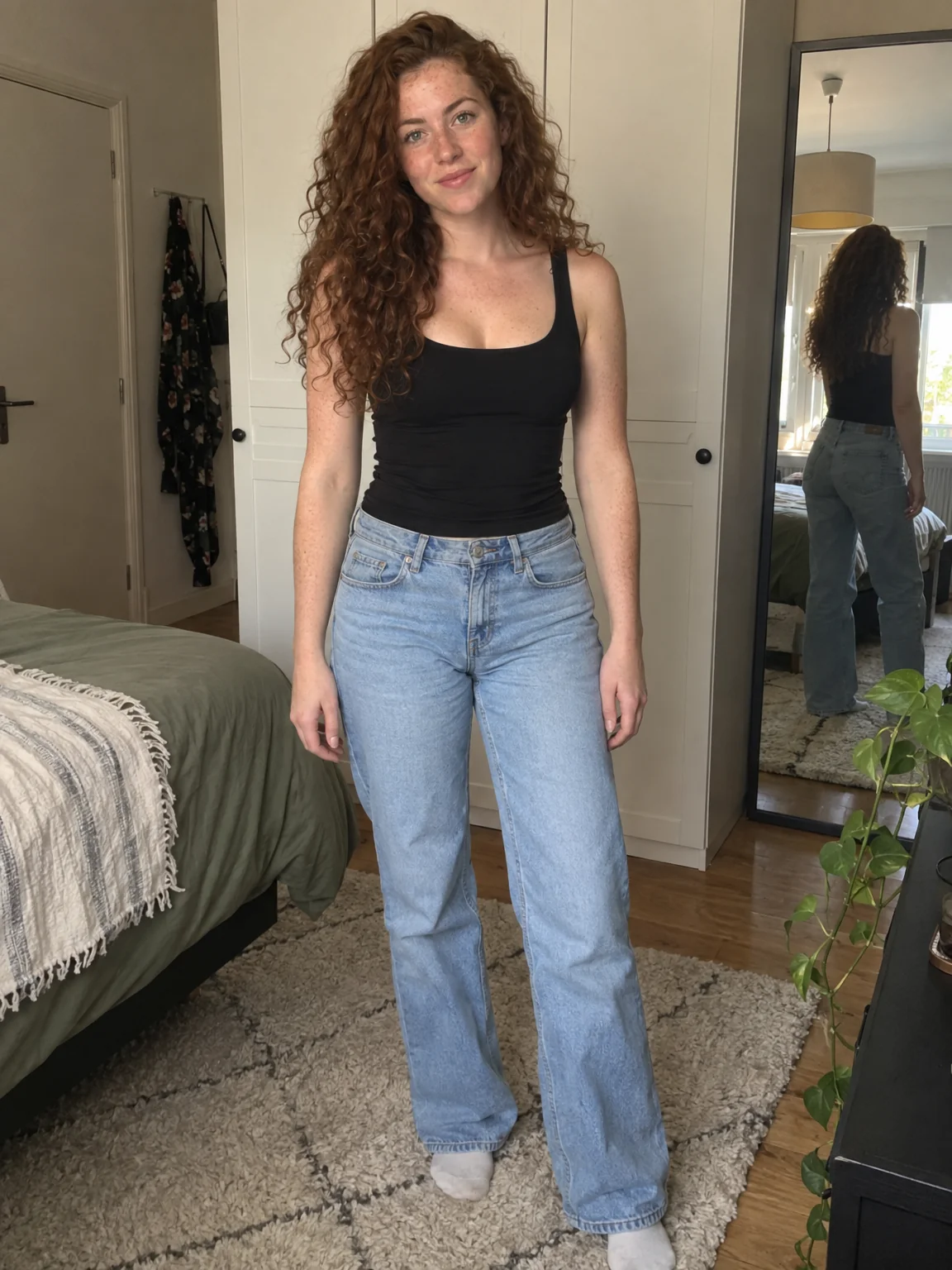
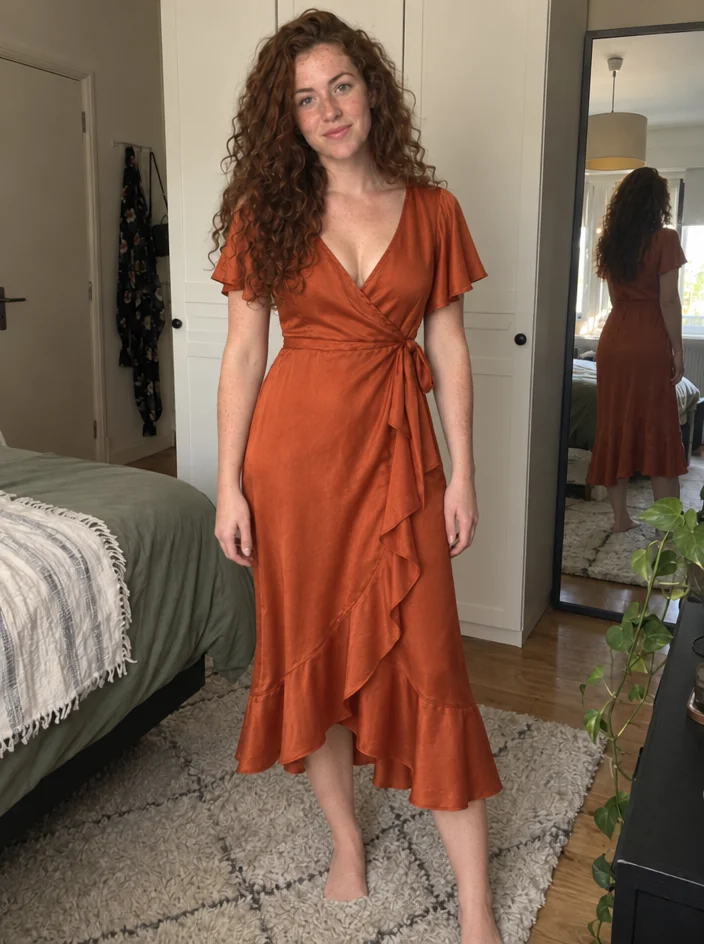
Upload a photo of yourself and a photo of a garment and see the piece on you with realistic fit, drape and lighting. Face, hair, body and background stay exactly as they were.
4 free credits — one Standard run of any tool. No card needed.
What you'll choose
- Photos you upload: Photo of you · Photo of the garment
Cost per result
- StandardQuick results for everyday use4cr
- ProFiner skin, fabric and surface detail14cr
- MaxThe most detail, for large prints46cr
- Edit it with words, or send it into any other tool
- Standard, Pro and Max quality
- Saved to Your photos, downloadable full size
- Print-size upscales and short videos
How it works
- 01
Upload a photo of yourself that shows the part of the body the garment covers.
- 02
Upload a clear photo of the garment — product shot, flat lay or on a mannequin.
- 03
Shoot, compare fit and color against your original, and download or try another piece.
Wear a garment from a product photo — your pose, your face, that exact piece
You found the jacket online but cannot picture it on you. Virtual Try-On answers that with two photos: one of you and one of the garment — a product shot from a store page, a flat lay, a photo of a friend's dress. The Studio fits that exact piece to your body and pose, with the drape, seams, print placement and shadows adjusted to the light in your photo. Your face, hair, skin tone, body shape and background are left alone, so what you see is you in that garment, in the photo you already had.
It works best when the garment photo is clear and mostly unobstructed: a front view on a plain background, a mannequin, or a model shot where the piece is fully visible. Your own photo should show the area the garment covers — a full-length shot for trousers or a coat, waist-up for a top. Patterns, logos-free prints, textures and hardware such as zips and buttons are carried across, which makes the tool useful for checking colors against your skin tone before you order, or for a stylist assembling looks for a client.
Two photos at Standard quality cost 4 credits and are ready in seconds. Pro and Max quality render knit texture, denim weave and silk sheen more faithfully, which matters when you are judging a fabric. If the fit is right but the setting is wrong, send the result to Background Changer; if you want to describe a piece instead of photographing it, Outfit Change works from words. Every try-on stays in Your photos for side-by-side comparison of several candidates.
Good to know
Works well with
 from 4 credits
Outfit Change
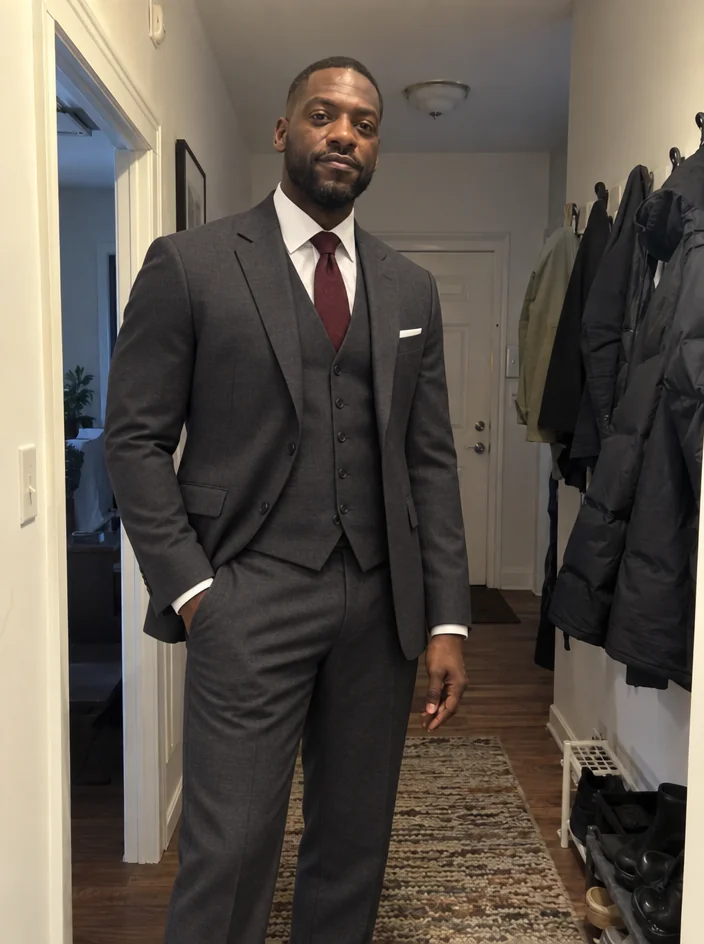
Describe a new outfit in words and wear it in your existing photo
 from 4 credits
Hairstyle Changer
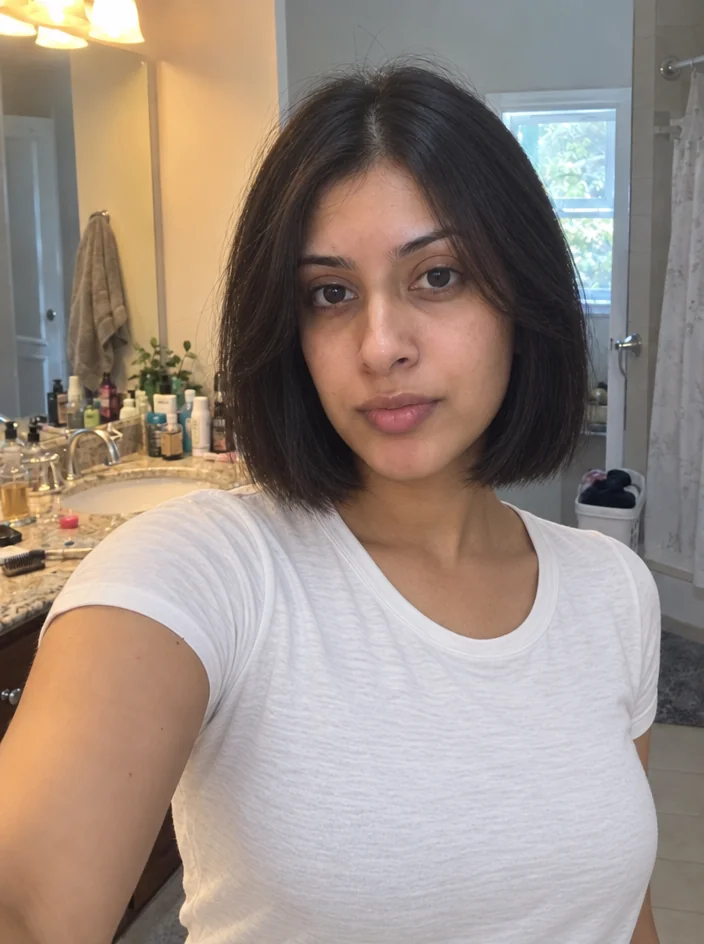
Preview any cut or color on your own photo before you sit in the chair
 from 4 credits
Background Changer
Describe a new backdrop and step into it with matching light and perspective
 from 4 credits
AI Photoshoot
Twenty shoots — LinkedIn to golden hour — from one to four of your selfies