
Restore & Retouch· Restore
Photo Restoration
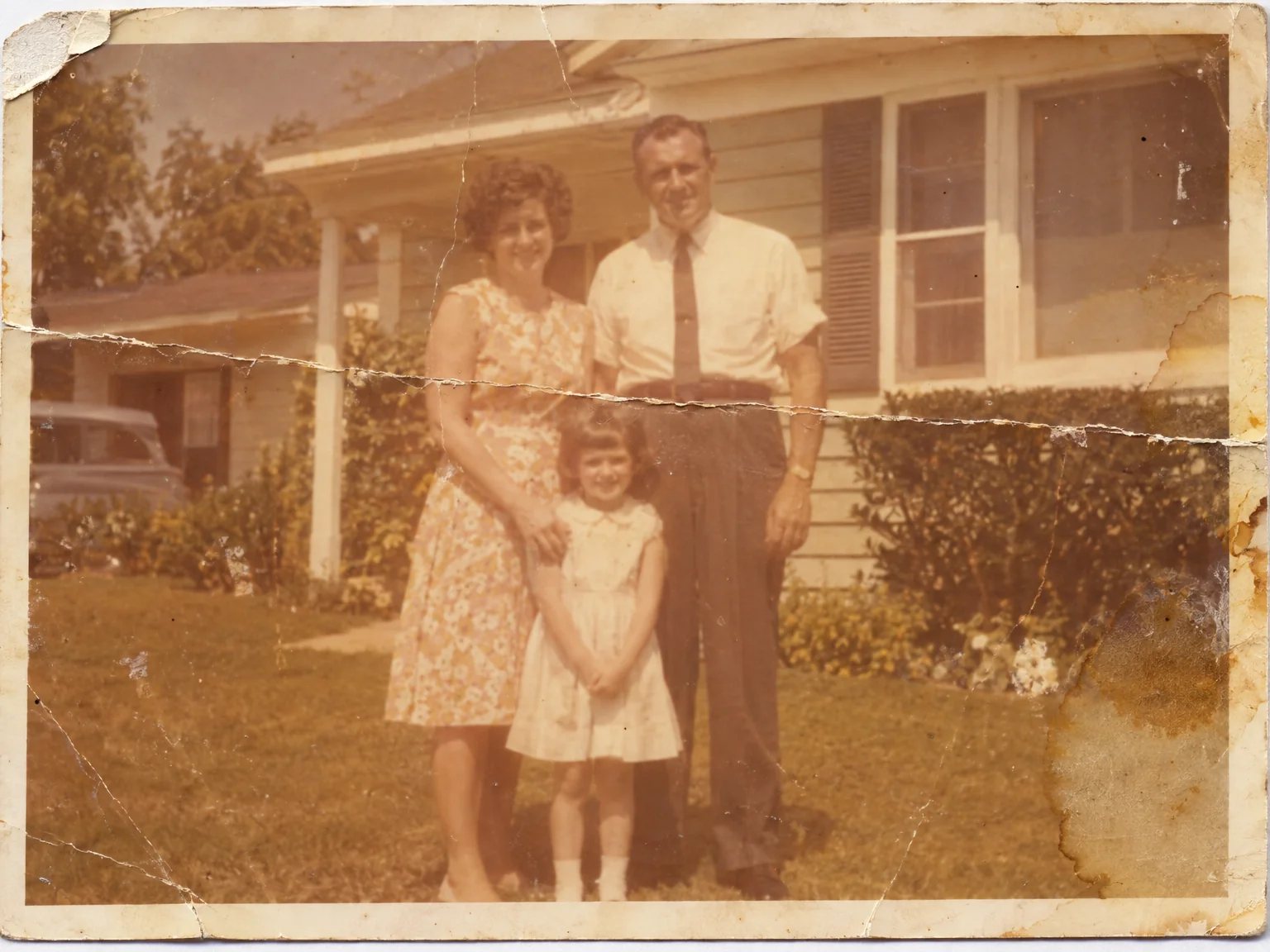
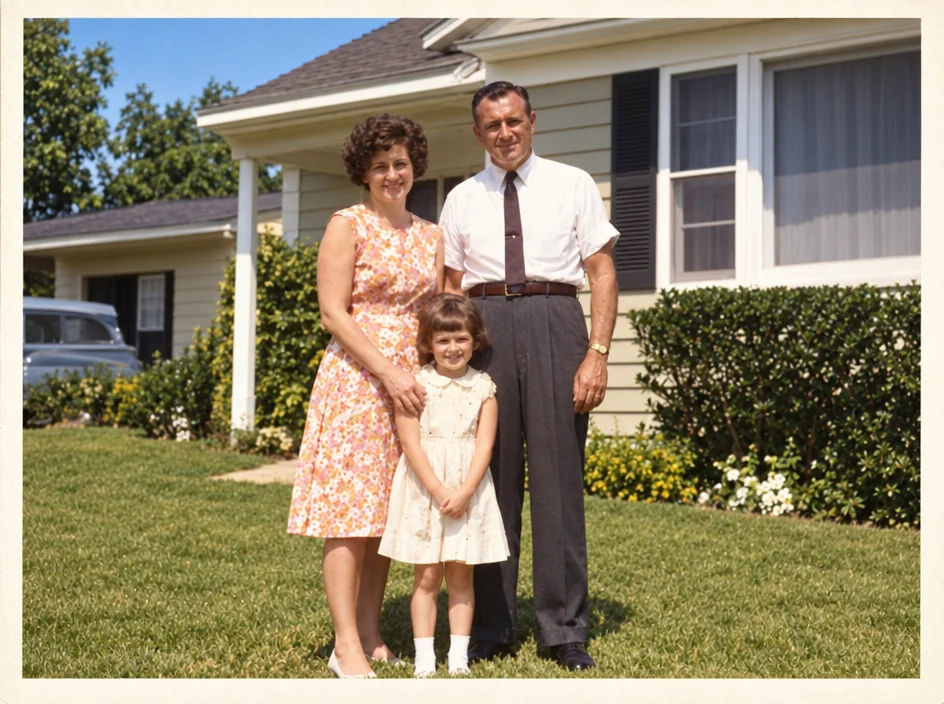
Restore a damaged or faded photo: repair scratches, creases, stains and tears, recover clarity and color, and keep the original character and the people's identity intact.
4 free credits — one Standard run of any tool. No card needed.
What you'll choose
- Photos you upload: Scan or photo of the damaged print
Cost per result
- StandardQuick results for everyday use4cr
- ProFiner skin, fabric and surface detail12cr
- MaxThe most detail, for large prints44cr
- Edit it with words, or send it into any other tool
- Standard, Pro and Max quality
- Saved to Your photos, downloadable full size
- Print-size upscales and short videos
How it works
- 01
Scan the print or photograph it flat in even light, filling the photo.
- 02
Shoot at Standard for a quick repair, or Pro and Max for detailed portraits.
- 03
Compare with the scan, then download or continue with Colorize and Upscale.
Scratches, creases, stains and fading repaired — the original look, respected
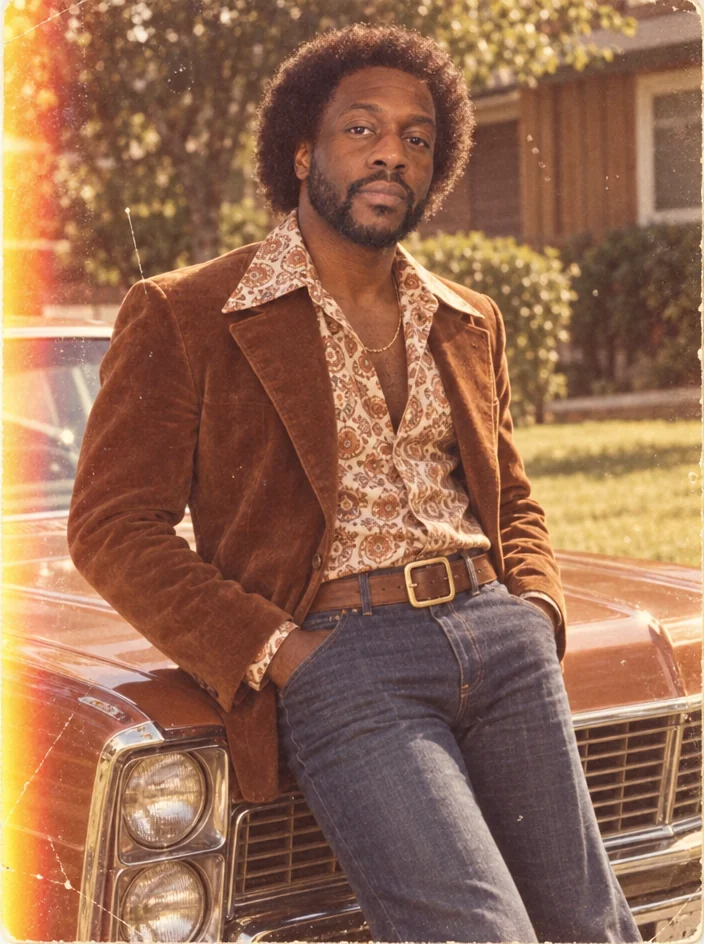
Old prints carry their years on the surface: creases from a wallet, scratches from a drawer, a stain from a leak, the slow fade of a color print left in the sun. Photo Restoration repairs that damage and recovers what the photograph was. Scratches and creases are filled, tears and stains removed, faded contrast and color brought back, and softness sharpened — while the grain, the period feel and, above all, the faces are preserved. The people stay exactly who they were.
It works from a phone photo of the print as well as from a flatbed scan, although a scan gives the Studio more detail to work with. Black-and-white and color prints, sepia studio portraits, Polaroids and damaged snapshots are all in scope; so are prints that have yellowed evenly rather than been damaged. The output keeps the aspect ratio of your scan. For a monochrome print that you would like in color, Colorize is the next step, and for a small original that needs to be printed larger, Upscale follows.
A Standard run costs 4 credits and takes seconds; Pro and Max quality are worth it for portraits with fine detail — lace, hair, the texture of a uniform — and for anything headed to a photo. Restoration is often the first step in a family-history project: restore, colorize, upscale, then Face Retouch lightly if a wedding photo deserves it. Every version is kept in Your photos, and the compare toggle shows the scan beside the repair.
Good to know
Works well with
 from 4 credits
Colorize Photo
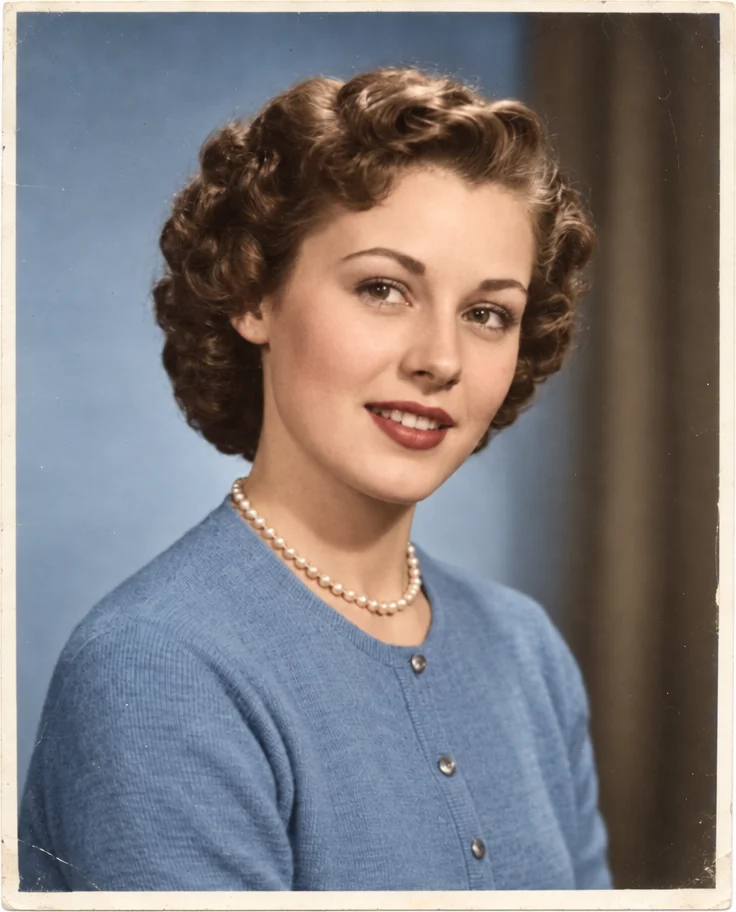
Black-and-white photos in believable, period-true color — grain and detail kept
- Example coming soonfrom 3 credits
Image Upscaler
Enlarge any photo to 4, 8, 16 or 32 megapixels for prints and screens
 from 4 credits
Face Retouch
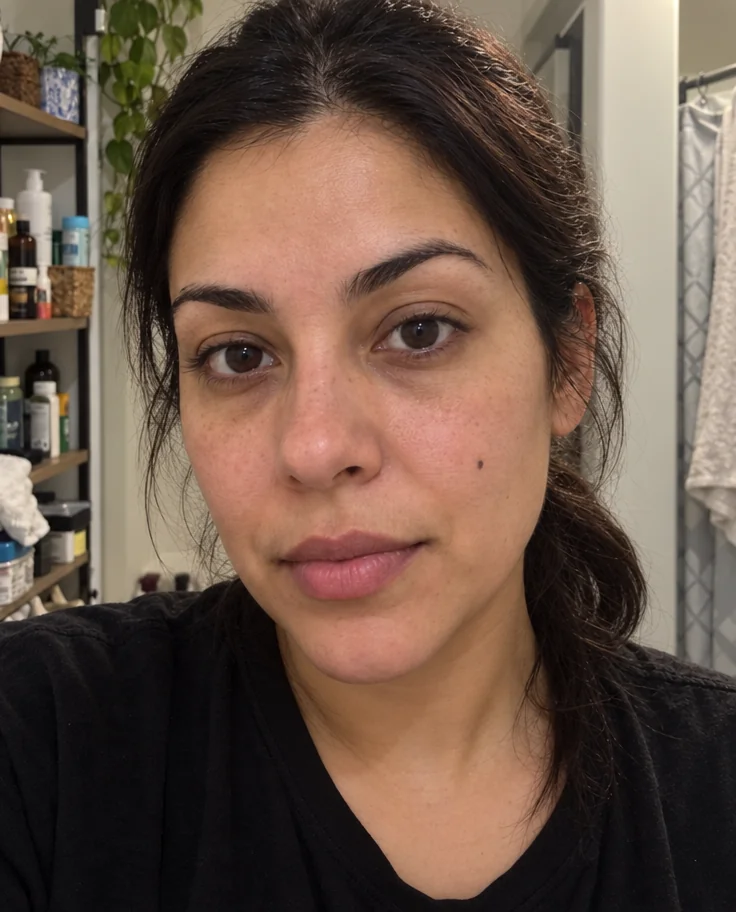
Blemishes, redness and shadows eased — pores, freckles and you, kept
 from 4 credits
Decade Portrait
You in the 1920s, 1950s, 1980s or any decade between — hair, clothes, film