
People· Retouch
Face Retouch
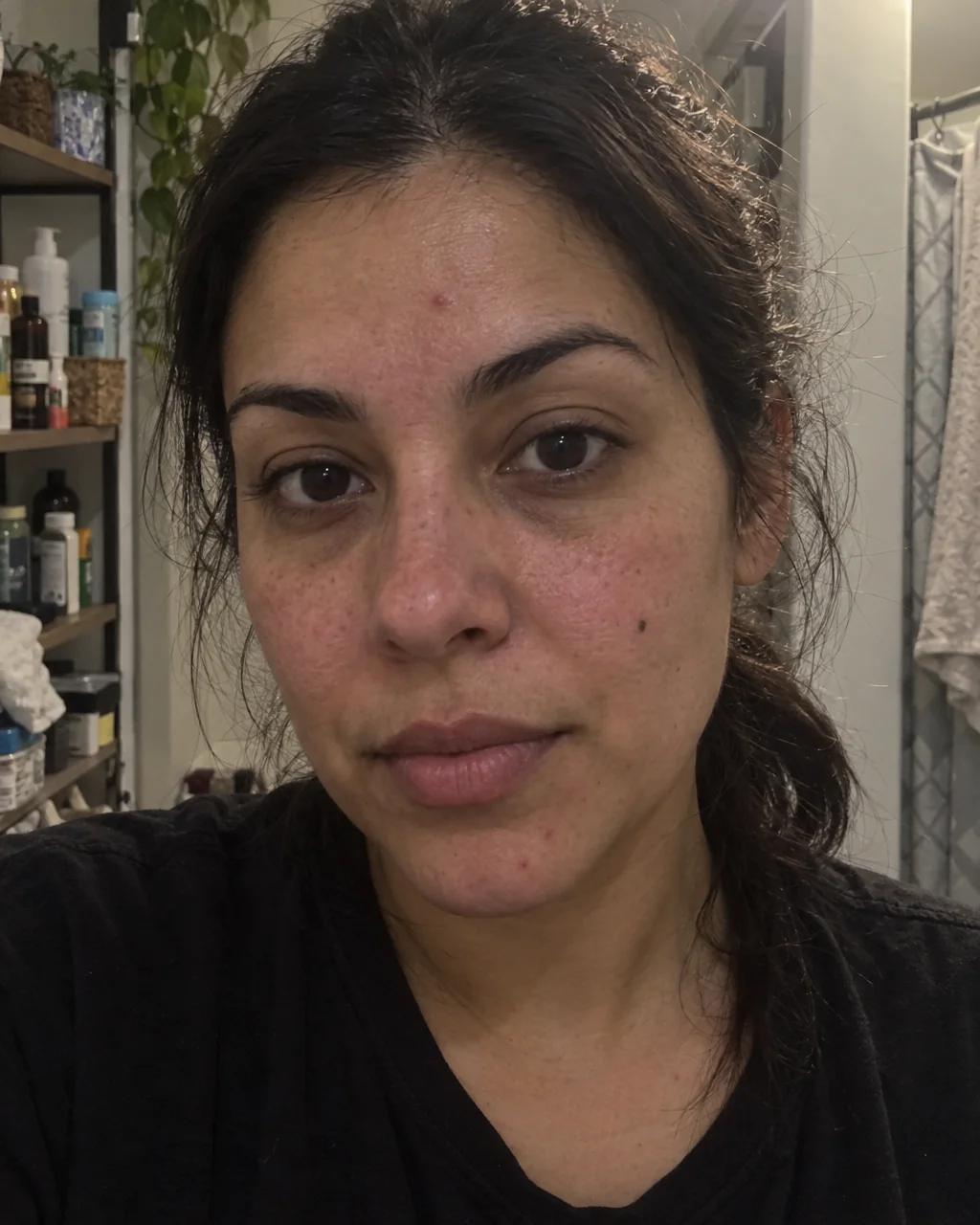
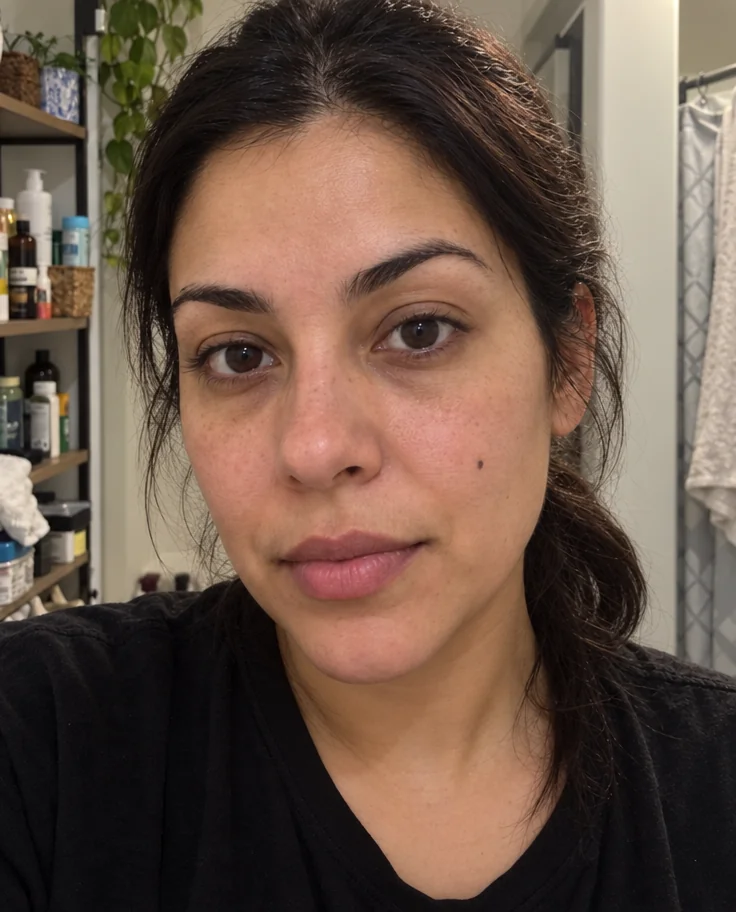
A natural face retouch in one click: temporary blemishes and redness go, under-eye shadows soften, eyes brighten and flyaways settle, while skin texture, moles and freckles stay.
4 free credits — one Standard run of any tool. No card needed.
What you'll choose
- Photos you upload: Your photo
Cost per result
- StandardQuick results for everyday use4cr
- ProFiner skin, fabric and surface detail12cr
- MaxThe most detail, for large prints44cr
- Edit it with words, or send it into any other tool
- Standard, Pro and Max quality
- Saved to Your photos, downloadable full size
- Print-size upscales and short videos
How it works
- 01
Upload a photo where the face is reasonably sharp and well lit.
- 02
Shoot at Standard for a quick pass, or Pro and Max when the photo will be seen large.
- 03
Compare against the original, then download or send it on to another tool.
Blemishes, redness and shadows eased — pores, freckles and you, kept
Retouching is a craft of restraint, and most one-tap beauty filters get it wrong by sanding a face into plastic. Face Retouch works the way an experienced retoucher does. Temporary blemishes — a breakout, a razor nick, a stress mark — are removed; permanent features such as moles, freckles and scars that belong to you are kept. Skin is smoothed while pores and fine texture remain visible. Under-eye shadows are softened rather than erased, eyes are gently brightened with their catchlights intact, redness is evened out and stray hairs are tidied.
The tool also corrects the photo around the face: exposure and contrast are balanced so the light looks flattering instead of flat, and the overall color is settled. Because nothing about the geometry of your face changes — no slimming, no reshaping, no enlarged eyes — the result reads as you on a good day rather than a different person. It runs on selfies, headshots, group photos and old family pictures, and it keeps the aspect ratio of whatever you upload.
A Standard run costs 4 credits and finishes in seconds; Pro and Max quality preserve finer skin texture, which is worth it for a headshot that will be viewed large. Face Retouch is the natural second step after any shoot in the Studio — it sits in the Continue row under every result — and the compare toggle lets you check the original and the retouched photo side by side before you download. For a heavier hand on the whole photo rather than the face, Photo Retouch is the companion tool.
Good to know
Works well with
 from 4 credits
Photo Retouch
A clean professional finish for the whole photo — people, products, rooms, food
 from 4 credits
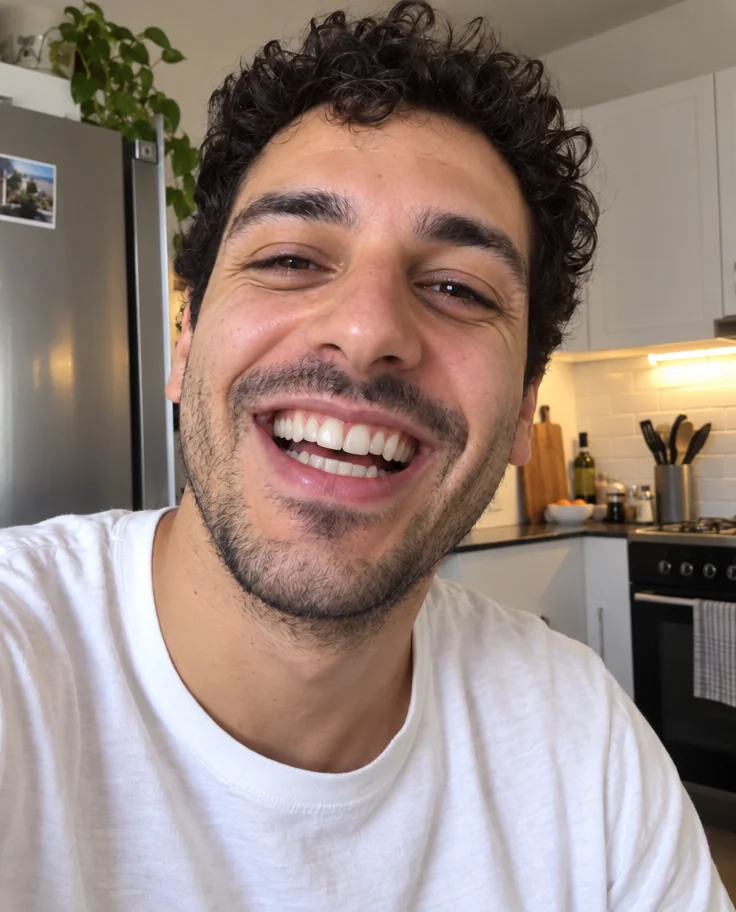
Perfect Smile
Whiter, straighter, stain-free teeth that still look like yours
 from 4 credits
Open Eyes
The blink that ruined the group photo, undone
 from 4 credits
Professional Headshot
Corporate-grade headshots in your pick of attire and backdrop, from 1–3 selfies