
People· Retouch
Open Eyes
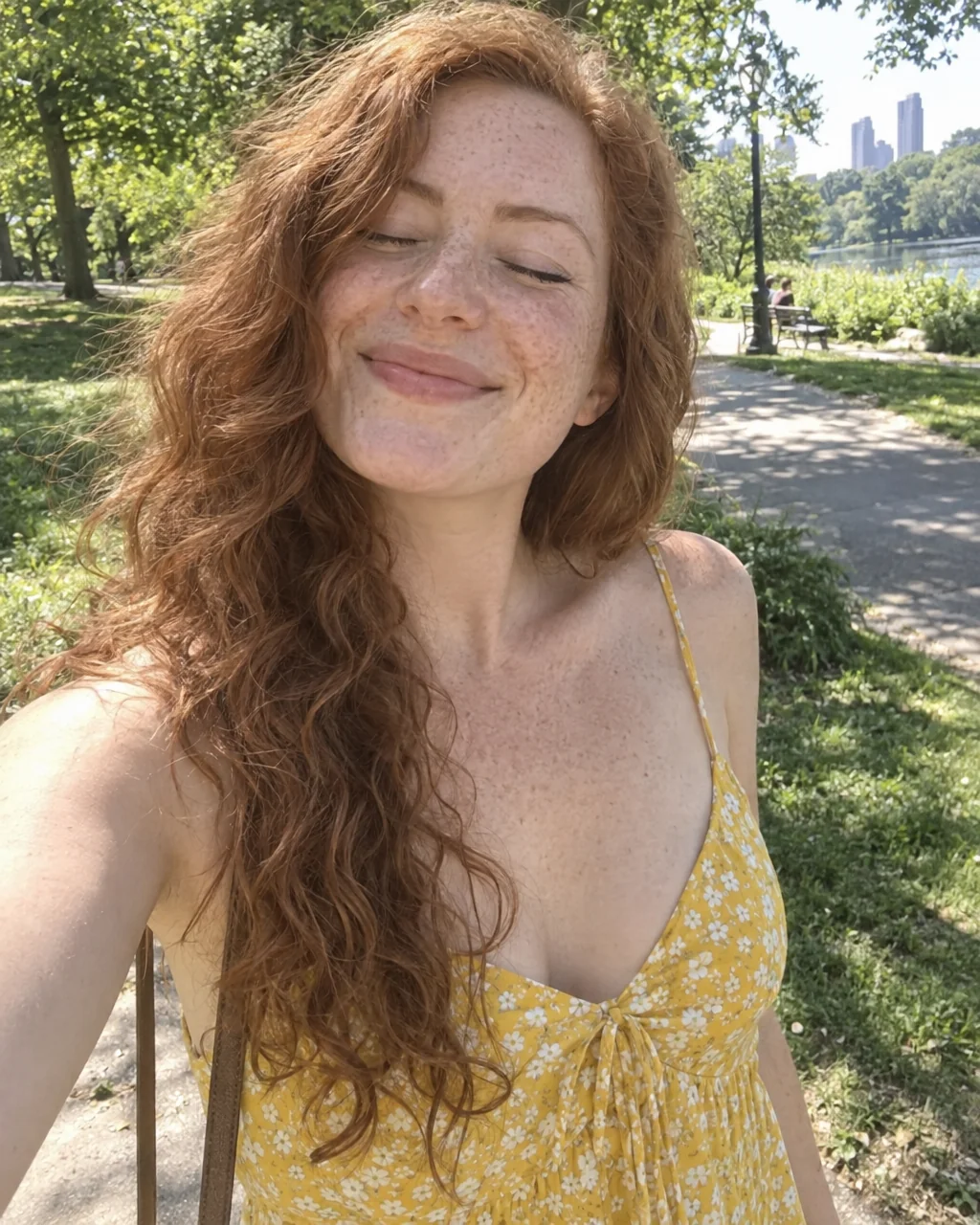
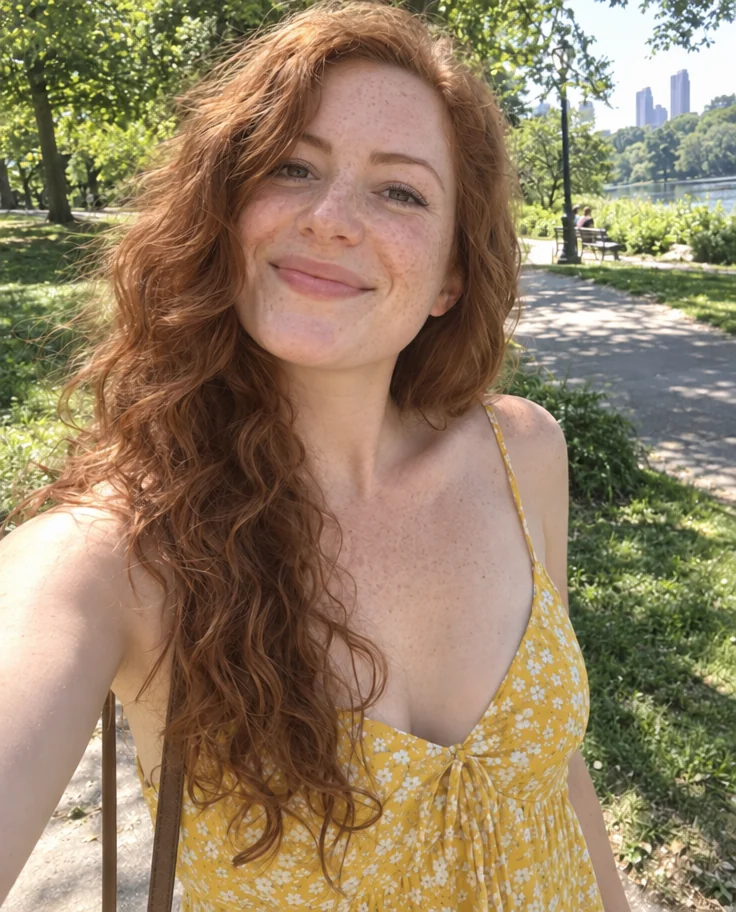
Open closed or half-closed eyes naturally, keeping eye color, shape and gaze direction consistent with the rest of the photo.
4 free credits — one Standard run of any tool. No card needed.
What you'll choose
- Photos you upload: Your photo
Cost per result
- StandardQuick results for everyday use4cr
- ProFiner skin, fabric and surface detail12cr
- MaxThe most detail, for large prints44cr
- Edit it with words, or send it into any other tool
- Standard, Pro and Max quality
- Saved to Your photos, downloadable full size
- Print-size upscales and short videos
How it works
- 01
Upload the photo with the closed or half-closed eyes.
- 02
Shoot — the Studio opens every affected pair of eyes in the picture.
- 03
Compare with the original and download or continue with Face Retouch.
The blink that ruined the group photo, undone
Someone always blinks. Open Eyes is the fix for the otherwise-perfect photo where one person's eyes are shut or drooping at half mast. The Studio opens them naturally, keeping the eye color, shape and gaze direction that fit the face and the moment, so the person looks alert and present rather than startled. It works on one face or several, and it changes nothing else — the expression, the light, the pose and the background remain exactly as photographed.
Half-closed eyes are just as common and just as fixable: the harsh-sun squint, the flash-lag droop, the mid-laugh crease that reads as sleepy on a still photo. The tool opens them only as far as the rest of the face suggests, which is why a laughing face gets bright, crinkled eyes rather than wide-open ones. Glasses stay in place, eyelashes and makeup are kept, and the aspect ratio of the original is preserved.
A Standard run costs 4 credits and takes seconds; Pro and Max quality render iris detail and catchlights more faithfully for large crops. Open Eyes sits naturally in a retouch chain with Face Retouch and Perfect Smile, and it rescues group shots that would otherwise be reshot — send the result to Photo Retouch for a final polish, then download. Use the compare toggle to confirm the eyes still look like the person's own.
Good to know
Works well with
 from 4 credits
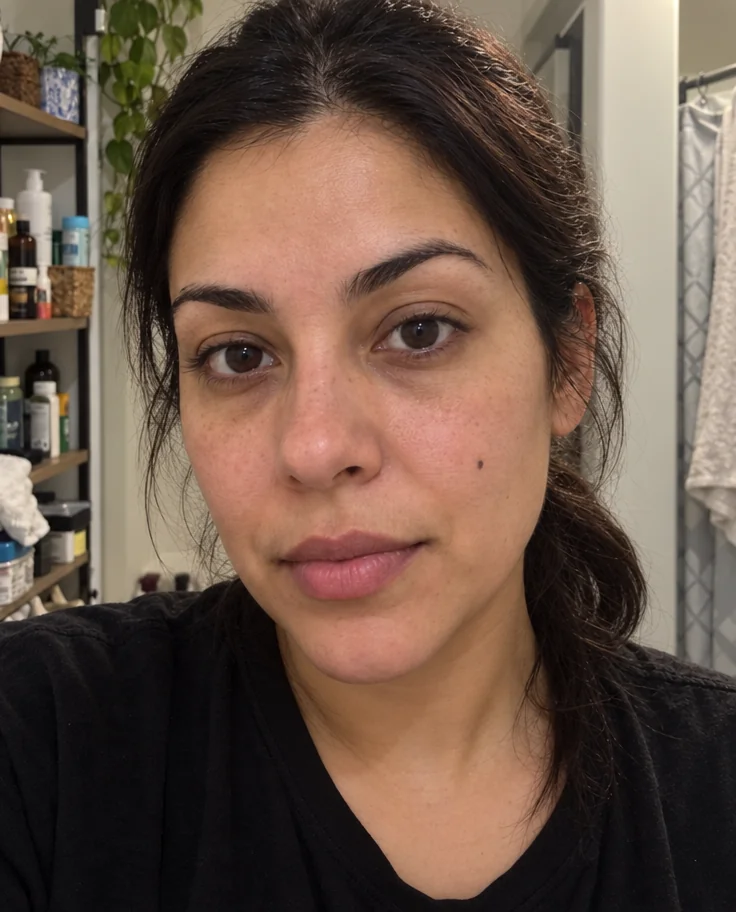
Face Retouch
Blemishes, redness and shadows eased — pores, freckles and you, kept
 from 4 credits
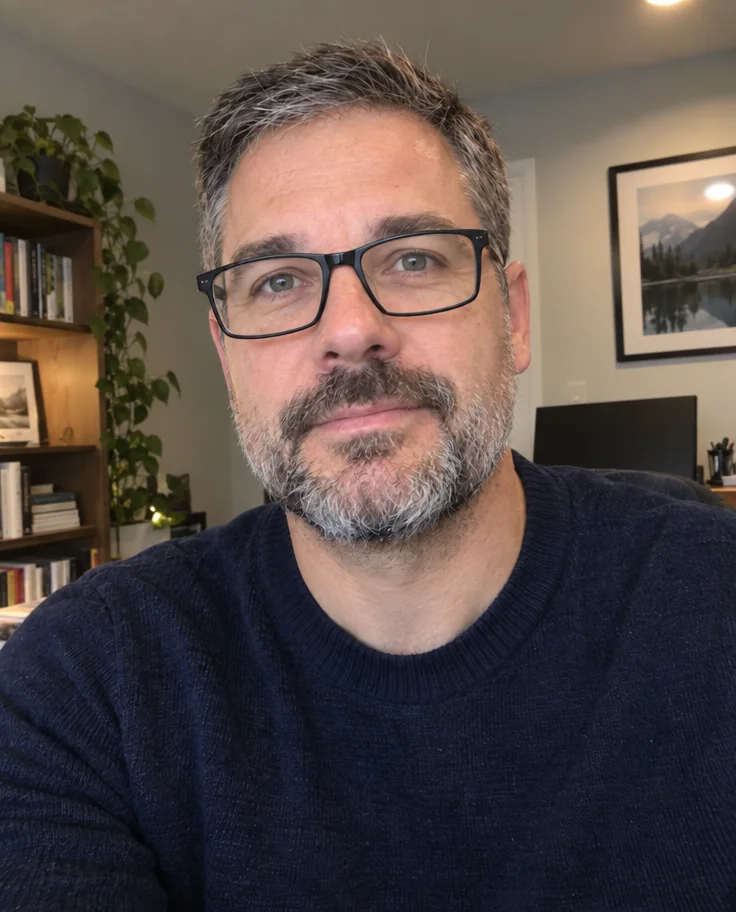
Glasses Glare Removal
Keep the glasses, lose the reflections — eyes visible again
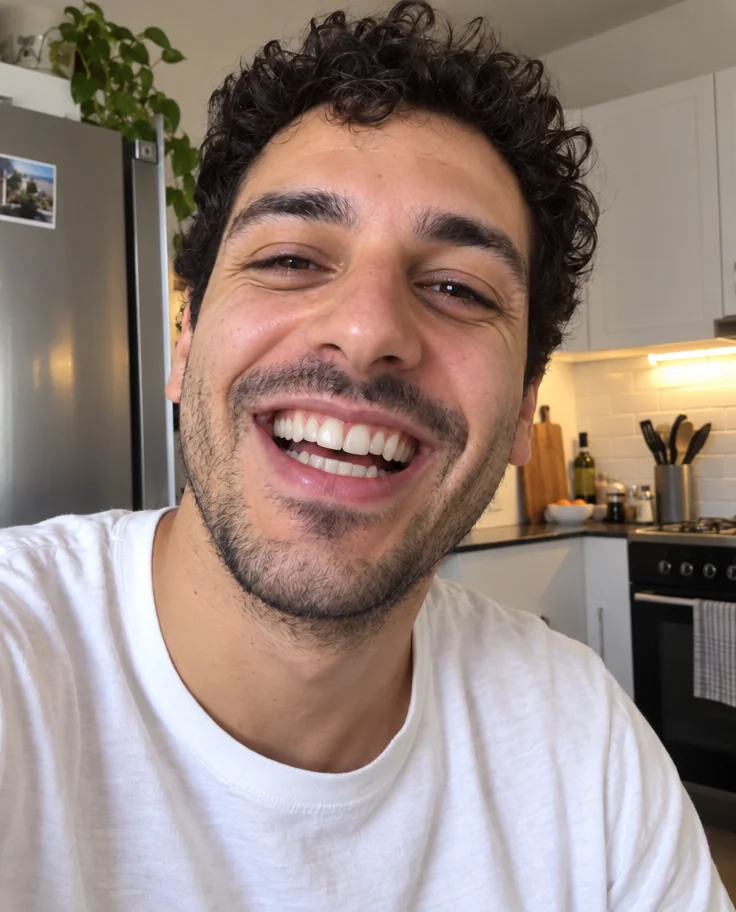 from 4 credits
Perfect Smile
Whiter, straighter, stain-free teeth that still look like yours
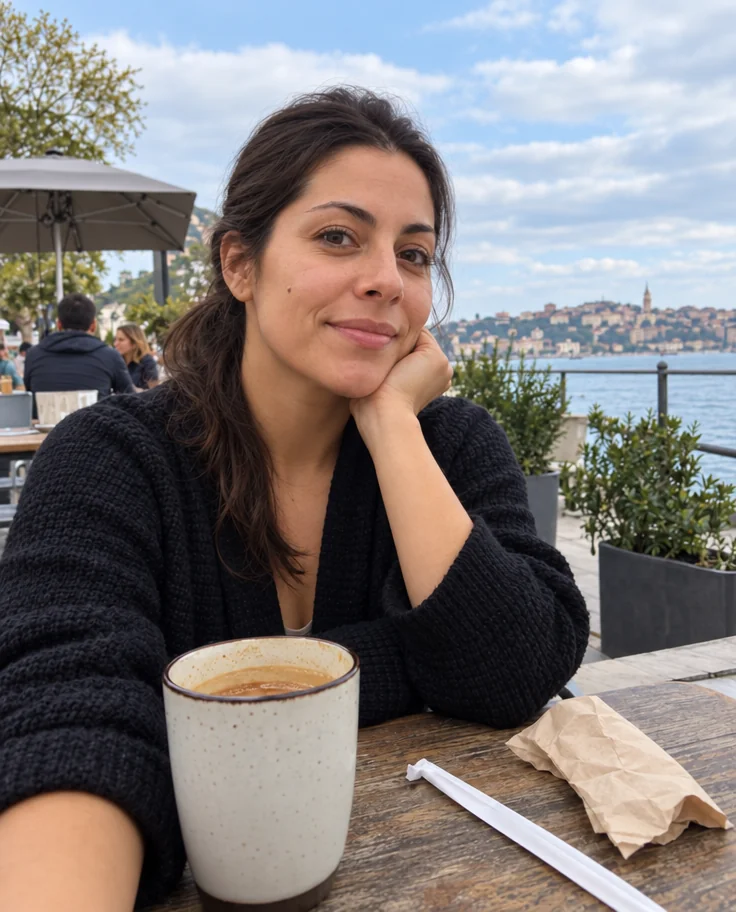 from 4 credits
Photo Retouch
A clean professional finish for the whole photo — people, products, rooms, food