
People· Retouch
Expression Changer
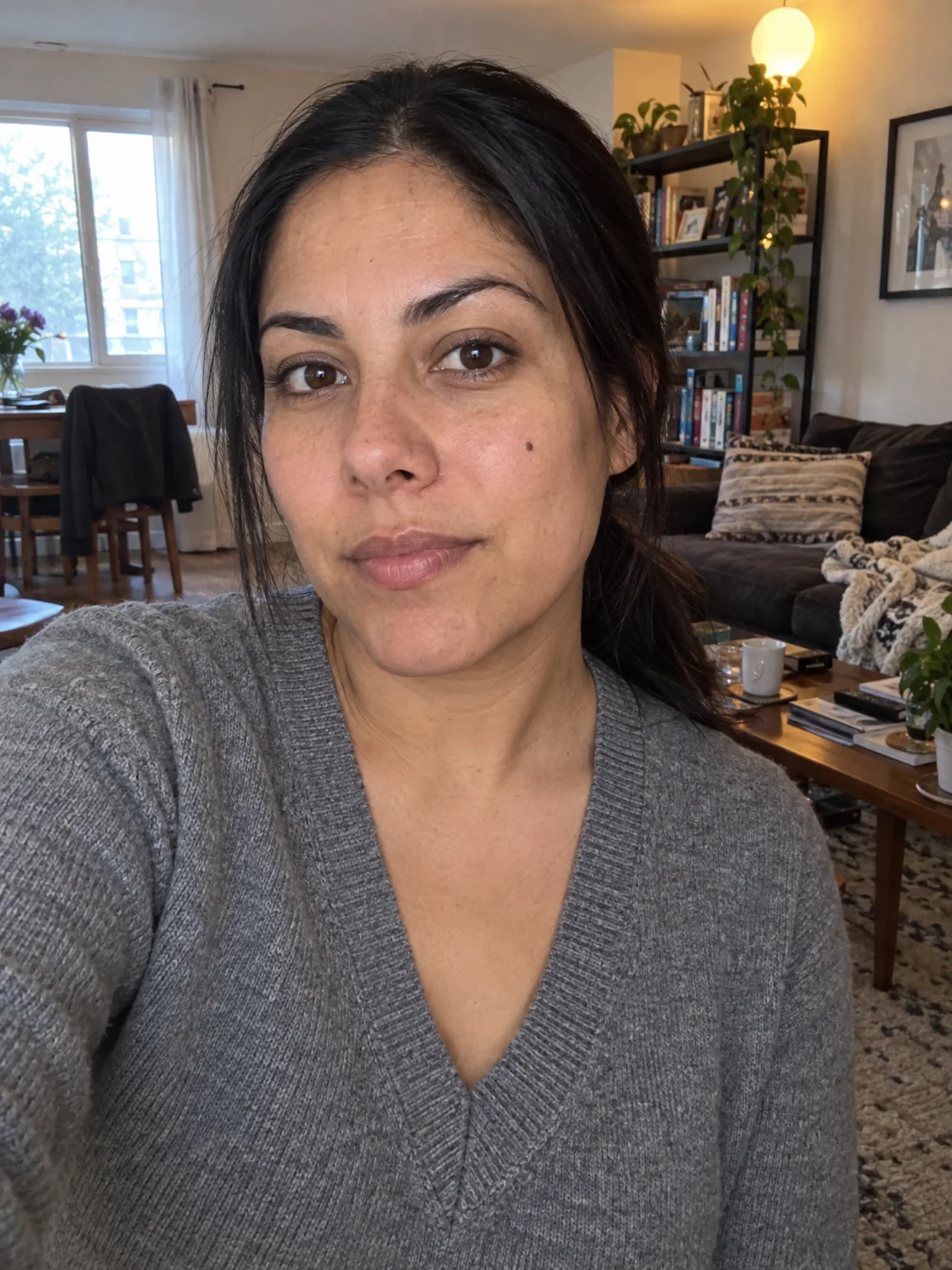
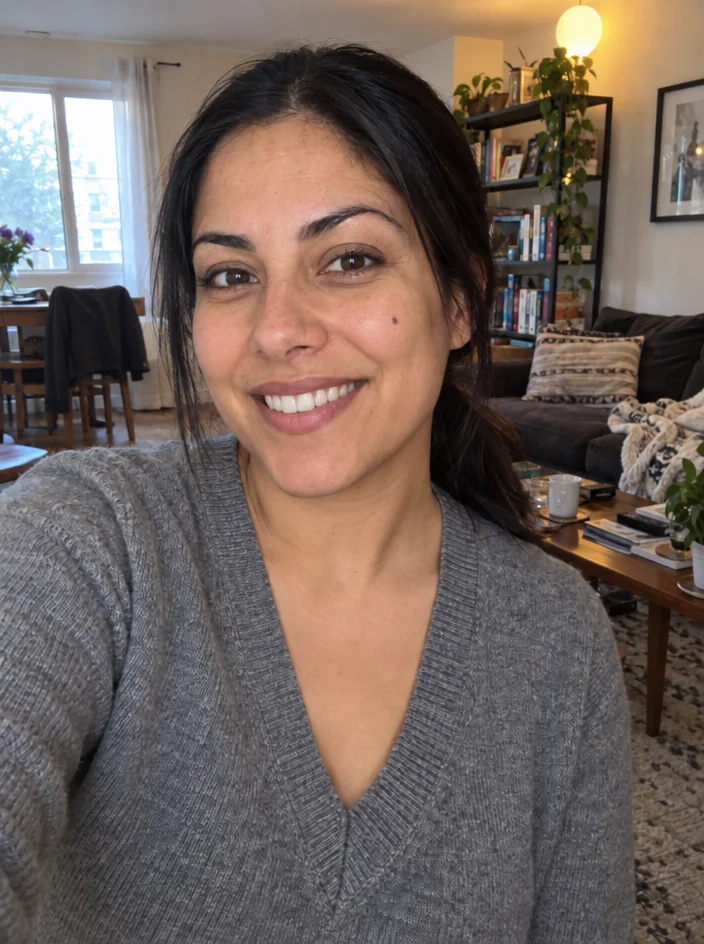
Change the expression in a photo — gentle smile, big smile, laughing, serious, confident, surprised, thoughtful or playful — with the whole face participating and identity kept.
4 free credits — one Standard run of any tool. No card needed.
What you'll choose
- Photos you upload: Your photo
- ExpressionGentle SmileBig SmileLaughingSeriousConfidentSurprisedThoughtfulPlayful
Cost per result
- StandardQuick results for everyday use4cr
- ProFiner skin, fabric and surface detail12cr
- MaxThe most detail, for large prints44cr
- Edit it with words, or send it into any other tool
- Standard, Pro and Max quality
- Saved to Your photos, downloadable full size
- Print-size upscales and short videos
How it works
- 01
Upload a photo with the face clearly visible and not heavily turned away.
- 02
Choose the expression: gentle smile, big smile, laughing, serious, confident, surprised, thoughtful or playful.
- 03
Shoot, compare with the original, and download or fine-tune with Perfect Smile.
Turn a flat expression into a gentle smile, a laugh or a confident look
The photo was perfect except for the face: eyes half committed, mouth caught between expressions. Expression Changer fixes the moment after the fact. Choose from eight expressions and the Studio rebuilds the face accordingly — not just the mouth, but the eyes, cheeks and brows that make an expression believable. A gentle closed-lip smile crinkles the eyes; a laugh lifts the cheeks; a serious look relaxes the lips and steadies the gaze. Identity, hair, lighting, pose and background stay exactly as they were.
The options cover what people actually need. Gentle Smile and Big Smile are the workhorses for profile photos and headshots. Laughing gives a candid, mid-moment feel for dating profiles and social posts. Serious and Confident suit executive portraits and speaker pages. Surprised and Playful are for fun, and Thoughtful — eyes slightly off camera — reads well on author and founder portraits. Because the change is limited to the face, it works on group photos where one person blinked or frowned.
A Standard run costs 4 credits and is ready in seconds; Pro and Max quality render teeth, skin creases and eye detail with more care, which matters on tight crops. Expression Changer is a good follow-up to any shoot in the Studio when the pose is right but the mood is not, and it combines naturally with Perfect Smile for teeth and Open Eyes for a blink. Use the compare toggle to check that the new expression still looks like you.
Good to know
Works well with
 from 4 credits
Perfect Smile
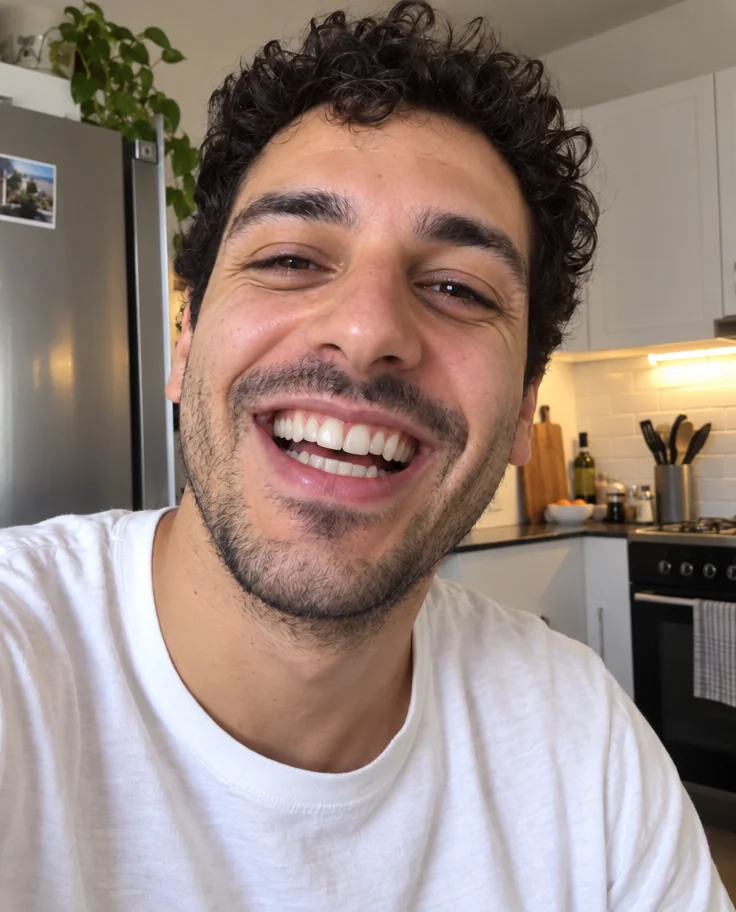
Whiter, straighter, stain-free teeth that still look like yours
 from 4 credits
Open Eyes
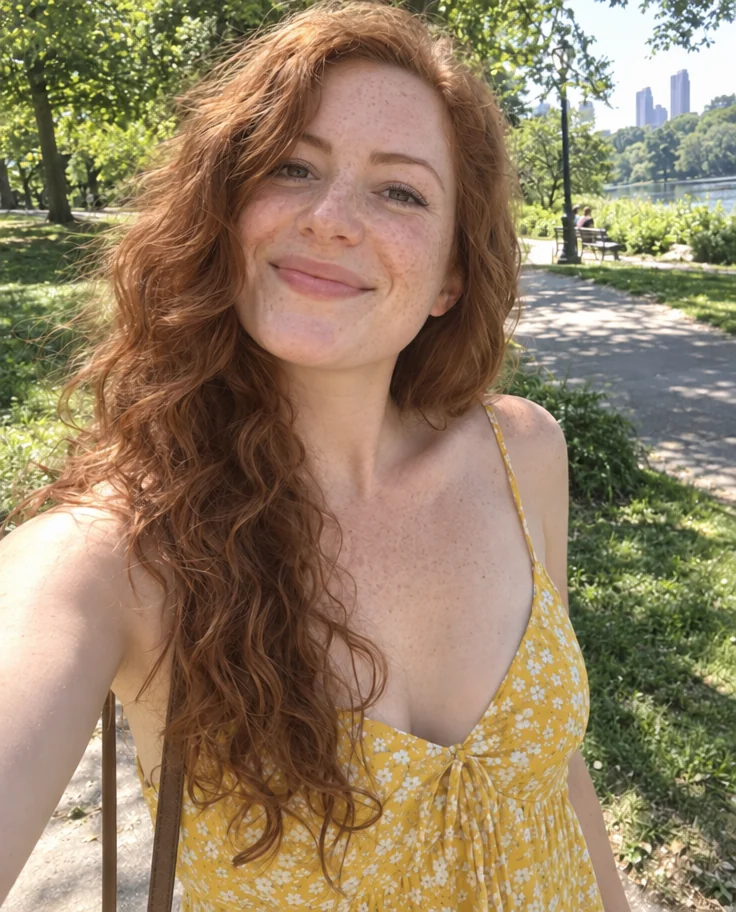
The blink that ruined the group photo, undone
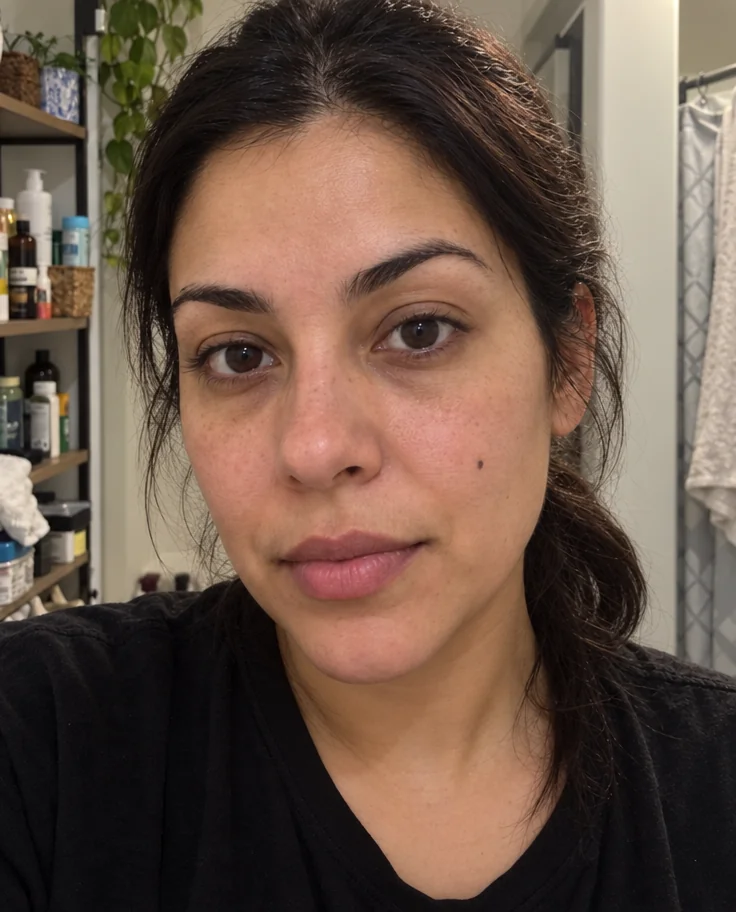 from 4 credits
Face Retouch
Blemishes, redness and shadows eased — pores, freckles and you, kept
 from 4 credits
Professional Headshot
Corporate-grade headshots in your pick of attire and backdrop, from 1–3 selfies