
Products· Utilities
AI Photo Editor
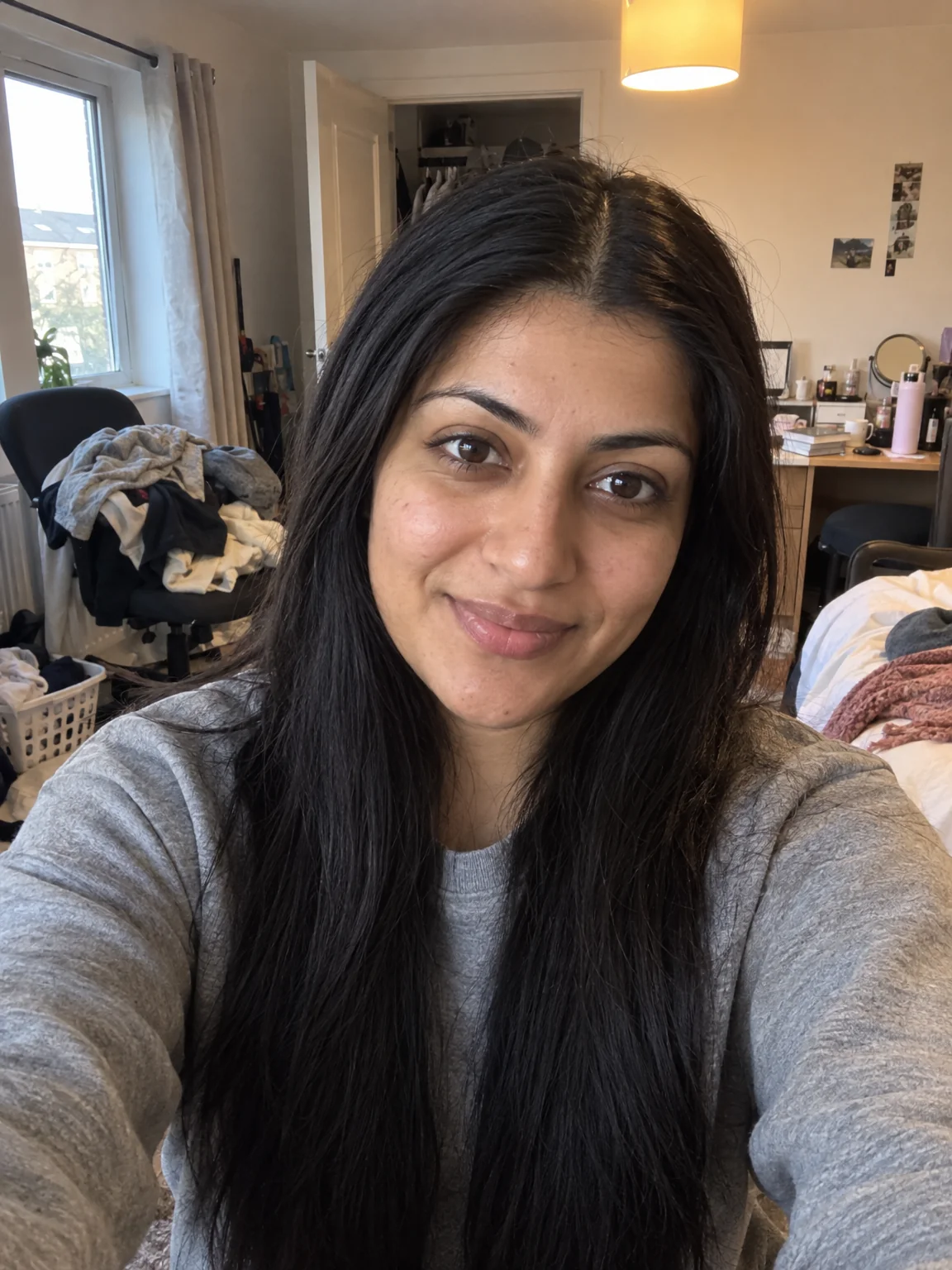
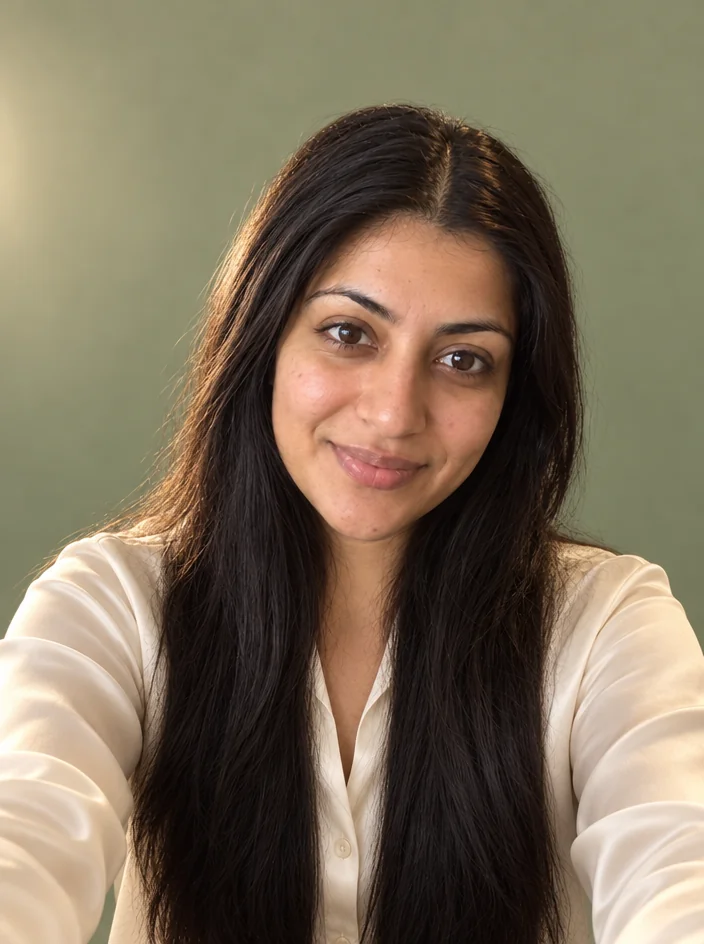
Describe the change you want in plain words — remove the hat, make it snow, turn the shirt blue, add sunglasses — and the Studio edits the photo accordingly.
4 free credits — one Standard run of any tool. No card needed.
What you'll choose
- Photos you upload: Your photo
- Describe the Edit
Cost per result
- StandardQuick results for everyday use4cr
- ProFiner skin, fabric and surface detail12cr
- MaxThe most detail, for large prints44cr
- Edit it with words, or send it into any other tool
- Standard, Pro and Max quality
- Saved to Your photos, downloadable full size
- Print-size upscales and short videos
How it works
- 01
Upload the photo, or send any Studio result here from the Continue row.
- 02
Describe the change in one clear sentence — what to change and what to keep.
- 03
Shoot, compare with the original, and download or run a second edit.
Edit any photo with a sentence — the tool for everything without its own button
Every Studio tool is a focused version of this one. AI Photo Editor takes a photo and a sentence and does what the sentence says: remove the hat, turn the shirt navy, add falling snow, put a dog beside me, make it look like 35mm film, swap the plastic chair for a wooden bench. It is the tool for edits that do not have their own button, and it is why the Continue row under every result starts with "Edit with words" — whatever a photo still needs can usually be said in one line.
Clear instructions get clear results. Say what to change and, if it matters, what to keep: "remove the sunglasses, keep the expression". Combine two or three edits in one sentence when they belong together, and run the tool again for a second round rather than writing a paragraph. It handles people, pets, products, rooms and landscapes, respects identity unless told otherwise, and keeps the aspect ratio of the original.
A Standard run costs 4 credits and finishes in seconds; Pro and Max quality give edits more detail and more careful blending. Reach for the dedicated tools when they exist — Background Changer, Remove an Object, Relight, Hairstyle Changer — because their briefs are tuned; reach for the editor for everything in between and for the last five percent of a photo. Compare against the original with one tap.
Good to know
Works well with
 from 4 credits
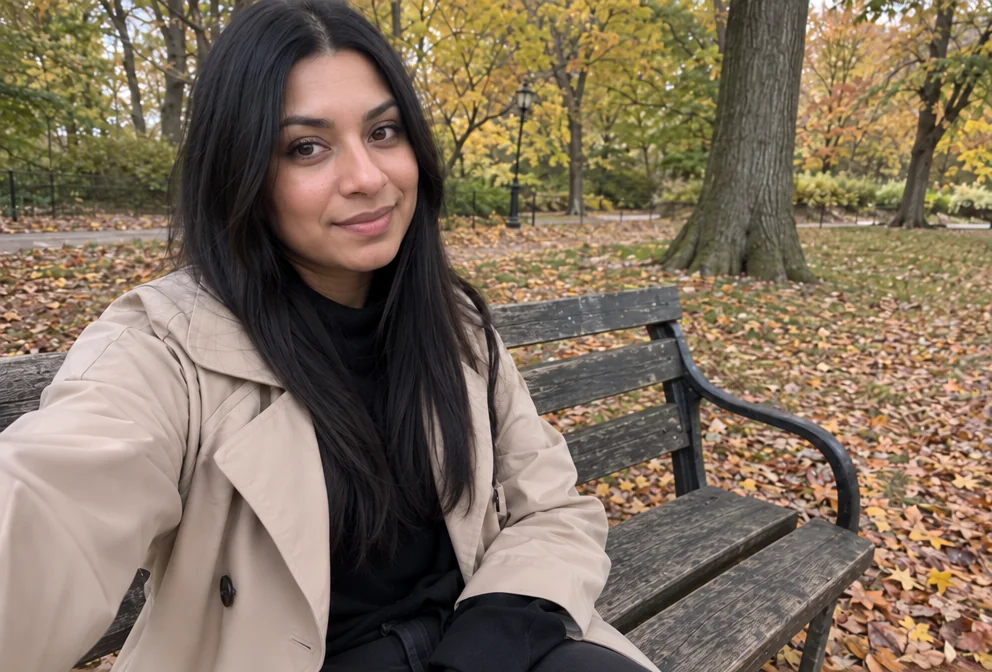
Remove an Object
Name the thing — a bin, a wire, a watermark of glare — and it's gone
 from 4 credits
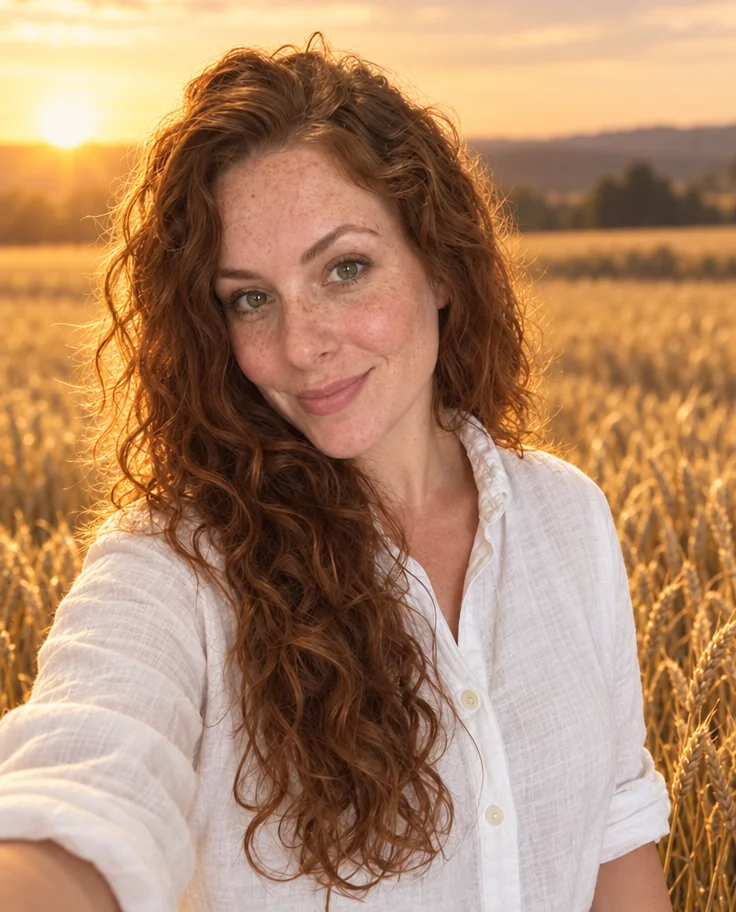
Background Changer
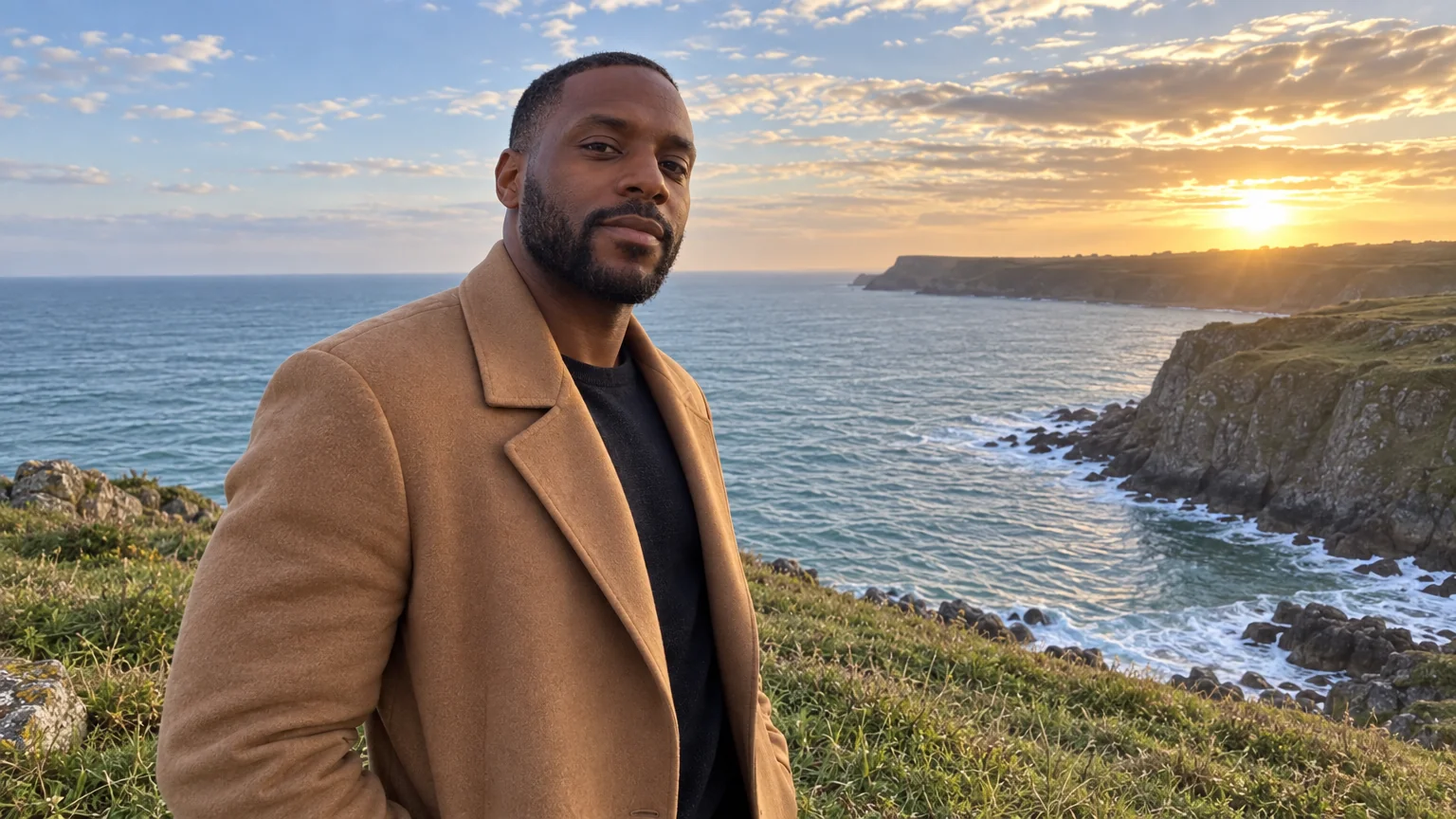
Describe a new backdrop and step into it with matching light and perspective
 from 4 credits
Relight Photo
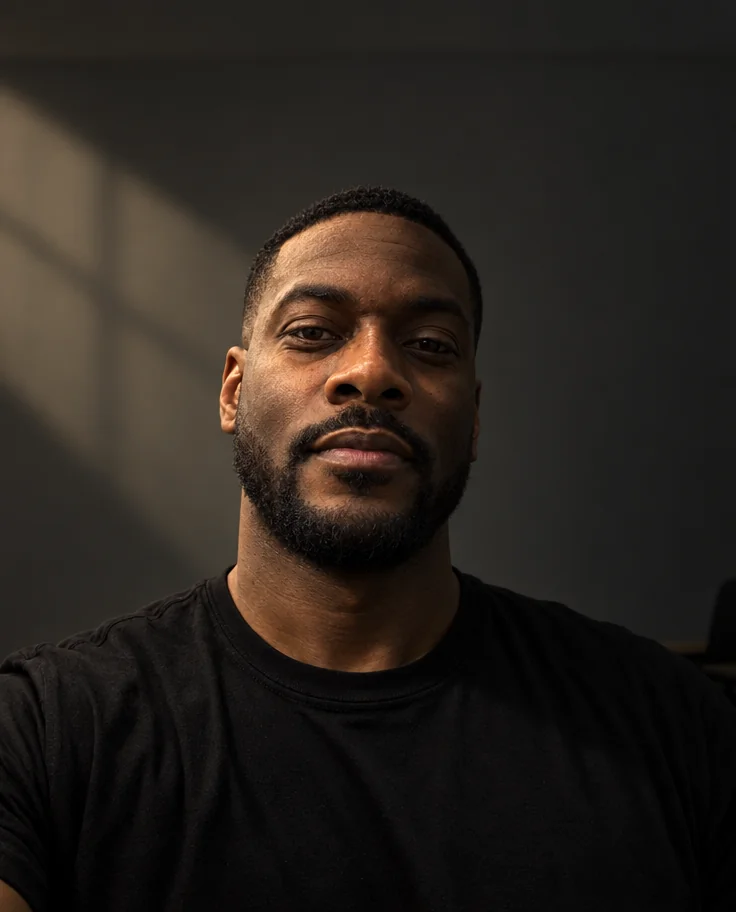
Twenty lighting setups, from soft window light to Rembrandt, neon and film noir
 from 4 credits
Expand Photo
Widen a tight crop — the scene continues naturally into any aspect ratio