Practical
Small old photos, printed large
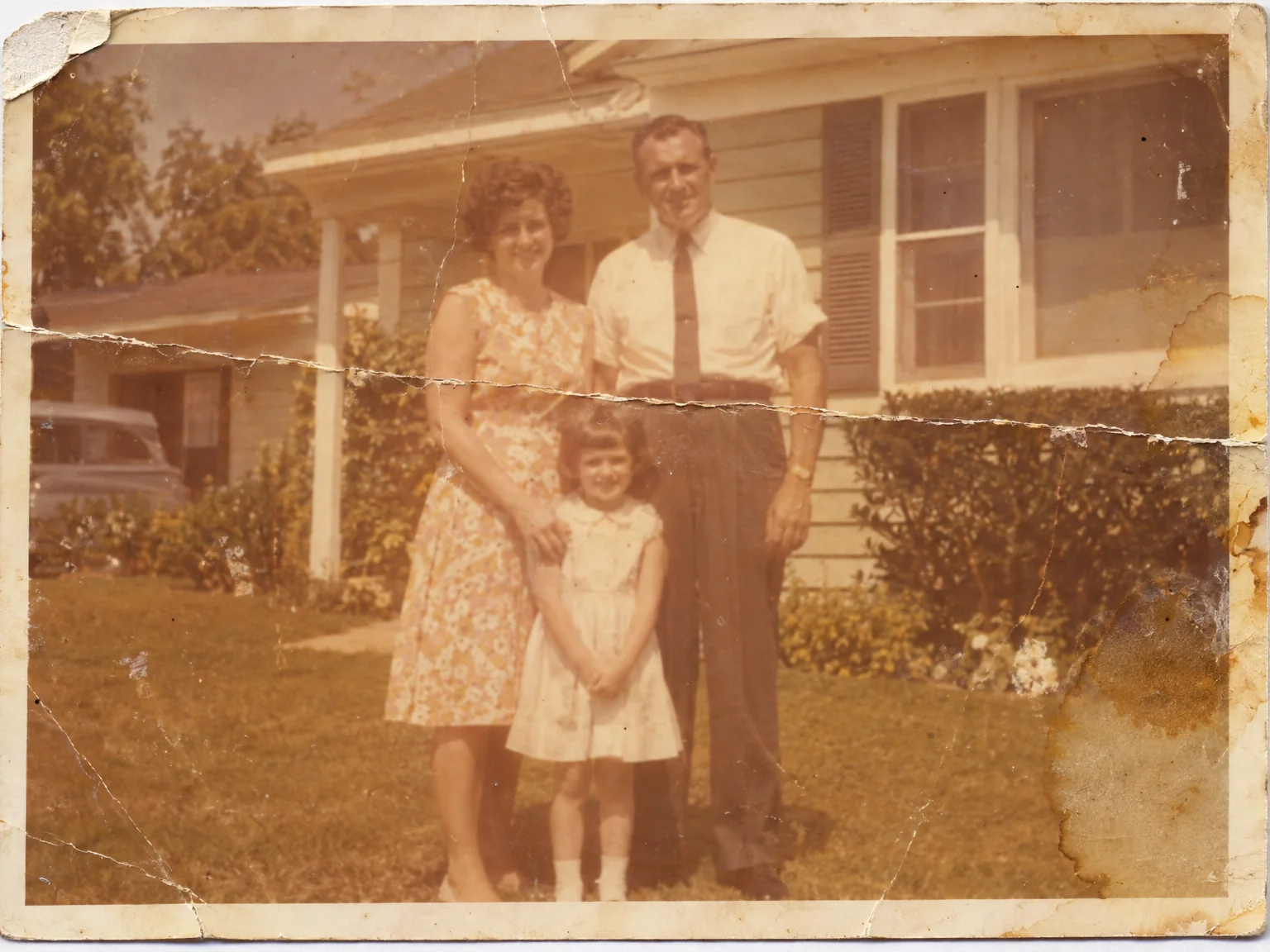
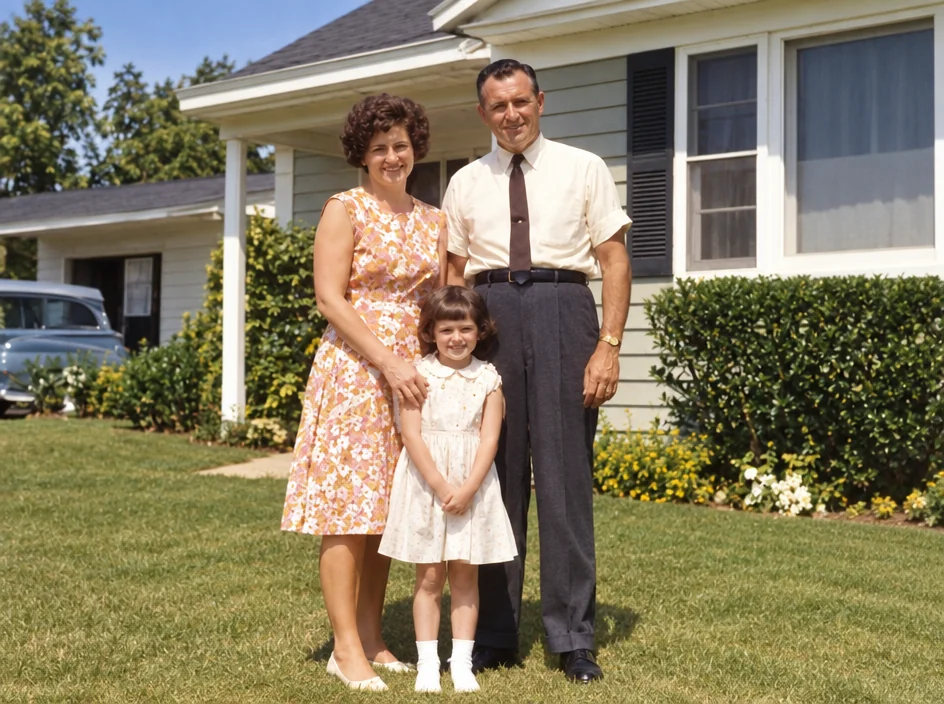
The only photo of a grandparent is a two-inch print, and the frame on the wall is a foot wide. Enlarging old photos in the studio rebuilds detail as the image grows — skin, hair, fabric, the grain of the print — so a small snapshot can be printed at 8×10, A3 or canvas size without turning to blur.
You want a print-ready file from a tiny original, for the wall, the memorial or the family book. The studio applies the rules for enlarged old photos — framing, background, expression, lighting, repair — to a photo you take at home, and keeps the people in it exactly as they are. Check enlarged old photos against the current rules of whoever asked for them before you submit — requirements change, and the compare toggle makes the check quick.
4 free credits — one Standard run of any tool. No card needed.
Made for when
- The original is smaller than a playing card
- Printing it larger turns it into blocks
- The family book needs a full-page plate
- A scan of a small print is still a small print
Step by step
- 01
Run Photo Restoration on a worn original
A clean image gives the upscale the best detail to build on.
Photo Restoration - 02
Upscale to the print size you need
Detail is rebuilt as the image grows, so enlarged old photos print sharp rather than blocky.
Image Upscaler - 03