Practical
ID photos, no photographer
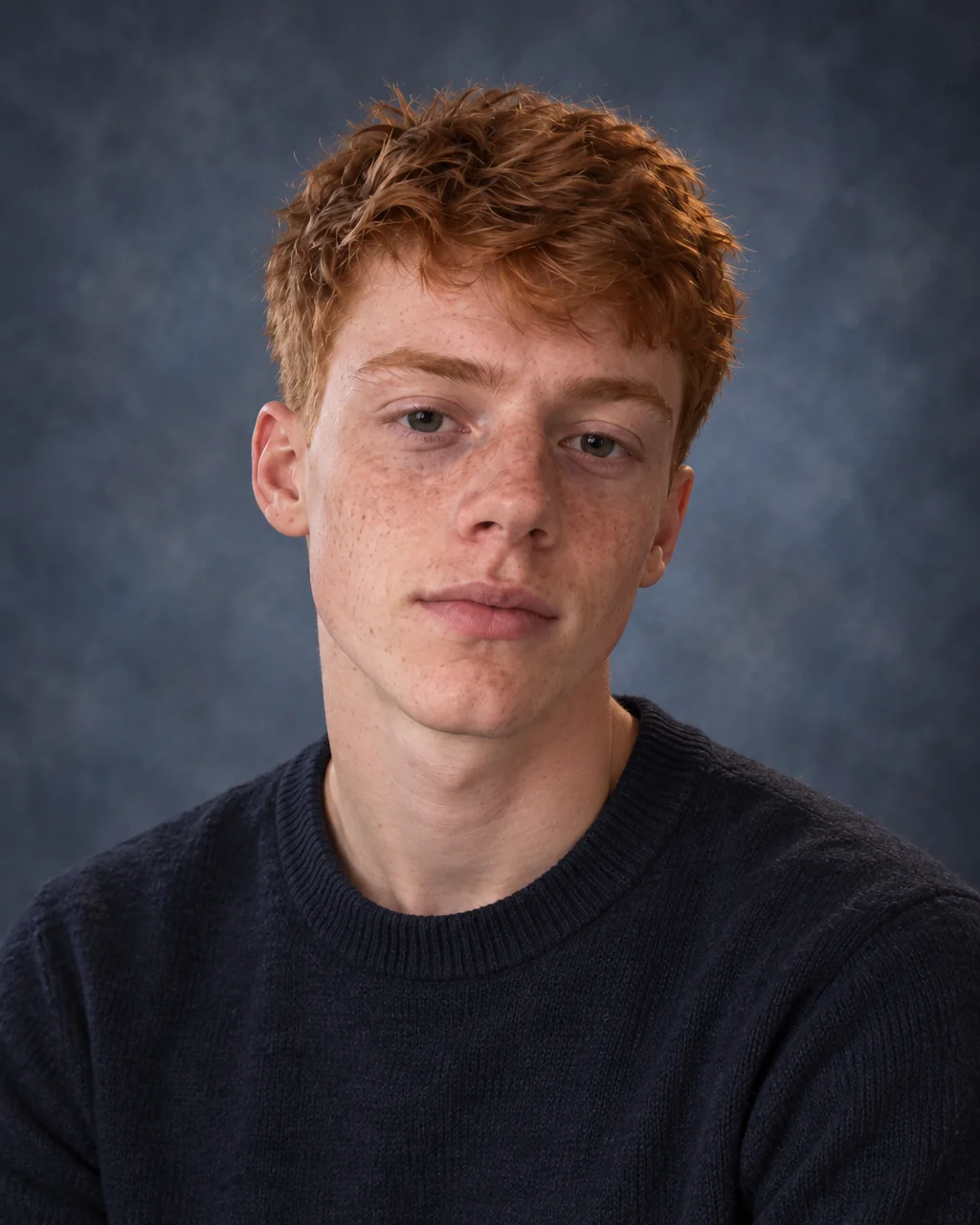
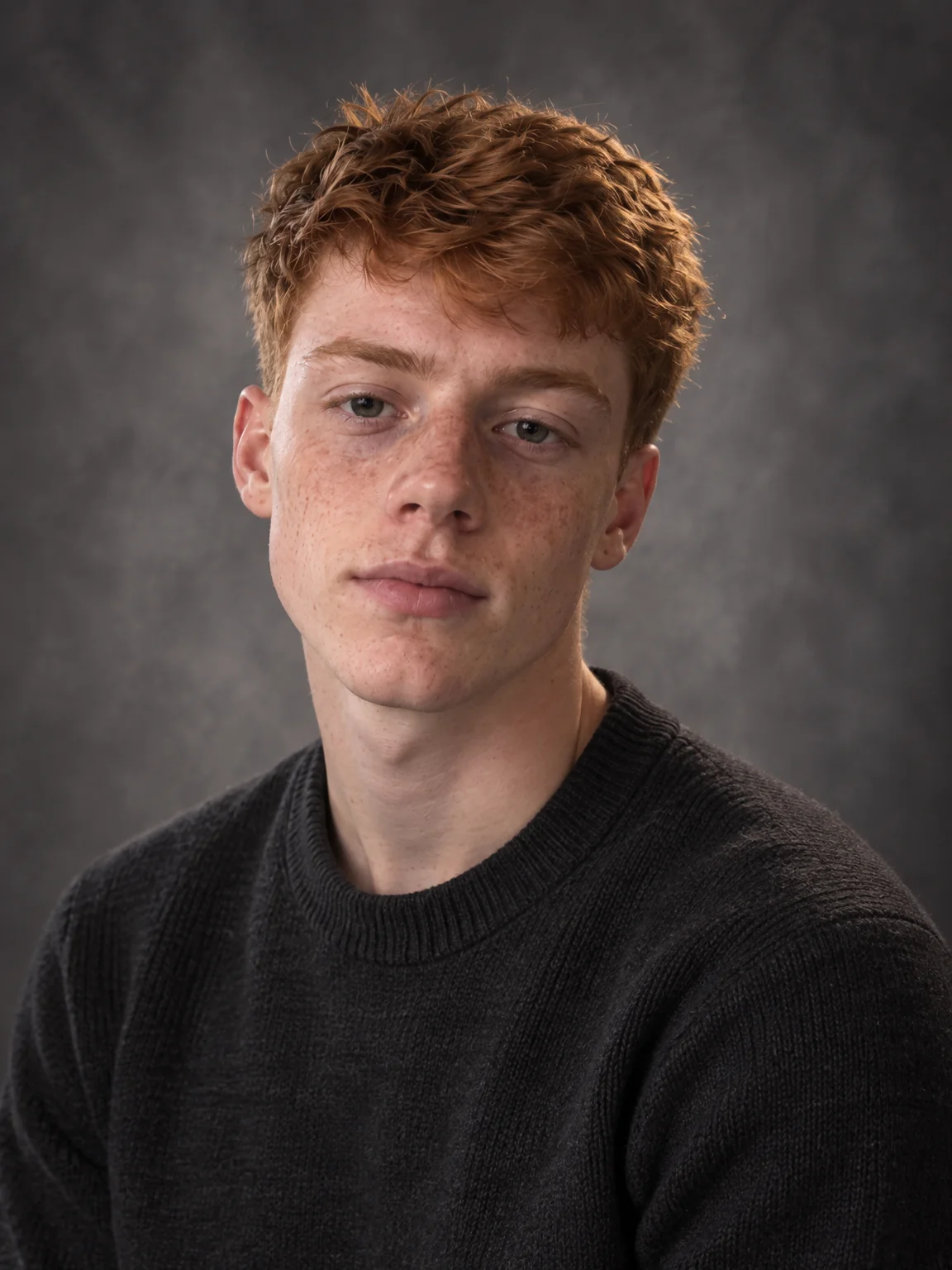
Driving licences, residence permits, work badges, student cards, gym memberships: every one wants a plain, front-facing photo and every one has slightly different rules. ID photos from the Studio produce a clean, compliant photo — white background, neutral expression, even light — in the format you choose.
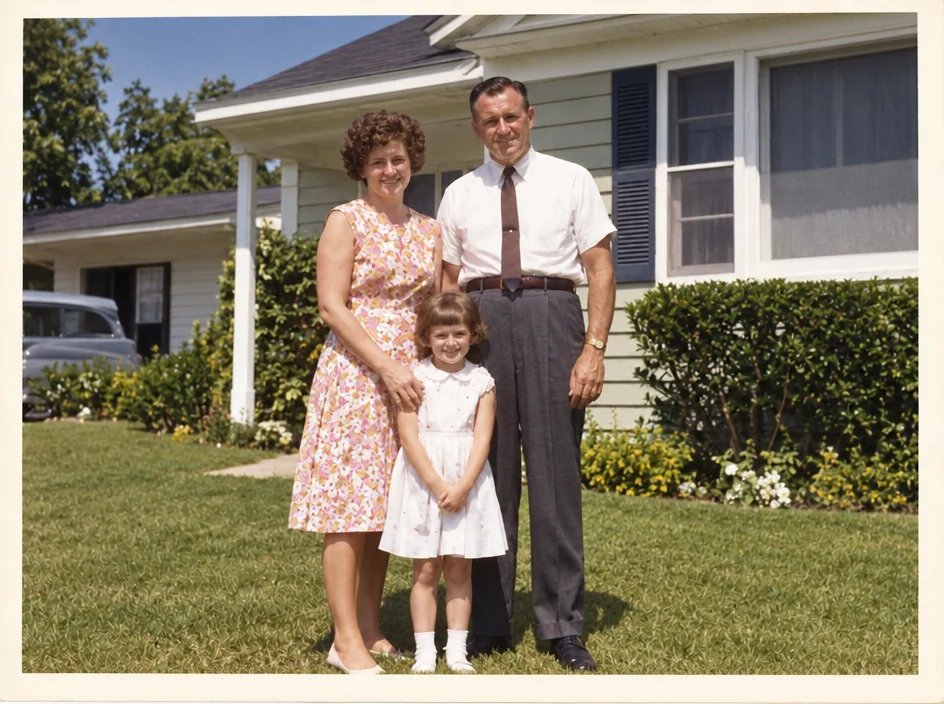
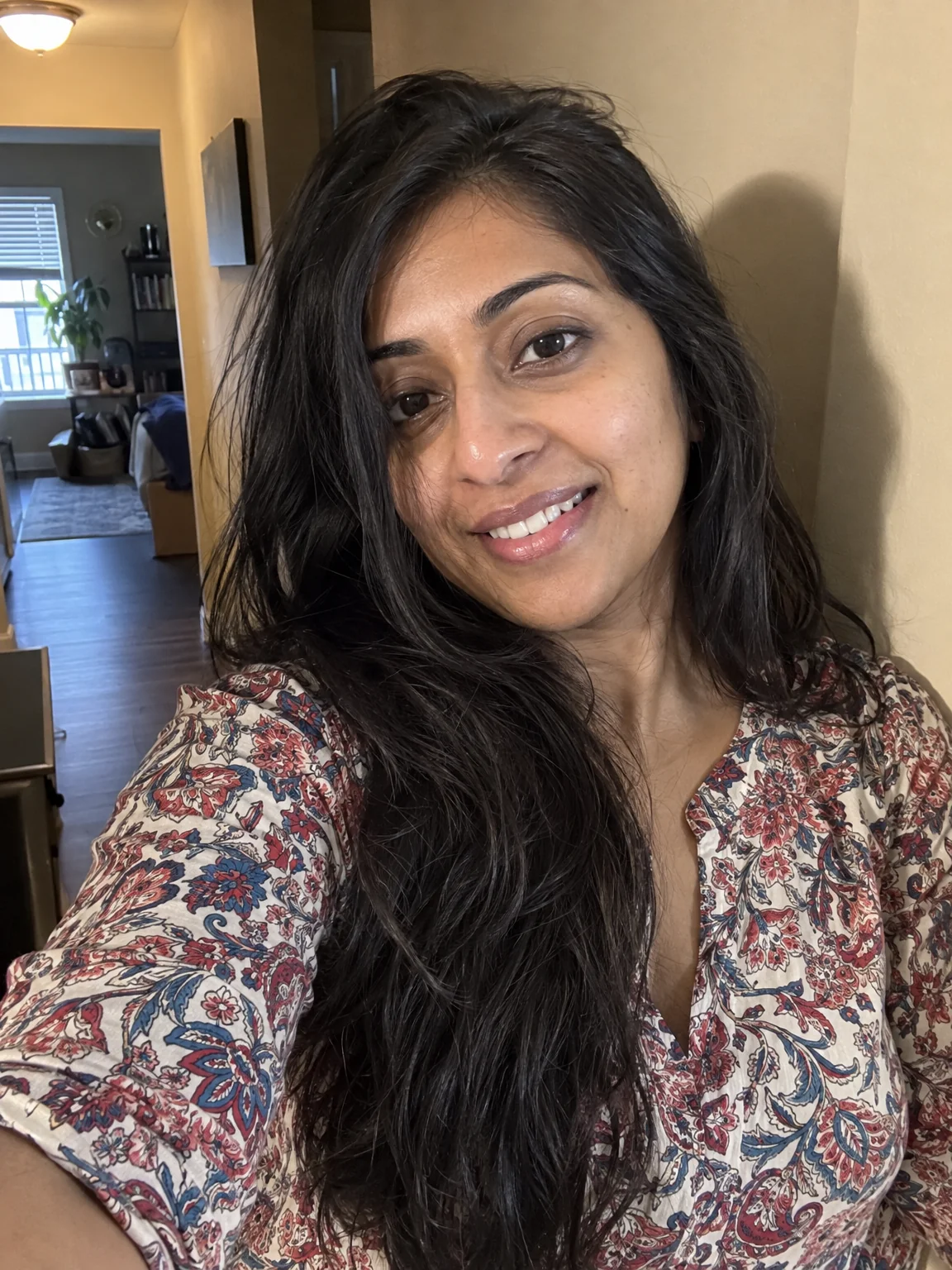
You want one shoot that covers the badge, the licence and the permit, from a selfie taken against the kitchen wall. Instead of a booth or a lab, ID photos start from an ordinary photo and are rebuilt to what matters: correct crop, clean background, even light, damage repaired. Keep the finished ID photos in Your photos; the next renewal, reprint or reunion can reuse them without starting over.
4 free credits — one Standard run of any tool. No card needed.
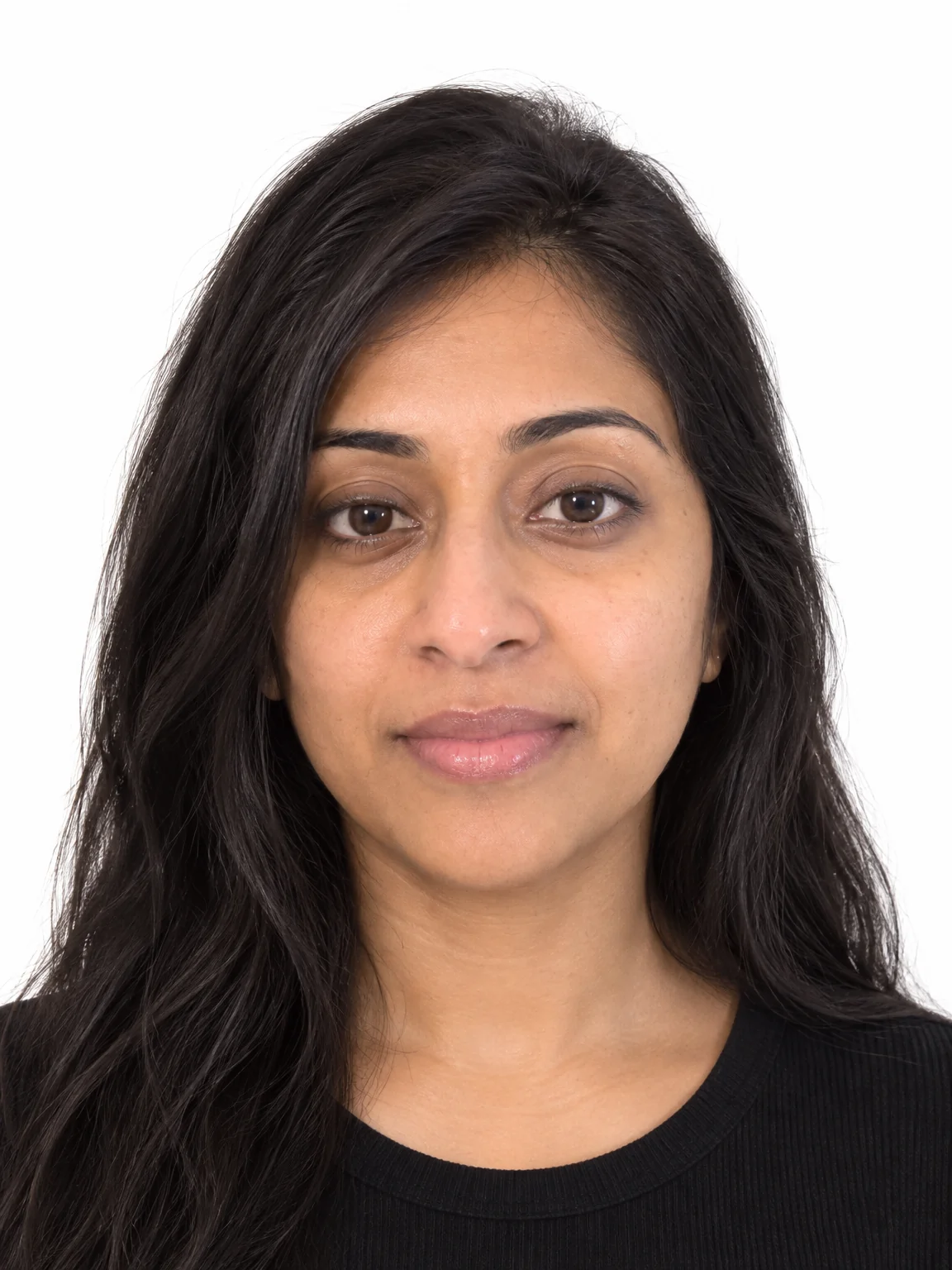
Made for when
- HR needs a badge photo by Monday and the office has no camera
- The licence renewal wants a digital upload with strict rules
- The student card photo has followed you for four years
- Every application wants a slightly different crop
Step by step
- 01
Run Passport Photo in the format below
The crop, background, expression and lighting rules for ID photos are applied to your photo automatically.
Passport Photo - 02
Remove glare from glasses first
Photos stay, glare goes, eyes are visible — as the rules require.
Glasses Glare Removal