Practical
Yearbook photos, no photographer
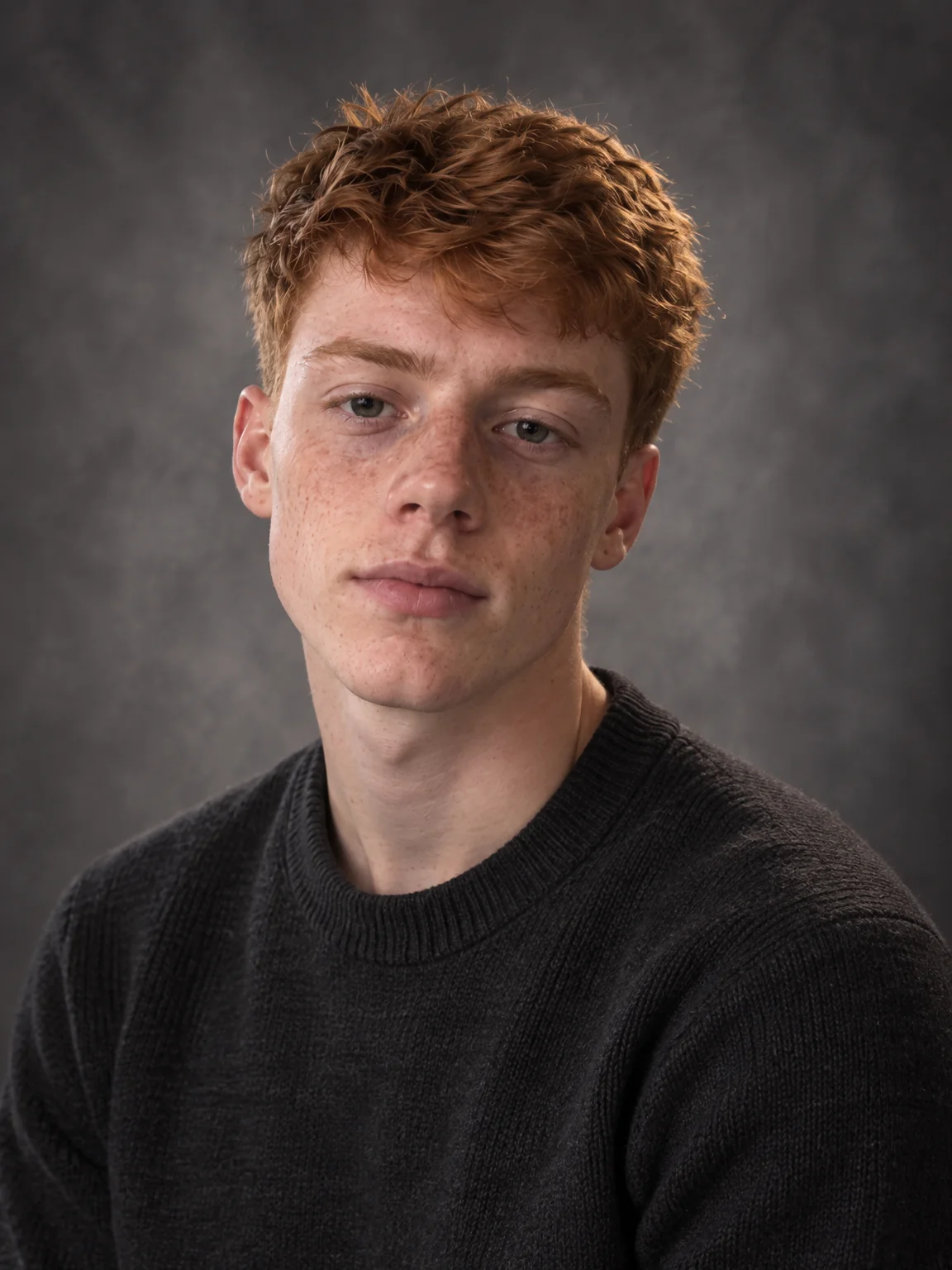
Yearbook photos are forever, and yours was taken on the morning you overslept. Yearbook photos from the Studio deliver the traditional portrait — a mottled gray backdrop, soft even light, a genuine smile — at the 3:4 crop yearbook templates use, for students, faculty and the alumni page.
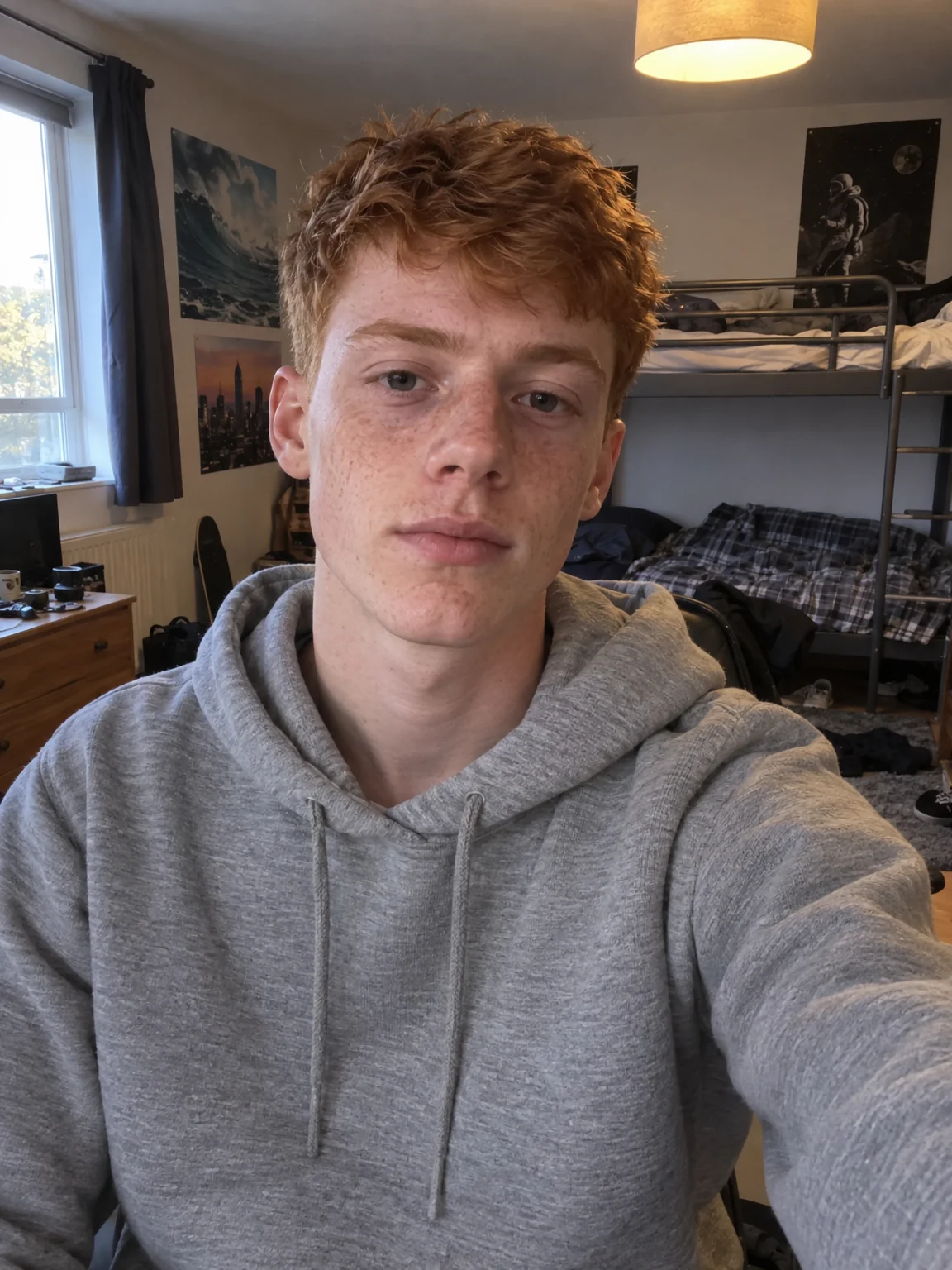
You want the portrait that will look fine in twenty years, made from a selfie taken today. One run turns the photo you have into yearbook photos that meet the need, ready to print at a kiosk, upload to a form or photo. Upscale yearbook photos once if a form or a photo asks for a larger file, and keep the original photo in case a different format is needed later.
4 free credits — one Standard run of any tool. No card needed.
Made for when
- The retake day clashes with an exam
- Faculty pages and alumni directories keep asking for a new file
- The graduation yearbook wants a print-quality portrait
- You want a photo you will not wince at in twenty years
Step by step
- 01
Open AI Photoshoot, attach your selfies, select Studio Portrait
This is the shoot itself — yearbook photos rendered around your own face in seconds.
AI Photoshoot - 02
Polish skin and eyes with Face Retouch
A restrained pass that evens skin and brightens eyes without the plastic look of a filter.
Face Retouch - 03
Enlarge the winner with Upscale
Detail is reconstructed rather than stretched, so the print holds up on the wall.
Image Upscaler