Practical
Old photos, in color
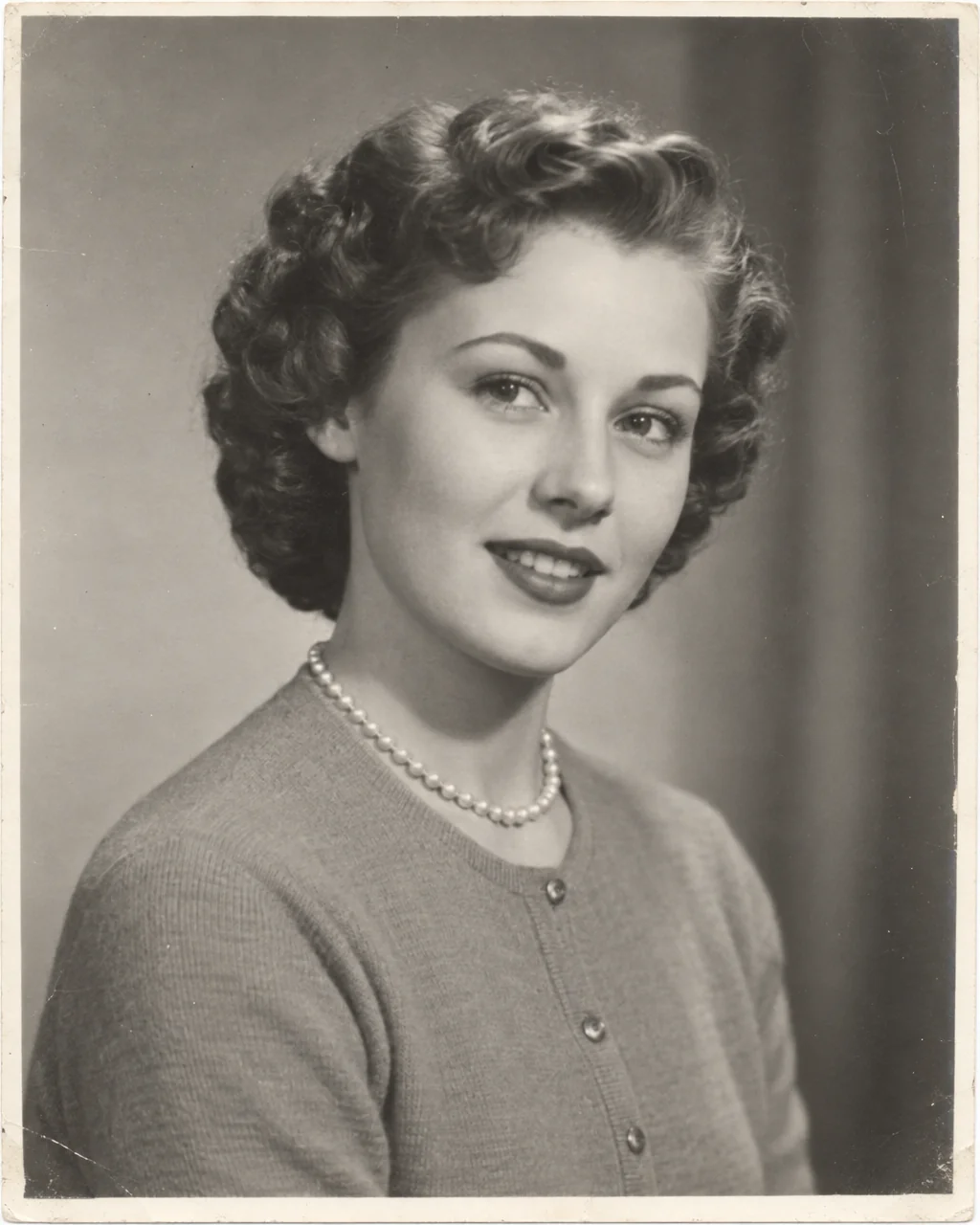
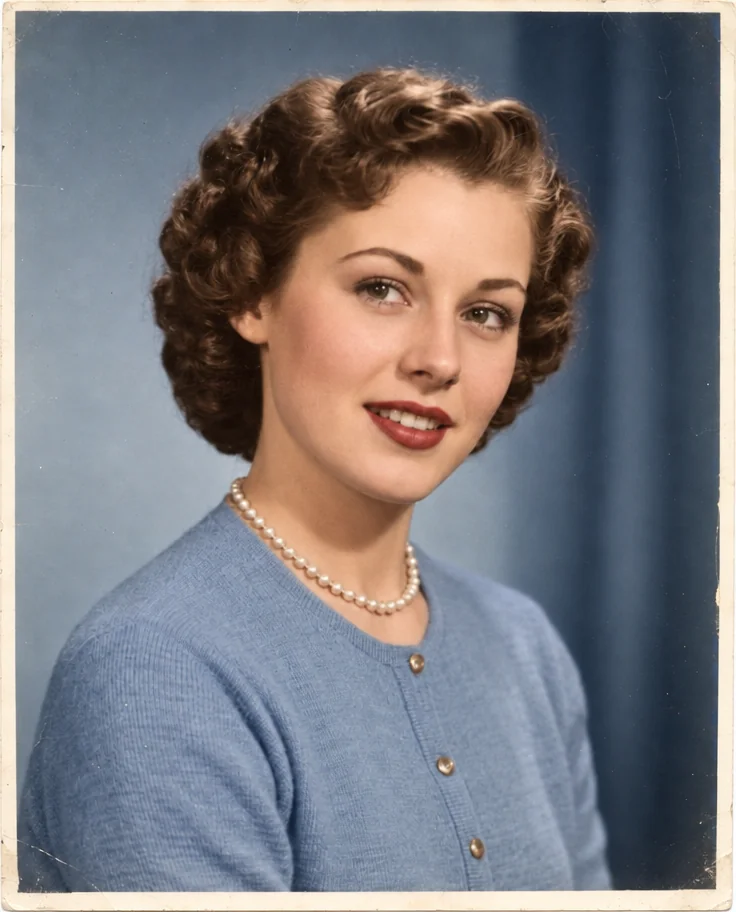
Your great-grandparents lived in color; the photos just did not. Colorizing old photos in the Studio adds realistic, period-appropriate color to black-and-white and sepia prints — natural skin tones, believable fabric, sky and street — with every detail, the grain and the faces left untouched.
You want to meet the family in the colors they actually wore, for a reunion, a memorial or the wall, without hand-painting a scan. Instead of a booth or a lab, colorized old photos start from an ordinary photo and are rebuilt to what matters: correct crop, clean background, even light, damage repaired. Keep the finished colorized old photos in Your photos; the next renewal, reprint or reunion can reuse them without starting over.
4 free credits — one Standard run of any tool. No card needed.
Made for when
- The wedding photo is monochrome and the dress was famously blue
- Children do not connect with gray great-grandparents
- A memorial slideshow wants warmth, not archive gray
- The family history book needs color plates
Step by step
- 01
Run Colorize on the black-and-white photo
Realistic, era-appropriate color is added to colorized old photos with every detail and face unchanged.
Colorize Photo - 02
Repair creases and fading with Photo Restoration
Run this before colorizing when the print is damaged.
Photo Restoration - 03
Upscale for a framed print
The finished photo can be printed larger than the original ever was.
Image Upscaler