Practical
Passport photos, no photographer
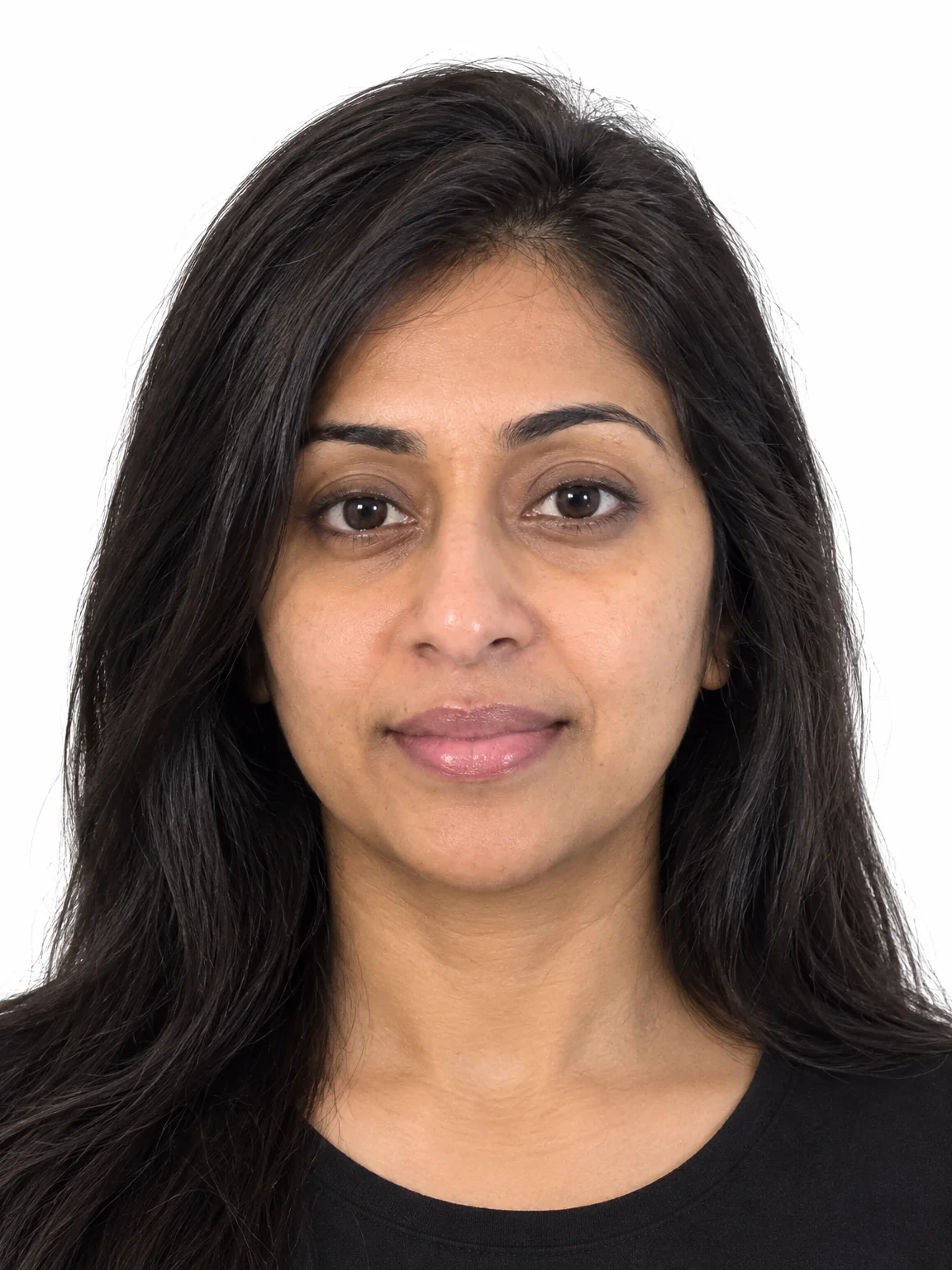
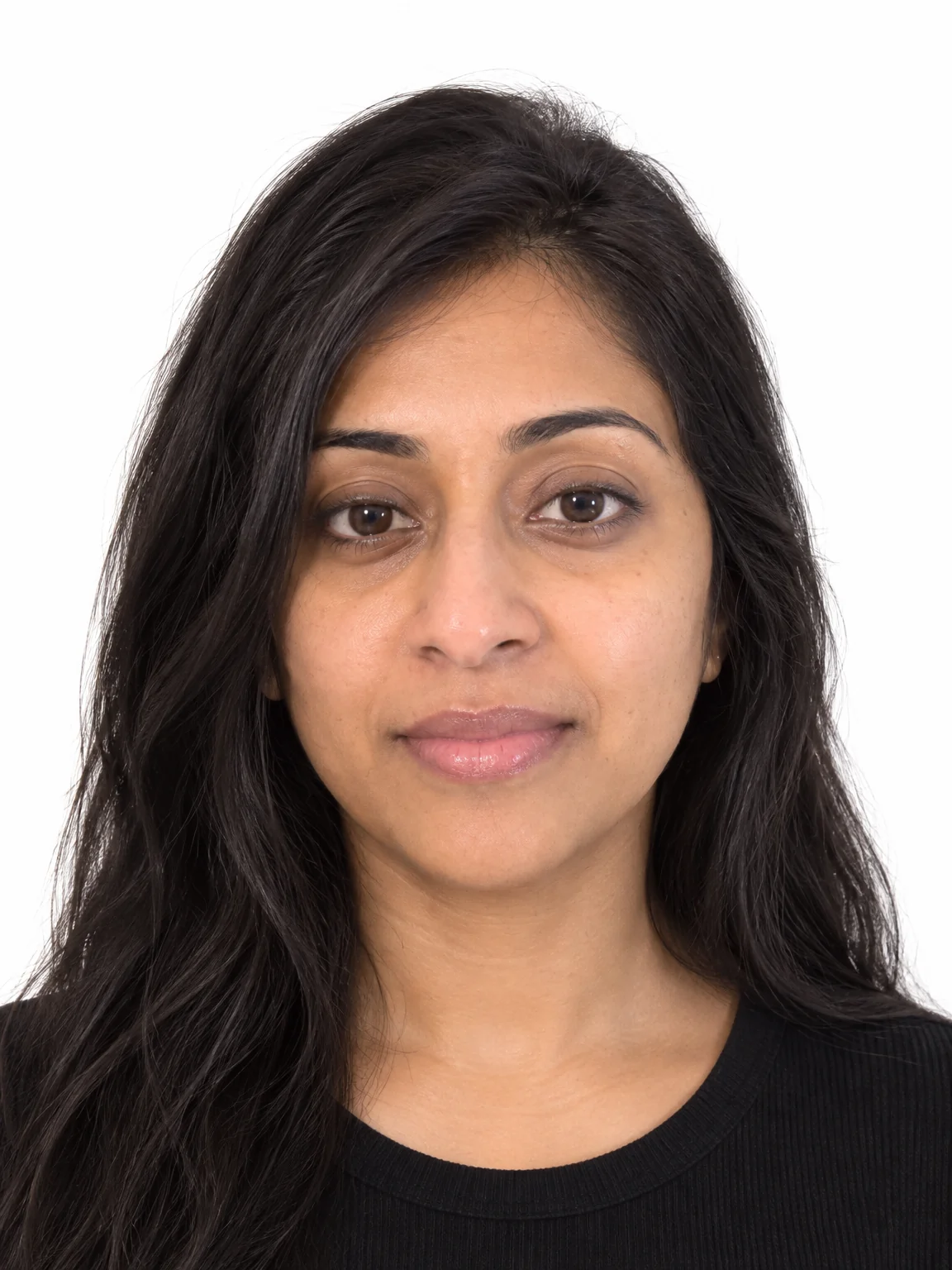
The pharmacy booth is closed, the renewal is due and the last photo was rejected for a shadow on the wall. Passport photos from the Studio take a selfie in ordinary light and rebuild it to the rules: plain white background, head centered and square to the camera, neutral expression, even light, no glare.
You want a compliant file tonight, for a renewal form or a kiosk print, without a trip and a wait. Instead of a booth or a lab, passport photos start from an ordinary photo and are rebuilt to what matters: correct crop, clean background, even light, damage repaired. Upscale passport photos once if a form or a photo asks for a larger file, and keep the original photo in case a different format is needed later.
4 free credits — one Standard run of any tool. No card needed.
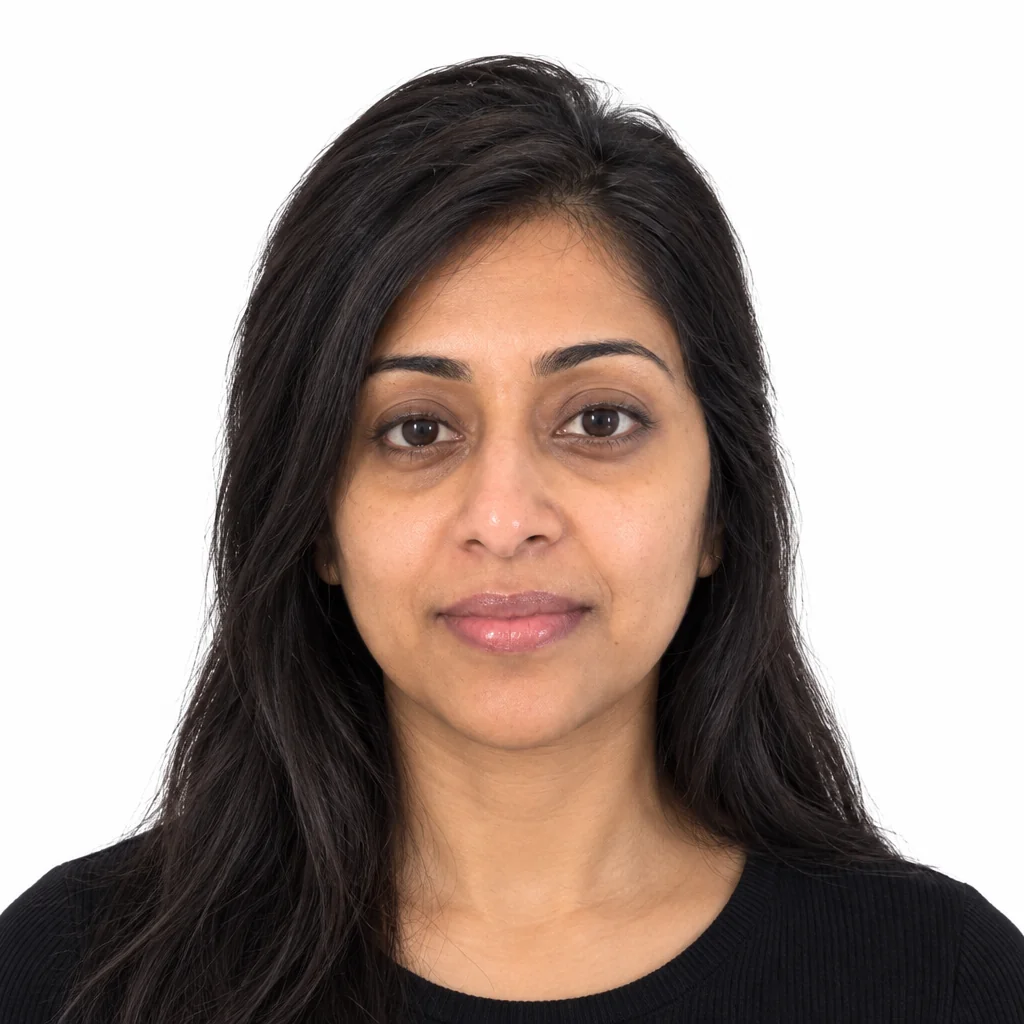
Made for when
- The booth photo made you look like a suspect
- The renewal form wants a digital upload with exact dimensions
- Your glasses reflect the light and the office keeps rejecting the photo
- Four family passports expire the same month
Step by step
- 01
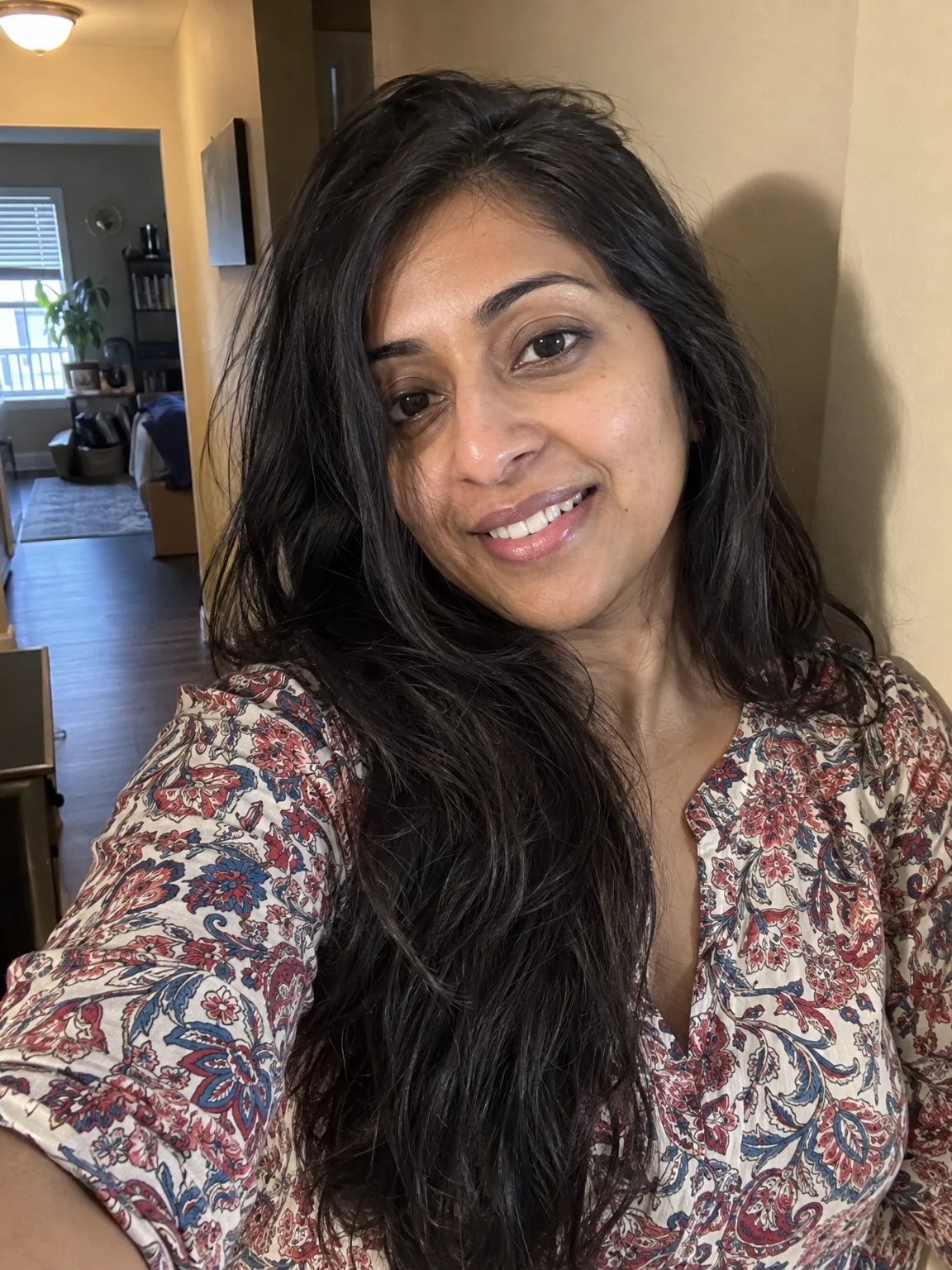
Make a Passport Photo from a plain, well-lit selfie
Passport photos rebuilt to specification from a photo taken at home.
Passport Photo - 02
Clear lens reflections first if you wear glasses
Reflections that hide the eyes are the most common reason a photo is rejected.
Glasses Glare Removal