Homes
The photo without the stranger in it
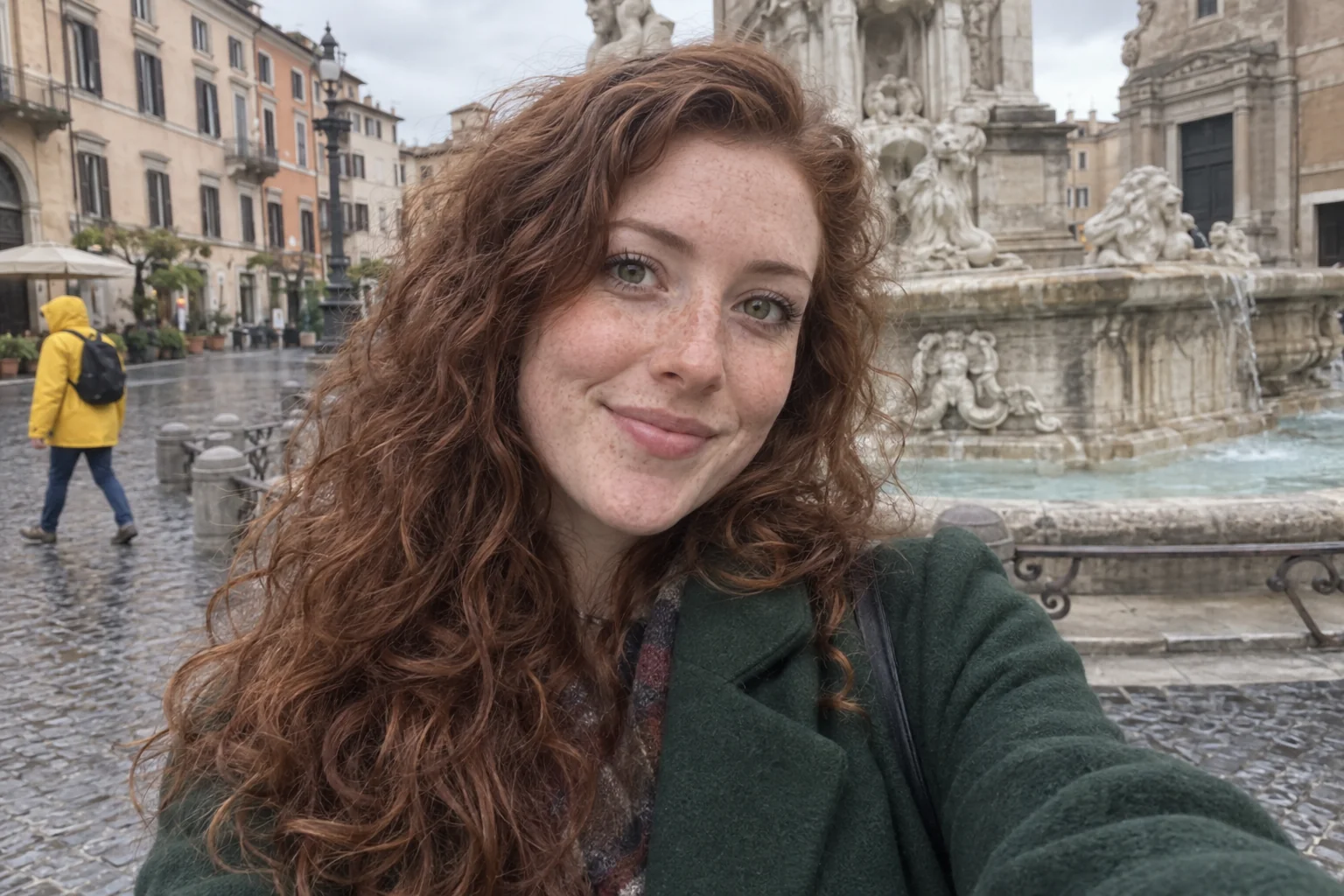
The house exterior has a neighbor on the pavement, the car photo has a passer-by in the reflection, the holiday snap has a stranger in a yellow jacket behind you. Removing people from photos in the studio takes them out and rebuilds what was behind them — pavement, hedge, sea — so the photo reads as if they were never there.
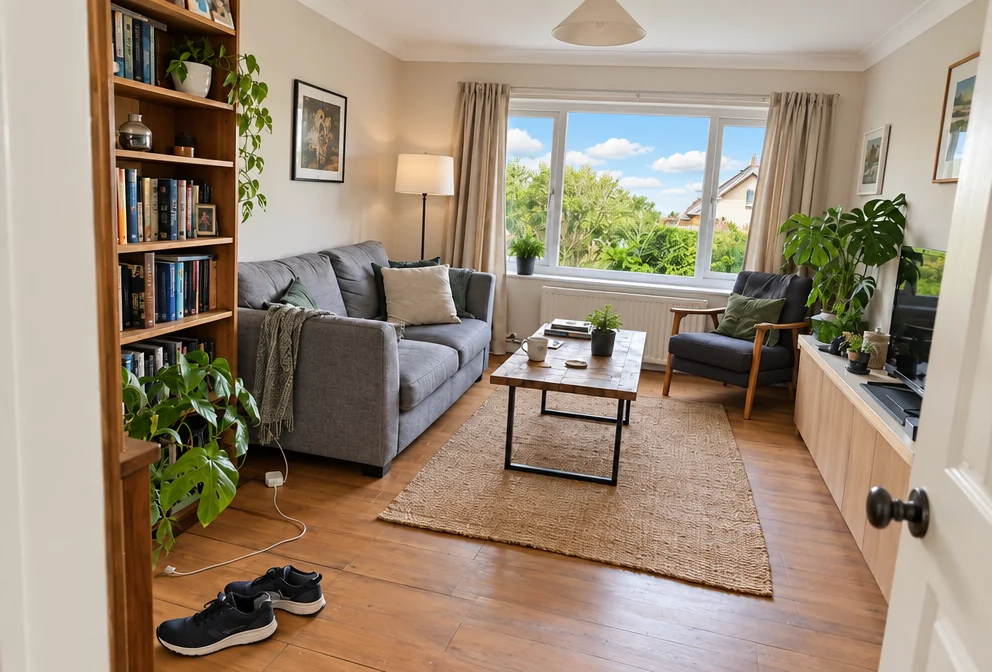
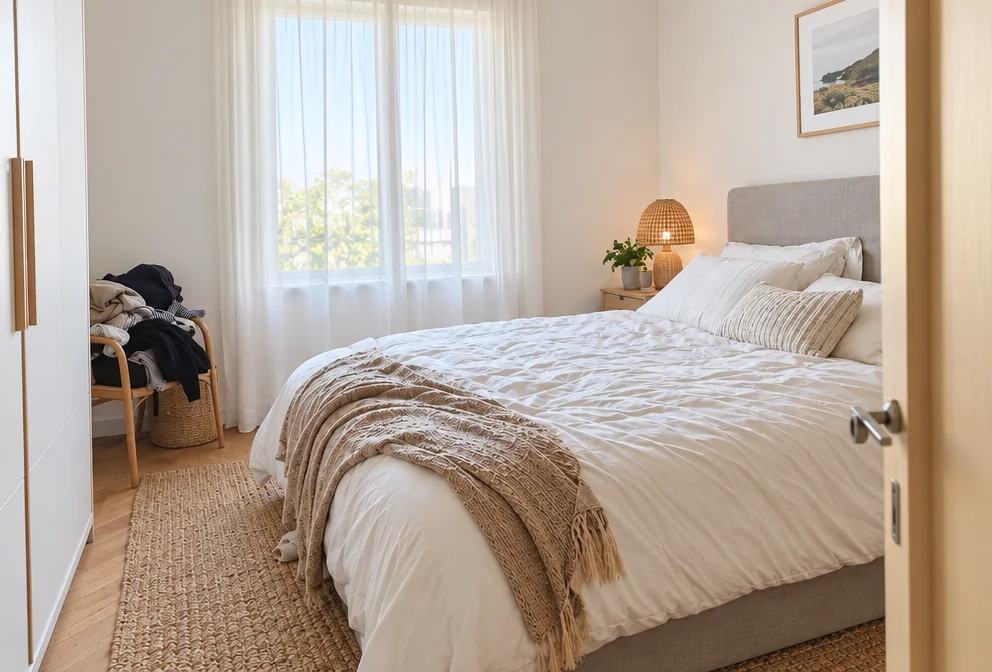
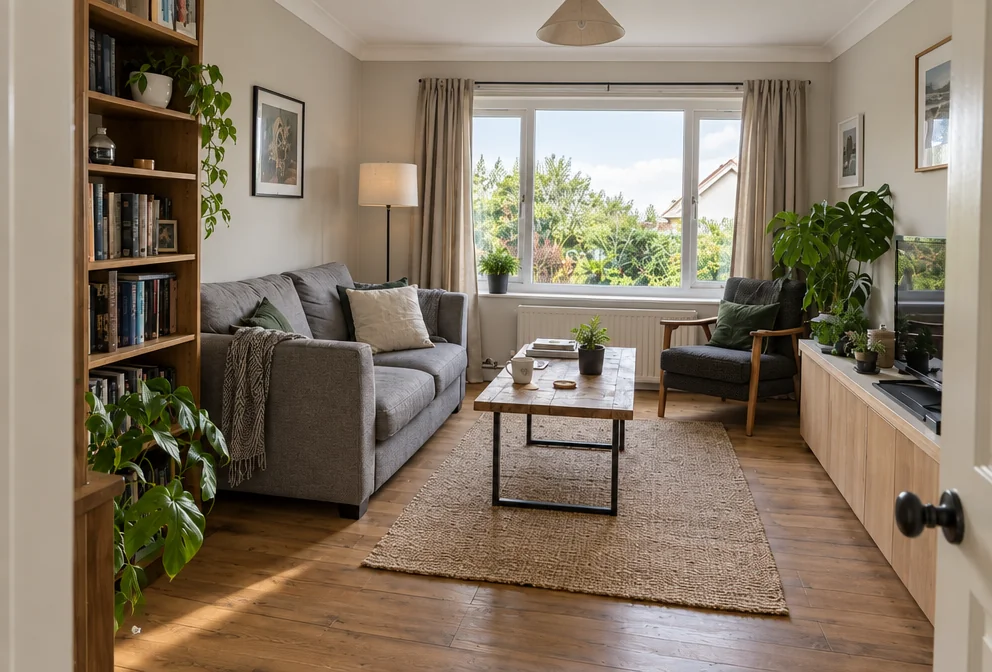
You want the photo you meant to take, without cropping half of it away to lose one person. Choose the matching, upload the photo, and photos with people removed come back with the layout, furnishings, fixtures and true condition unchanged and everything else brought up to a professional standard. Use Sky Replacement for a specific sky, Object Remover for a bin or a car, and Upscale before photos with people removed go on a brochure or a sign.
4 free credits — one Standard run of any tool. No card needed.
Made for when
- A neighbor walked into the exterior shot and it is the only sunny one
- The car photo has someone reflected in the door
- Every holiday photo of the two of you has a third person in it
- Cropping them out loses the view
Step by step
- 01
Describe the person to remove and run Person Remover
Photos with people removed start here: the person goes and the background behind them is rebuilt.
Remove a Person - 02
- 03
Balance the photo with Photo Retouch
Evens light and color across the whole picture after the edit.
Photo Retouch