Homes
Interiors with a magazine finish
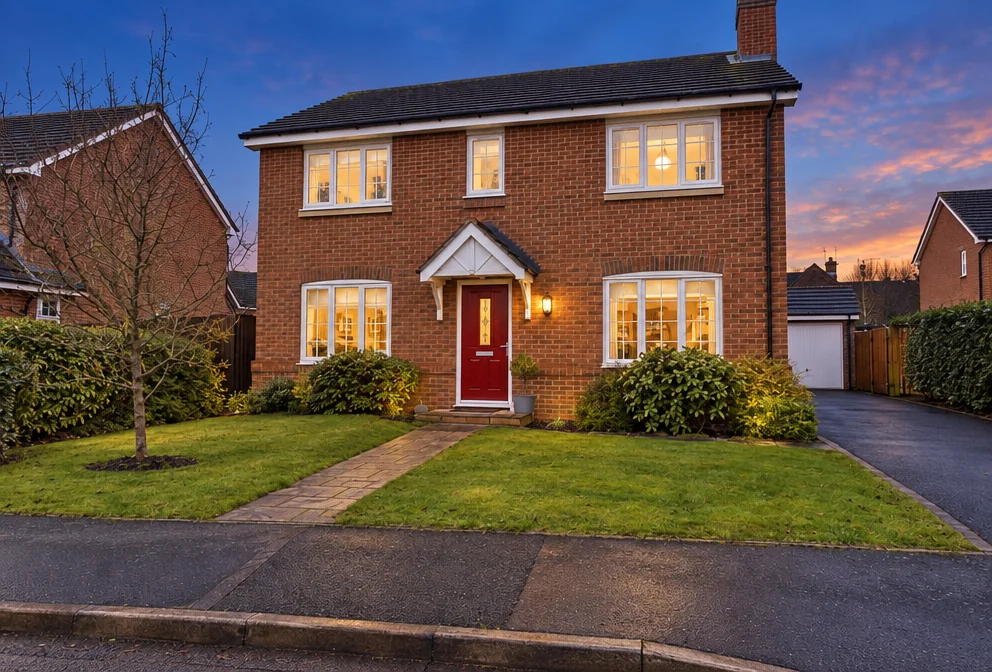
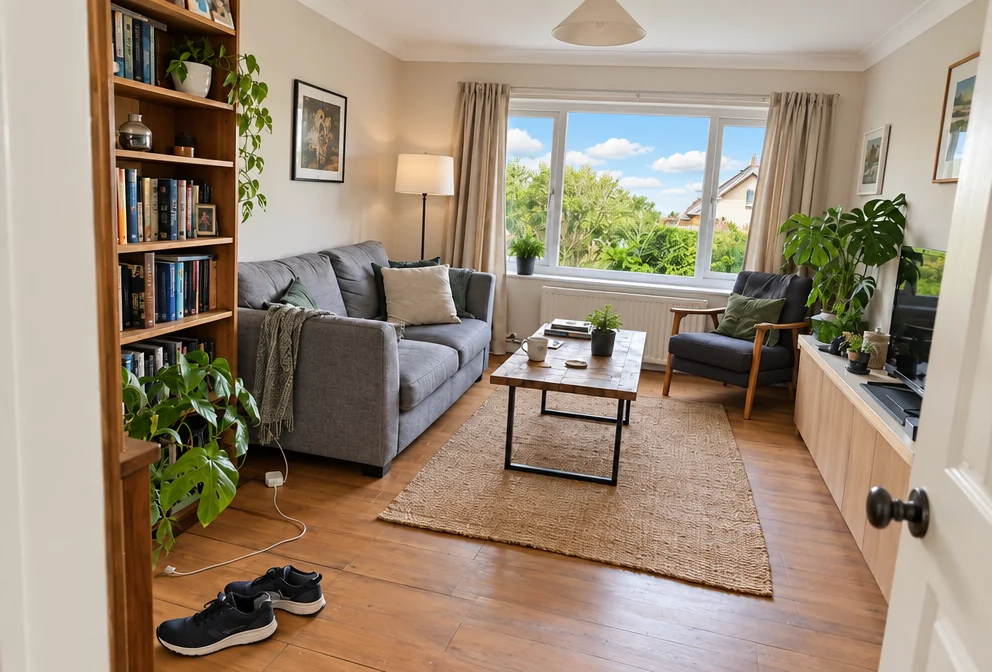
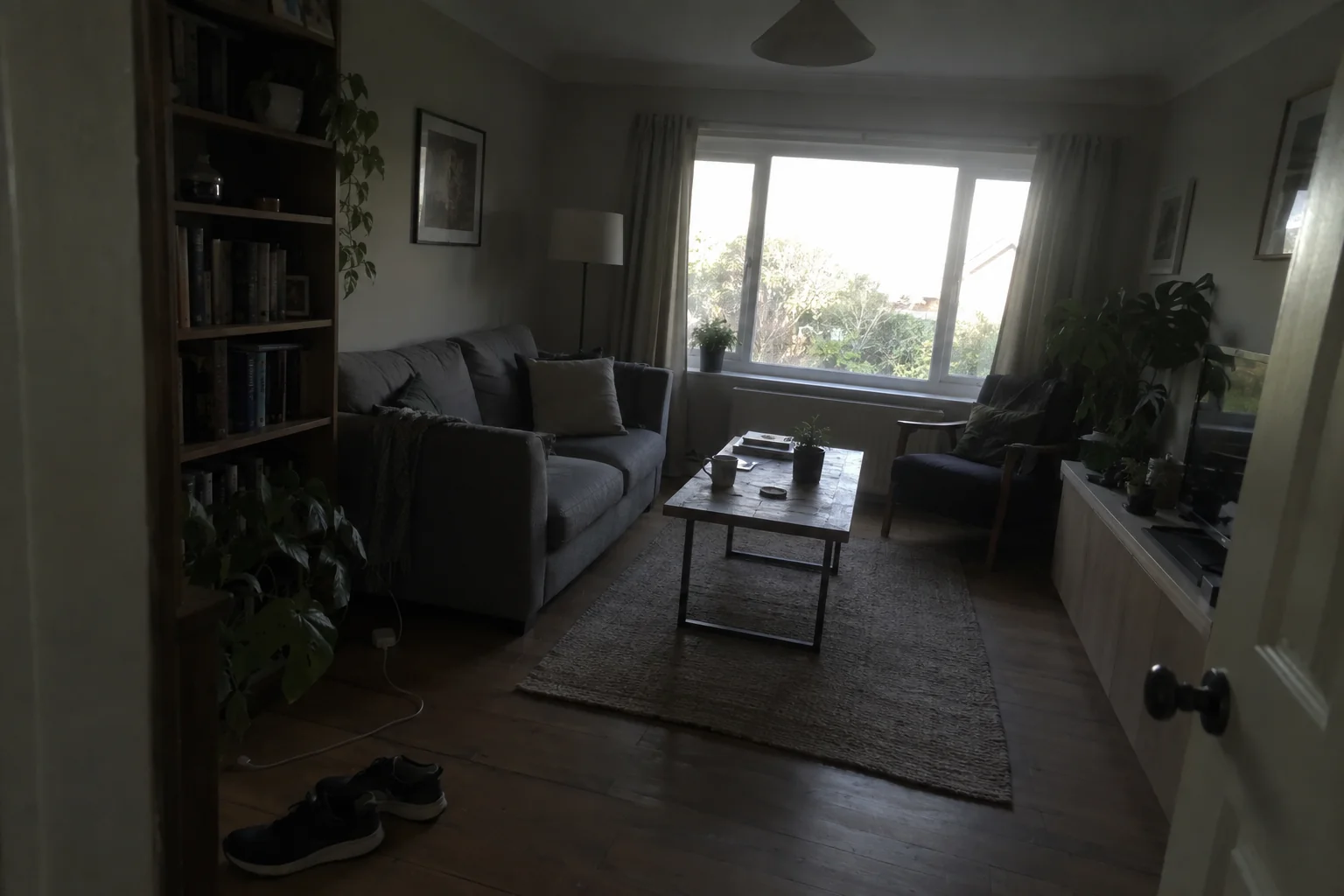
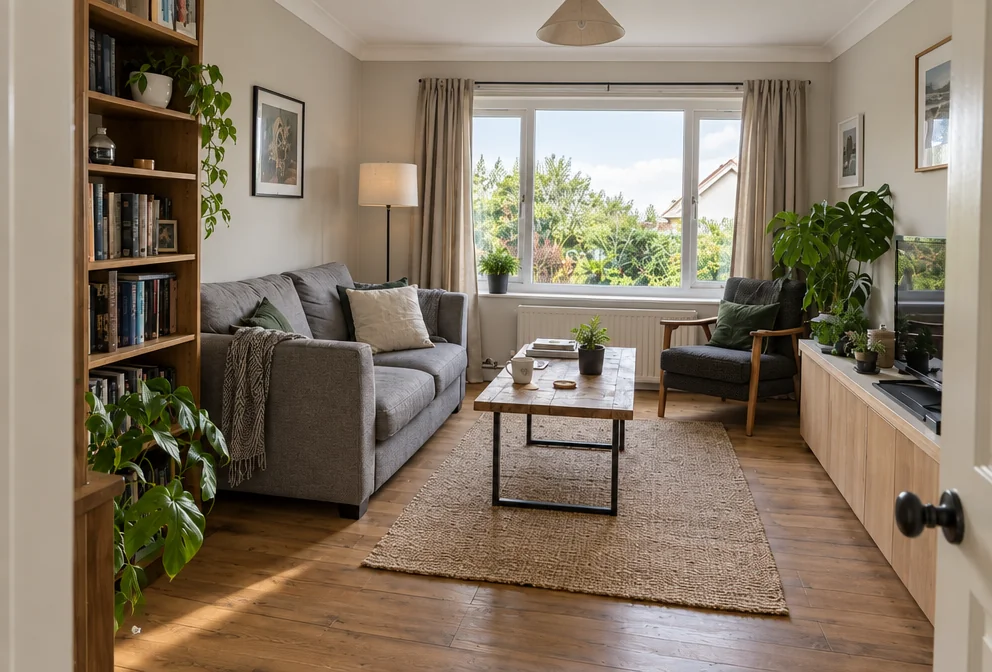
A finished room deserves the photo an interiors magazine would run: verticals dead straight, the window balanced with the room, the color true, a little depth and contrast. Interior design photos from the studio give a phone photo that treatment — the room and every object in it exactly where the designer left them.
You want a portfolio image from a walkthrough photo, for the website, the pitch deck and the feature submission. The studio corrects what phones get wrong in rooms and exteriors — exposure, window views, color casts, leaning walls, a flat sky — with the Magazine setting, and leaves the property itself exactly as it is. Use Sky Replacement for a specific sky, Object Remover for a bin or a car, and Upscale before interior design photos go on a brochure or a sign.
4 free credits — one Standard run of any tool. No card needed.
Made for when
- The portfolio is phone photos taken on handover day
- Editorial submissions want a look the phone cannot produce
- The window is blown out in every daytime shot
- The materials — timber, tile, fabric — are the work and they look flat
Step by step
- 01
Upload the room photo and choose the Magazine look
Interior design photos get straight verticals, a balanced window and a chosen look; furniture and layout stay.
Interior Photography - 02
- 03
Widen the room with Expand Photo
A tight phone photo becomes a wider view without a wide lens.
Expand Photo