
People· Retouch
Time of Day
Change the time of day in an outdoor photo — golden hour, blue hour, midday, overcast, night, moonlit, city lights, northern lights and more — with sky, light direction, shadows and color adjusted together.
4 free credits — one Standard run of any tool. No card needed.

What you'll choose
- Photos you upload: Your photo
- Time of DayGolden Hour SunsetGolden Hour SunriseBlue Hour DawnBlue Hour DuskBright Midday SunOvercast DayNight TimeTwilight+12
Cost per result
- StandardQuick results for everyday use4cr
- ProFiner skin, fabric and surface detail12cr
- MaxThe most detail, for large prints44cr
- Edit it with words, or send it into any other tool
- Standard, Pro and Max quality
- Saved to Your photos, downloadable full size
- Print-size upscales and short videos
How it works
- 01
Upload an outdoor photo, or one with a visible sky or window light.
- 02
Choose the time of day or weather condition you wish it had been.
- 03
Shoot, compare with the original, and download or try another hour.
Move the sun — golden hour, blue hour, overcast, night or starry sky
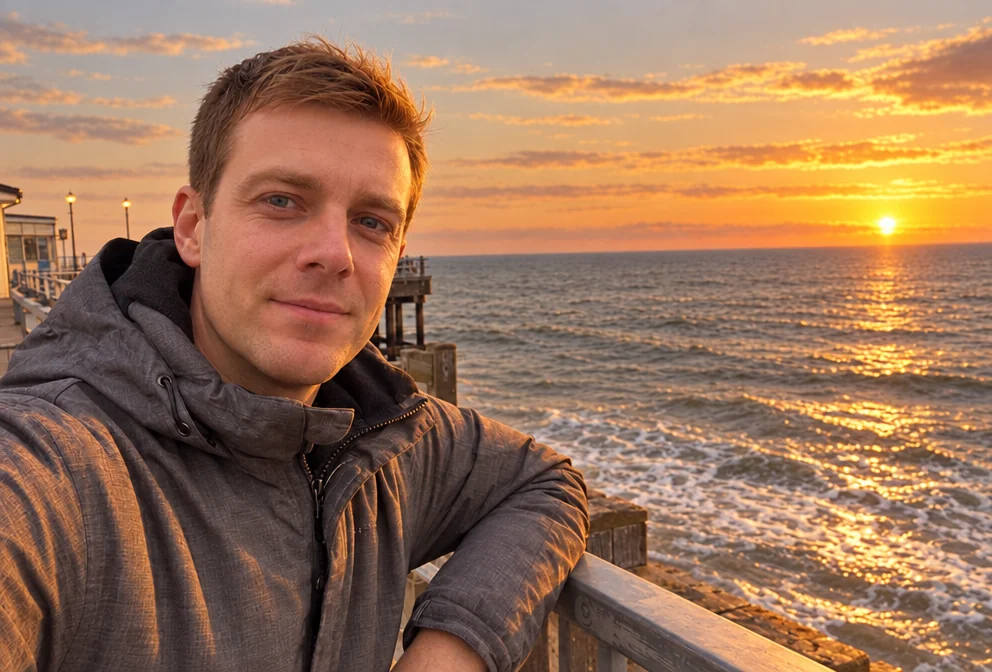
Golden hour lasts twenty minutes and never coincides with when you were free. Time of Day moves the sun for you. Choose a time and condition — sunset or sunrise golden hour, blue hour at dawn or dusk, bright midday, overcast, night, moonlit, starry, foggy morning, stormy, city lights — and the Studio re-renders the sky, the direction and color of the light, the length of the shadows and the overall palette so the scene reads as that moment. The people, the place and the composition stay the same.
Twenty options cover the day and the weather. The golden-hour and blue-hour settings are the ones portrait photographers plan their lives around and the ones that make travel and couple photos glow. Overcast and Cloudy Afternoon give soft, even light for group shots. Night, Moonlit, Starry Night and Northern Lights turn a daytime landscape into something else entirely, and City Lights makes an evening street sparkle. The result keeps the aspect ratio of the original.
A Standard run costs 4 credits and finishes in seconds; Pro and Max quality handle sky gradients and skin under warm light with more subtlety. Time of Day pairs naturally with AI Photoshoot's outdoor presets, with Background Changer when you have moved the subject into a new landscape, and with Relight when the light on the face needs a final adjustment. Compare against the original before you download, and try two neighboring settings — sunset and dusk, say — since the best hour for a face is often the one you did not expect.
Good to know
Works well with
 from 4 credits
Relight Photo
Twenty lighting setups, from soft window light to Rembrandt, neon and film noir
 from 4 credits
Background Changer
Describe a new backdrop and step into it with matching light and perspective
 from 4 credits
AI Photoshoot
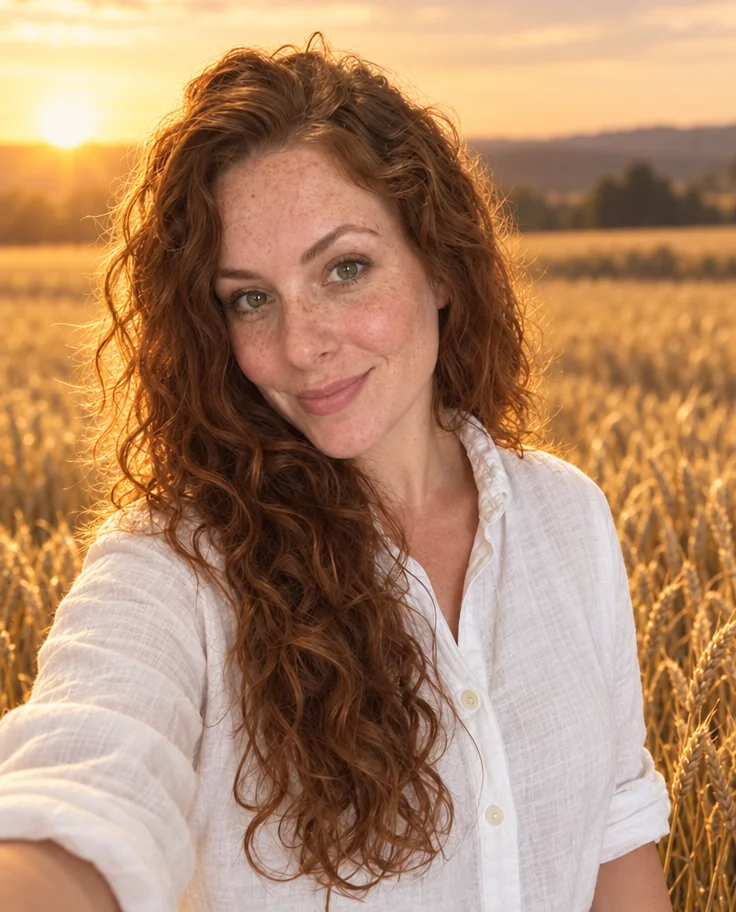
Twenty shoots — LinkedIn to golden hour — from one to four of your selfies
 from 4 credits
Couple Photos
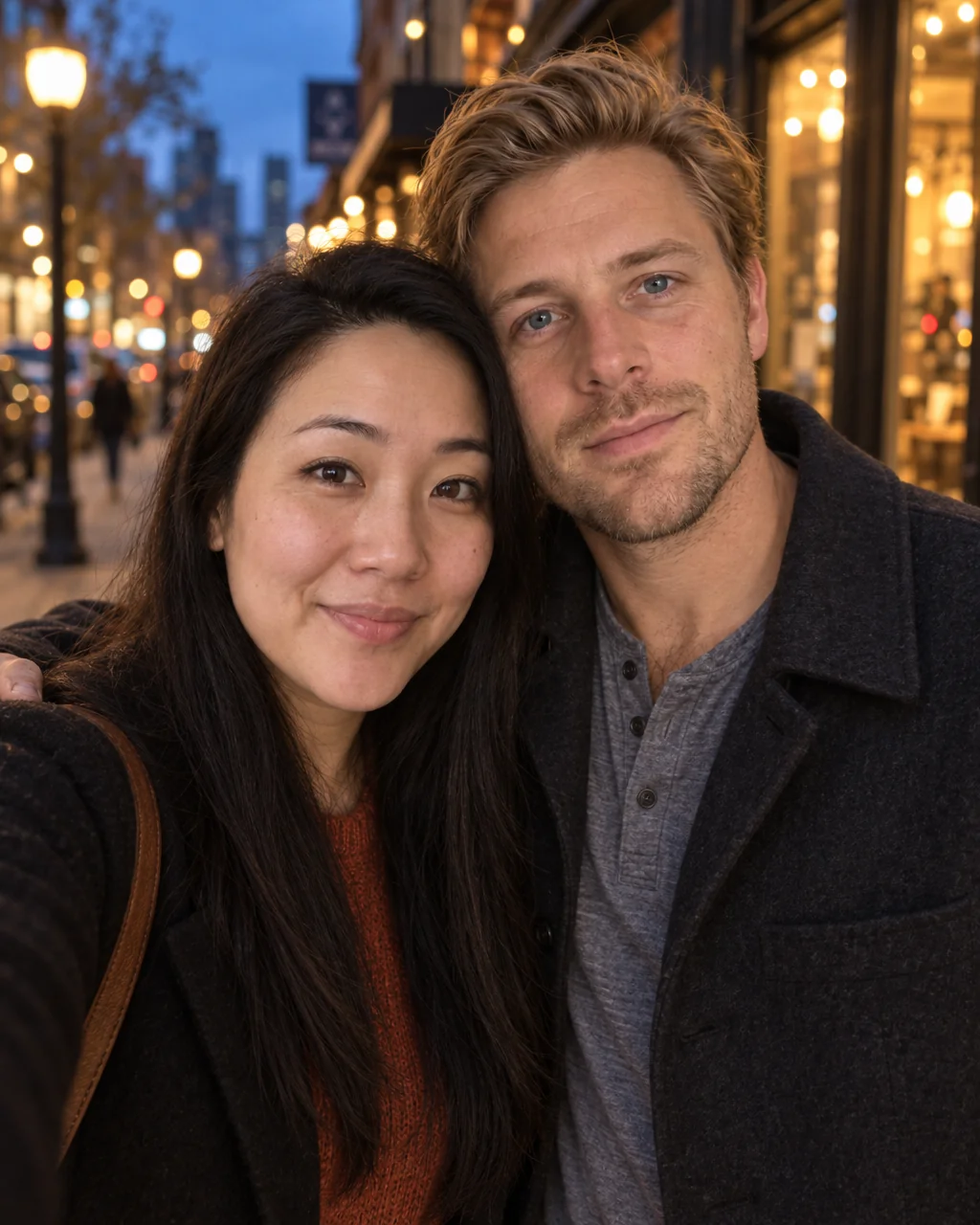
One photo of you both from two separate selfies — beach, city, studio or snow