
People· People
Add People
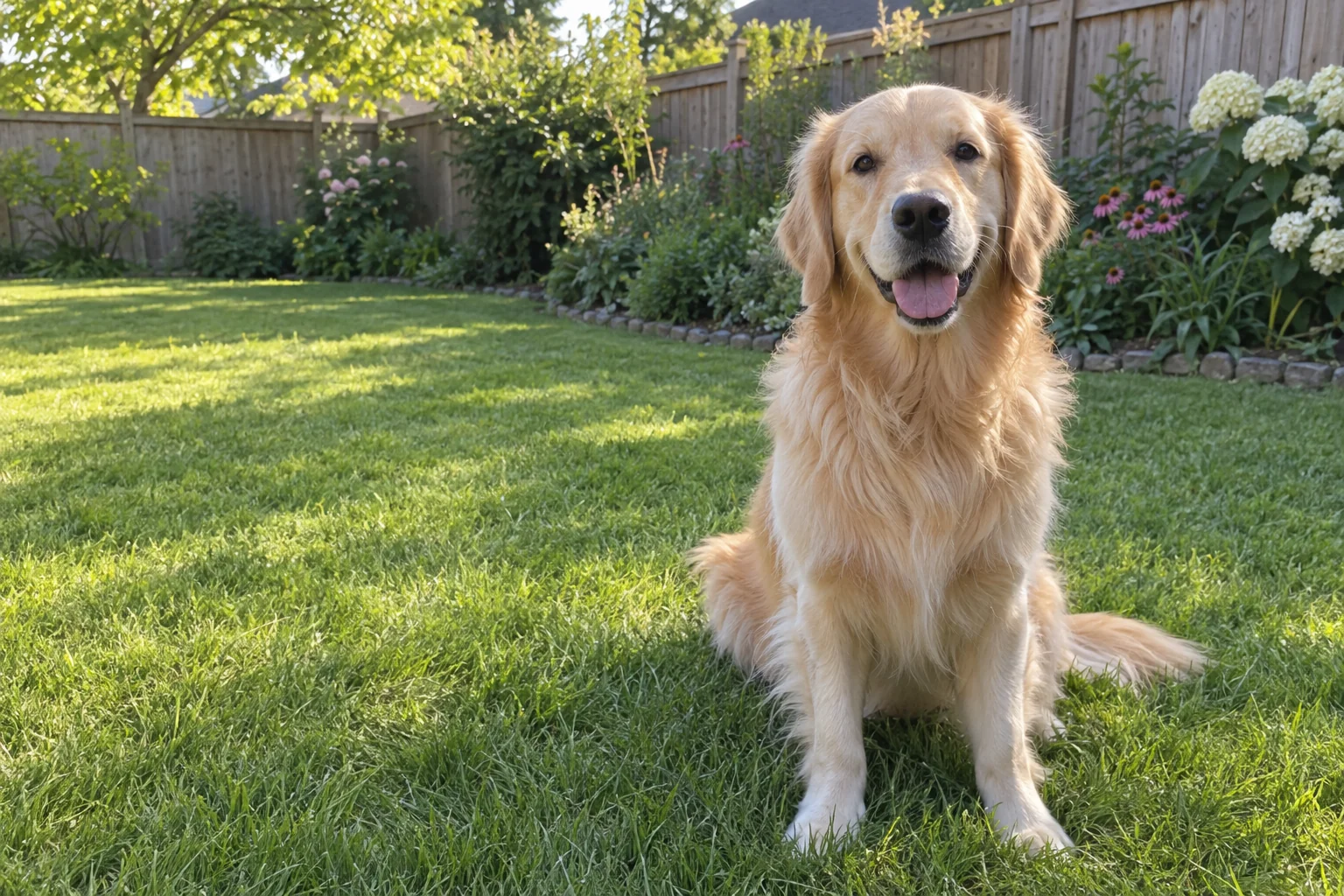
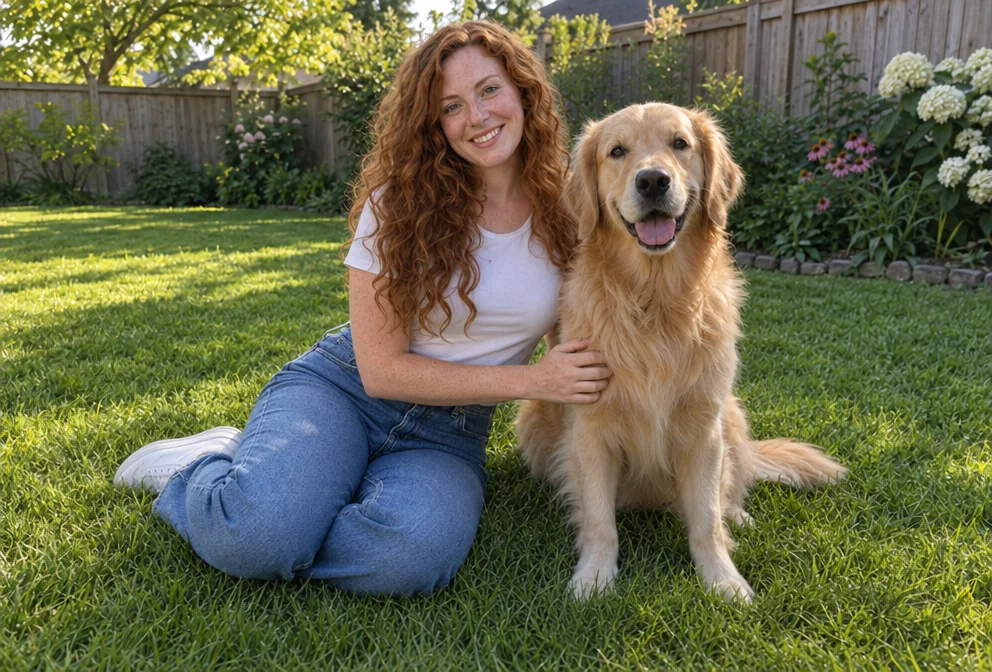
Combine two photos: the people from the second are placed into the scene of the first with matching lighting, scale, perspective, shadows and color, and every face kept recognizable.
4 free credits — one Standard run of any tool. No card needed.
What you'll choose
- Photos you upload: The scene photo · The people to add
Cost per result
- StandardQuick results for everyday use4cr
- ProFiner skin, fabric and surface detail14cr
- MaxThe most detail, for large prints46cr
- Edit it with words, or send it into any other tool
- Standard, Pro and Max quality
- Saved to Your photos, downloadable full size
- Print-size upscales and short videos
How it works
- 01
Upload the scene photo that keeps its setting and the people already in it.
- 02
Upload a photo of the person or people to add, ideally at a similar angle and light.
- 03
Shoot, check every likeness with the compare toggle, and download or expand the photo.
Put the people from one photo into the scene of another, as if they were there
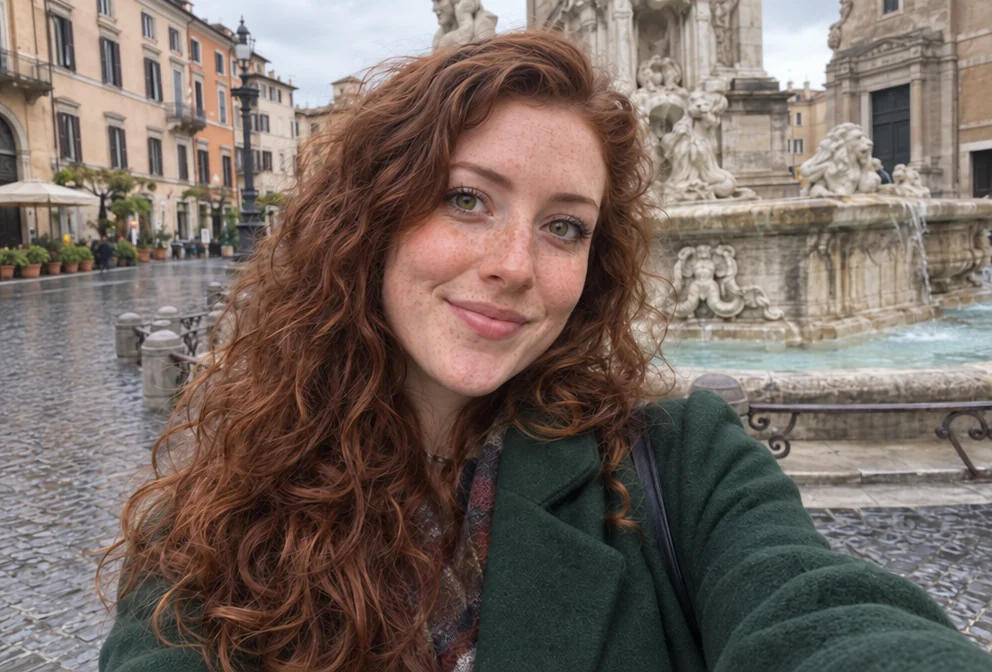
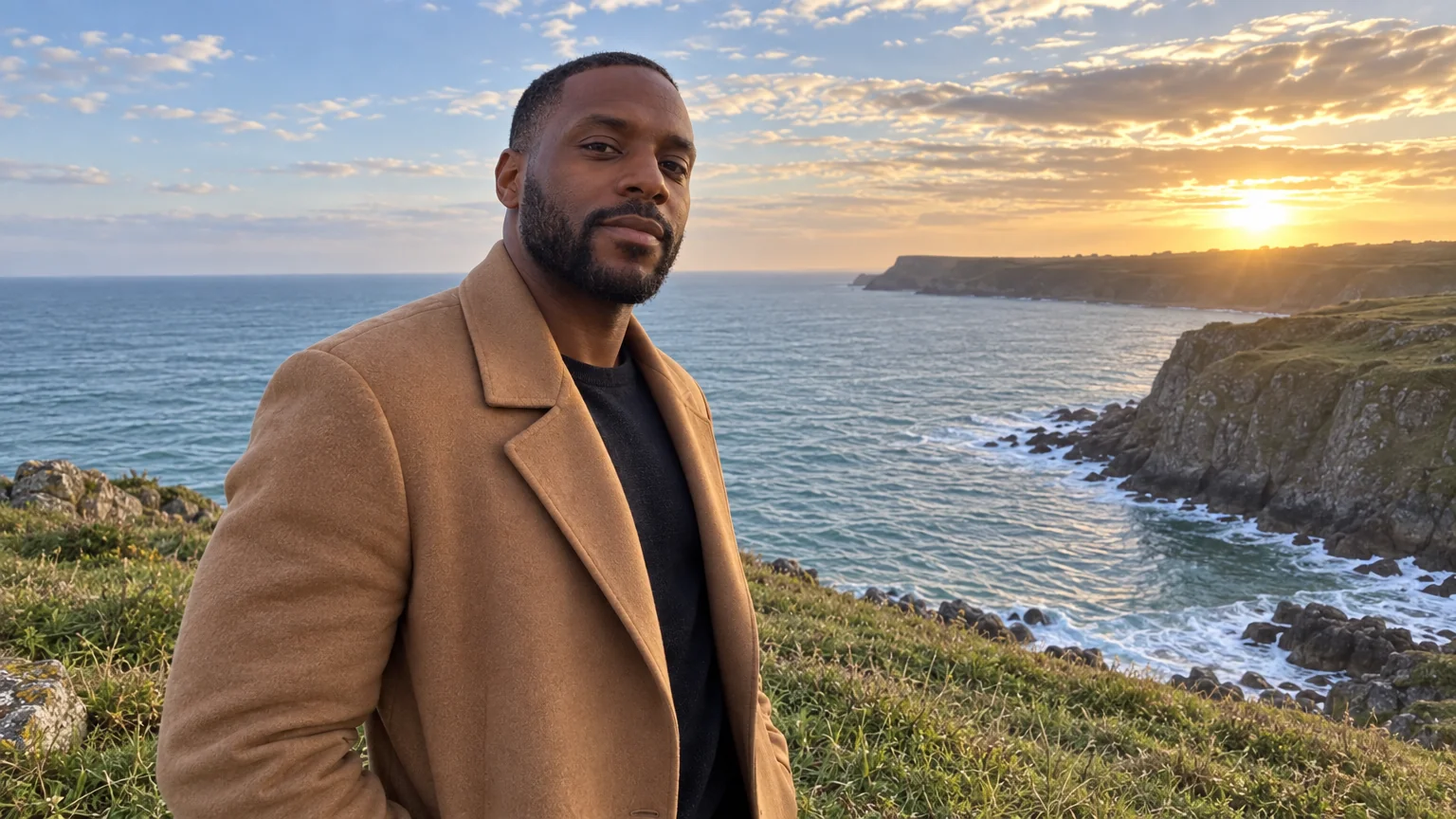
The family photo is missing the one person who took it, or the sibling who lives abroad, or the grandparent who could not travel. Add People puts them in. The first slot holds the scene — the photo that keeps its setting, composition and everyone already in it. The second holds the people to add. The Studio places them into the scene with matching light, scale, perspective, shadows and color, and keeps every face exactly recognizable, so the result looks like the photo that should have been taken.
It is built for reunions on a deadline: holiday cards, anniversary prints, team pages, wedding groups where a guest arrived late. It also composes new scenes — add a partner to a travel photo, place a pet beside its owner, bring a friend into a concert shot. Both photos benefit from similar angles and light, but the Studio adjusts for differences. The output keeps the aspect ratio of the scene photo, so choose the photo you want the finished picture to have first.
Two photos at Standard quality cost 4 credits and take seconds; Pro and Max quality refine skin, fabric and the blend of shadows for prints. For a fresh group photo from separate selfies rather than an existing scene, Group Photo is the dedicated tool; for two people only, Couple Photos. Compare the composite against the scene photo with one tap, then send it to Photo Retouch or Expand Photo if the new arrangement needs more room.
Good to know
Works well with
 from 4 credits
Group Photo
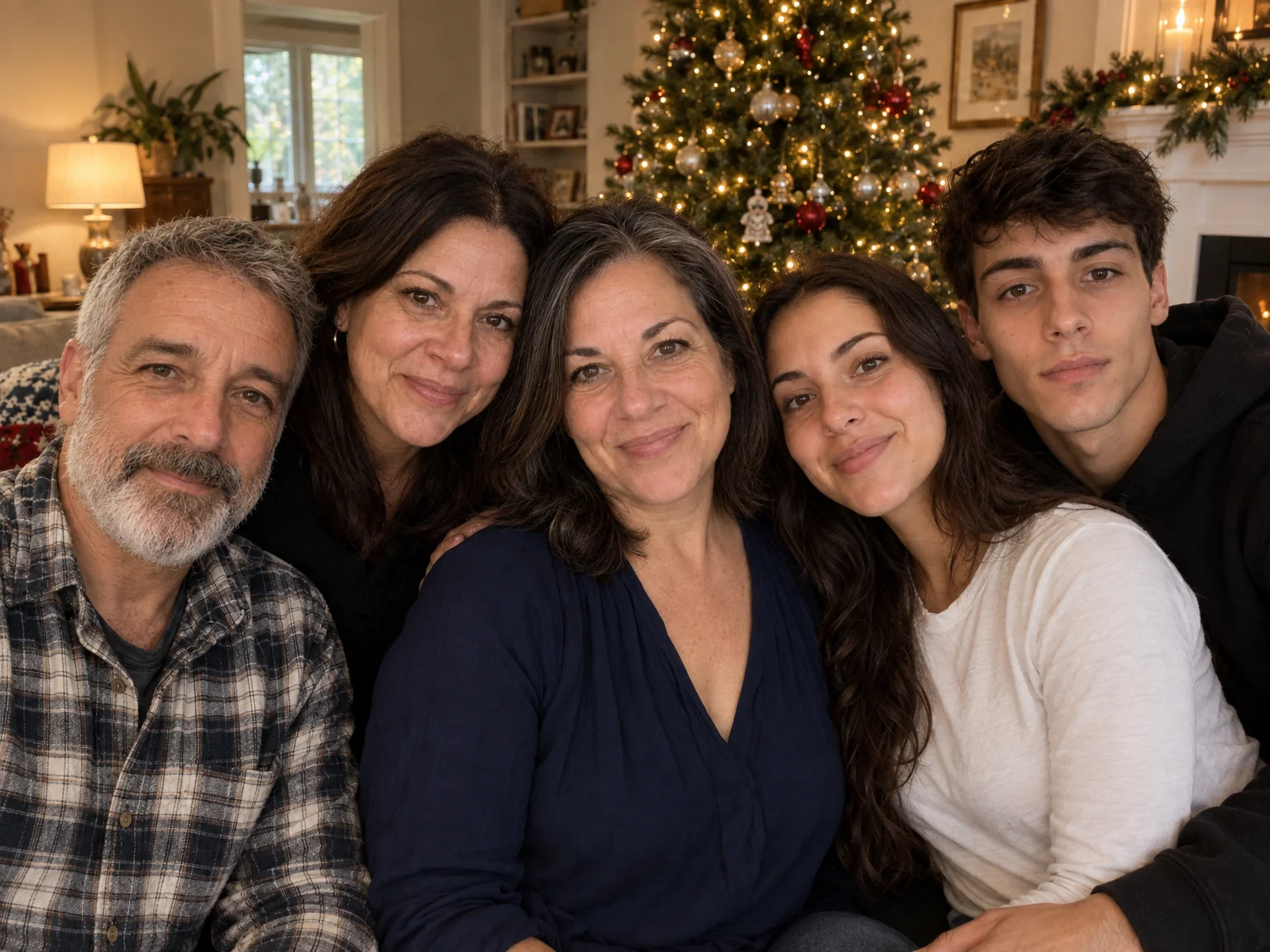
Everyone in one photo — 2 to 4 people from separate photos, no scheduling needed
 from 4 credits
Couple Photos
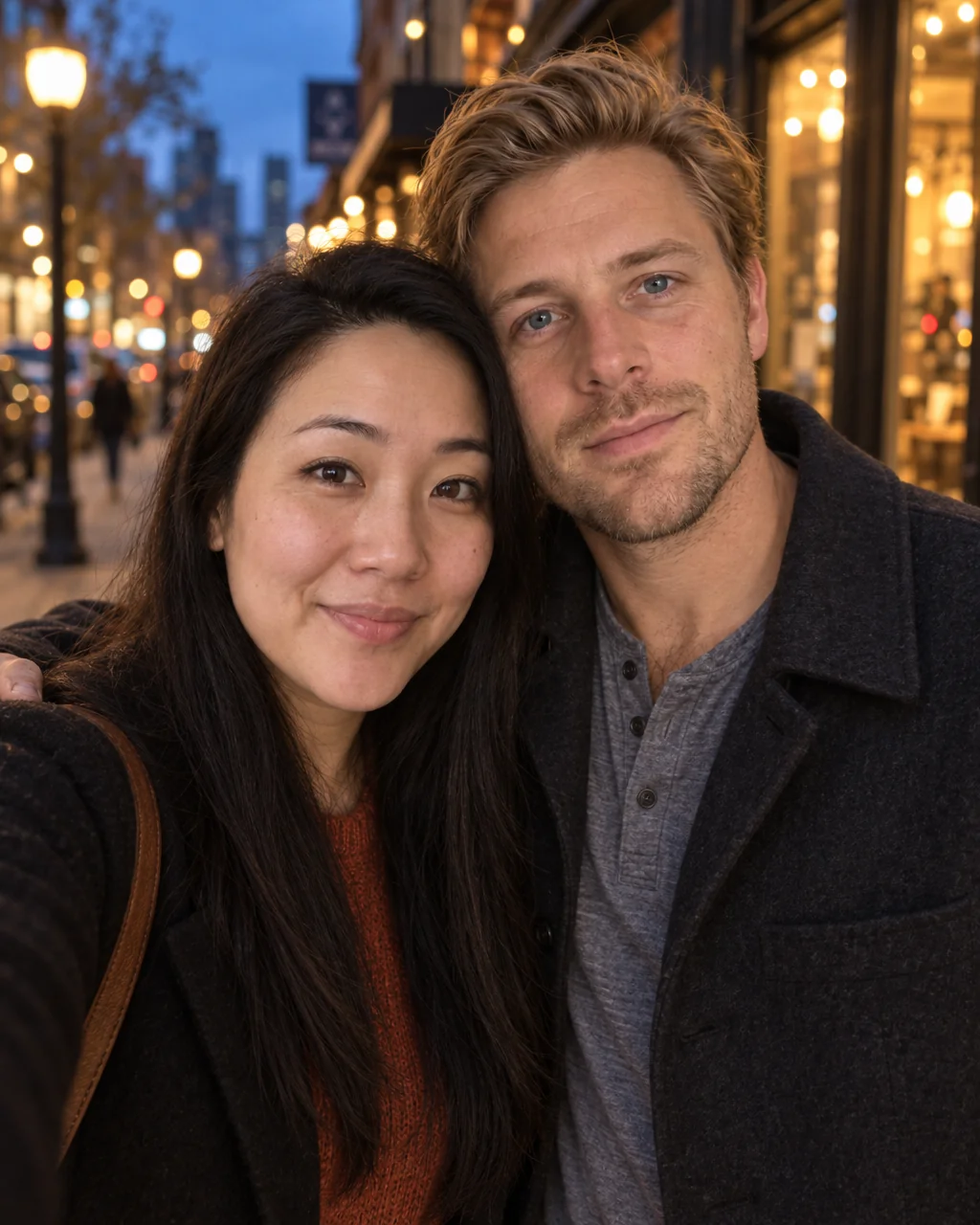
One photo of you both from two separate selfies — beach, city, studio or snow
 from 4 credits
Remove a Person
The stranger behind you, the ex beside you — gone, with the scene filled in
 from 4 credits
Expand Photo
Widen a tight crop — the scene continues naturally into any aspect ratio