
Products· Products
Product on Model
Show a product held, worn or being used. Upload the product photo alone and describe the person, or add a photo of a real person and they hold it — same face, same item.
4 free credits — one Standard run of any tool. No card needed.

What you'll choose
- Photos you upload: Your product photo · Photo of the person (optional)
- How the person uses itHoldingWearingUsing
- Describe the person
- Describe the scene
Cost per result
- StandardQuick results for everyday use4cr
- ProFiner skin, fabric and surface detail12cr
- MaxThe most detail, for large prints44cr
- Edit it with words, or send it into any other tool
- Standard, Pro and Max quality
- Saved to Your photos, downloadable full size
- Print-size upscales and short videos
How it works
- 01
Upload the product photo; add a photo of a real person if you want them to be the one holding it.
- 02
Choose Holding, Wearing or Using, then describe the person and the scene if you like.
- 03
Create, compare with your photos, and send the result on to Background Changer, Face Retouch or Upscale.
Your product held, worn or in use, by a model or a real person you photograph
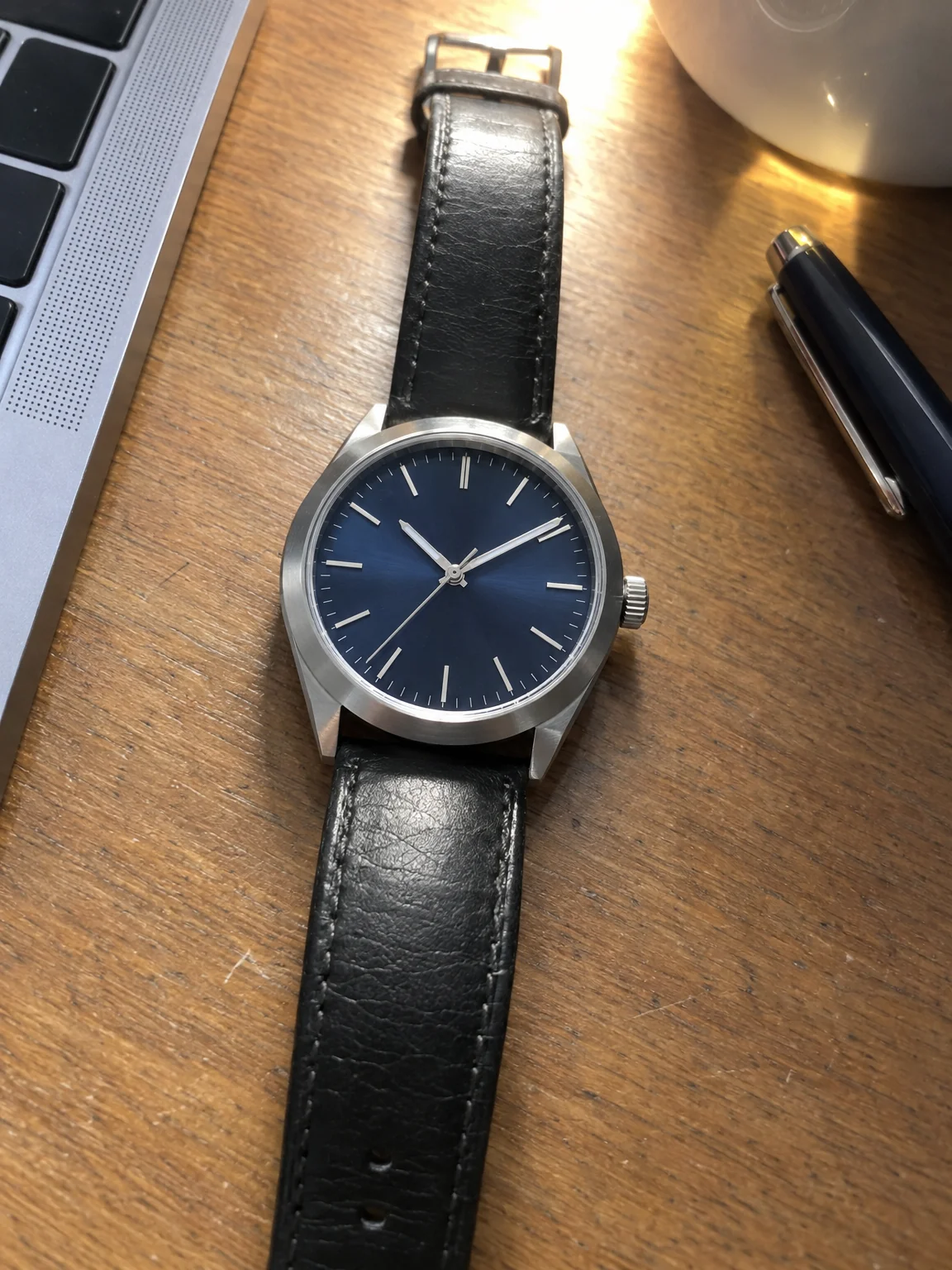
Some things only make sense in a hand: a phone case, a water bottle, a watch, a pair of earrings, a tool. Product on Model takes a photo of your item and shows it held, worn or in use by a person, with the item kept exactly as photographed — its shape, color, label and finish — and fitted to the hand or the body with true perspective and contact. The result reads as an advertising photo taken with the person and the object in the same room, because the light on both is built to match.
Two ways to work. Upload only the product and describe the person in plain words — age, hair, build, expression — and the studio creates a model to suit; leave the description empty and you get a professional model. Or add a second photo of a real person, a colleague, a friend, yourself, and that exact person holds or wears the item with their face, hair and skin tone kept recognizable. The action select chooses Holding, Wearing or Using, and the optional scene line places the pair somewhere specific: a balcony, a kitchen, a gym, a desk.
A run with the product photo alone costs 4 credits at Standard; with a person photo as well it is 4 at Standard, 14 at Pro and 46 at Max. Every result lands in Your photos, where you can compare it with the originals, change the background, retouch the face or upscale for print. Jewelry, eyewear, bags, gadgets, drinks and small appliances all work well.
Good to know
Works well with
 from 4 credits
Clothing on Model
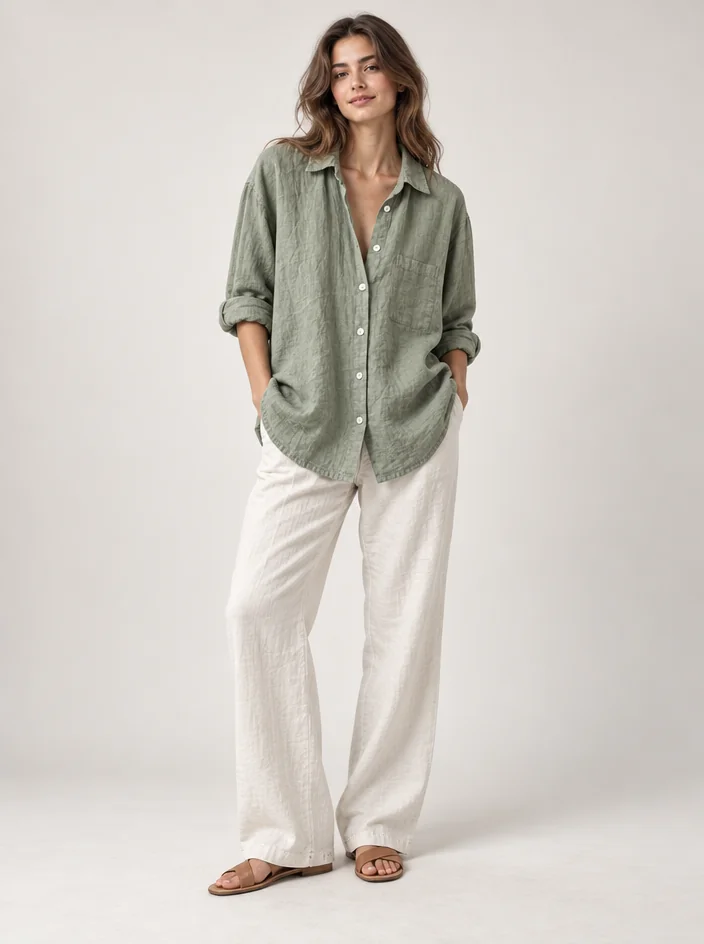
A garment on a hanger, shown full-body on a model: studio, street, runway, beach
 from 4 credits
Product Lifestyle Photo
Put your product in a real setting: marble kitchen, café table, garden, beach
 from 4 credits
Jewelry Photography
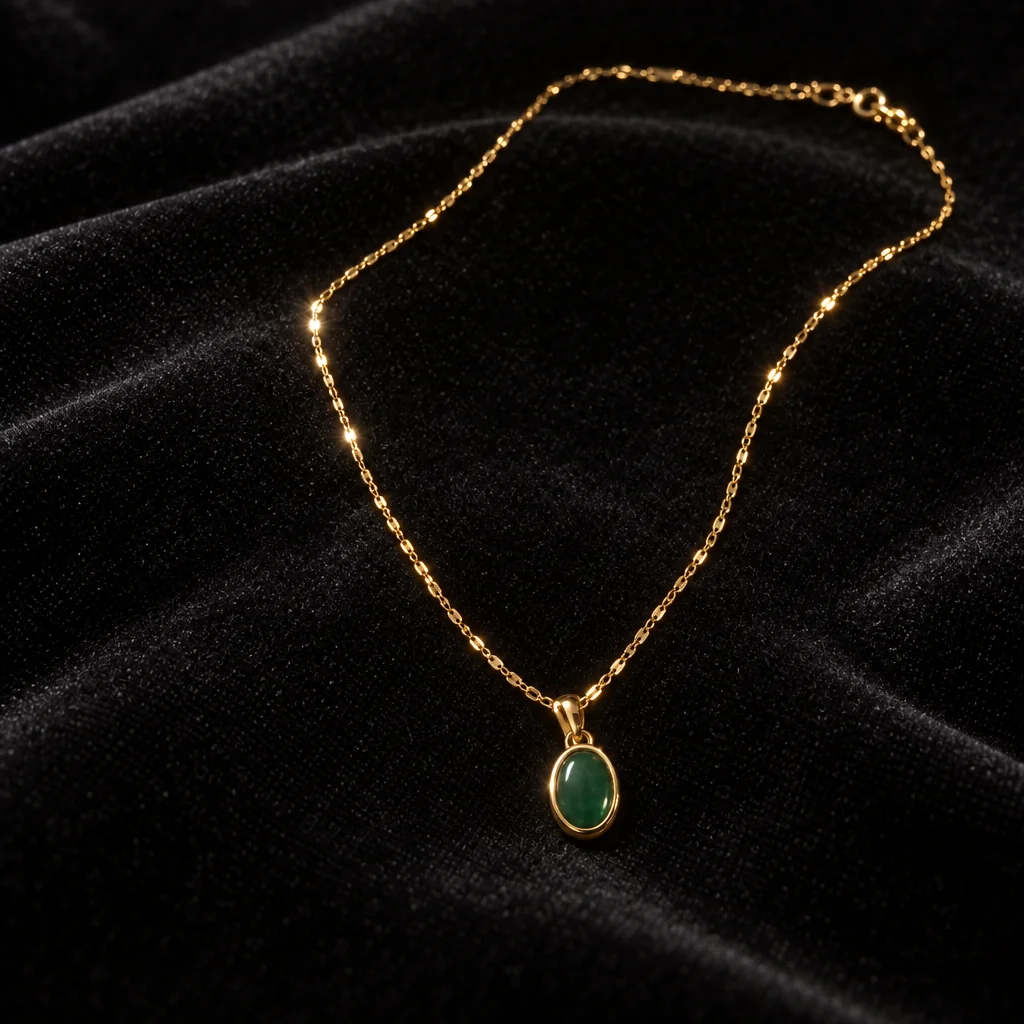
Crisp close-ups of rings, chains and earrings on velvet, marble, linen or a hand
 from 4 credits
Background Changer
Describe a new backdrop and step into it with matching light and perspective