
Products· Products
Product Lifestyle Photo
Take one phone photo of your product and place it in a chosen setting with matching light, reflections and depth of field. Twelve scenes, plus a line of your own details.
4 free credits — one Standard run of any tool. No card needed.
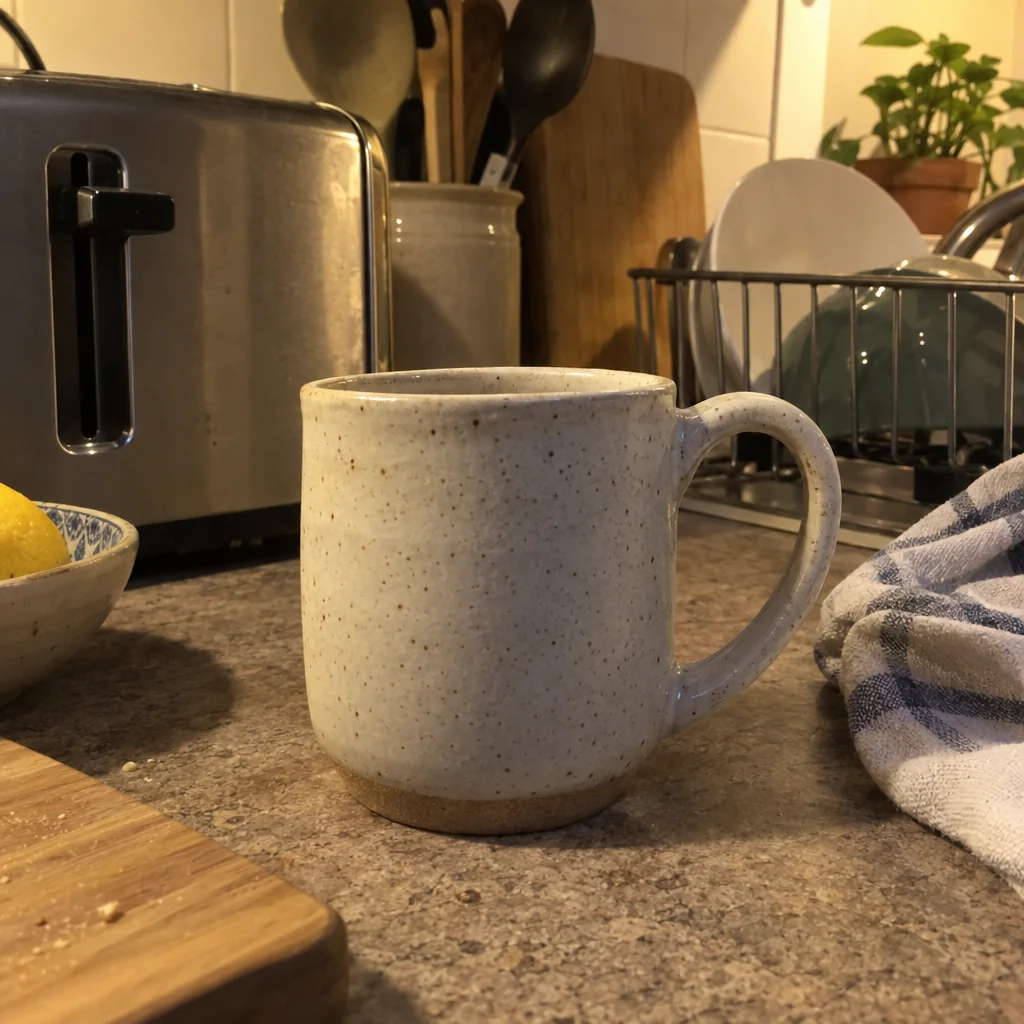

What you'll choose
- Photos you upload: Your product photo
- SceneMarble KitchenWooden TableBathroom ShelfCafé TableStudio GradientBeachOffice DeskLiving Room+4
- Scene details
Cost per result
- StandardQuick results for everyday use4cr
- ProFiner skin, fabric and surface detail12cr
- MaxThe most detail, for large prints44cr
- Edit it with words, or send it into any other tool
- Standard, Pro and Max quality
- Saved to Your photos, downloadable full size
- Print-size upscales and short videos
How it works
- 01
Upload a clear phone photo of the product with the whole item in the picture.
- 02
Pick a scene and, if you like, describe the props and light in a sentence.
- 03
Create, compare with the original, and reshoot in another scene or send the result to another tool.
Put your product in a real setting: marble kitchen, café table, garden, beach
A photo of a candle on white tells you what it is; a photo of the same candle on a marble counter beside a mug in morning light tells you what it is for. Product Lifestyle Photo takes one phone photo of your item and rebuilds the scene around it — the surface, the props, the light, the depth of field — while keeping the item the one you photographed: same shape, same colors, same label, same finish. It is the difference between a catalogue and a magazine, made in seconds from the picture already on your phone.
Twelve scenes cover the settings small brands actually use: Marble Kitchen, Wooden Table, Bathroom Shelf, Café Table, Studio Gradient, Beach, Office Desk, Living Room, Garden, Festive, Concrete Minimal and Luxury Boutique. The optional Scene Details line lets you steer the props and the light in plain words — a linen napkin, a sprig of rosemary, a wet slate coaster, evening light from the left — and the studio grounds the item in the scene with a realistic contact shadow and reflections that match the surface.
Each result costs 4 credits at Standard, 12 at Pro and 44 at Max, and is saved to Your photos alongside everything else you make. Skincare, candles, ceramics, food packaging, tech accessories and handmade goods all work; for the cleanest edges, start from a photo where the whole item is visible and sharp. Reshoot in a second scene for a seasonal version, then send the favorite to Expand Photo for a banner or Image Upscaler for print.
Good to know
Works well with
 from 4 credits
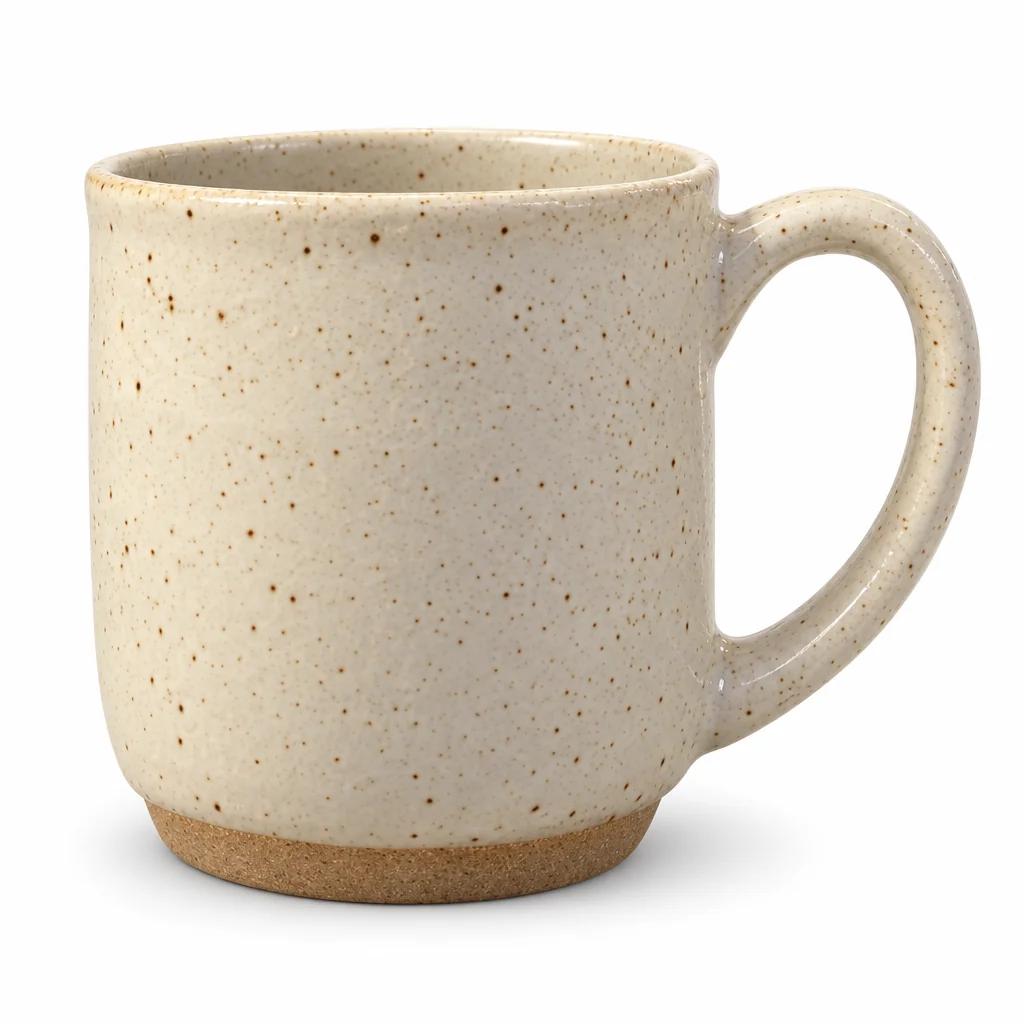
Product Photo on White Background
A clean white-background photo of any object, from a phone photo on your desk
 from 4 credits
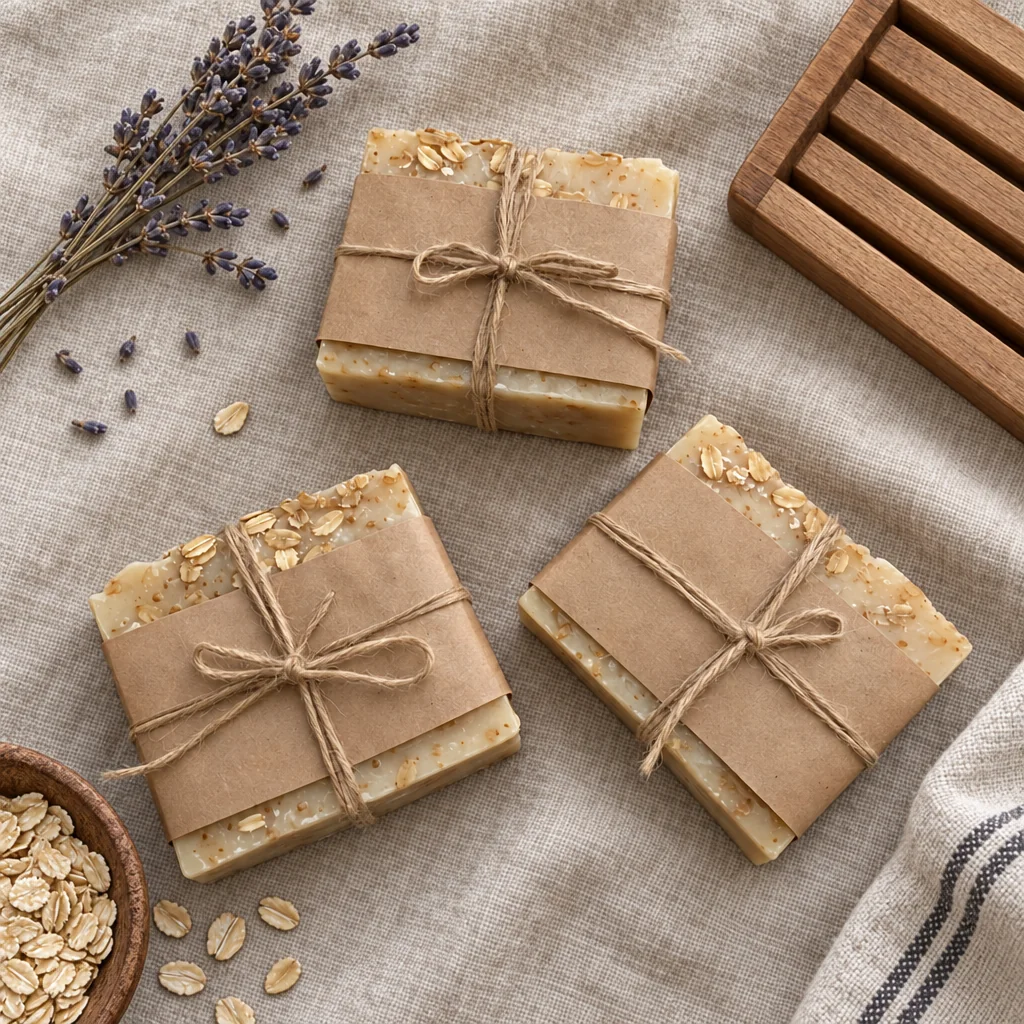
Flat Lay Photo
A styled top-down flat lay on linen, marble, wood, concrete or paper
 from 4 credits
Food Photography
Your dish, reshot for the menu, an overhead spread or fine dining
 from 4 credits
Expand Photo
Widen a tight crop — the scene continues naturally into any aspect ratio