
Products· Products
Jewelry Photography
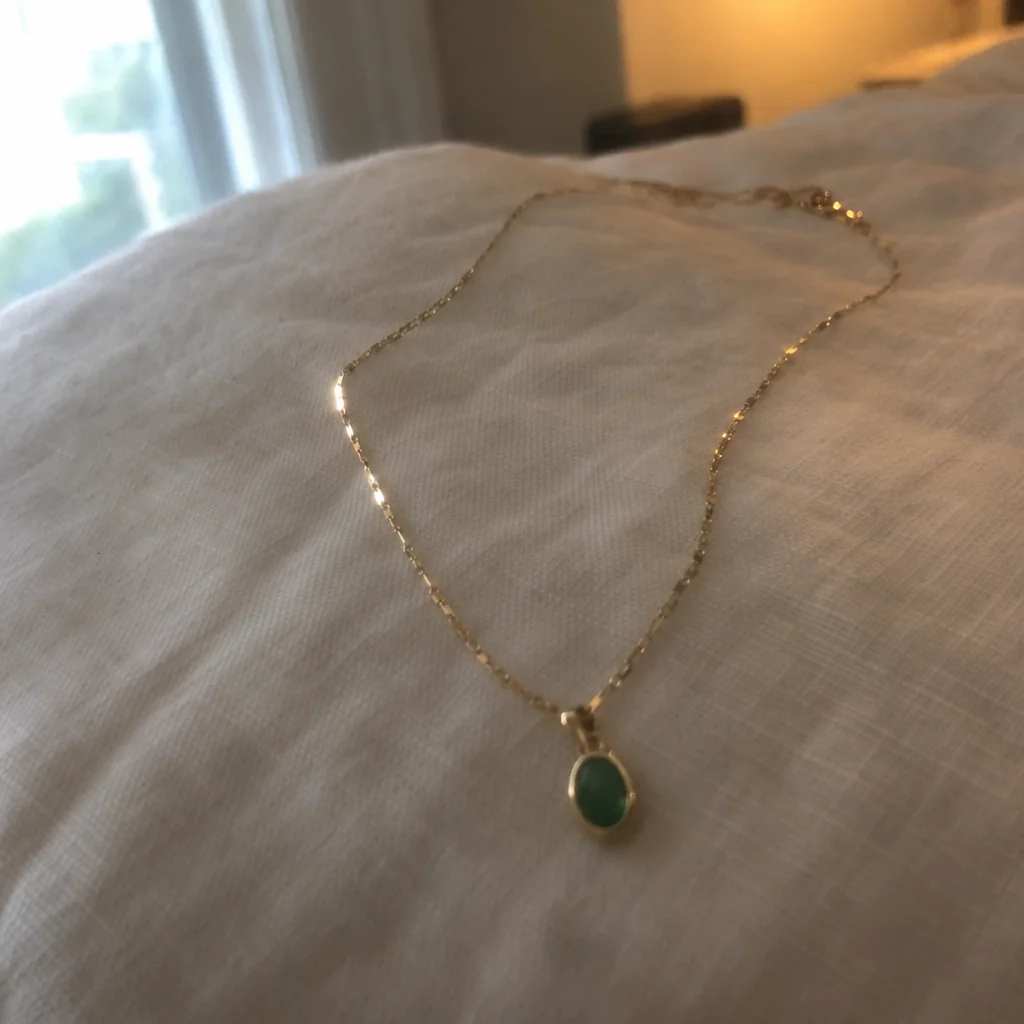
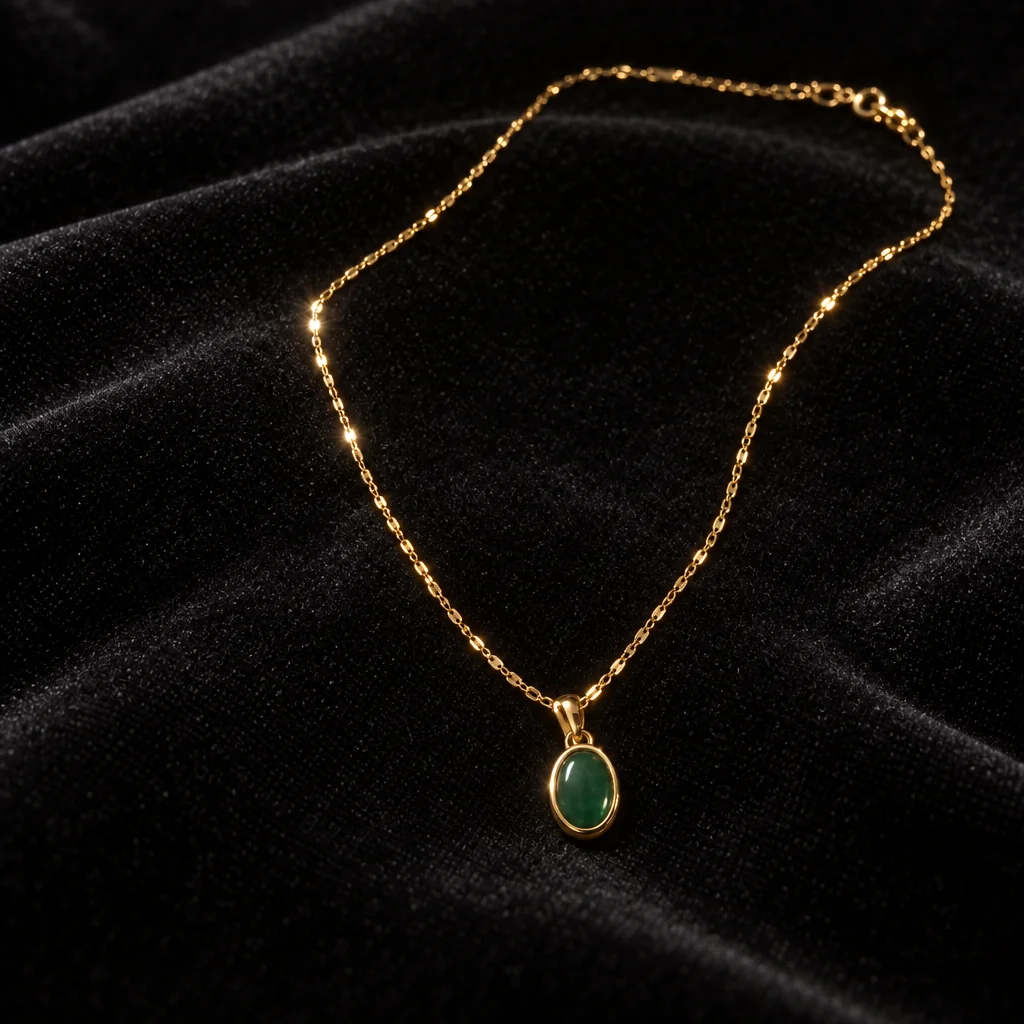
Turn a phone photo of a ring, necklace, bracelet or earrings into a crisp close-up on a chosen backdrop, with every stone, setting and metal finish kept identical.
4 free credits — one Standard run of any tool. No card needed.
What you'll choose
- Photos you upload: Your jewelry photo
- BackdropBlack VelvetWhite MarbleWorn on HandSoft LinenDark Stone
- 1:1 output
Cost per result
- StandardQuick results for everyday use4cr
- ProFiner skin, fabric and surface detail12cr
- MaxThe most detail, for large prints44cr
- Edit it with words, or send it into any other tool
- Standard, Pro and Max quality
- Saved to Your photos, downloadable full size
- Print-size upscales and short videos
How it works
- 01
Photograph the piece as close and sharp as your phone allows, in daylight, on any plain surface.
- 02
Choose Black Velvet, White Marble, Worn on Hand, Soft Linen or Dark Stone.
- 03
Create at Pro for fine detail, compare with your photo, and download or reshoot on another backdrop.
Crisp close-ups of rings, chains and earrings on velvet, marble, linen or a hand
Jewelry punishes phone cameras: it is small, it is shiny, it picks up the color of everything around it, and the one detail that matters — the stone, the engraving, the clasp — is exactly what goes soft. Jewelry Photography takes one phone photo of a piece and returns a macro-sharp studio close-up with clean facets and sparkle, accurate metal reflections and a soft, believable contact shadow. Every stone, setting, engraving and metal finish stays identical to the piece you photographed.
Five backdrops suit different pieces and moods. Black Velvet makes gold and diamonds glow; White Marble is bright and clean for silver and pearls; Worn on Hand shows a ring or bracelet at true scale on a hand; Soft Linen is warm and casual for everyday pieces; Dark Stone is moody and modern. Results are square, cropped close, and lit so the metal reads as the right metal rather than a generic shine.
A run costs 4 credits at Standard, 12 at Pro and 44 at Max, and Pro or Max is worth it for pavé, engraving and fine chain. Every result is saved to Your photos, where the same piece can be reshot on each backdrop for a set, sent to Background Remover for a transparent PNG, placed in a hand with Product on Model, or upscaled for a printed card or a large display.
Good to know
Works well with
 from 4 credits
Product Photo on White Background
A clean white-background photo of any object, from a phone photo on your desk
 from 4 credits
Product on Model
Your product held, worn or in use, by a model or a real person you photograph
 from 4 credits
Flat Lay Photo
A styled top-down flat lay on linen, marble, wood, concrete or paper
- Example coming soonfrom 3 credits
Image Upscaler
Enlarge any photo to 4, 8, 16 or 32 megapixels for prints and screens