
Homes & Real Estate· Homes & Real Estate
Sky Replacement
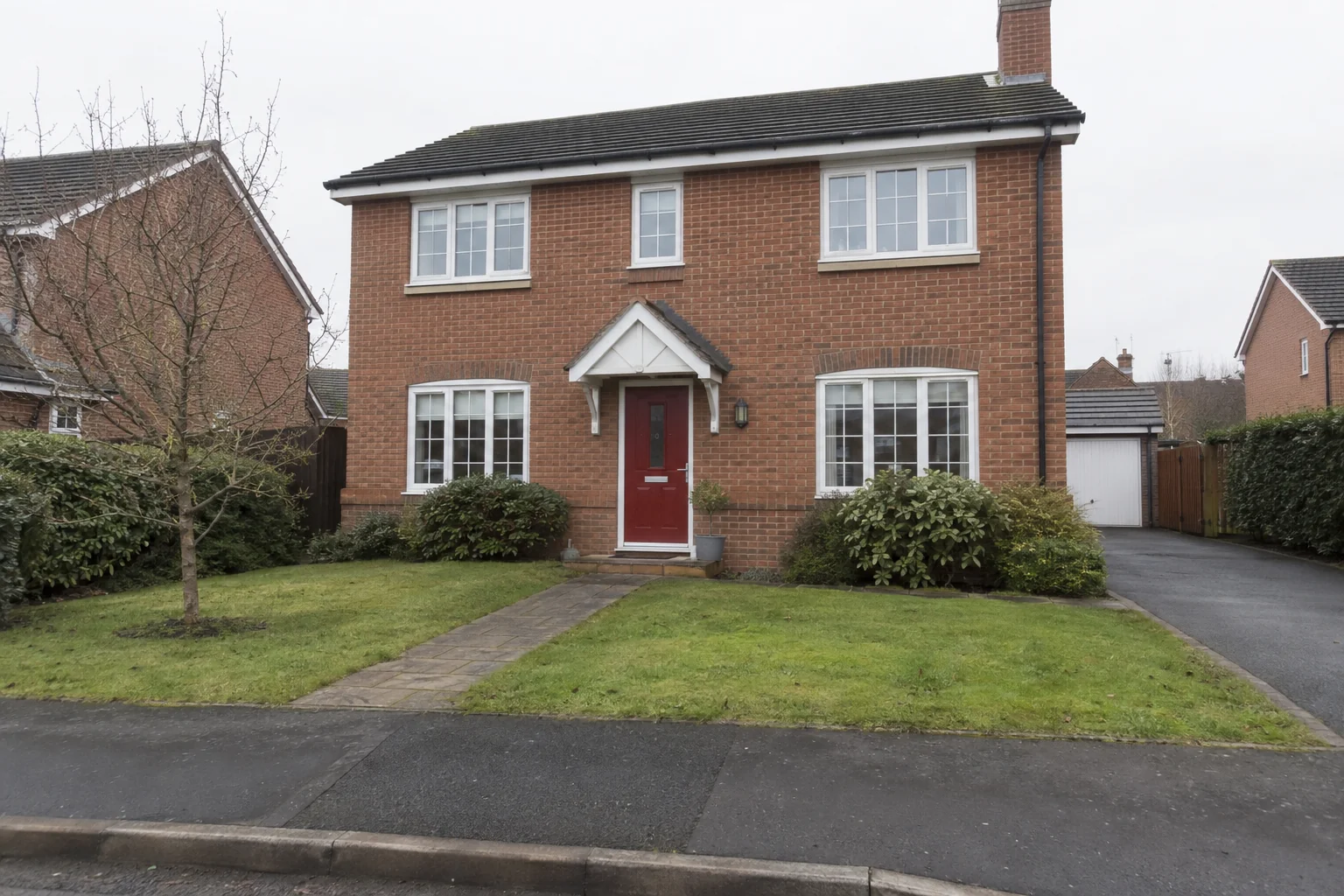
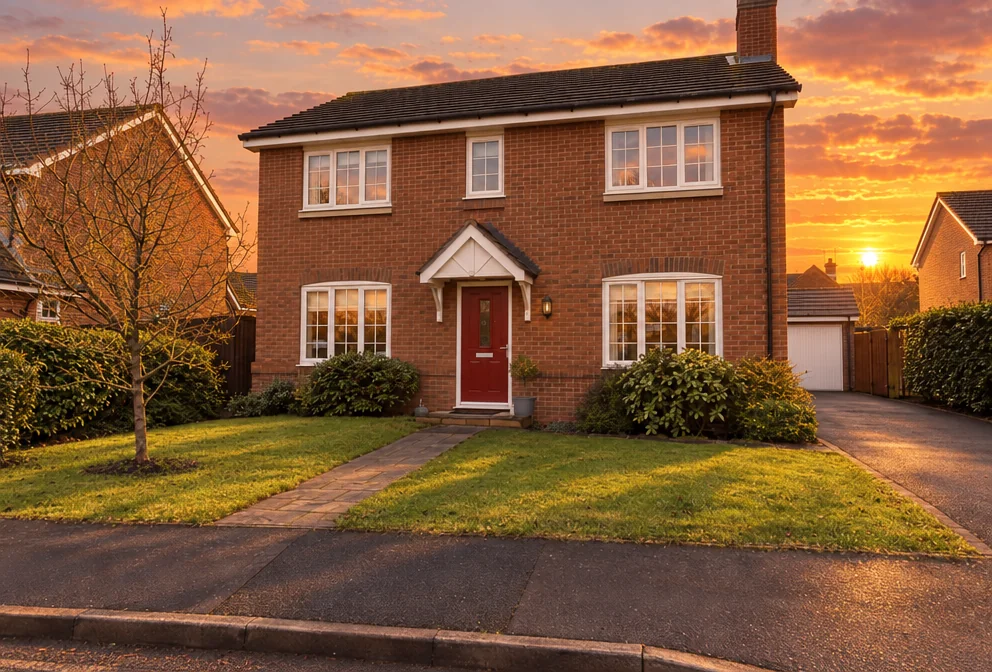
Replace the sky in any outdoor photo with a chosen sky, blended cleanly around rooftops, trees and hair, with the scene's light, color and reflections adjusted to agree with it.
4 free credits — one Standard run of any tool. No card needed.
What you'll choose
- Photos you upload: Your photo
- New skyClear BlueGolden SunsetDramatic StormSoft OvercastStarry NightPastel Dawn
Cost per result
- StandardQuick results for everyday use4cr
- ProFiner skin, fabric and surface detail12cr
- MaxThe most detail, for large prints44cr
- Edit it with words, or send it into any other tool
- Standard, Pro and Max quality
- Saved to Your photos, downloadable full size
- Print-size upscales and short videos
How it works
- 01
Upload an outdoor photo with some sky visible.
- 02
Choose the new sky.
- 03
Create, compare with your photo, and download or send the result to Time of Day or Upscale.
Swap a dull sky for blue, sunset, storm, dawn or stars, scene relit to match
The sky is the one part of an outdoor photo you cannot fix by standing somewhere else. A house, a car, a couple on a hill or a market square shot under flat white cloud looks unfinished; the same photo under a clear blue sky or a golden sunset looks intentional. Sky Replacement swaps the sky for the one you choose and, crucially, adjusts the rest of the picture to agree with it — the overall light, the color temperature, the shadows and any reflections in glass, water or paint — so the result reads as one photograph rather than two.
Six skies. Clear Blue for property exteriors and daytime shots. Golden Sunset for cars, couples and gardens. Dramatic Storm for a moody, editorial look. Soft Overcast for an even, gentle light that flatters buildings and faces. Starry Night for a twilight scene with the ground kept lit. Pastel Dawn for a quiet, early-morning feel. The horizon and every edge — trees, rooftops, aerials, hair — are blended cleanly, and everything below the skyline is meant to stay as it was.
A run costs 4 credits at Standard, 12 at Pro and 44 at Max, and everything is saved to Your photos. It pairs naturally with Real Estate Photo Editor and Car Photography — polish first, then choose the sky — and with Time of Day when you want the whole scene, not just the sky, moved to another hour. Image Upscaler prepares the result for a large print.
Good to know
Works well with
 from 4 credits
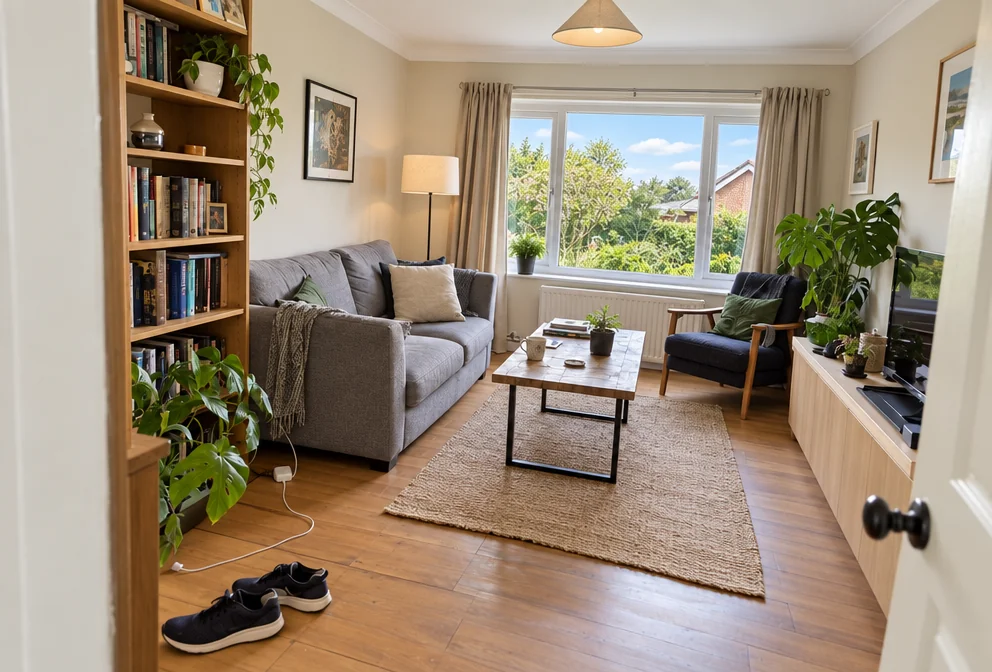
Real Estate Photo Editor
Bright, level, sky-corrected property photos — or a twilight exterior
 from 4 credits
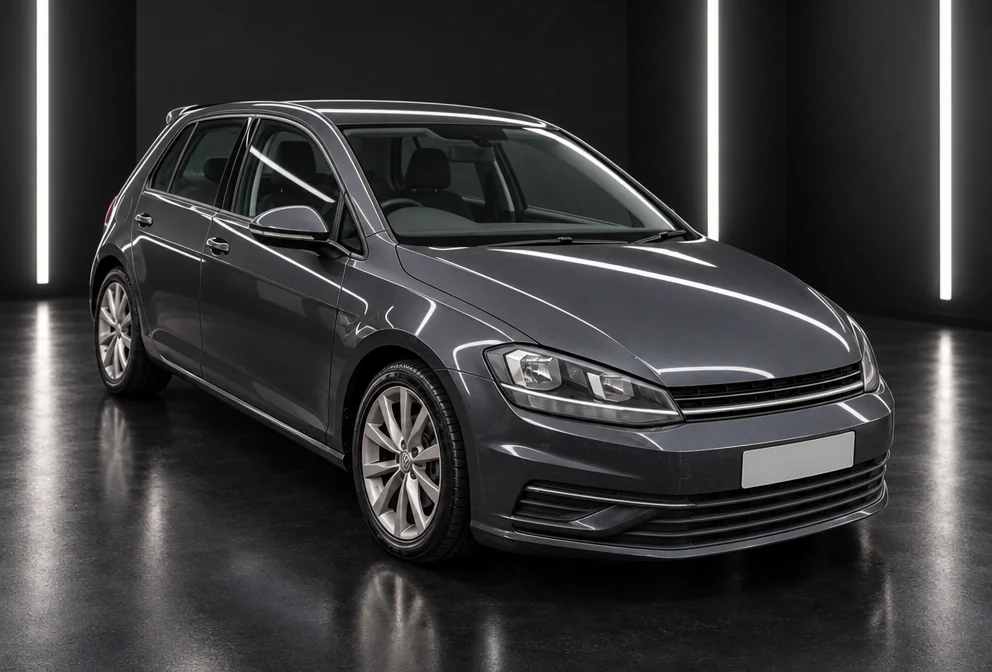
Car Photography
The car in your driveway, reshot in a studio, a showroom or on the open road
 from 4 credits
Time of Day
Move the sun — golden hour, blue hour, overcast, night or starry sky
- Example coming soonfrom 3 credits
Image Upscaler
Enlarge any photo to 4, 8, 16 or 32 megapixels for prints and screens