Couples, family & pets
Baby photos from two parents, before the baby
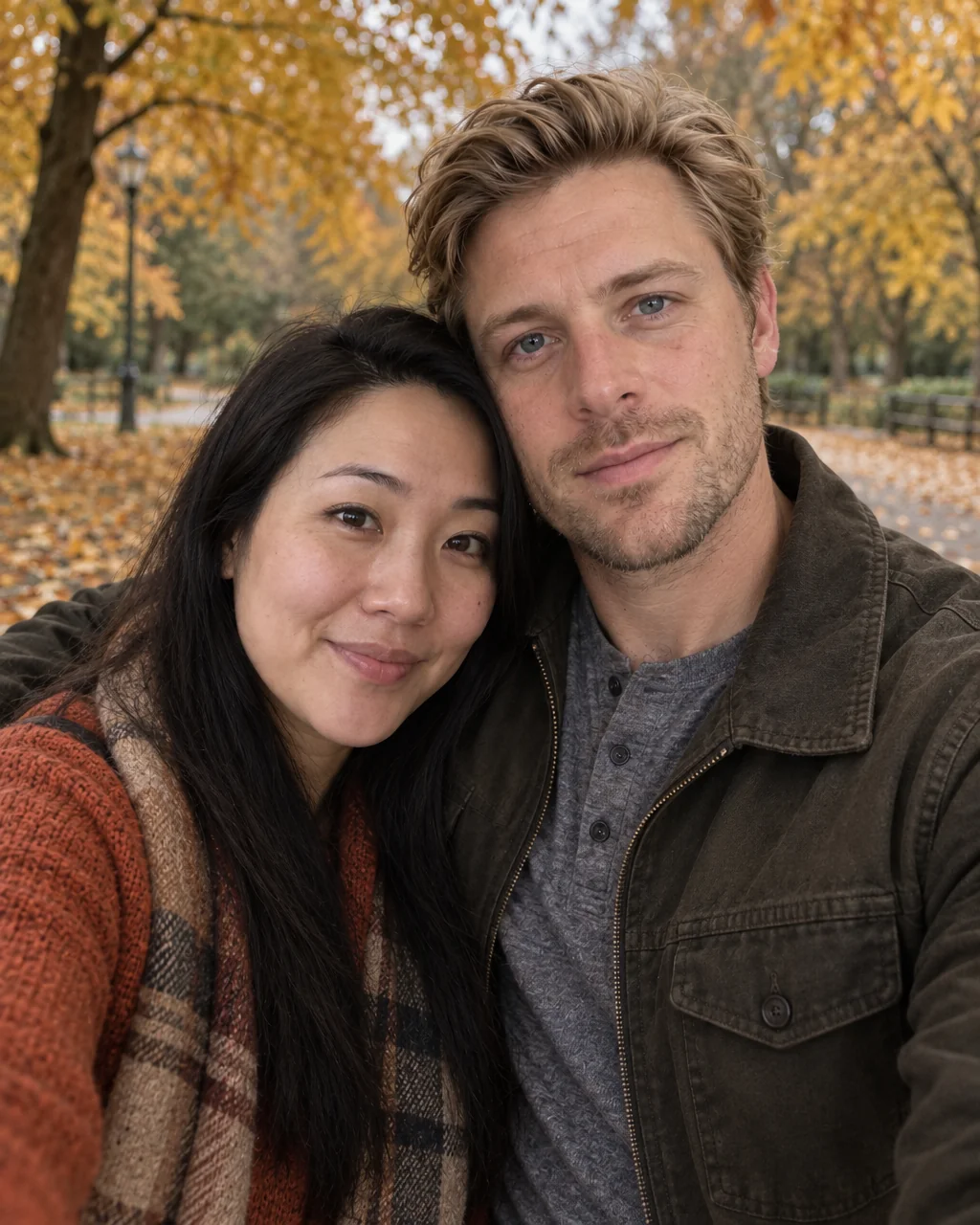
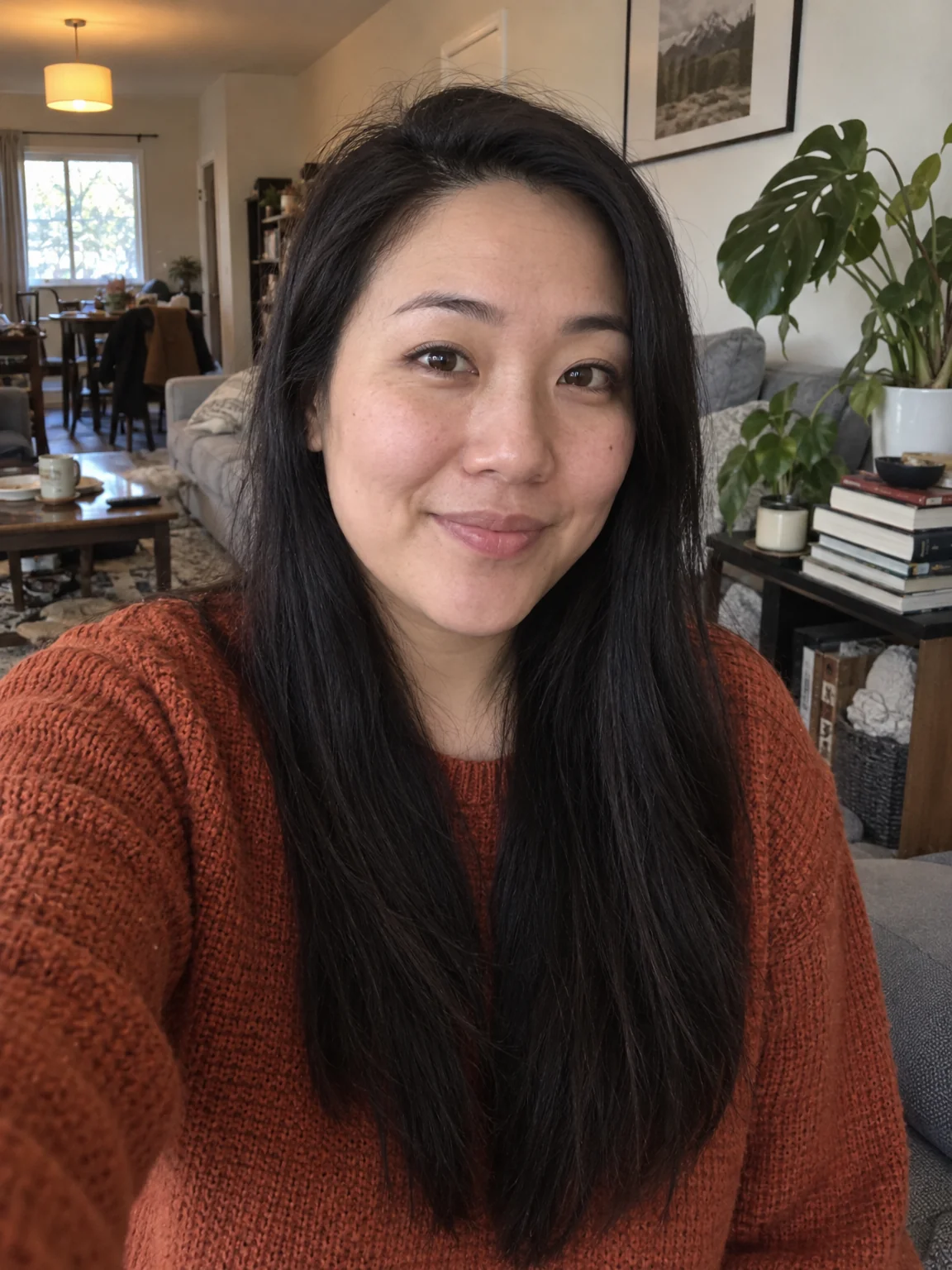
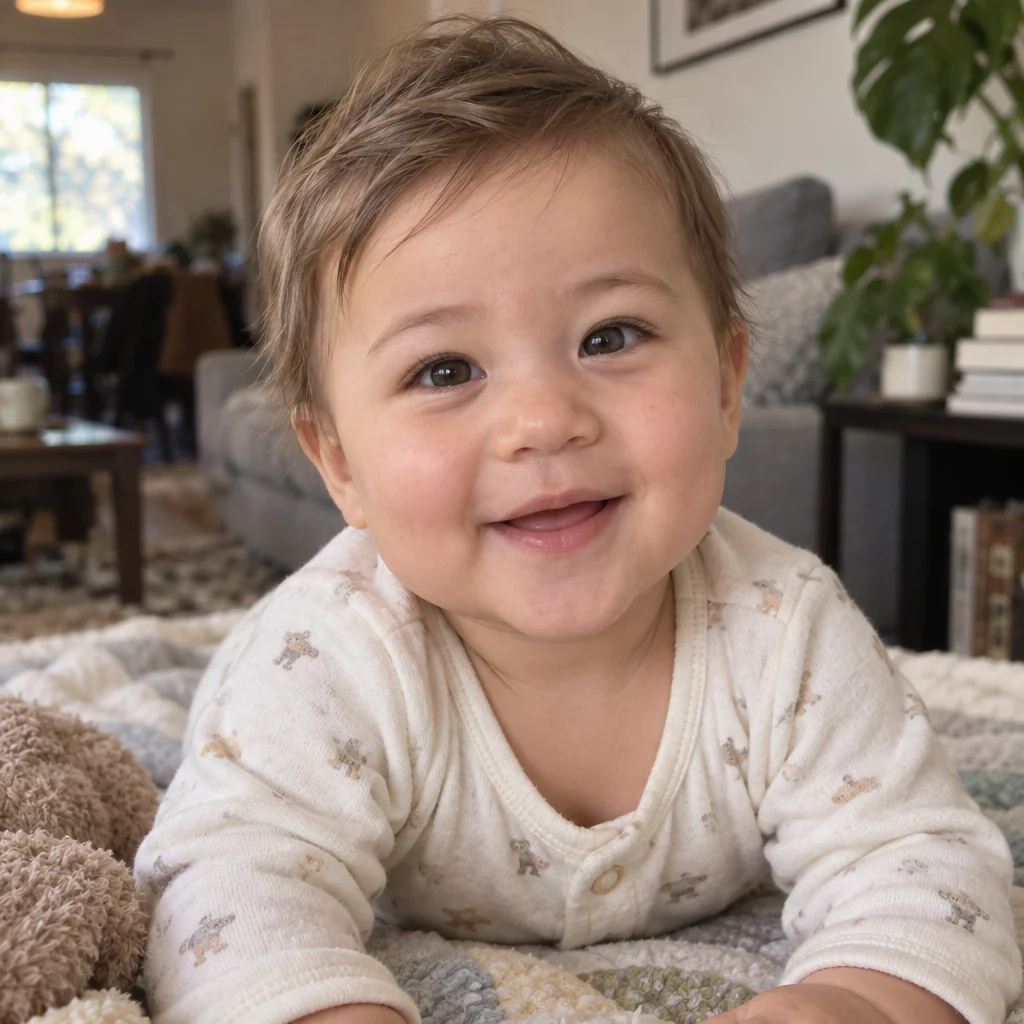
Everyone at the dinner table has an opinion about whose nose the baby will get. Baby photos from parents settle it with a portrait: a realistic infant whose eyes, nose, mouth, skin tone and hair are blended from a photo of each parent, in soft natural light, at the age and gender you pick.
You want the announcement image, the anniversary joke or the answer to a question you have been asking since the second date. The studio blends the photos you have into baby photos from parents — same faces, same markings, new scene — in the time it takes to pick a setting. Fix a blink with Open Eyes, widen baby photos from parents with Expand Photo for a card, and upscale the final version before it goes to print.
4 free credits — one Standard run of any tool. No card needed.
Made for when
- The pregnancy announcement needs a picture that is not an ultrasound
- The family debate about whose features will win needs evidence
- A playful gift for a couple who have everything
- You are curious, and the Studio takes seconds
Step by step
- 01
Run Baby Photo Generator with a photo of each parent
Baby photos from parents blend both faces into a realistic infant portrait, at the age and gender you choose.
Baby Photo Generator - 02
Place the baby into a photo of you both
The composite matches light and scale so the result reads as one photo.
Add People - 03
Expand for a card layout
The square portrait becomes a card-shaped picture with room for text.
Expand Photo