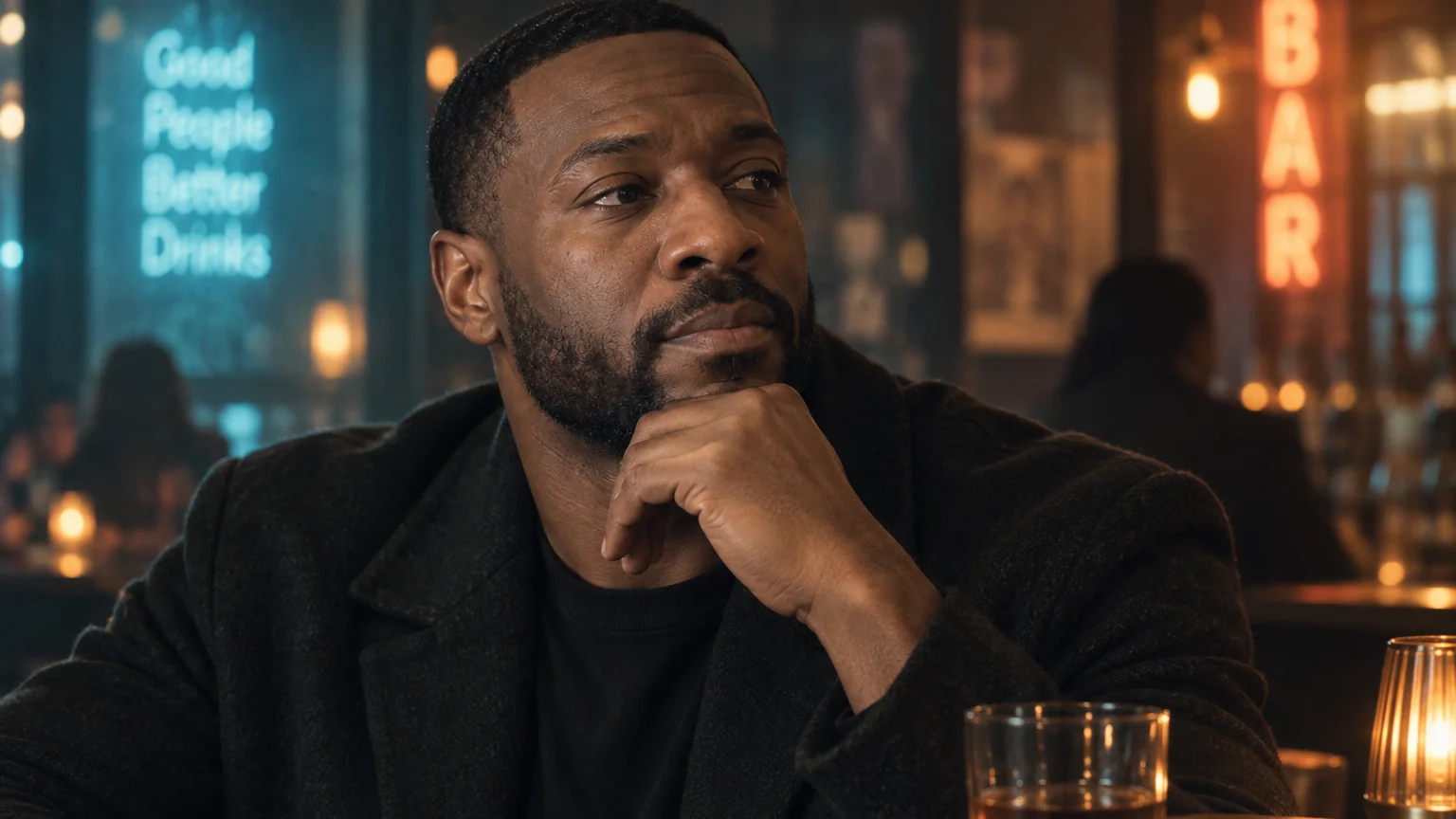
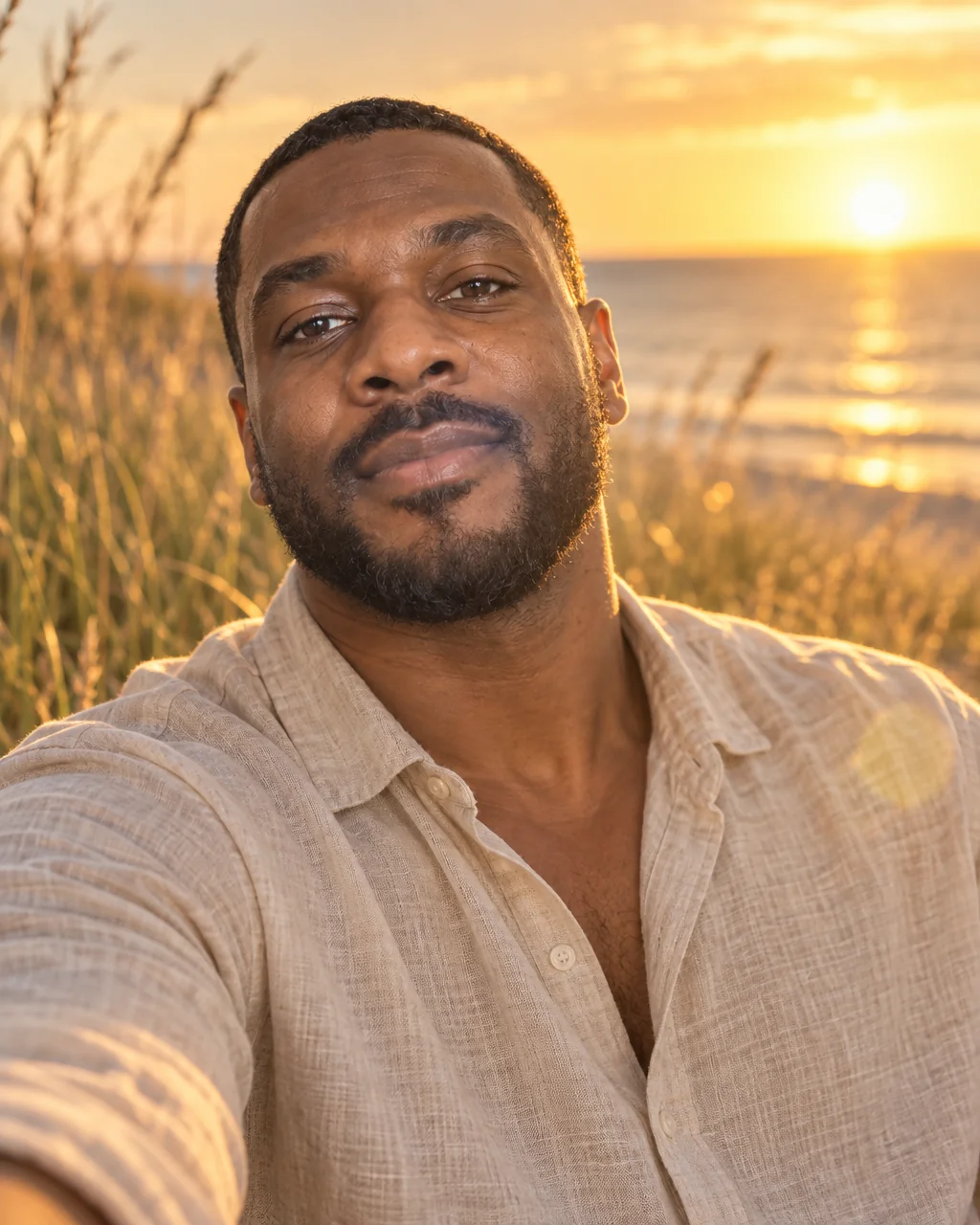
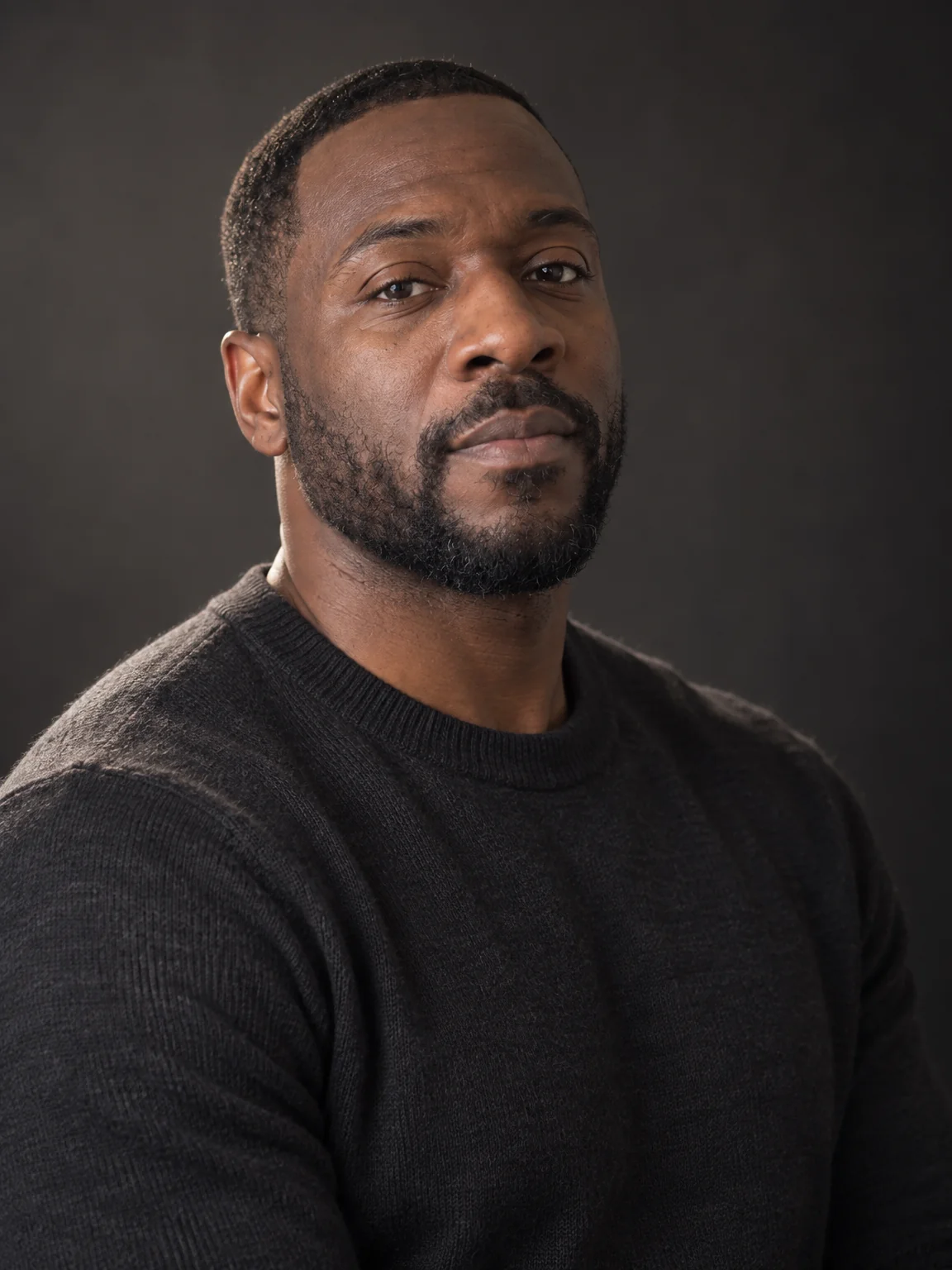
Style shoots
Black-and-white portraits, no photographer
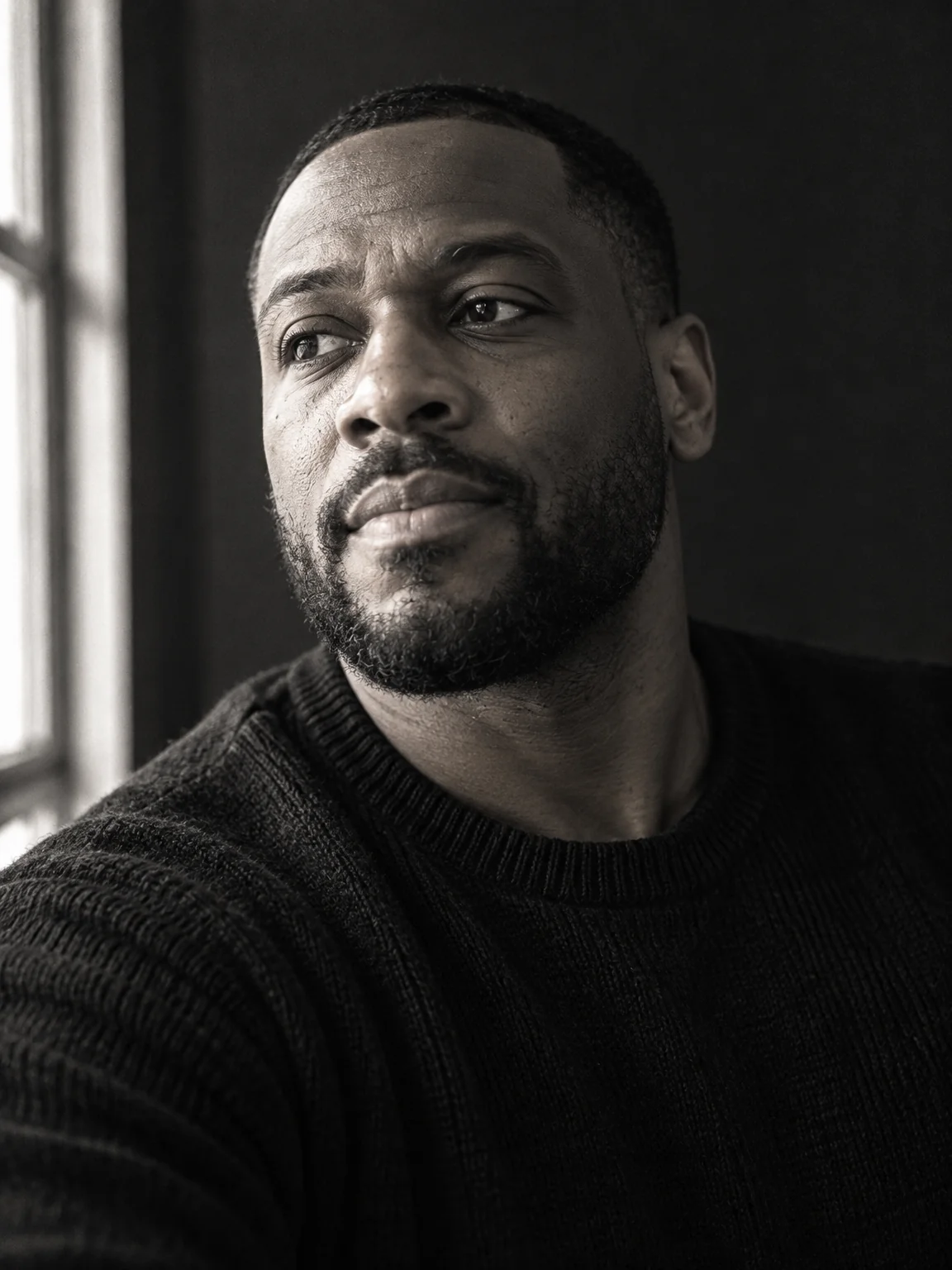
A black-and-white portrait removes everything except light and character: deep blacks, luminous highlights, window light raking across the face, a thoughtful expression and the fine grain of a silver-gelatin print. Black-and-white portraits from the Studio are shot that way, not desaturated afterwards.
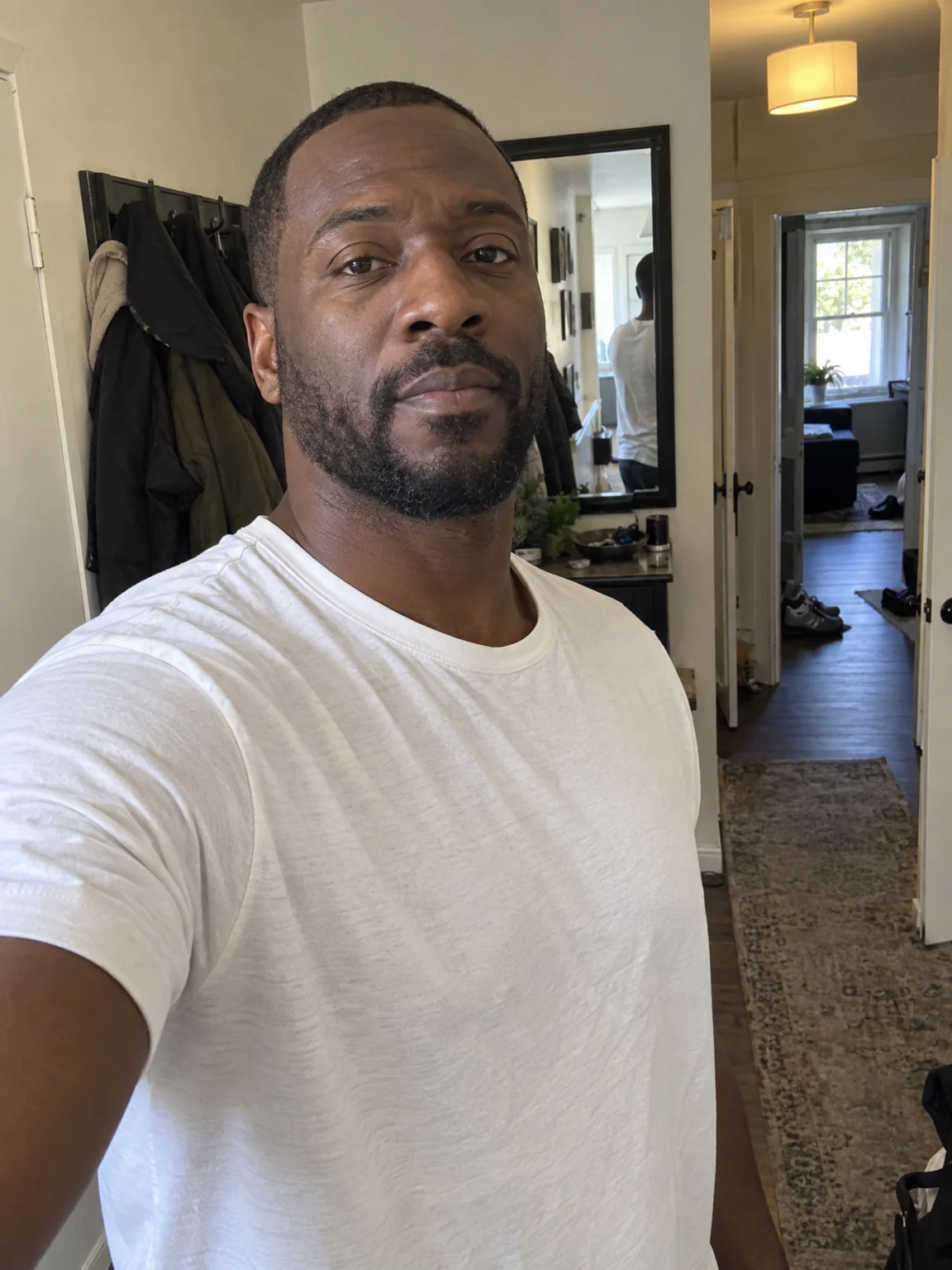
You want a timeless photo for a wall or a jacket, with the tonal depth a phone's mono mode never manages. Attach a few selfies, choose the Black & White preset, and the studio returns black-and-white portraits with the lens, light and grade of that style wrapped around your own likeness. Try the same selfies across black-and-white portraits and two neighboring styles, compare them in Your photos, and finish the favorite with Relight and Upscale.
4 free credits — one Standard run of any tool. No card needed.
Made for when
- Your phone's monochrome mode is gray, not black and white
- You want a dramatic, gallery-like portrait rather than a snapshot
- A minimal dark background is hard to find at home
- A print for the wall needs real tonal range and fine grain
Step by step
- 01
Open AI Photoshoot, attach your selfies, select Black & White
The preset carries the framing, light and wardrobe for black-and-white portraits; your selfies carry the likeness.
AI Photoshoot - 02
Polish skin and eyes with Face Retouch
Blemishes and redness go while pores, freckles and moles stay, so the photo still looks like you.
Face Retouch - 03
Enlarge the winner with Upscale
Detail is reconstructed rather than stretched, so the print holds up on the wall.
Image Upscaler