Cars
The car for sale, photographed like a dealer's
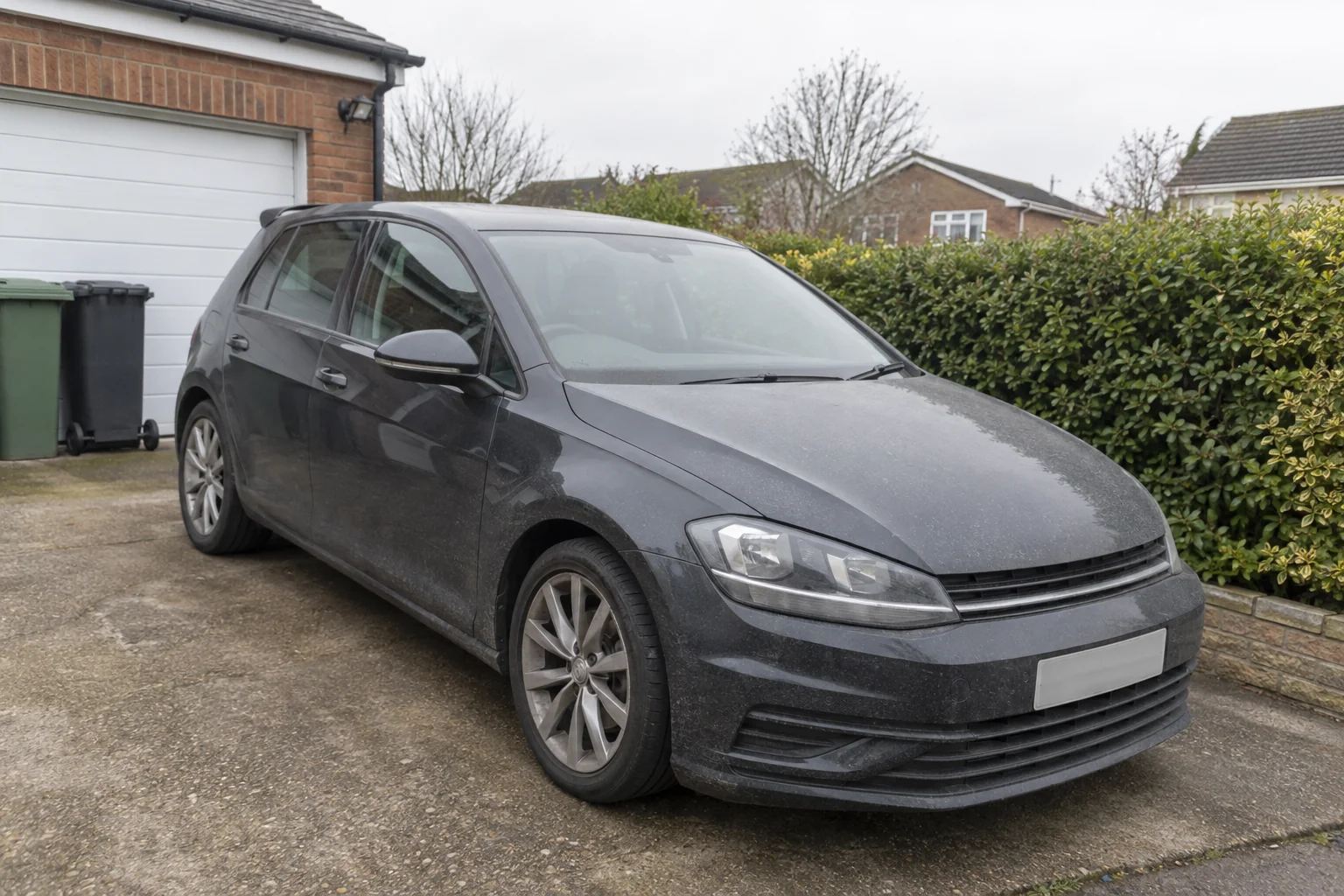
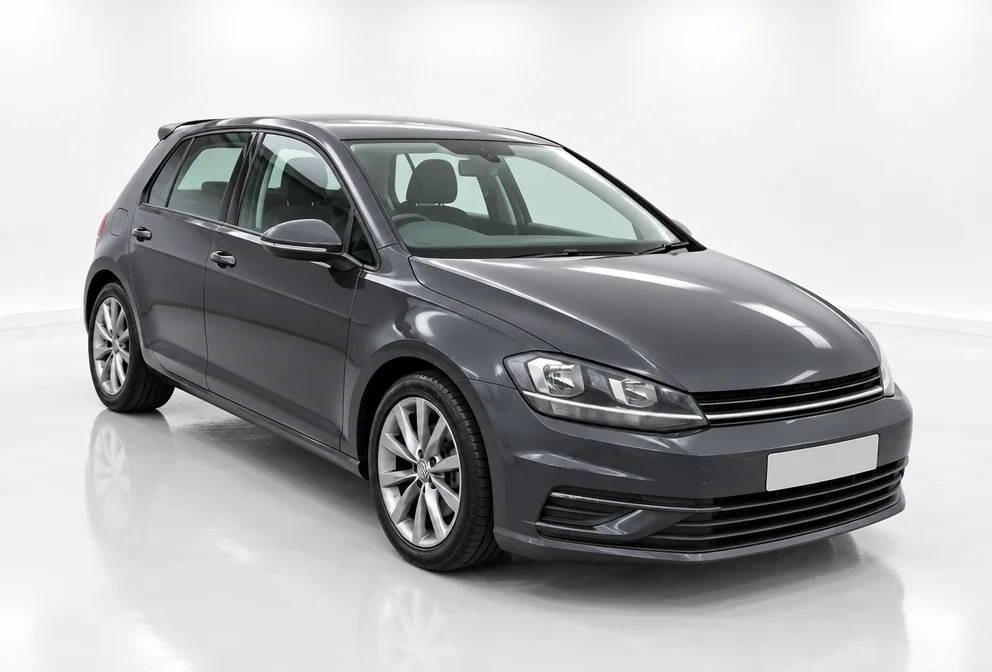
Buyers scroll past a car in a driveway with bins behind it, and stop at the one on a clean studio floor. Car for sale photos from the studio take the photo you took at the kerb and reshoot the same car — same plates, same wheels, same trim — in a white studio, washed and polished, with the reflections a real studio would give it.
You want the photo that makes the car look looked-after, without a valet, a studio or a photographer, from the phone photo you already have. The Studio White setting supplies the floor, the backdrop and the light; the vehicle supplies itself, unchanged, so car for sale photos still show exactly what is for sale or on the drive. Send the result to Sky Replacement or Time of Day for a specific light, to Object Remover to hide a plate, and to Upscale before car for sale photos are printed.
4 free credits — one Standard run of any tool. No card needed.
Made for when
- The driveway photo has a garage door and a wheelie bin in it
- It rained on the day you had time to photograph it
- The paint looks dull in the photo and fine in person
- Dealer photos look professional and yours look like a phone
Step by step
- 01
Run Car Photography in the setting below
Same plates, same wheels, a setting built for cars.
Car Photography - 02
- 03
Remove the plate or a stray object with Object Remover
The background behind it is rebuilt.
Remove an Object