Food & drink
Menu photos from the pass
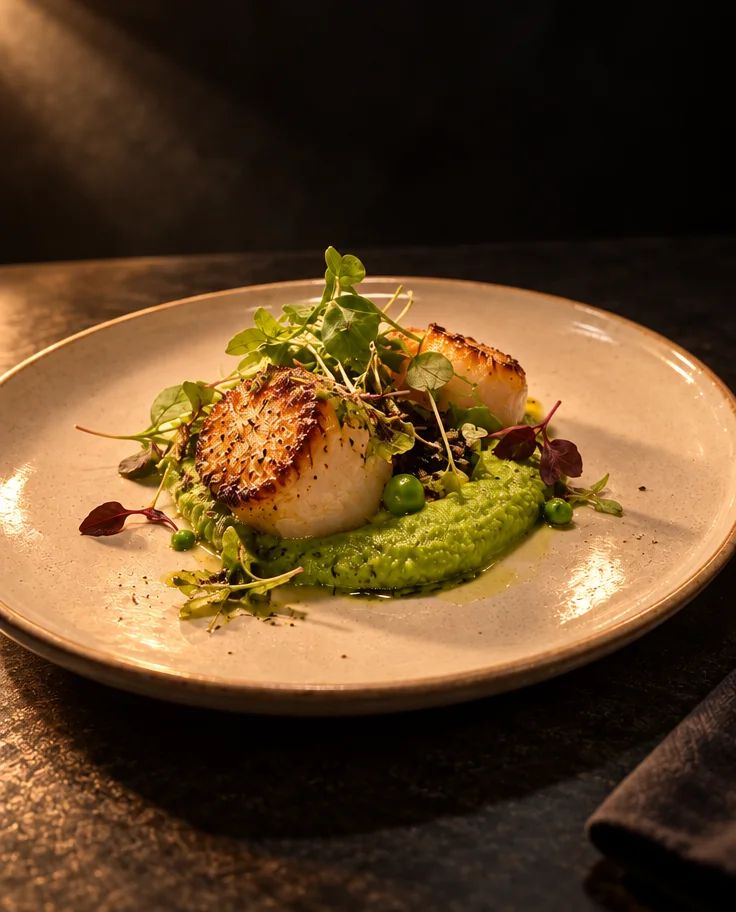
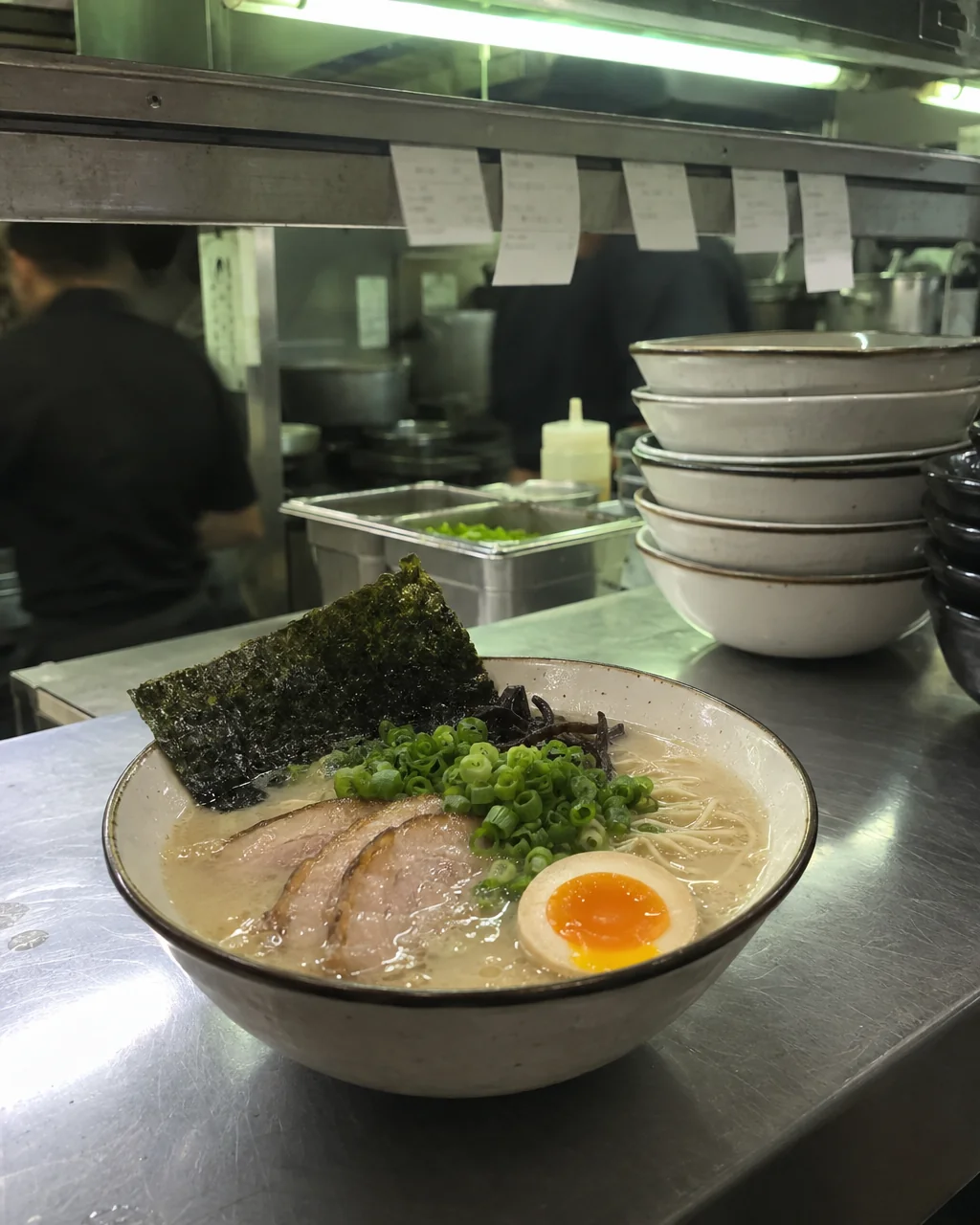
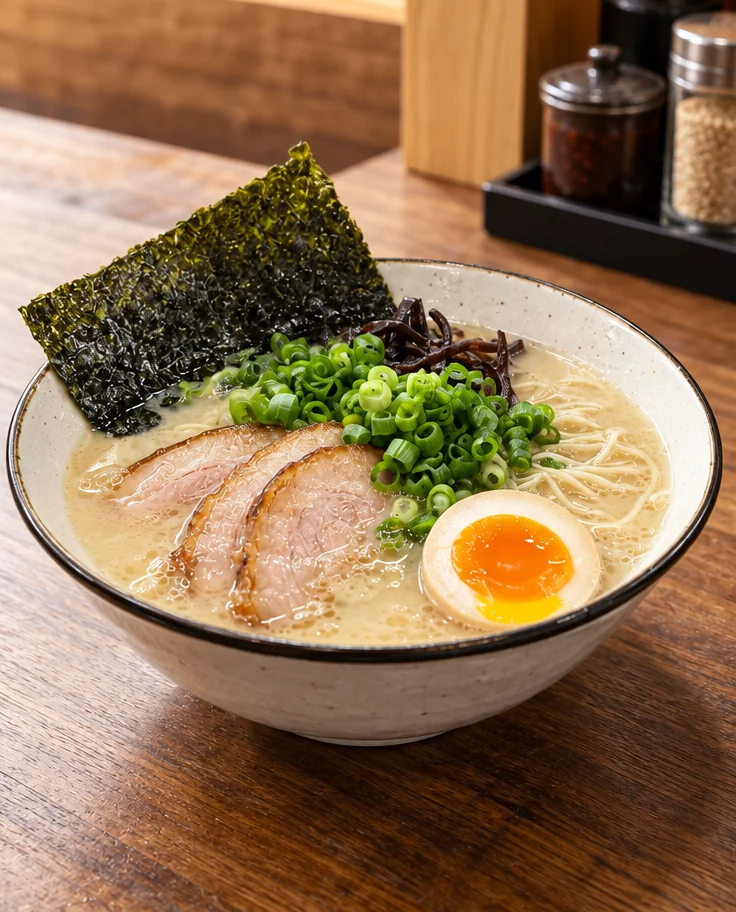
The menu is being reprinted, the website needs pictures, and the only photos of the dishes were taken at the pass under a strip light with a ticket in the corner. Menu photos from the studio take those photos and return each dish clean, evenly lit and appetizing, with the plate, the portion and the garnish exactly as the kitchen sends it out.
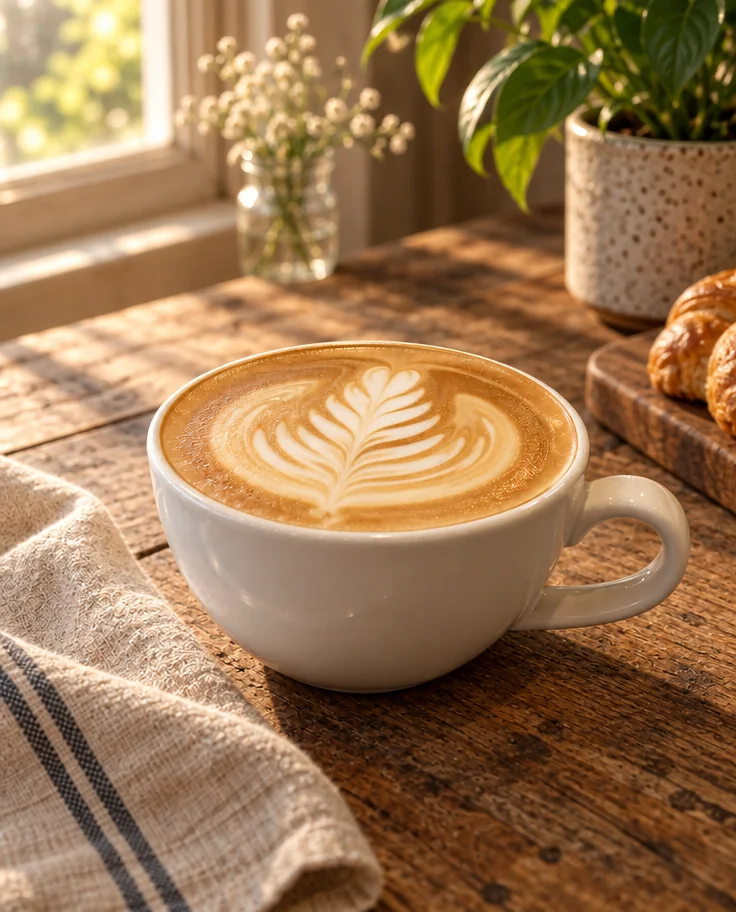
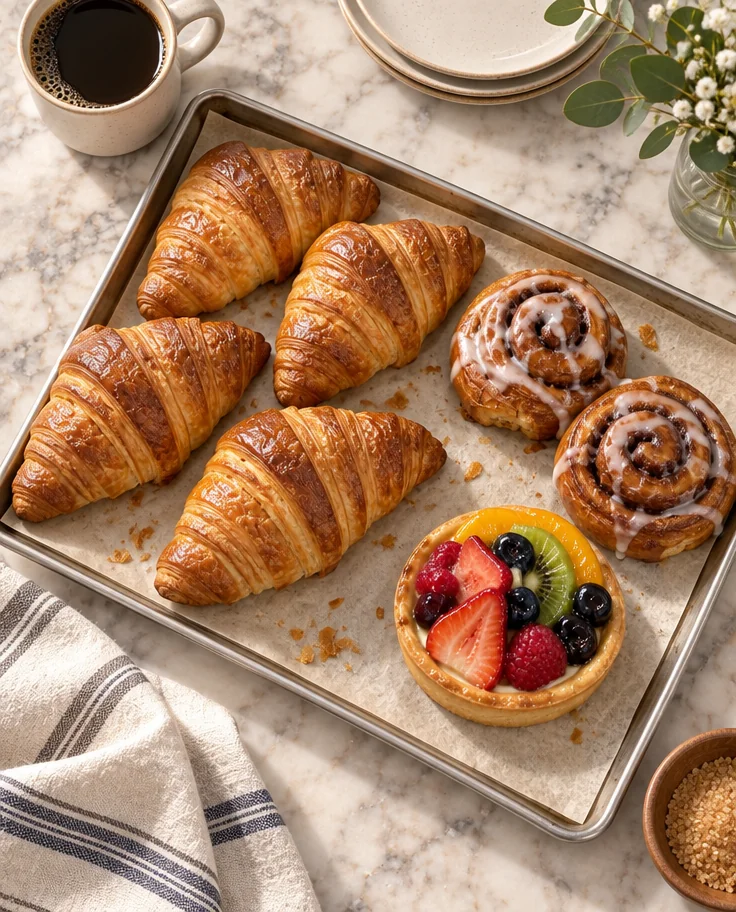
You want every dish on the menu to look like the same photographer shot it on the same day, from photos taken across a week of service. The Menu style sets the surface, the props, the angle and the light; the dish itself is never changed, so menu photos still show what the kitchen sends out. Run the same photo through a second style for social and a third for the ordering app, and keep every version of menu photos in Your photos.
4 free credits — one Standard run of any tool. No card needed.
Made for when
- Twenty dishes, one afternoon, no photographer
- The delivery platform tiles and the printed menu need the same photo
- Kitchen light turns everything green or orange
- The specials change weekly and the photos never keep up
Step by step
- 01
Run Food Photography in the style below
Color corrected toward fresh and natural; texture brought forward.
Food Photography - 02
Tidy crumbs and color with Photo Retouch
Appetizing color, a tidy plate edge, no crumbs.
Photo Retouch - 03