
People· Creative
Avatar Maker
Turn a selfie into a head-and-shoulders avatar in one of eight illustrated styles, from polished 3D animation to pixel art, with a clean background and your likeness kept.
4 free credits — one Standard run of any tool. No card needed.
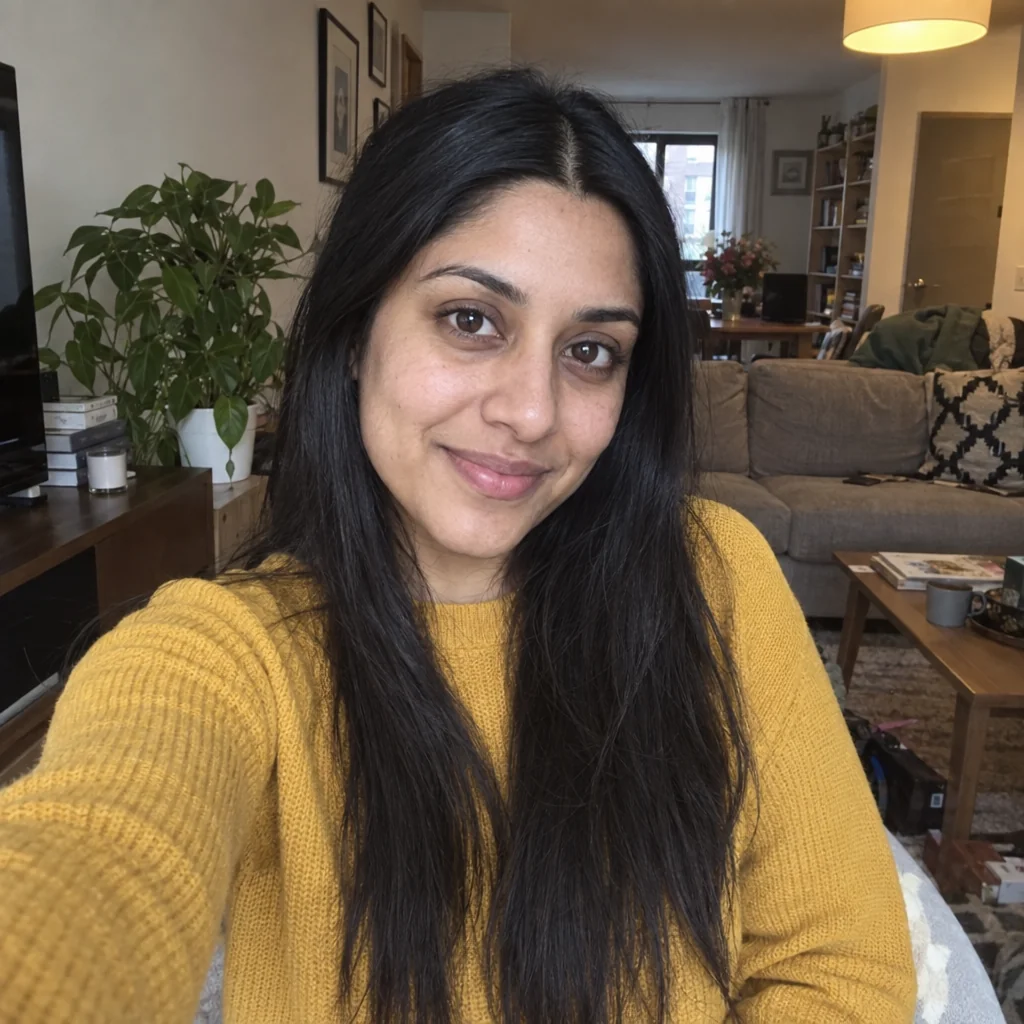
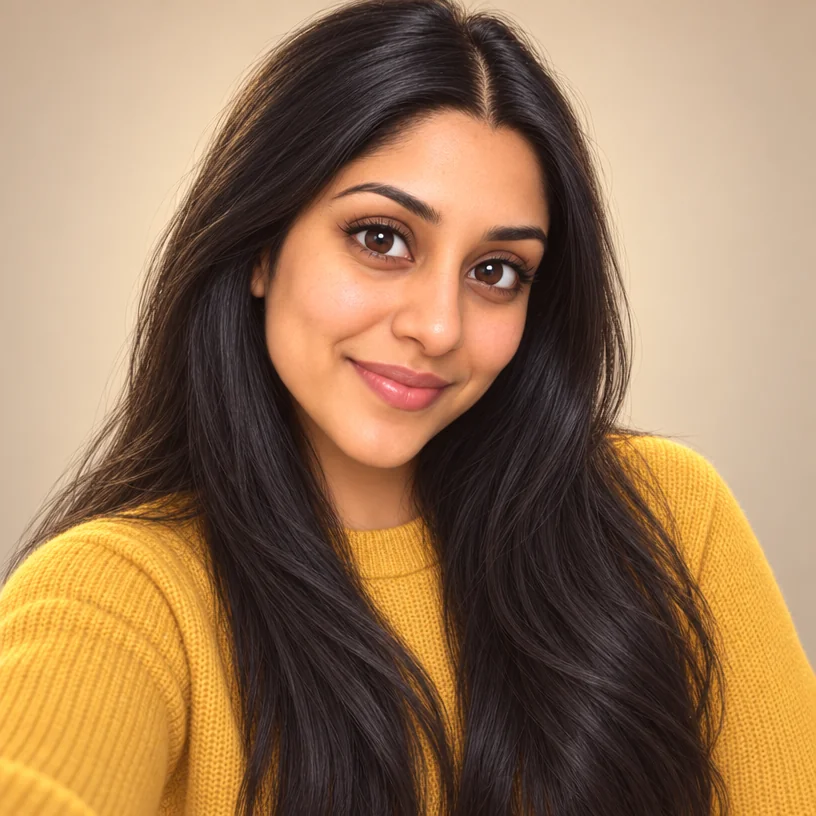
What you'll choose
- Photos you upload: Your selfie
- Avatar Style3D CartoonAnimeFlat VectorPainterlyPixel ArtComic BookClaymationNeon Glow
Cost per result
- StandardQuick results for everyday use4cr
- ProFiner skin, fabric and surface detail12cr
- MaxThe most detail, for large prints44cr
- Edit it with words, or send it into any other tool
- Standard, Pro and Max quality
- Saved to Your photos, downloadable full size
- Print-size upscales and short videos
How it works
- 01
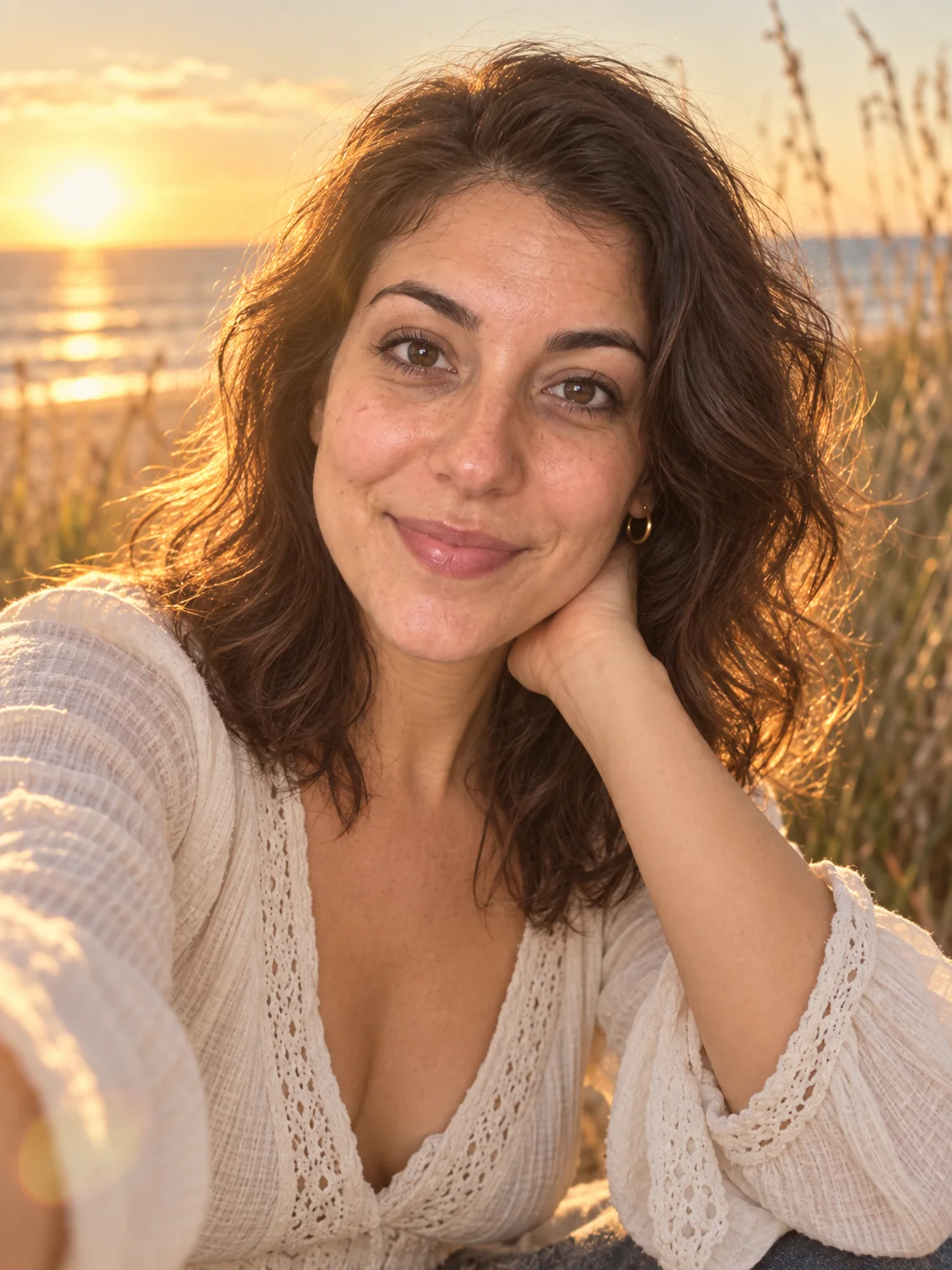
Upload a clear selfie, ideally square and facing the camera.
- 02
Choose a style: 3D cartoon, anime, flat vector, painterly, pixel art, comic, claymation or neon.
- 03
Shoot, compare with your selfie, and download or send it to Background Remover for a cut-out.
A profile avatar in eight styles — 3D, anime, vector, pixel, comic, clay, neon
Some profiles want a photo; some want a character. Avatar Maker builds the second kind from the first. Upload a selfie and pick a style, and the Studio draws a head-and-shoulders avatar of you on a clean, simple background — recognizably you, with your hair, face shape, glasses and coloring carried into the illustration. It is sized and composed for the small circles where avatars live: Slack, Discord, GitHub, gaming platforms, forums and messaging apps.
Eight styles cover most tastes. 3D Cartoon is the glossy animated-film look with soft rounded features. Anime gives clean lines and expressive eyes. Flat Vector is bold shapes and minimal shading, ideal for tiny sizes. Painterly shows brushwork and rich color; Pixel Art is a retro sprite with a limited palette; Comic Make brings ink outlines and halftone dots; Claymation is a soft sculpted stop-motion figure; Neon Glow sets the face in pink and cyan light on a dark ground. The output keeps the aspect ratio of your selfie, so a square selfie yields a square avatar.
A Standard run costs 4 credits and takes seconds; Pro and Max quality add crispness to line work and lighting. Run the same selfie through several styles and compare them in Your photos before choosing one for each platform. For a full-body or scene-based illustration, Cartoon Portrait and Photo to Anime treat the whole photo; for a transparent cut-out of the finished avatar, send it to Background Remover.
Good to know
Works well with
 from 4 credits
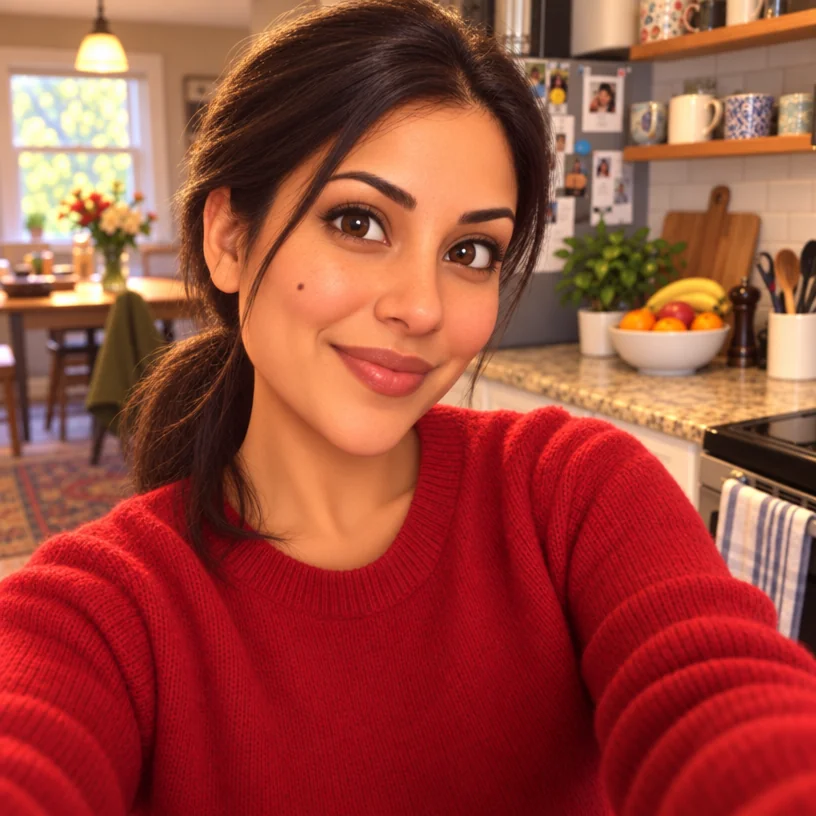
Cartoon Portrait
Seven cartoon treatments — classic, 3D animated, comic book, caricature and more
 from 4 credits
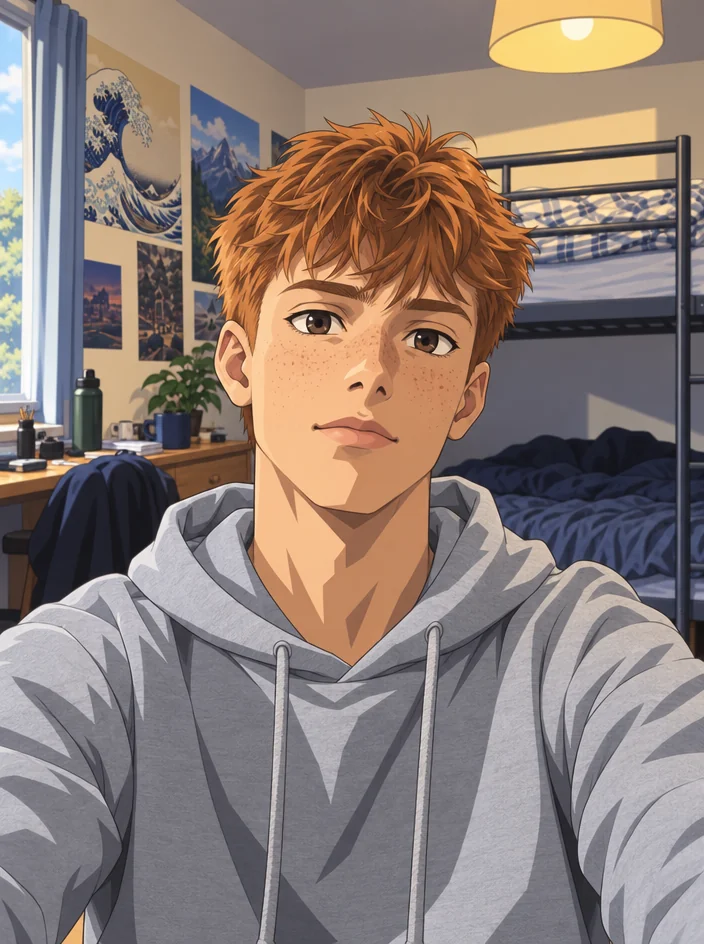
Photo to Anime
Your photo redrawn as a Japanese anime photo — line art, cel shading, big eyes
- Example coming soonfrom 1 credits
Background Remover
A clean cut-out with a transparent background, from 1 credit
 from 4 credits
AI Photoshoot
Twenty shoots — LinkedIn to golden hour — from one to four of your selfies