
People· Creative
Photo to Anime
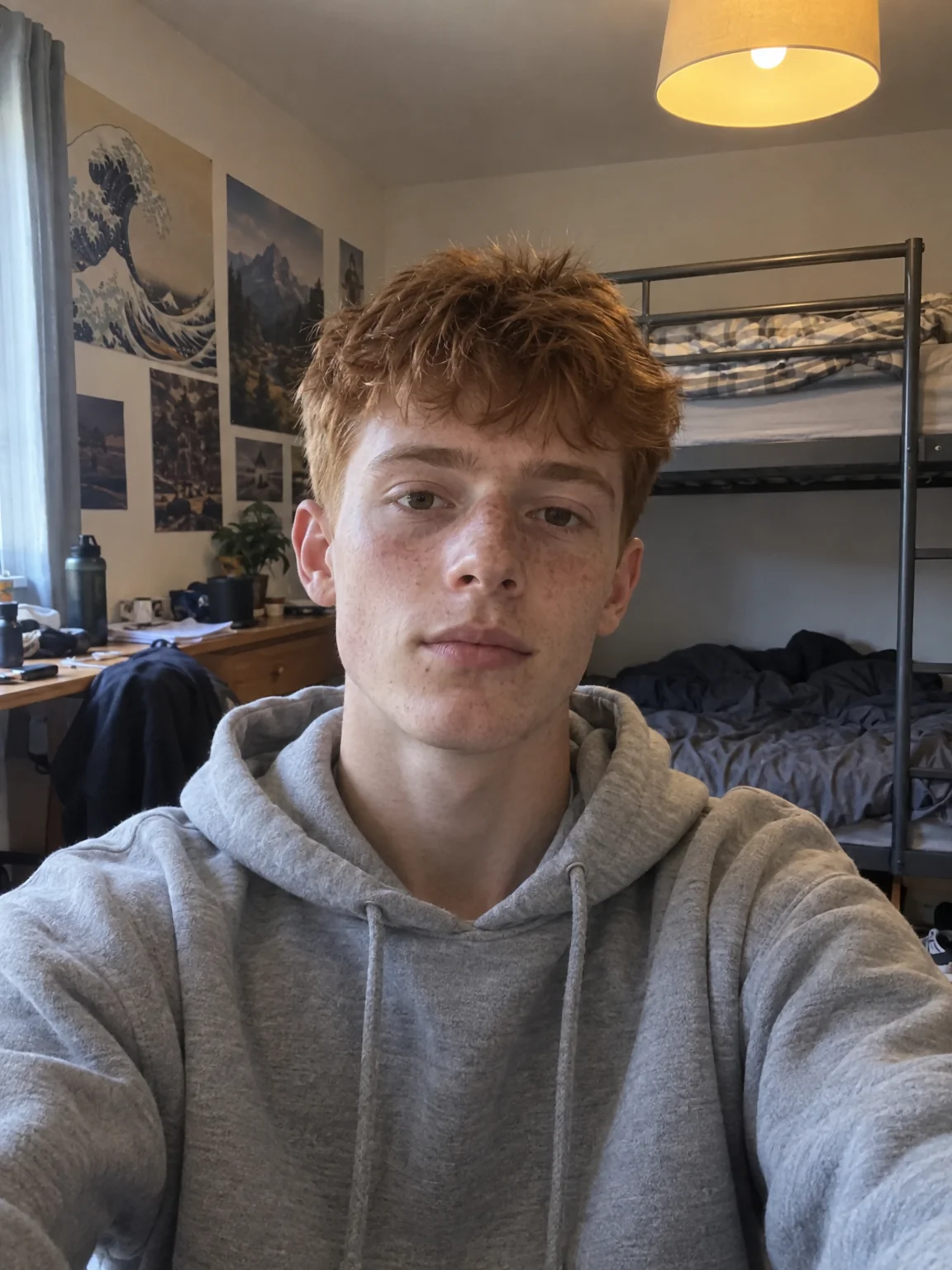
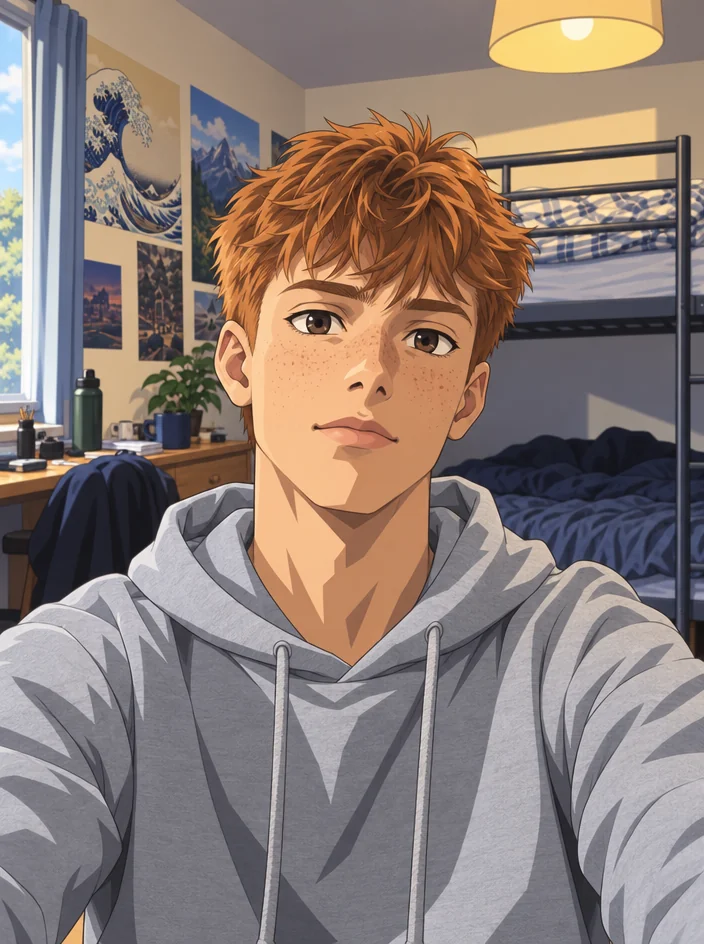
Transform any photo into Japanese anime art with clean line art, vibrant cel shading and expressive eyes, keeping the composition and the people recognizable.
4 free credits — one Standard run of any tool. No card needed.
What you'll choose
- Photos you upload: Your photo
Cost per result
- StandardQuick results for everyday use4cr
- ProFiner skin, fabric and surface detail12cr
- MaxThe most detail, for large prints44cr
- Edit it with words, or send it into any other tool
- Standard, Pro and Max quality
- Saved to Your photos, downloadable full size
- Print-size upscales and short videos
How it works
- 01
Upload any photo — a selfie, a group, a pet or a place.
- 02
Shoot at Standard for a quick photo, or Pro and Max for wallpaper-size detail.
- 03
Compare with the original, then download or upscale for a print.
Your photo redrawn as a Japanese anime photo — line art, cel shading, big eyes
Photo to Anime redraws a photograph as a photo from an anime. The composition stays — where you stand, how you hold your coffee, the street behind you — and the rendering changes to clean line art, flat cel-shaded color, stylized hair and the large, expressive eyes of the form. People remain recognizable through their hairstyle, face shape, clothing and coloring, translated into the style rather than replaced by a generic character. Backgrounds become the painted cityscapes, classrooms and sunsets the genre is known for.
It works on selfies, full-length photos, couples, groups and pets, and on landscapes with no people at all. Daylight scenes turn into bright slice-of-life photos; evening and neon scenes lean toward moodier series. Because the tool preserves composition, a photo of two friends on a bench becomes the same two friends on the same bench, drawn — which is why it is popular for profile pictures, birthday posts and gifts. The output keeps the original aspect ratio.
A Standard run costs 4 credits and finishes in seconds; Pro and Max quality sharpen line work and shading for larger prints and wallpapers. For a head-and-shoulders anime avatar with a plain background, Avatar Maker's Anime style is the tighter choice; for Western cartoon and comic looks, Cartoon Portrait offers seven more styles. Every version stays in Your photos, and the compare toggle shows the photo beside the drawing.
Good to know
Works well with
 from 4 credits
Cartoon Portrait
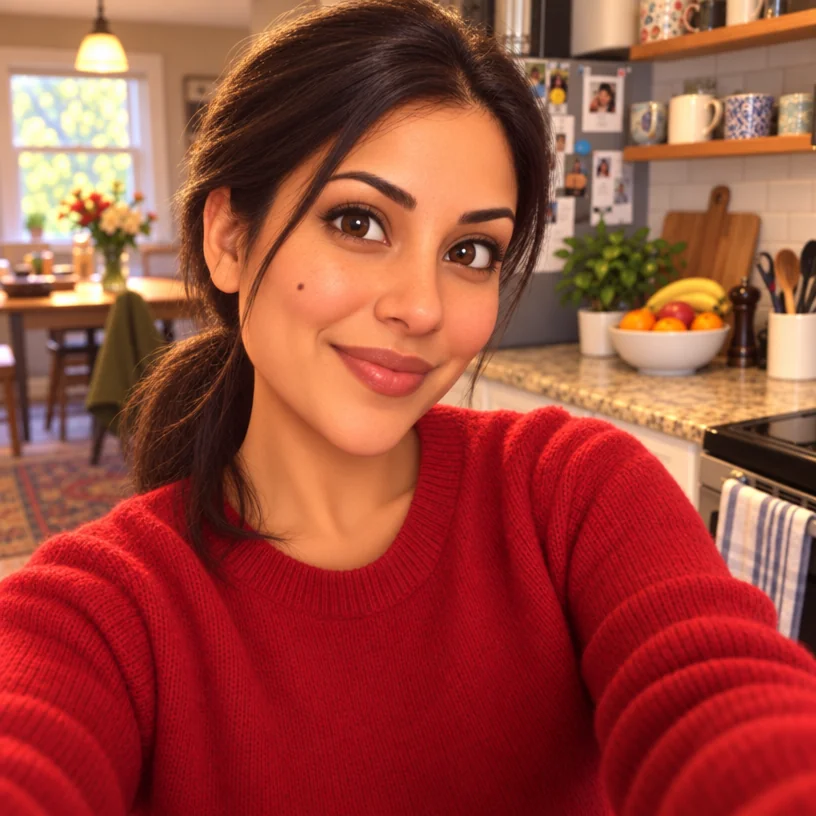
Seven cartoon treatments — classic, 3D animated, comic book, caricature and more
 from 4 credits
Avatar Maker
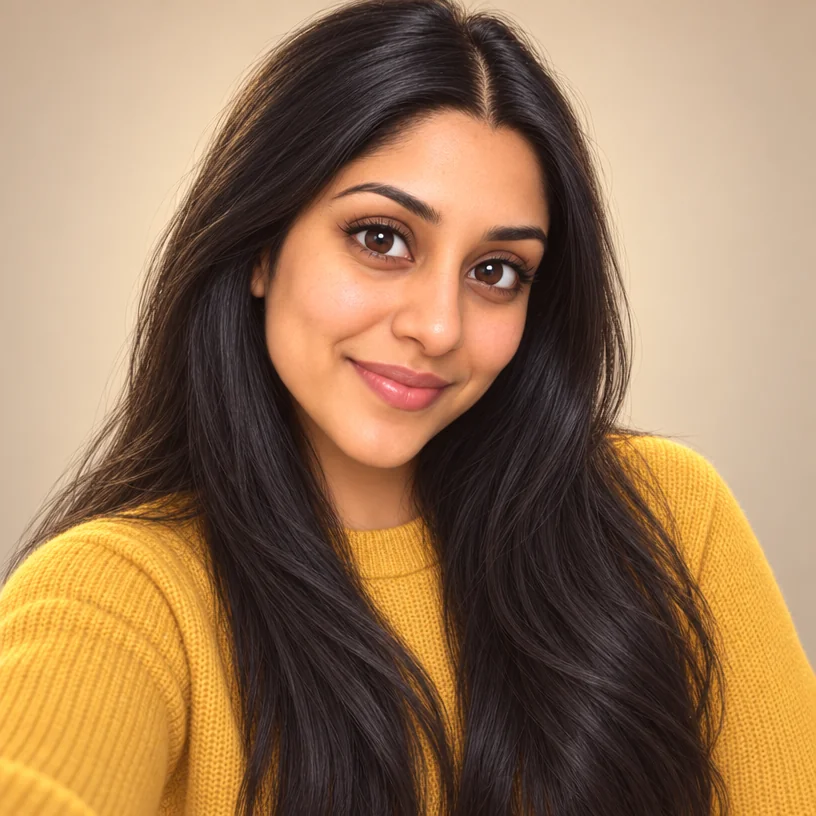
A profile avatar in eight styles — 3D, anime, vector, pixel, comic, clay, neon
- Example coming soonfrom 3 credits
Image Upscaler
Enlarge any photo to 4, 8, 16 or 32 megapixels for prints and screens
 from 4 credits
Face Swap
Put one face into another photo, blended for light, skin tone and head angle