
People· Creative
Face Swap
Swap the face in a target photo with the face from a second photo. Everything else in the target stays the same, and the new face is blended for lighting, skin transition and angle.
4 free credits — one Standard run of any tool. No card needed.
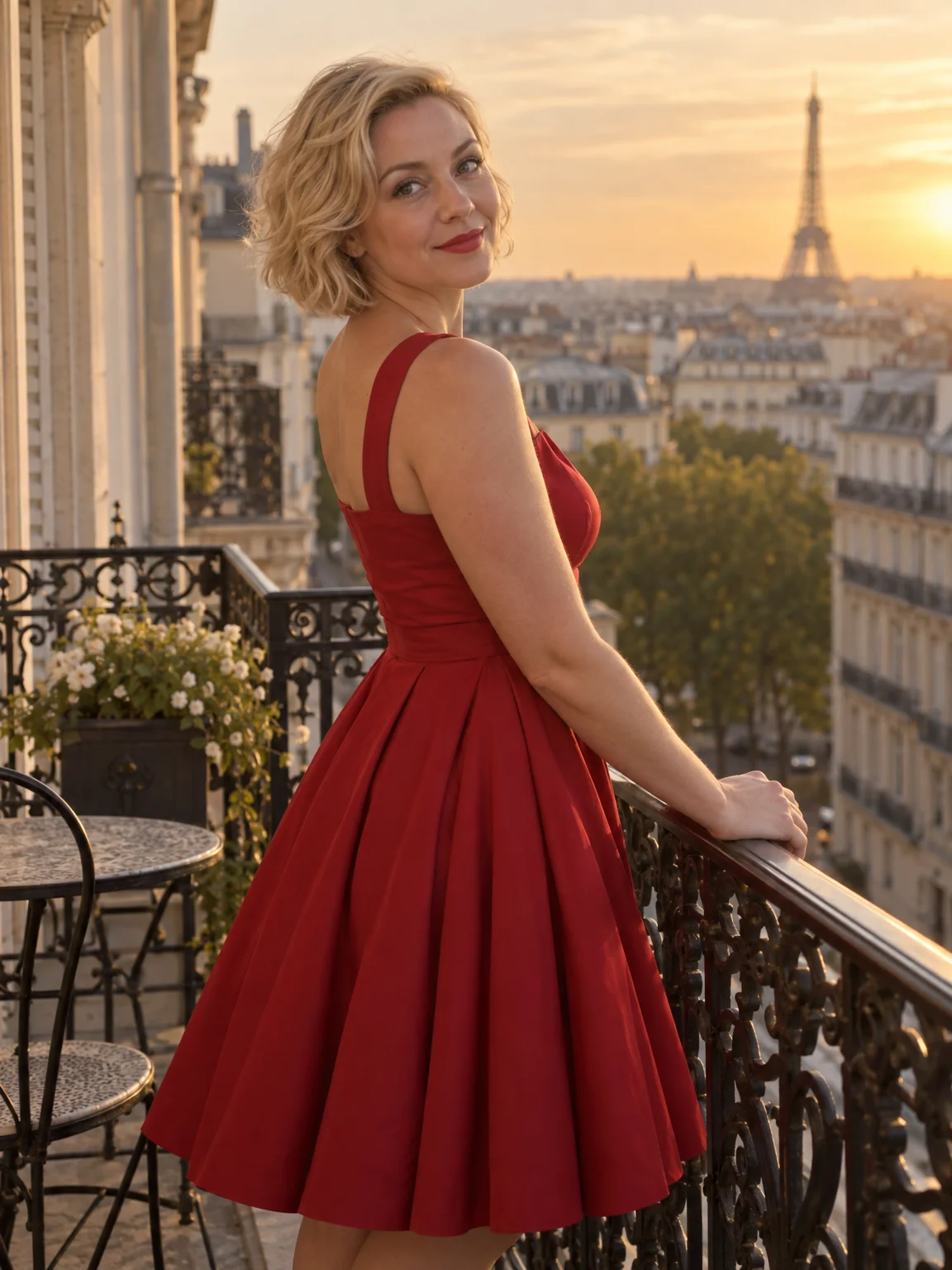
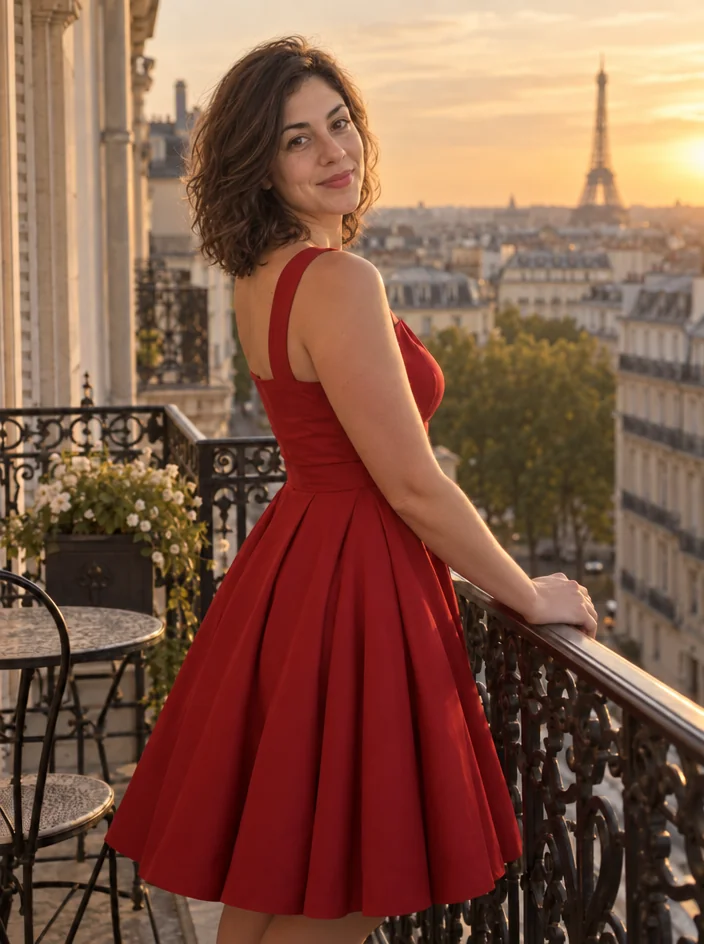
What you'll choose
- Photos you upload: Target photo (the scene) · Face photo (the face to use)
Cost per result
- StandardQuick results for everyday use4cr
- ProFiner skin, fabric and surface detail14cr
- MaxThe most detail, for large prints46cr
- Edit it with words, or send it into any other tool
- Standard, Pro and Max quality
- Saved to Your photos, downloadable full size
- Print-size upscales and short videos
How it works
- 01
Upload the target photo whose scene, body and pose you want to keep.
- 02
Upload the photo with the face to use, ideally at a similar angle and lighting.
- 03
Shoot, compare with the target, and download or polish with Face Retouch.
Put one face into another photo, blended for light, skin tone and head angle
Face Swap moves a face from one photo into another. The first slot takes the target — the scene, pose and body that should stay; the second takes the photo whose face you want in it. The Studio replaces the face in the target, matching the lighting direction, the skin-tone transition at the jaw and hairline, and the tilt and angle of the head, so the result looks like a photograph rather than a paste. Clothing, background, hair from the target and everything else are left as they were.
The classic uses are playful and personal: put your face on a movie-poster-style shot of yourself from another tool, swap faces with a sibling for a birthday post, place a friend into a group photo they missed, or try a partner's face in an outfit shoot. It is also a practical rescue for group photos — take the good expression from one photo and move it into the photo where everyone else looked right. The output keeps the aspect ratio of the target photo.
Two photos at Standard quality cost 4 credits and are ready in seconds; Pro and Max quality refine the blend at the skin boundary for close crops. Use it only with photos of people who have agreed to it — the Terms of Service rule out deceptive or harmful swaps involving real people. Follow the swap with Face Retouch for a final polish and compare against the target with one tap.
Good to know
Works well with
 from 4 credits
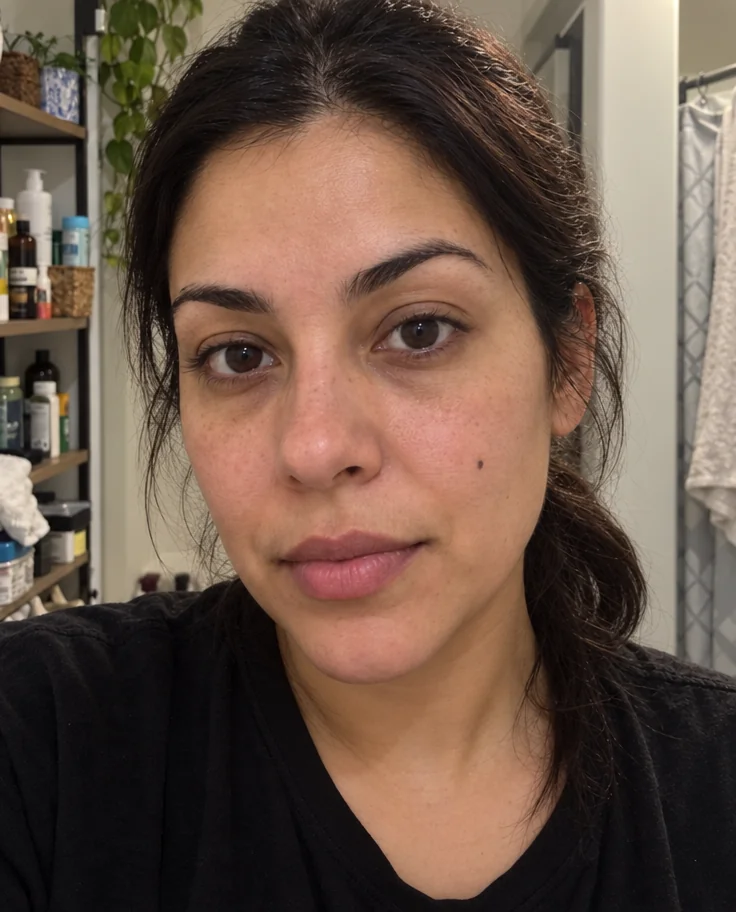
Expression Changer
Turn a flat expression into a gentle smile, a laugh or a confident look
 from 4 credits
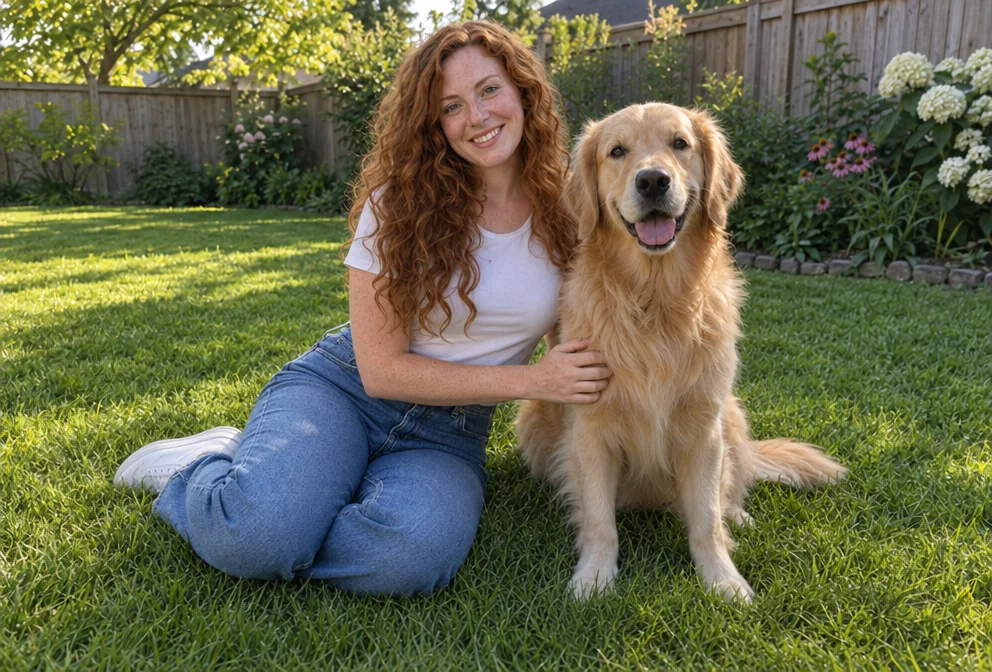
Face Retouch
Blemishes, redness and shadows eased — pores, freckles and you, kept
 from 4 credits
Add People
Put the people from one photo into the scene of another, as if they were there
 from 4 credits
AI Photo Editor
Edit any photo with a sentence — the tool for everything without its own button